8
How to Use sensiLift™
Note:
A preliminary test should be conducted
before proceeding to a full treatment. See
“preliminary test section” below.
1. Apply a thin, even layer of sensiLift™
conductivity enhancer included in your kit,
on the area of your skin intended
for treatment.
2. Set the Radio Frequency (RF) energy
level and the massage speed to the
level you selected in your preliminary
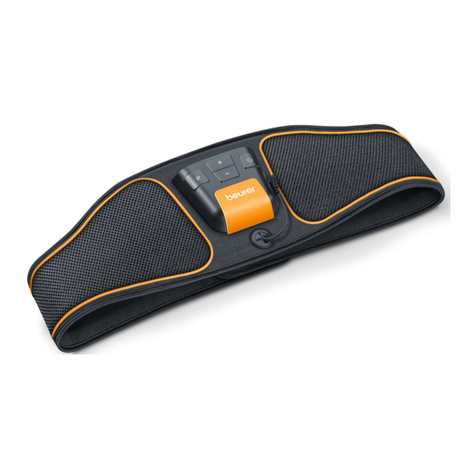
test treatment. Press the RF energy level
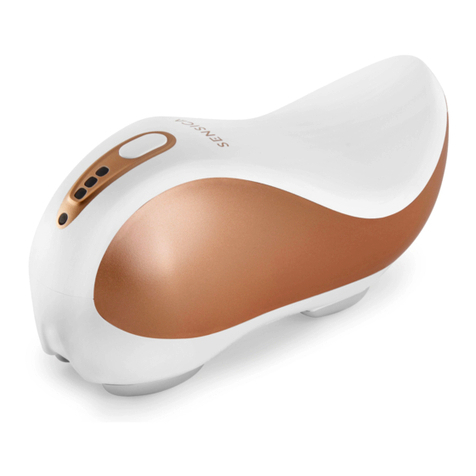
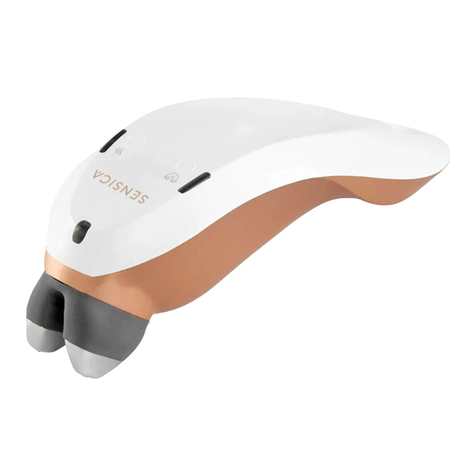
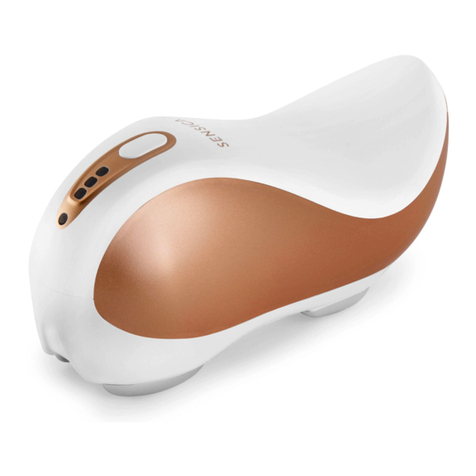
selection button (see image - item 7)
repeatedly until you reach the desired
level: 1, 2, or 3. Press the button (see
image - item 3) repeatedly until you reach
the desired level: 1 or 2.
3. The activation of either RF or massage
functions can be done independently or
together. Both functions will be activated
at level 1. Select different levels based on
the“preliminary test”.
4. sensiLift™ is equipped with 2 safety
sensors which will keep the temperature
in the effective and safe range during the
whole treatment.
5. Place the treatment fingers (see image -
item 2)on the intended area, ensuring full
contact with your skin during the entire
treatment. sensiLift™ will indicate the
proper skin contact by the green status
light. If sensiLift™ is not properly placed,
the RF energy will not be delivered.
6. If you do not feel sensations of warmth
after approximately 10 seconds, try
moving sensiLift™ on a smaller treatment
area, and/or increasing the RF energy.
7. Move the device on the treated area with
slow circular or back and forth motion
while constantly and firmly contacting
the skin.
8. See treatment areas, treatment time and
treatments schedule in the“treatment
protocol”section below.
9. Turn off the device and then unplug at the
end of each treatment session.
10. After completing the treatment, wipe
off the sensiLift™ conductivity enhancer
from the treated area.
11. Cleaning instructions for before and
after are detailed (as depicted in the
Cleaning section).