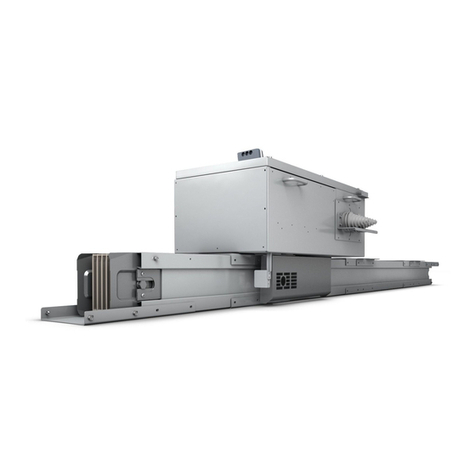
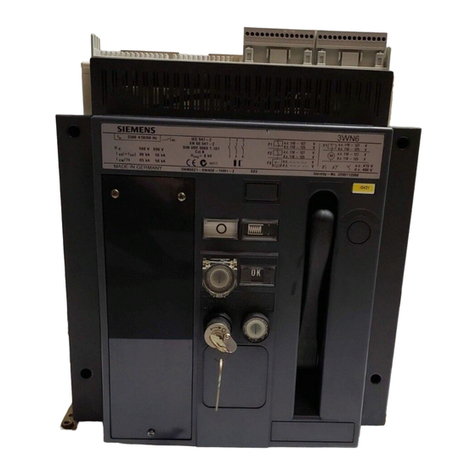
Distributed converter for SIMOGEAR geared motors
Getting Started, 04/2018, FW V4.7 SP10, A5E36100338B AG 3
1 Fundamental safety instructions.............................................................................................................. 5
1.1 General safety instructions .......................................................................................................5
1.2 Equipment damage due to electric fields or electrostatic discharge ......................................11
1.3 Warranty and liability for application examples ......................................................................11
1.4 Industrial security ....................................................................................................................12
1.5 Residual risks of power drive systems....................................................................................14
2 Description............................................................................................................................................ 17
2.1 Identifying the components of the system ..............................................................................17
2.2 SINAMICS G110M converter..................................................................................................18
2.3 Compatible motors..................................................................................................................21
2.4 General layout SINAMICS G110M system.............................................................................21
3 Installation ............................................................................................................................................ 27
3.1 Mechanical Installation............................................................................................................28
3.2 System Installation..................................................................................................................32
3.2.1 Installation Procedures ...........................................................................................................32
3.2.2 Grounding the terminal housing..............................................................................................45
3.2.3 Installing the 24V power supply ..............................................................................................45
3.3 Electrical Installation ...............................................................................................................49
3.3.1 SINAMICS G110M Electrical data ..........................................................................................49
3.3.2 Connections and interference suppression ............................................................................51
3.3.3 Basic EMC rules .....................................................................................................................52
3.3.4 Connection and cables ...........................................................................................................53
3.3.5 Cable protection......................................................................................................................62
4 Commissioning ..................................................................................................................................... 65
4.1 Commissioning tools...............................................................................................................65
4.2 Wiring example for the factory settings...................................................................................66
4.3 Inverter factory setting ............................................................................................................68
4.4 p0015 Macros .........................................................................................................................69
4.5 Quick Commissioning with DIP switches................................................................................75
4.6 Commissioning a decentralized drive with the IOP-2 .............................................................81
4.7 Quick commissioning with a PC .............................................................................................84
4.7.1 Creating a project....................................................................................................................85
4.7.2 Transfer inverters connected via USB into the project ...........................................................86
4.7.3 Go online and start the commissioning Wizard ......................................................................87
4.7.4 Selecting the control mode .....................................................................................................89