SLS Lab Pro Analogue Ultrasonic Bath 9 C60 569 01
Manual III Control Panel Instructions
(SLS2018, SLS2020, SLS2022 & SLS2026)
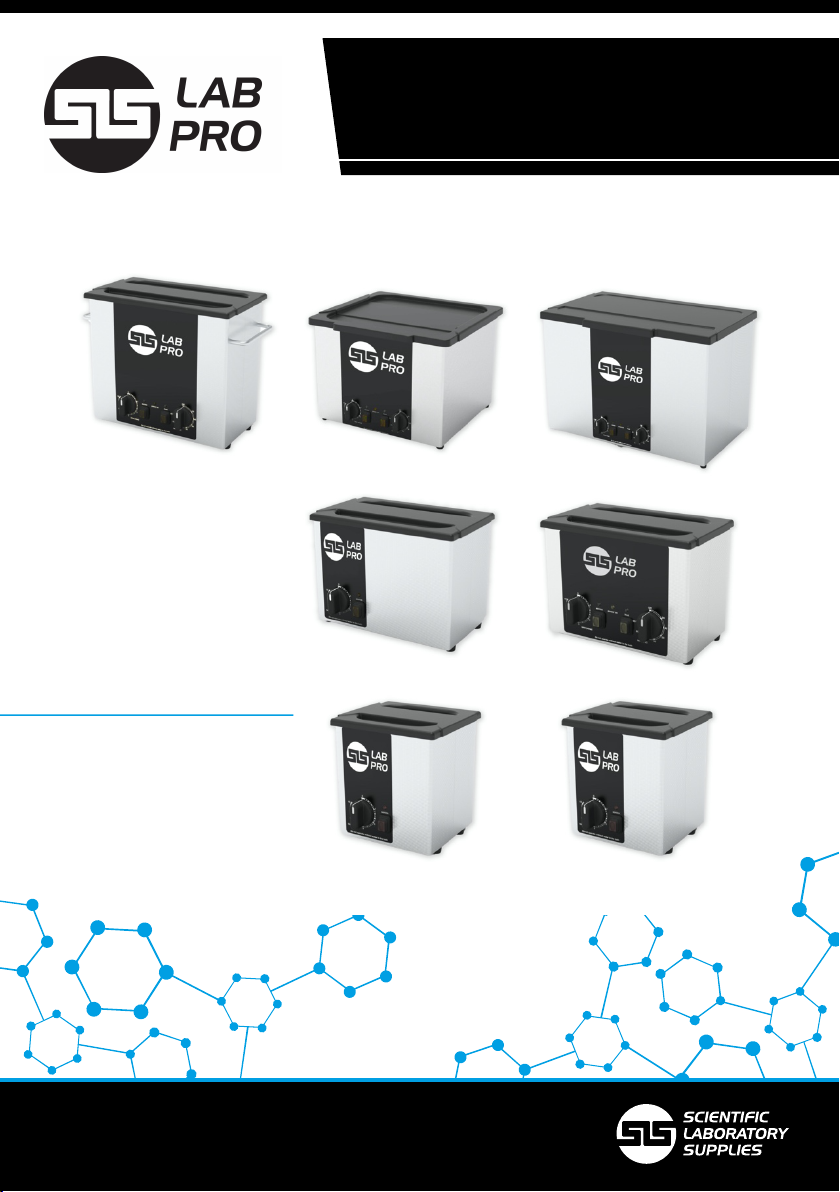
To switch on the ultrasonics:
Turn the Timer dial to the desired time, and the press the SONICS button.
The SONICS button and the SONICS light will glow. Ultrasonic activity will
then commence in the liquid inside the tank and the Timer dial will be
heard ticking.
At the end of the timed period,
the Timer will click off, the
SONICS light will go out, and the
ultrasonic activity in the liquid
will stop.
To stop the ultrasonic activity at
any time, press the SONICS
button while in operation.
To operate the heater:
Turn the HEATER dial to the desired temperature and press the HEAT
button.
The HEAT button and the HEAT light will glow, and the liquid will start to
heat up.
When the set temperature is reached, the HEAT light will go out.
To stop the heater at any time, press the HEAT button while in operation
(ie. when the HEAT light is already on).
NOTE: Ultrasonic activity itself will heat the liquid by 5°C per hour. This
means that the liquid temperature may rise above the level indicated on
the temperature dial.
The temperature dial only controls the heater cut-out temperature.
If in doubt, check the actual temperature with a thermometer.