manuals.online logo
Brands
  1. Home
  2. •
  3. Brands
  4. •
  5. SMART-AVI
  6. •
  7. Extender
  8. •
  9. SMART-AVI SDX-2P Series User manual

SMART-AVI SDX-2P Series User manual

Other manuals for SDX-2P Series

1

Other SMART-AVI Extender manuals

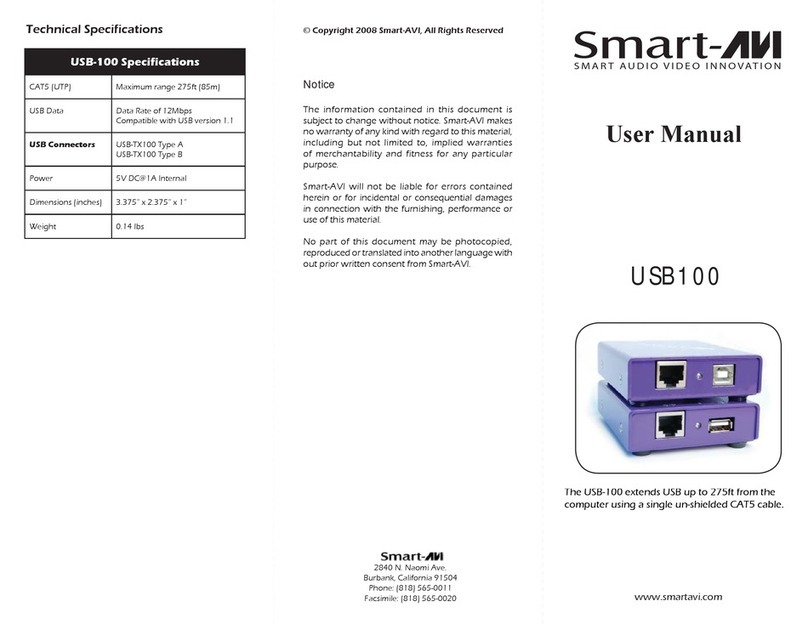
SMART-AVI SFX Series User manual

SMART-AVI

SMART-AVI SFX Series User manual

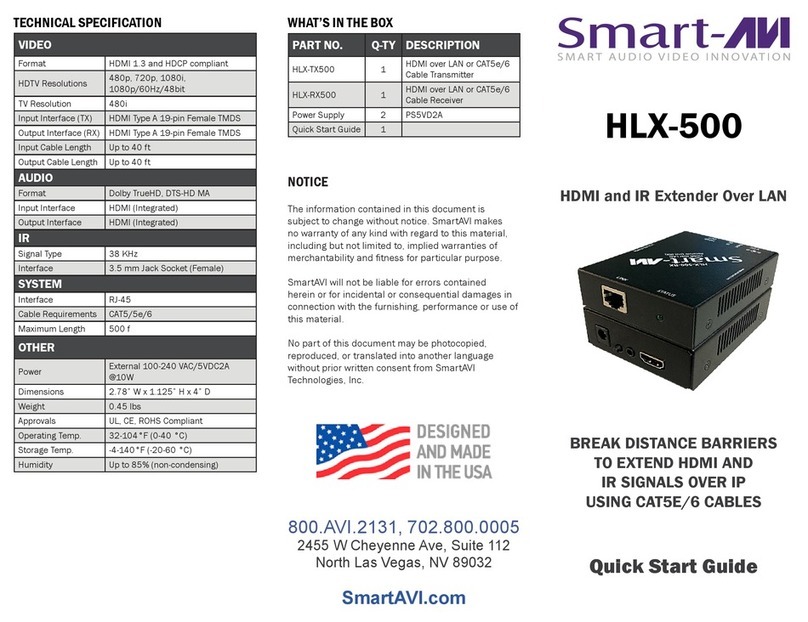
SMART-AVI HLX-500 User manual

SMART-AVI

SMART-AVI HLX-500 User manual

SMART-AVI DVX-PLUS User manual

SMART-AVI

SMART-AVI DVX-PLUS User manual

SMART-AVI USB2Mini User manual

SMART-AVI

SMART-AVI USB2Mini User manual

SMART-AVI DVX-4P User manual

SMART-AVI

SMART-AVI DVX-4P User manual

SMART-AVI RK8-HDX-POE User manual

SMART-AVI

SMART-AVI RK8-HDX-POE User manual

SMART-AVI USB2-MAX User manual

SMART-AVI

SMART-AVI USB2-MAX User manual

SMART-AVI RK-DVX-Plus User manual

SMART-AVI

SMART-AVI RK-DVX-Plus User manual

SMART-AVI SDX-XT Sseries User manual

SMART-AVI

SMART-AVI SDX-XT Sseries User manual
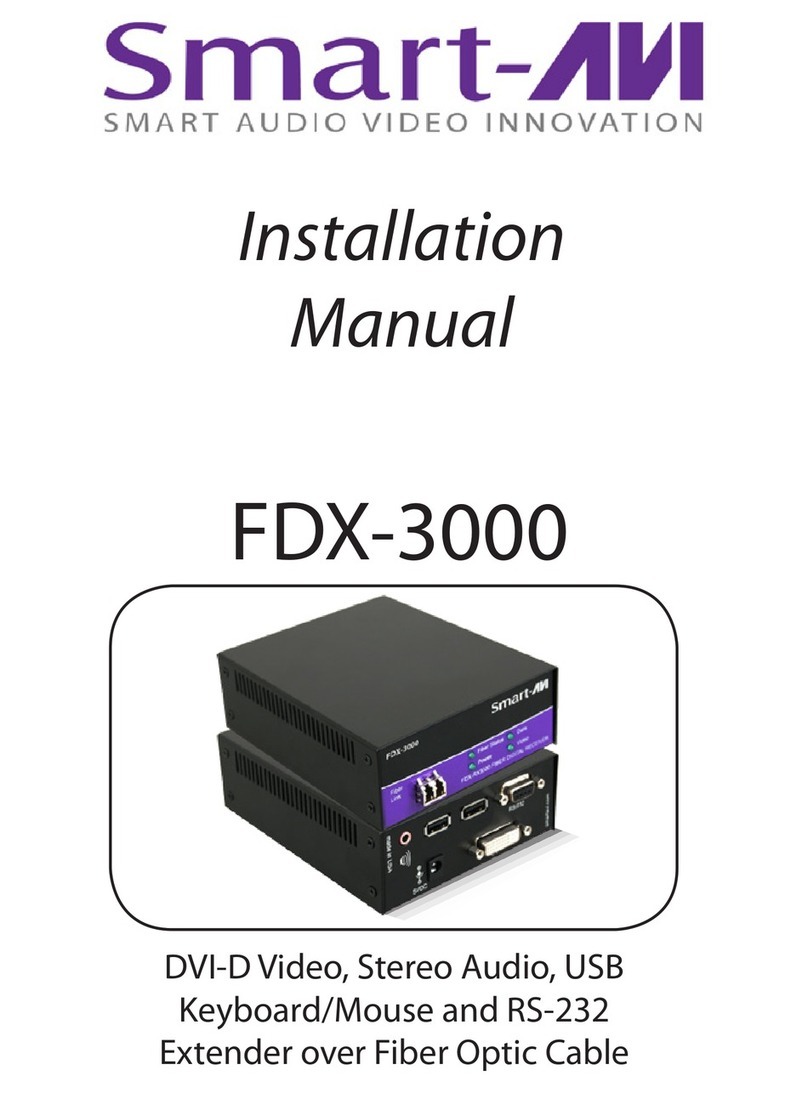
SMART-AVI FDX-M4P User manual

SMART-AVI

SMART-AVI FDX-M4P User manual

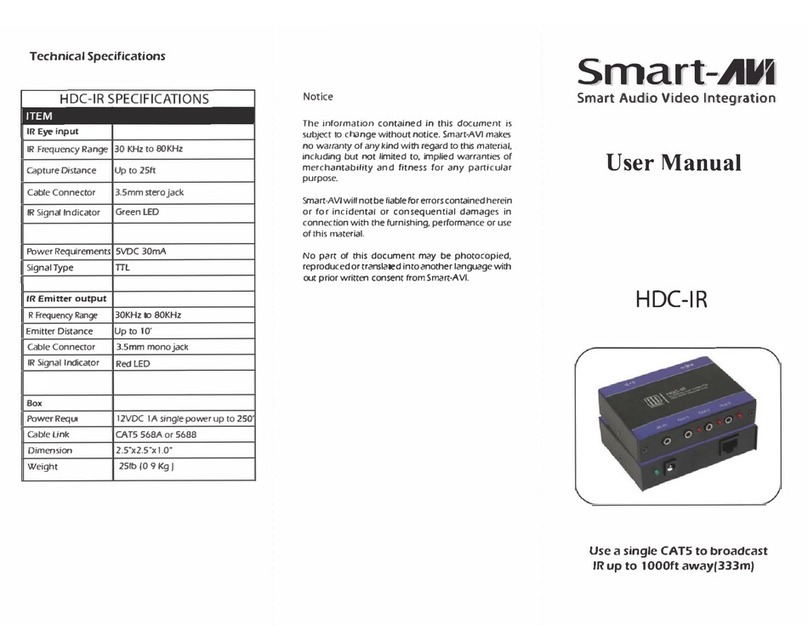
SMART-AVI AR100 User manual

SMART-AVI

SMART-AVI AR100 User manual

SMART-AVI HDX-LX User manual

SMART-AVI

SMART-AVI HDX-LX User manual

SMART-AVI HDX-100 User manual

SMART-AVI

SMART-AVI HDX-100 User manual

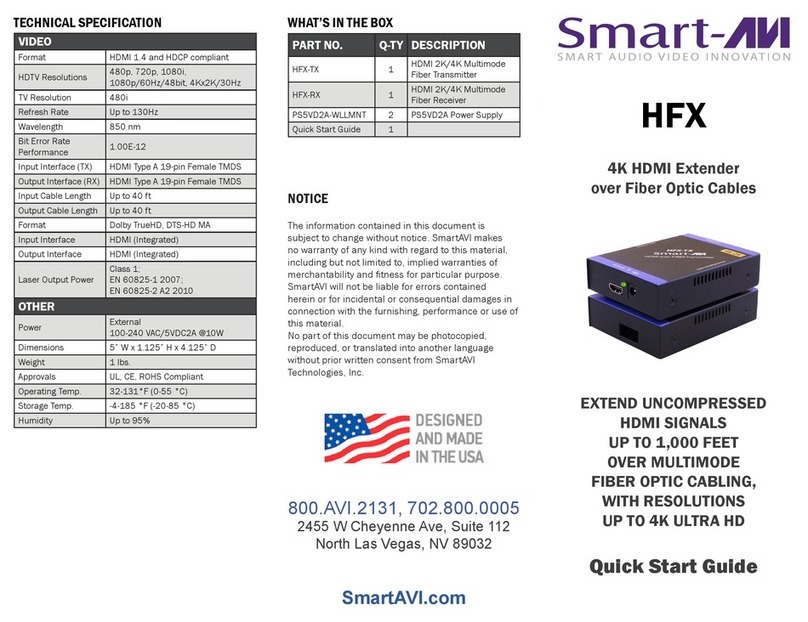
SMART-AVI HFX User manual

SMART-AVI

SMART-AVI HFX User manual

SMART-AVI FDX-MINI User manual

SMART-AVI

SMART-AVI FDX-MINI User manual

SMART-AVI HDX-Pro User manual

SMART-AVI

SMART-AVI HDX-Pro User manual

SMART-AVI FDX-2000 User manual

SMART-AVI

SMART-AVI FDX-2000 User manual

SMART-AVI HFX Series User manual

SMART-AVI

SMART-AVI HFX Series User manual

SMART-AVI RK8-HDX-ULT User manual

SMART-AVI

SMART-AVI RK8-HDX-ULT User manual

SMART-AVI USB2PRO User manual

SMART-AVI

SMART-AVI USB2PRO User manual

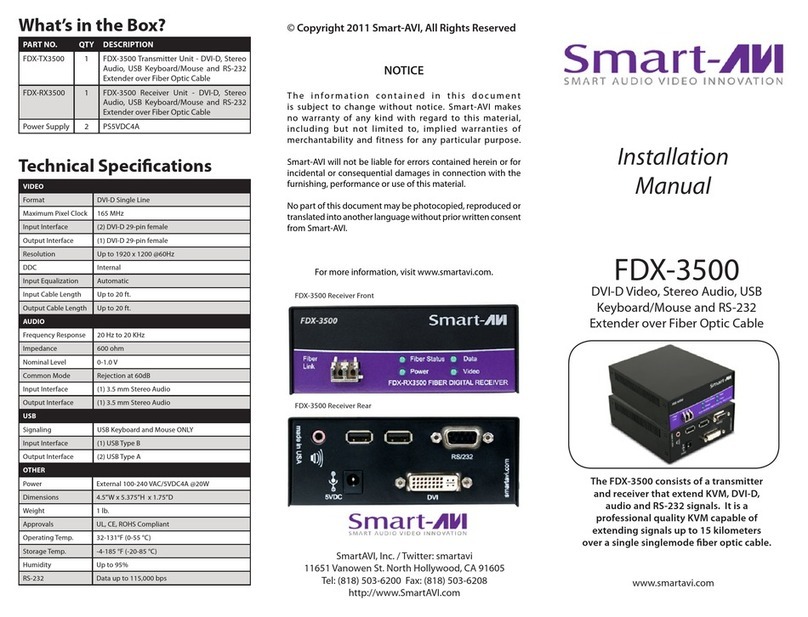
SMART-AVI FDX-3500 User manual

SMART-AVI

SMART-AVI FDX-3500 User manual

SMART-AVI RK-DVX2U-A-RX4S User manual

SMART-AVI

SMART-AVI RK-DVX2U-A-RX4S User manual

SMART-AVI FDX-S2U User manual

SMART-AVI

SMART-AVI FDX-S2U User manual

SMART-AVI HFX-LT User manual

SMART-AVI

SMART-AVI HFX-LT User manual

Popular Extender manuals by other brands

SY HDBT-60T installation guide

SY

SY HDBT-60T installation guide

Appsys ProAudio ADX-16 user manual

Appsys ProAudio

Appsys ProAudio ADX-16 user manual

Atlona RS232 user manual

Atlona

Atlona RS232 user manual

IDK OPF-TH1000-A user guide

IDK

IDK OPF-TH1000-A user guide

Enable-IT 824WP quick start guide

Enable-IT

Enable-IT 824WP quick start guide

Worx Landroid RadioLink WA0864 Get started

Worx

Worx Landroid RadioLink WA0864 Get started

TP-Link TL-WA730RE user guide

TP-Link

TP-Link TL-WA730RE user guide

Camplex CMX-HDMI-SFPL user manual

Camplex

Camplex CMX-HDMI-SFPL user manual

SC&T HE03-4K user manual

SC&T

SC&T HE03-4K user manual

Samsung SCS-26UC4 user guide

Samsung

Samsung SCS-26UC4 user guide

Foxun SX-GES24 operating instructions

Foxun

Foxun SX-GES24 operating instructions

MuxLab 500771 Operation manual

MuxLab

MuxLab 500771 Operation manual

foxunhd SX-AEX01 operating instructions

foxunhd

foxunhd SX-AEX01 operating instructions

TERK Technologies LFIRX2 owner's manual

TERK Technologies

TERK Technologies LFIRX2 owner's manual

Devolo Audio Extender supplementary guide

Devolo

Devolo Audio Extender supplementary guide

Edimax EW-7438RPn V2 instructions

Edimax

Edimax EW-7438RPn V2 instructions

Shinybow USA SB-6335T5 instruction manual

Shinybow USA

Shinybow USA SB-6335T5 instruction manual

SECO-LARM ENFORCER EVT-PB1-V1TGQ installation manual

SECO-LARM

SECO-LARM ENFORCER EVT-PB1-V1TGQ installation manual

manuals.online logo
manuals.online logoBrands
  • About & Mission
  • Contact us
  • Privacy Policy
  • Terms and Conditions

Copyright 2025 Manuals.Online. All Rights Reserved.

USER MANUAL
SDX-2P
EXTEND DUAL DVI-D, DUAL RS232,
USB KEYBOARD, MOUSE AND
AUDIO UP TO 400 FEET OVER
DUAL CAT5/5E/6 CABLE
VIDEO
Format (2) DVI-D Single Link
Maximum Pixel Clock 165 MHz
Input Interface (TX) (2) DVI-D 29-pin (Female)
Output Interface (RX) (2) DVI-D 29-pin (Female)
Resolution Up to 1920 x 1200
@60Hz
DDC 5 volts p-p(TTL)
Input Equalization Automatic
Input Cable Length Up to 20 ft.
Output Cable Length Up to 20 ft.
RS232
Input Interface (2) DB9 (Female)
Output Interface (2) DB9 (Male)
Control @ 115 Kbps
OTHER
Power External 100-240 VAC/5VDC4A
@20W
Dimensions 8.25 in W x 1 in H x 3.5 in D
Weight 4 lbs.
Operating
Temp.
0-55 °C (32-131°F)
Storage Temp. -20-85 °C (-4-185 °F)
Humidity Up to 95%
AUDIO
Signal Type Stereo Audio
Bandwidth 15MHz, 0dB
Impedance 100 Ohm
Connector 3.5 mini jack, Female
TECHNICAL SPECIFICATIONS
SUPER RANGE HDBaseT
DUAL DVI-D, DUAL
RS232, AUDIO AND USB
KEYBOARD AND MOUSE
EXTENDER
USB
Signal Type USB 1.1
Input Interface (TX) (1) USB Type B (Female)
Output Interface (RX) (2) USB Type A (Female)
RECEIVE ON DB9 MALE
PIN # NAME DESCRIPTION
2 RxD Receive Data on DB9 Male
3 TxD Transmit Data on DB9 Male
5 SGND Ground
PIN # NAME DESCRIPTION
2 TxD Transmit Data on DB9 Female
3 RxD Receive Data on DB9 Female
5 SGND Ground
TRANSMIT ON DB9 FEMALE
PREPARING AND CONNECTING SYSTEM
CAT5 CABLE
Following is the wiring standard for terminating CAT 5
cable using RJ-45 connector:
Pair 1 Pins 1 & 2
Pair 2 Pins 3 & 6
Pair 3 Pins 4 & 5
Pair 4 Pins 7 & 8
Connectors: RJ-45
Capacitance: 14 pf/ft (46.2 pf/m)
Conductor Gauge: 24 AWG
Impedance: 100 +/- 15 ohms
800.AVI.2131
Tel: (818) 503-6200 Fax: (818) 503-6208
11651 Vanowen St. North Hollywood, CA 91605
SmartAVI.com
Designed and Manufactured in the USA
INTRODUCTION
Using HDBaseT technology, the SDX-2P DVI extender
is capable of sending dual DVI-D signals up to 400
feet over two conventional and inexpensive
CAT5/5e/6 cable. HDBaseT technology is superior to
older DVI extenders that require special CAT6
shielded cable to go a short distance.
The SDX-2P also has USB keyboard and mouse, au-
dio and RS232 extension, giving you the ability to
control your displays or devices remotely.
FEATURES
 Extends dual DVI-D up to 400 feet (120m) from
the source
 HDCP Support
 Supports up to 1920x1200 digital video resolu-
tion
 Automatic DDC Learning
 USB Keyboard and Mouse extension
 Uncompressed Video HDBaseT
 RS232 extension allows for remote control of dis-
plays
 External power adapter for transmitter and re-
ceiver unit
 Supports Stereo Sound
 Compatible with Windows, Mac and Linux Operat-
ing Systems
To reach maximum dis-
tances with HDBaseT tech-
nology, it is recommended
to use the best possible
quality cable available.
CAT5e/6 shielded cabling is
ideal for best performance.
PART NO. QTY DESCRIPTION
SDX-2P-RX 1 SDX-2P Receiver. Dual DVI-D,
Dual RS232, USB & Audio Re-
ceiver over CAT5/5e/6
SDX-2P-TX 1 SDX-2P Transmitter. Dual DVI-
D, Dual RS232, USB & Audio
Transmitter over CAT5/5e/6
Power Supply 2 PS5VDC4A
WHAT’S IN THE BOX?
CONNECTING THE SDX-2P
1. Power off all devices.
2. Connect two DVI-D sources (computer) to the
two DVI-D ports on the back of the SDX-2P-TX.
3. Connect a USB source (computer) to the USB
port on the SDX-2P-TX.
4. Optionally connect RS232 for control functions.
5. Connect the SDX-2P-TX to the SDX-2P-RX with
two CAT5 UTP (Unshielded Twisted Pair) cables.
6. Connect a DVI-D compatible display to each of
the two DVI-D ports on the back of the SDX-2P-
RX.
7. Connect USB keyboard and mouse to the USB
ports on the SDX-2P-RX.
8. Optionally connect RS232 for control functions.
9. Connect the power to the SDX-2P-RX and the
SDX-2P-TX.
10.Power on the display and then the computer.
The DDC of your display will be learned automatically.
INSTALLATION DIAGRAM
SDX-2P-TX Front
SDX-2P-TX Back
SDX-2P-RX Front
SDX-2P-RX Back
APPLICATIONS
 Digital Signage
 Security
 PC Networking
 Conference Center Systems
 Point of Sale
 Camera Surveillance
 Video Phone
 Control Room Systems
 Recording Studio
 PC KVM Extension