IMPORTANT INFORMATION
ii smarttech.com/kb/170911
lWhen mounting the projector boom on a framed or hollow wall, attach the mounting bracket
to a stud to safely support the projector’s weight. If you use only drywall anchors, the drywall
can fail, resulting in possible injury and damage to the product which may not be covered
by the warranty.
lDo not leave cables on the floor where they can be a tripping hazard. If you must run a cable
over the floor, lay it in a flat, straight line and secure it to the floor with tape or a cable
management strip of a contrasting color. Handle cables carefully and avoid excessive
bending.
CAUTION
lDo not operate this unit immediately after moving it from a cold location to a warm location.
When the unit is exposed to such a change in temperature, moisture can condense on the
lens and crucial internal parts. Allow the system to reach room temperature before
operation to prevent possible damage to the unit.
lDo not place the unit in hot locations, such as near heating equipment. Doing so could cause
a malfunction and shorten the life of the projector.
lAvoid setting up and using the SMART product in an area with excessive levels of dust,
humidity and smoke.
lDo not place your SMART product in direct sunlight or near any appliance that generates a
strong magnetic field.
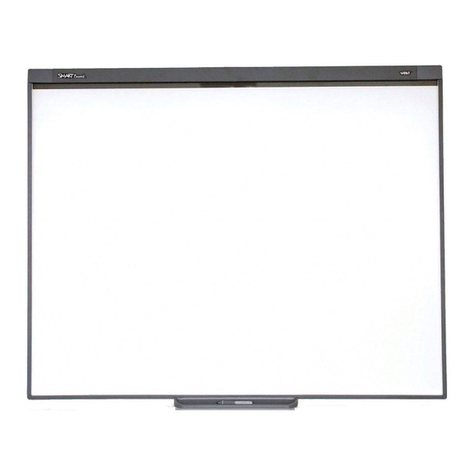
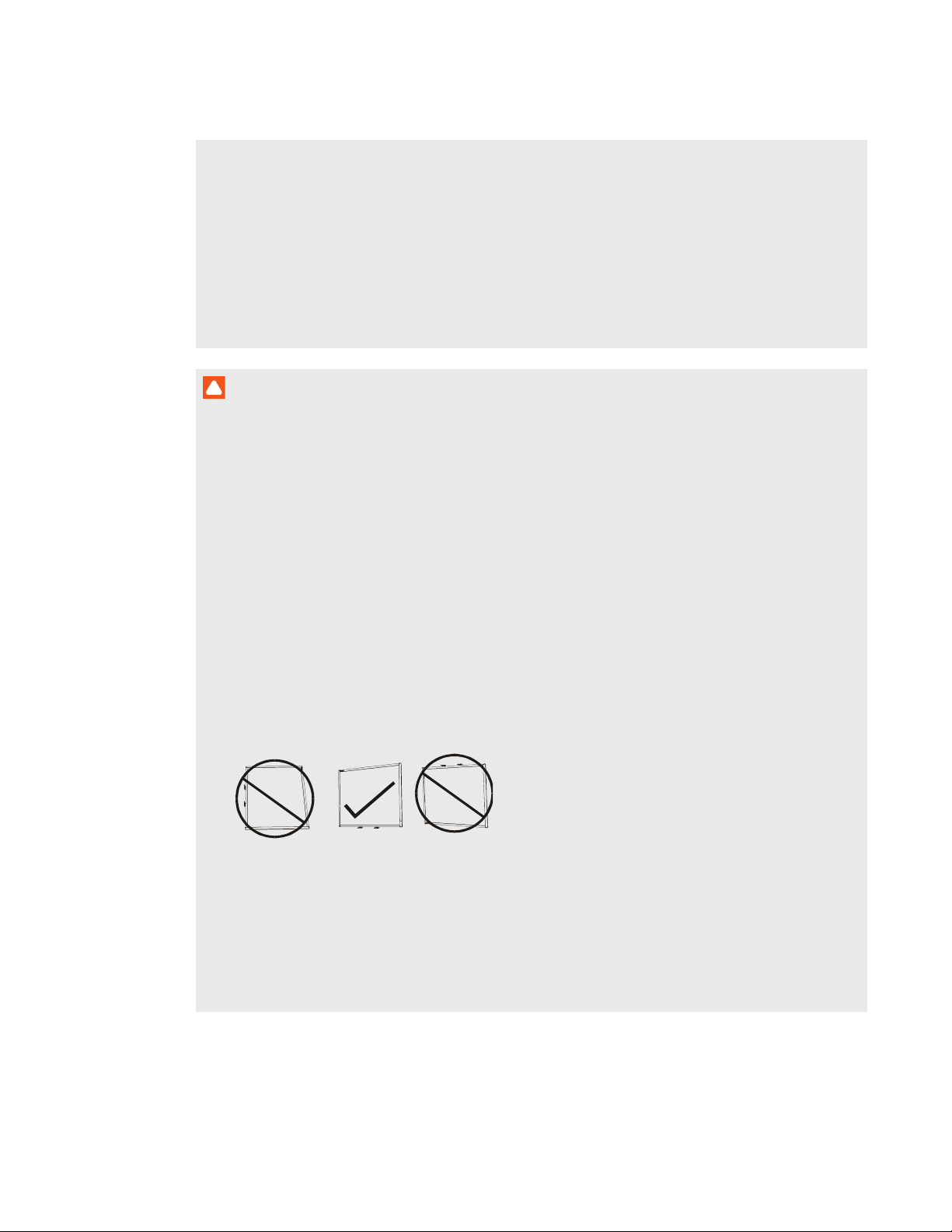
lIf you need to lean the interactive whiteboard against a wall before you mount it, make sure
it remains in an upright position, resting on the pen tray brackets, which can sustain the
weight of the interactive whiteboard.
Do not rest the interactive whiteboard on its side or on the top of the frame.
lYou must connect the USB cable that came with your SMARTBoard interactive whiteboard
to a computer that has a USB compliant interface and that bears the USB logo. In addition,
the USB source computer must be compliant with CSA/UL/EN 60950 and bear the CE mark
and CSA and/or UL Mark(s) for CSA/UL 60950. This is for operating safety and to avoid
damage to the SMARTBoard interactive whiteboard.