SmartMan Baby and Neonate Manikin Training Systems - pg. 4
3.2. Connecting the Manikin to the Computer
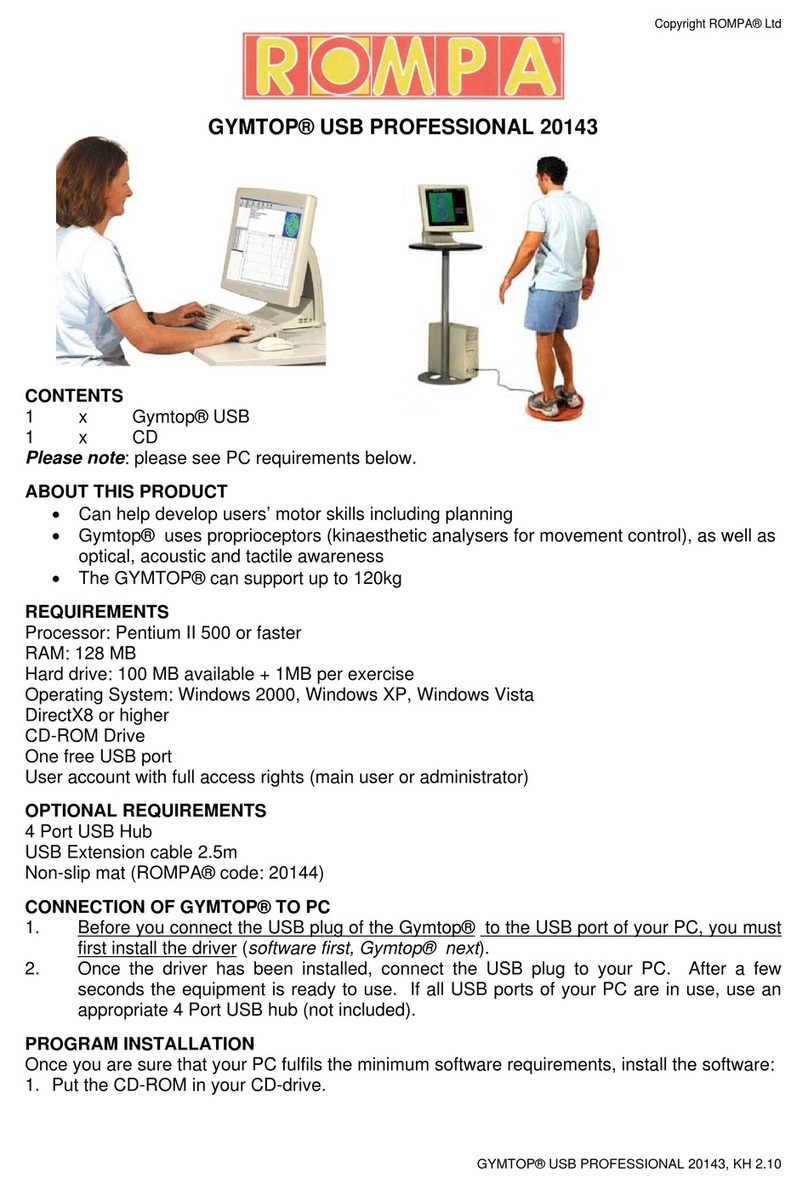
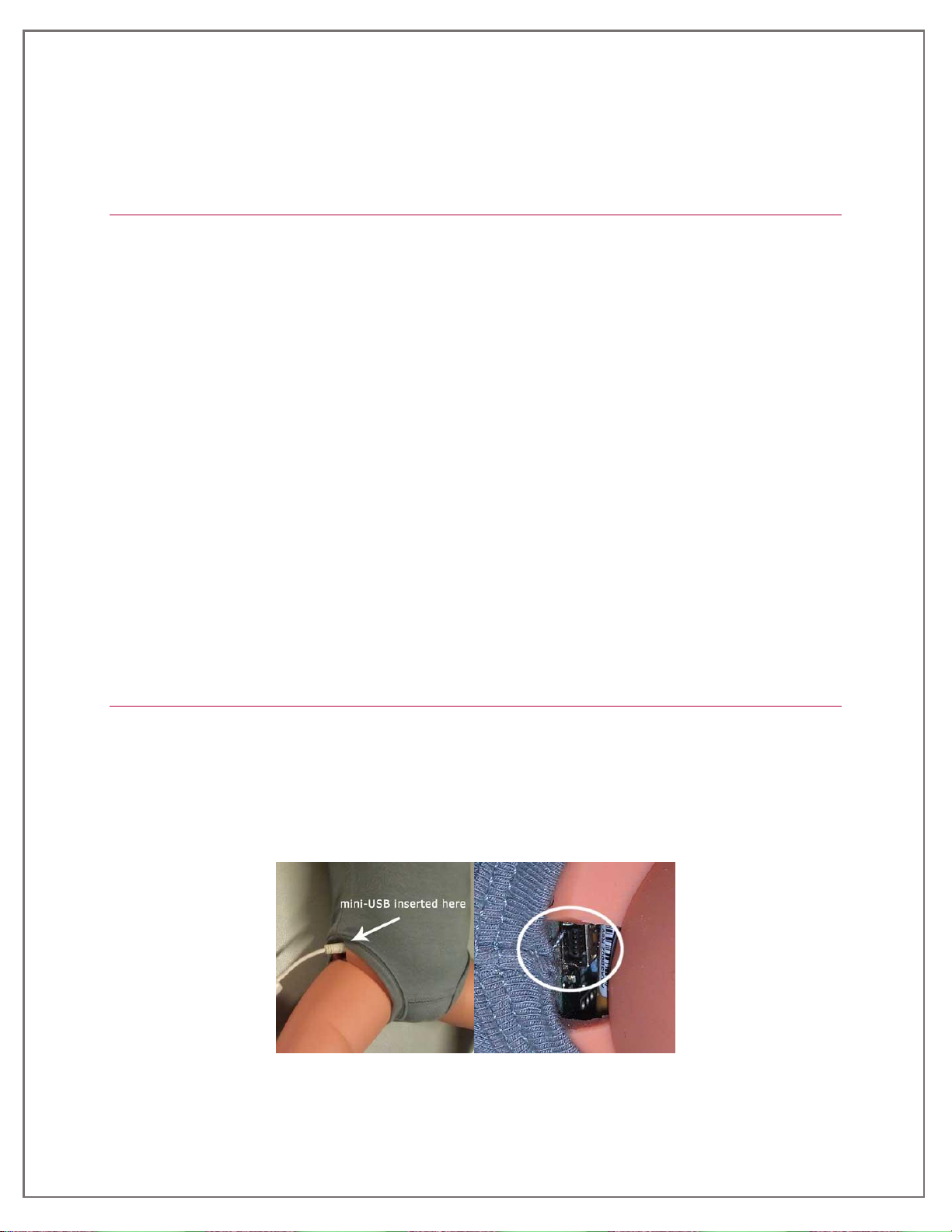
Plug the mini USB cable into the plug and the other end into the computer. Allow a minute for the
driver for the manikin to be loaded into the operating system.
3.3 Starting the Software
Double click the icon on the screen. The program will verify the connection. If the connection is not
able to be established, the software will load but display a window saying the baby is not connected.
The software can be used without connecting to the manikin for specific functions such as creating
logins, reviewing results and printing reports.
NOTE: The first time the software is installed on a computer, the system must be connected to the
manikin.
3.4 Using the Software
When the software verifies the connection, you will see the LOGIN MENU. In order to perform any
activity on the system, you must login. You can click on the Practice Session Login to go directly to
the Main Menu. You can quickly create your own logins or use an existing login. You do not require
an internet connection to create logins and you do not require a key code to create logins.
MAIN MENU. Once you login you will be at the main menu. Here you will see the Skills Set Menu.
Click on one of the skill areas (Compressions, Ventilations, CPR, Tutor). When you click on each of
these, the activities which you can perform are displayed. When you select an activity, click the large
green start button to begin performing the skill. Feedback will appear as soon as you perform any
skill.
TRAINER TOOLS. The trainer is able to view all results at any time. To view results there is no need
to be connected to the manikin or to the internet. There is a special Trainer Tools Menu which allows
the trainer to create classes and logins, to copy a list from Word or a txt file, to quickly produce
charts from results, and to create a zip file from results and send them to an email address. To
access the Trainer Tools Menu, login with any login such as Practice Sessions. At the Main Menu
click on the Trainer Tools Button at the right side of the window. To exit the Trainer Tools Menu, click
the Trainer Tools button a second time.
3.5 Updating the Software
You do not need to be connected to the manikin to update the software.
You must be connected to the internet to update the software.
To update the software, start the software by double clicking on the icon. When you are at the Login
Menu, click the Update button on the right side of the main window. You will be given the option to
update the software or not. If you have not updated the software for a while, there may be several
updates. When one update has finished, it will indicate whether there is another update available or
not. If so repeat the procedure.
4. Using the Baby Manikin Training System
The SmartMan Baby and Neonate systems are designed to meet all the training
recommendations of the American Heart Association (AHA). However, it is recommended that
instruction should be based on the techniques and provisions applicable in jurisdiction where
instruction takes place. Instruction may be given in correct head movement. The airway will be
obstructed on incorrect position.