5.
1
step
2
step
3
step
4
step
5
step
6
step
7
step
To begin installation, shut down your computer.
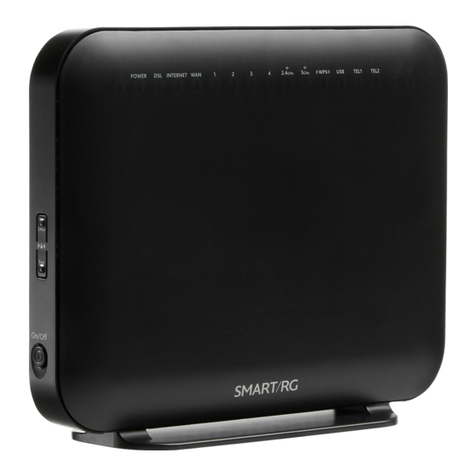
Connect the Comwave Internet Modem using the
supplied telephone cord to the phone jack.
Connect the supplied Ethernet Cable from the
LAN port of the Comwave Internet Modem to your
computer.
(For Home Phone) Connect the supplied Ethernet
cable from the LAN port of your Comwave Internet
Modem to the WAN port of the Home Phone
Adapter.
Connect the Comwave Internet Modem to a power
outlet.
Note: Please allow up to 5 minutes for your modem
to be operational.
(For Home Phone) Connect a telephone to the
PHONE 1 port on the Home Phone Adapter. Then
connect power to the Home Phone Adapter and
wait 5 minutes for a dial-tone.
DO NOT DISCONNECT POWER as it may damage the
Home Phone Adapter.
Start your computer. You should be able to browse
the Internet instantly.
Can’t Access
the Internet?
1Unplug the power to your
Comwave Internet modem,
home phone adapter and
shut down your computer.
2Wait 30 seconds and then
plug your Comwave Internet
modem’s power cord back
into the power outlet.
3Wait until the LED light
indicators on your Comwave
Internet modem indicate the
modem is operational. This
may take up to 5 minutes.
4Start your computer and
plug in the home phone
adaptor into a power outlet.
5Open your browser and start
surng the Internet. Check
for a dial tone.
Still unable to surf the Internet?
Call us at 1-866-210-9149.
WE’LL GET YOU BACK UP ONLINE!