manuals.online logo
Brands
  1. Home
  2. •
  3. Brands
  4. •
  5. Solinst
  6. •
  7. Control Unit
  8. •
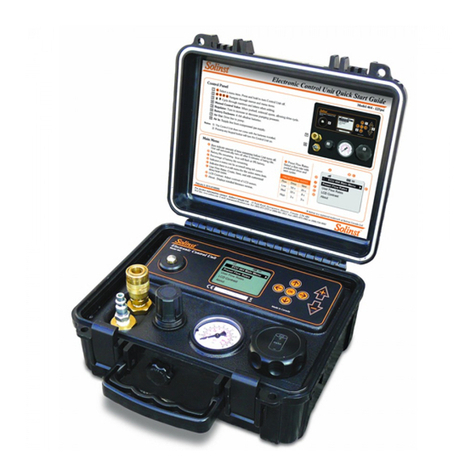
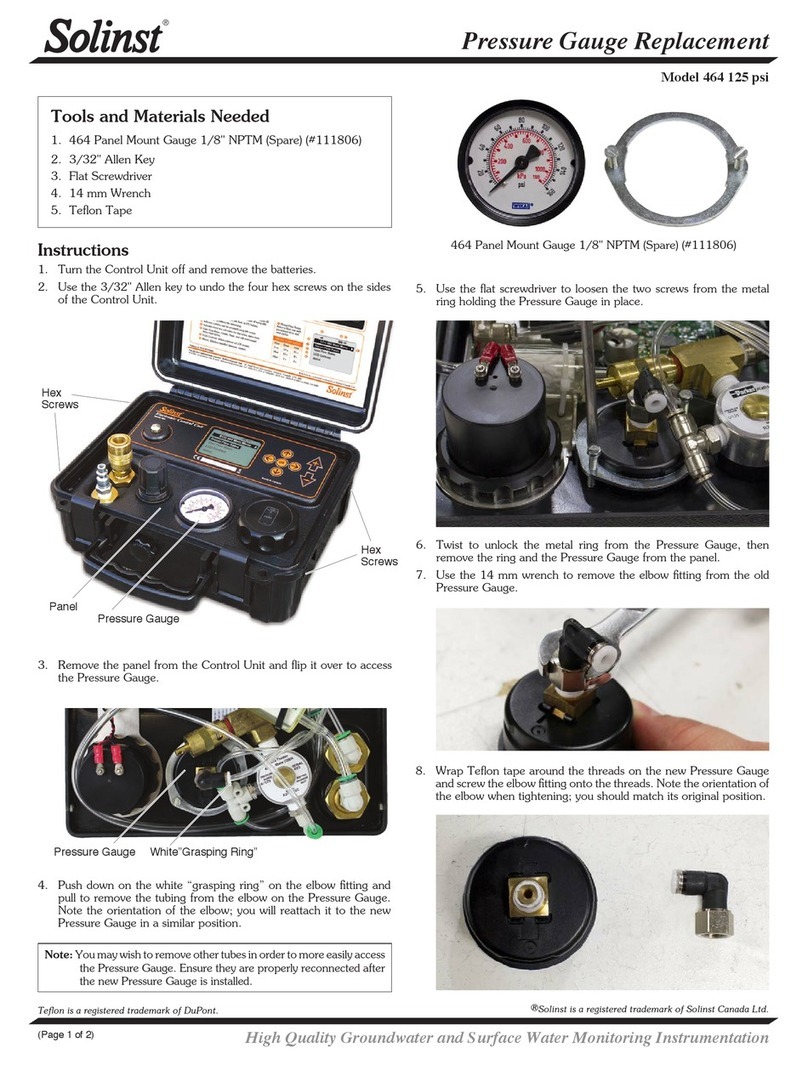
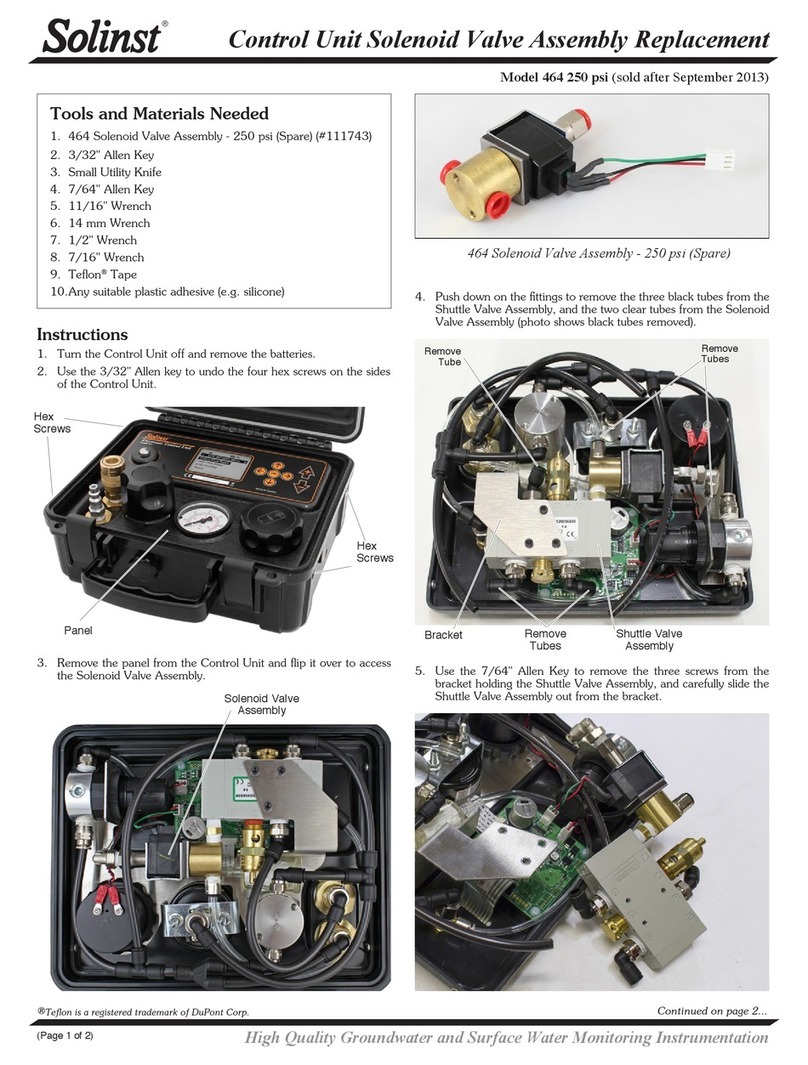
  9. Solinst 464 Operating instructions

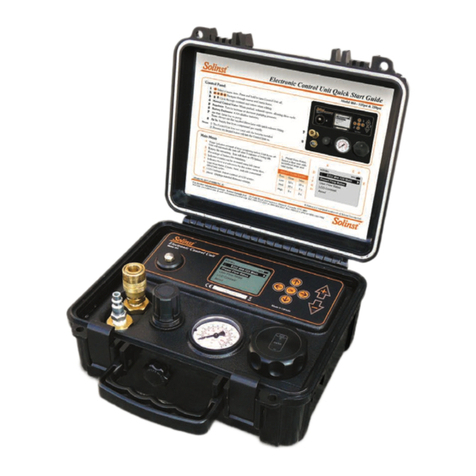
Solinst 464 Operating instructions

Other manuals for 464

1

Other Solinst Control Unit manuals

Solinst 464 Mk3 250 psi Use and care manual

Solinst

Solinst 464 Mk3 250 psi Use and care manual

Solinst 464 125 psi Use and care manual

Solinst

Solinst 464 125 psi Use and care manual

Solinst 464 125 psi Configuration guide

Solinst

Solinst 464 125 psi Configuration guide

Solinst 464 User manual

Solinst

Solinst 464 User manual

Solinst 464 250 psi Use and care manual

Solinst

Solinst 464 250 psi Use and care manual

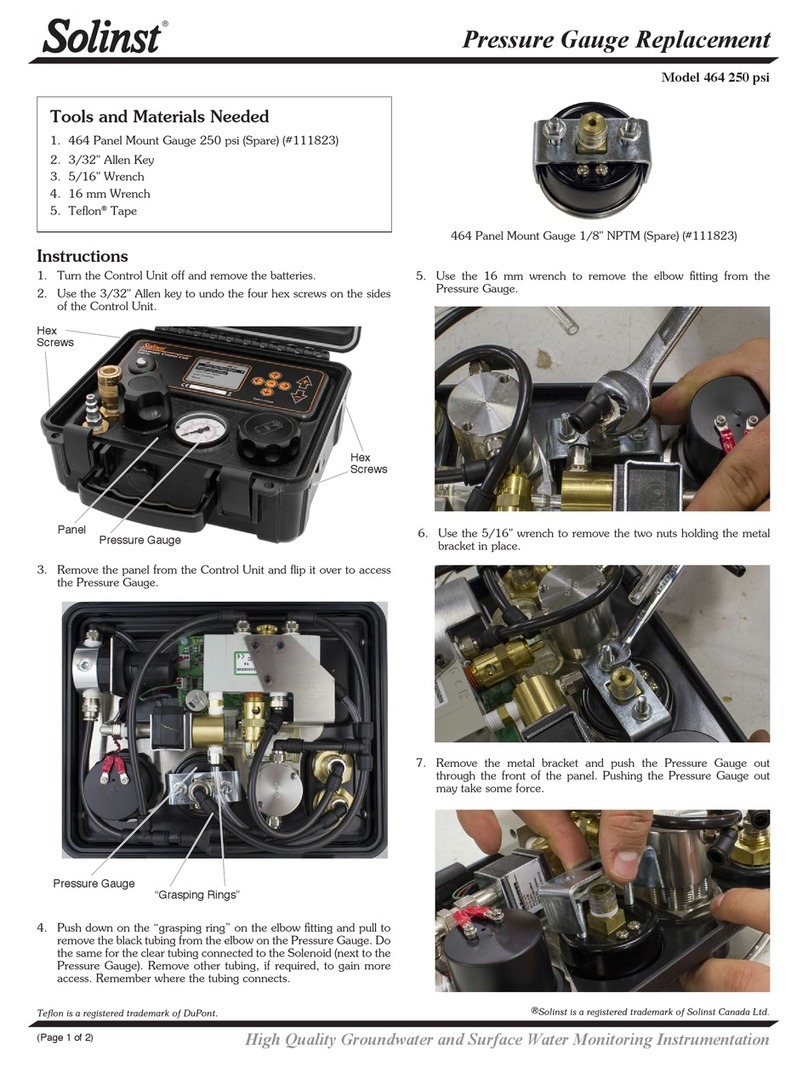
Solinst 464 250 psi Configuration guide
Solinst

Solinst 464 250 psi Configuration guide

Solinst 464 Mk3 250 psi Use and care manual

Solinst

Solinst 464 Mk3 250 psi Use and care manual

Solinst 464 125 psi Use and care manual

Solinst

Solinst 464 125 psi Use and care manual

Solinst 464 Mk3 User manual

Solinst

Solinst 464 Mk3 User manual

Solinst 464 250 psi Use and care manual
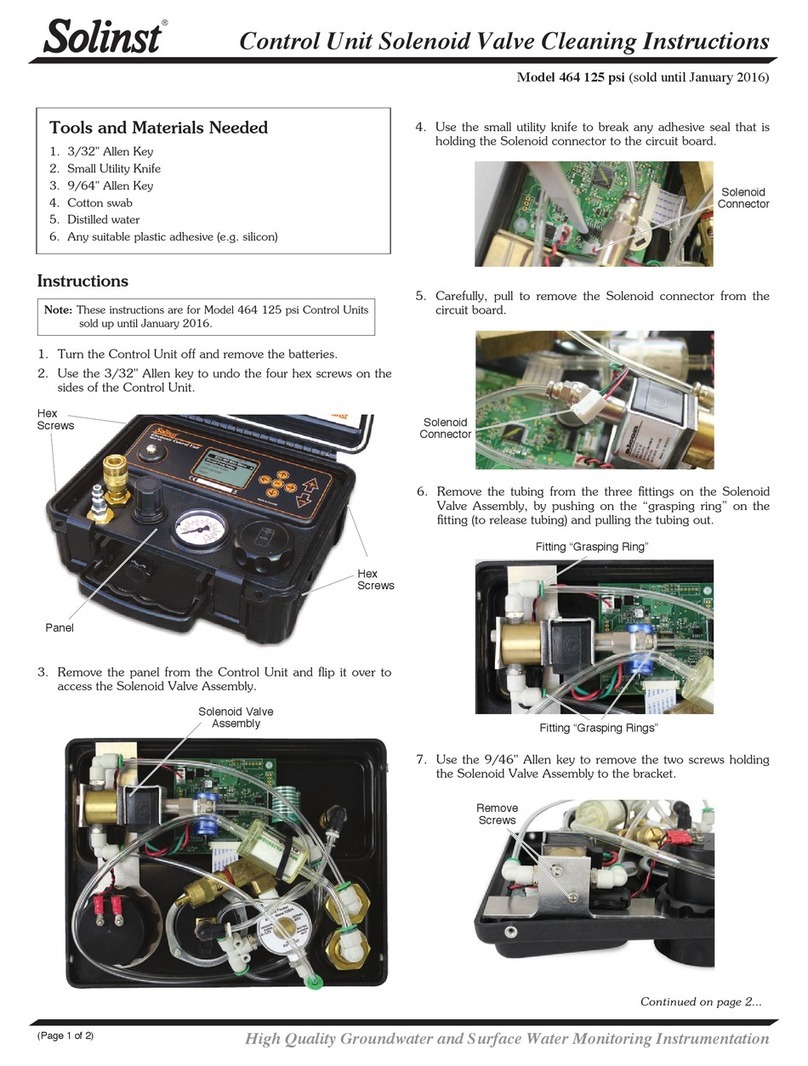
Solinst

Solinst 464 250 psi Use and care manual

Popular Control Unit manuals by other brands

Festo Compact Performance CP-FB6-E Brief description

Festo

Festo Compact Performance CP-FB6-E Brief description

Elo TouchSystems DMS-SA19P-EXTME Quick installation guide

Elo TouchSystems

Elo TouchSystems DMS-SA19P-EXTME Quick installation guide

JS Automation MPC3034A user manual

JS Automation

JS Automation MPC3034A user manual

JAUDT SW GII 6406 Series Translation of the original operating instructions

JAUDT

JAUDT SW GII 6406 Series Translation of the original operating instructions

Spektrum Air Module System manual

Spektrum

Spektrum Air Module System manual

BOC Edwards Q Series instruction manual

BOC Edwards

BOC Edwards Q Series instruction manual

KHADAS BT Magic quick start

KHADAS

KHADAS BT Magic quick start

Etherma eNEXHO-IL Assembly and operating instructions

Etherma

Etherma eNEXHO-IL Assembly and operating instructions

PMFoundations Attenuverter Assembly guide

PMFoundations

PMFoundations Attenuverter Assembly guide

GEA VARIVENT Operating	 instruction

GEA

GEA VARIVENT Operating instruction

Walther Systemtechnik VMS-05 Assembly instructions

Walther Systemtechnik

Walther Systemtechnik VMS-05 Assembly instructions

Altronix LINQ8PD Installation and programming manual

Altronix

Altronix LINQ8PD Installation and programming manual

Eaton Powerware Series user guide

Eaton

Eaton Powerware Series user guide

WAGO 750-407/040-000 manual

WAGO

WAGO 750-407/040-000 manual

Sony CCU-590 Operation manual

Sony

Sony CCU-590 Operation manual

Graco 25D614 instructions

Graco

Graco 25D614 instructions

Task Force Tips YE-RF-900 Instructions for installation, safe operation and maintenance

Task Force Tips

Task Force Tips YE-RF-900 Instructions for installation, safe operation and maintenance

Shini SPV-U Series manual

Shini

Shini SPV-U Series manual

manuals.online logo
manuals.online logoBrands
  • About & Mission
  • Contact us
  • Privacy Policy
  • Terms and Conditions

Copyright 2025 Manuals.Online. All Rights Reserved.

High Quality Groundwater and Surface Water Monitoring Instrumentation
(Page 1 of 2)
Electronic Pump Control Unit Troubleshooting
Model 464
Continued overleaf...
Symptom: No air discharge from Control Unit:
Test Solenoid Switch Function
Follow the steps below, and answer the questions to determine
if your Solenoid Switch is functioning properly:
Solenoid Switch
Check all Tubing
Connections for Leaks
Blow Off Valve
Manual
Control
Valve
Air Out
Regulator
Air In
Pressure Gauge
1. With an air source connected to the Control Unit, and a
flow rate selected and running, can you hear the ‘clicking’
sound of the Solenoid switching with every drive and vent
cycle?
2. Using the Regulator, adjust the pressure (0 to 100 psi).
Does the Pressure Gauge respond with the change?
3. Connect an open fitting to the Air Out connection. Push the
Manual Control Valve. Air should discharge out through the
open fitting.
4. No air discharge means that the solenoid is blocked and not
functioning, contact Solinst.
Note: The Blow off Valve of the 125 psi Control Unit is
activated at ~150 psi, and the 250 psi Control Unit
at ~315 psi. When activated, the Blow off Valves
discharge into the open box area as a burst of air - this
is normal. The Regulator of both types of units may
hiss - this is normal.
1. Disconnect the air supply. Remove the four 3/32" hex
screws on the sides of the Control Unit holding the faceplate,
and flip for access to the components.
Symptom: Hear an air discharge from below the faceplate:
Check for Leaks
Solenoid Switch
Back of the 125 psi 464 Faceplate
Back of the 250 psi 464 Faceplate (after September 2013)
2. Ensure a good physical connection of the air line from the
Manual Control Valve to the Solenoid Switch (see photos
above). The air lines simply push into the fitting to make the
airtight connection.
3. Reconnect the air supply and adjust the Regulator to
100 psi. Do you hear/see any air leaks?
4. If you still hear an air discharge from the back of the
faceplate, contact Solinst.
Front of the Model 464 Faceplate Check all Tubing
Connections for Leaks
Blow Off Valve
Printed in Canada
August 12, 2014
(Page 2 of 2)
For further information contact: Solinst Canada Ltd.
Fax: +1 (905) 873-1992; (800) 516-9081 Tel: +1 (905) 873-2255; (800) 661-2023
35 Todd Road, Georgetown, Ontario Canada L7G 4R8
Web Site: www.solinst.com E-mail: [email protected]
®Solinst is a registered trademark of Solinst Canada Ltd.
Symptom: Timer Cycles not functioning:
Check and Test the Circuit Board
You can check the Circuit Board to see if the timer cycles for the
flow rates are working correctly, by following the steps below:
1. Disconnect the air supply. Remove the four 3/32” hex
screws on the sides of the Control Unit holding the faceplate,
and flip for access to the components.
2. Ensure a good physical connection of the two white
connectors into the Circuit Board.
3. Is there any discolouring/staining on the Circuit Board?
4. Use a volt meter across the Battery Terminal Connections
to ensure it reads 8 Volts.
Solenoid Switch Connectors Circuit Board
Back of the 125 psi 464 Faceplate
5. Set the drive/vent cycle to 3 seconds, and start the Control
Unit (See 464 User Guide).
6. Disconnect the Solenoid Switch from the Circuit Board.
You will see 3 pins on the Circuit Board - the centre pin is
the ground.
7. Using a volt meter set to “AC”, connect the black lead of
the volt meter to the centre ground pin, and the red lead to
either one of the outside pins.
8. You should see a ‘pulse’ every 3 seconds of about 1 volt.
This means the connection on the Circuit Board is okay.
9. If there is no pulse, contact Solinst.
125 psi Solenoid Switch Connector
250 psi Solenoid Switch Connector
3 Pin Connector - Centre is Pin is Ground
Battery Terminal
Connections
Circuit Board and Connectors Solenoid
Switch
Back of the 250 psi 464 Faceplate (after September 2013)
Battery Terminal
Connections