manuals.online logo
Brands
  1. Home
  2. •
  3. Brands
  4. •
  5. Solinst
  6. •
  7. Control Unit
  8. •
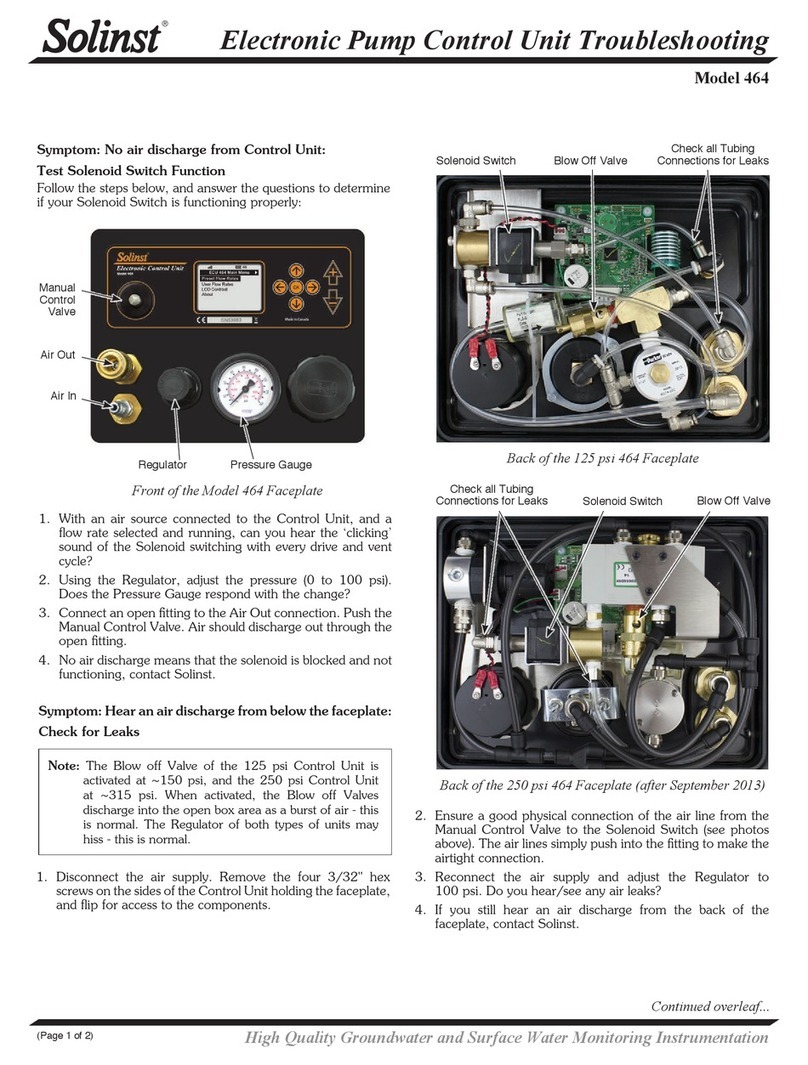
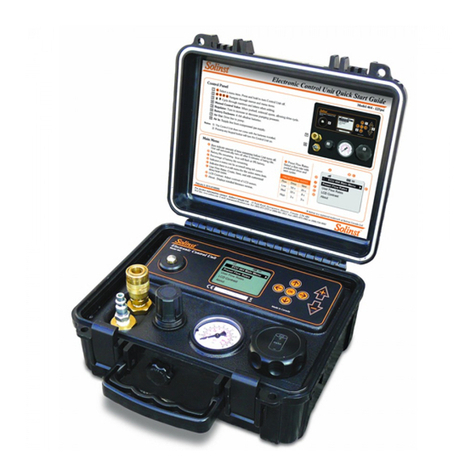
  9. Solinst 464 Mk3 250 psi Use and care manual

Solinst 464 Mk3 250 psi Use and care manual

Other Solinst Control Unit manuals

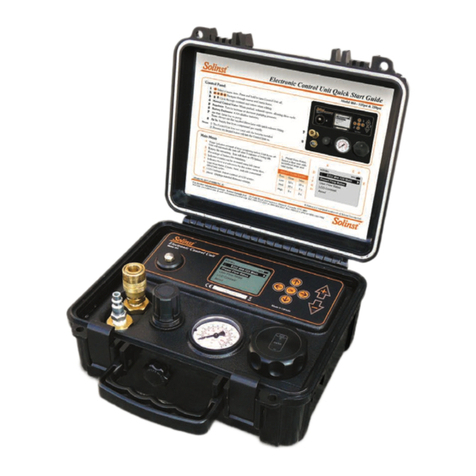
Solinst 464 250 psi Use and care manual

Solinst

Solinst 464 250 psi Use and care manual

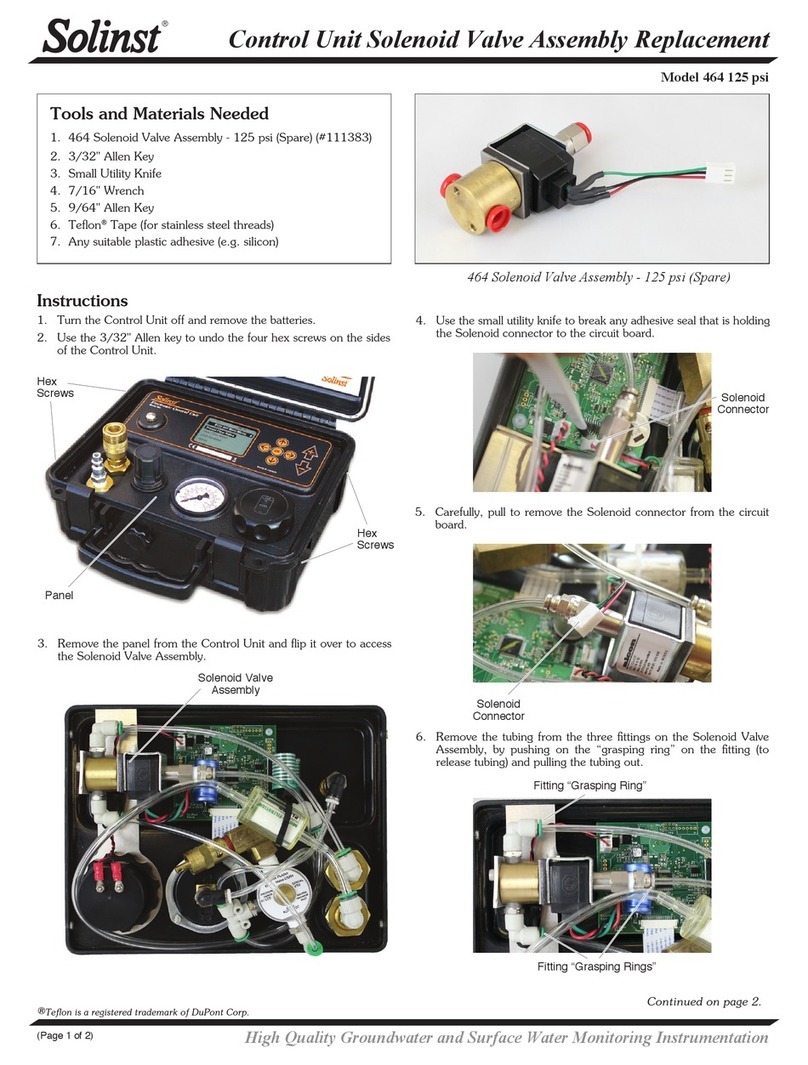
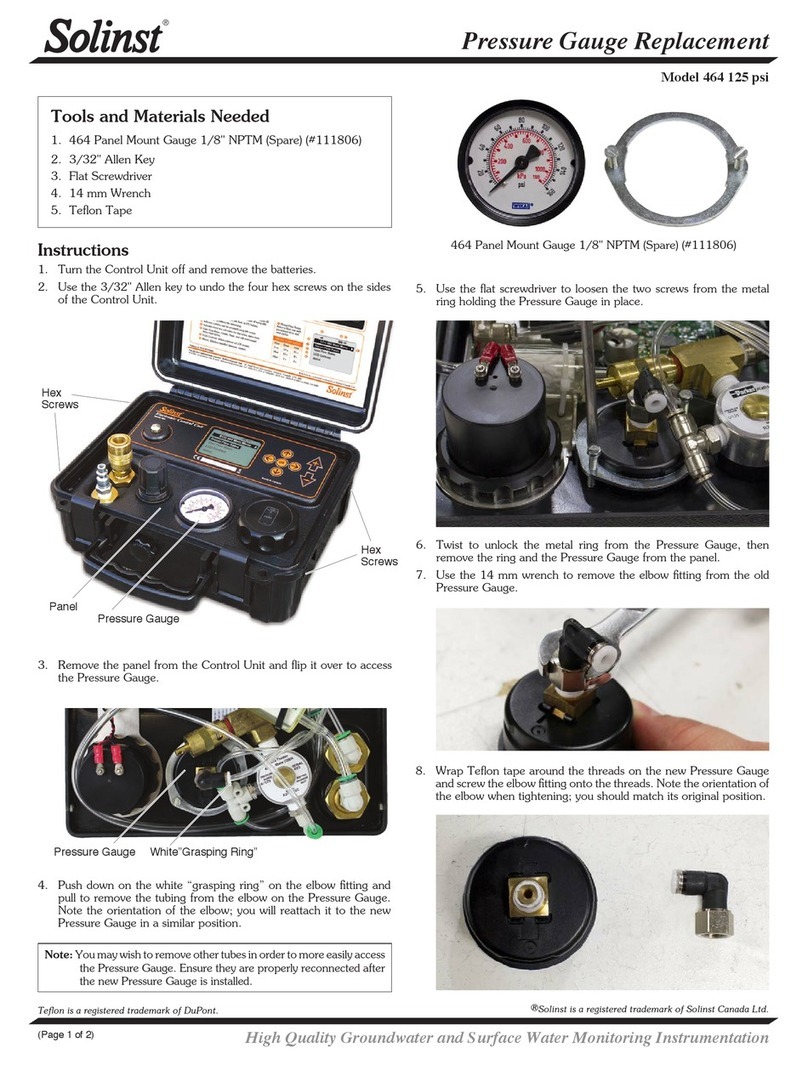
Solinst 464 125 psi Use and care manual

Solinst

Solinst 464 125 psi Use and care manual

Solinst 464 250 psi Use and care manual

Solinst

Solinst 464 250 psi Use and care manual

Solinst 464 250 psi Configuration guide
Solinst

Solinst 464 250 psi Configuration guide

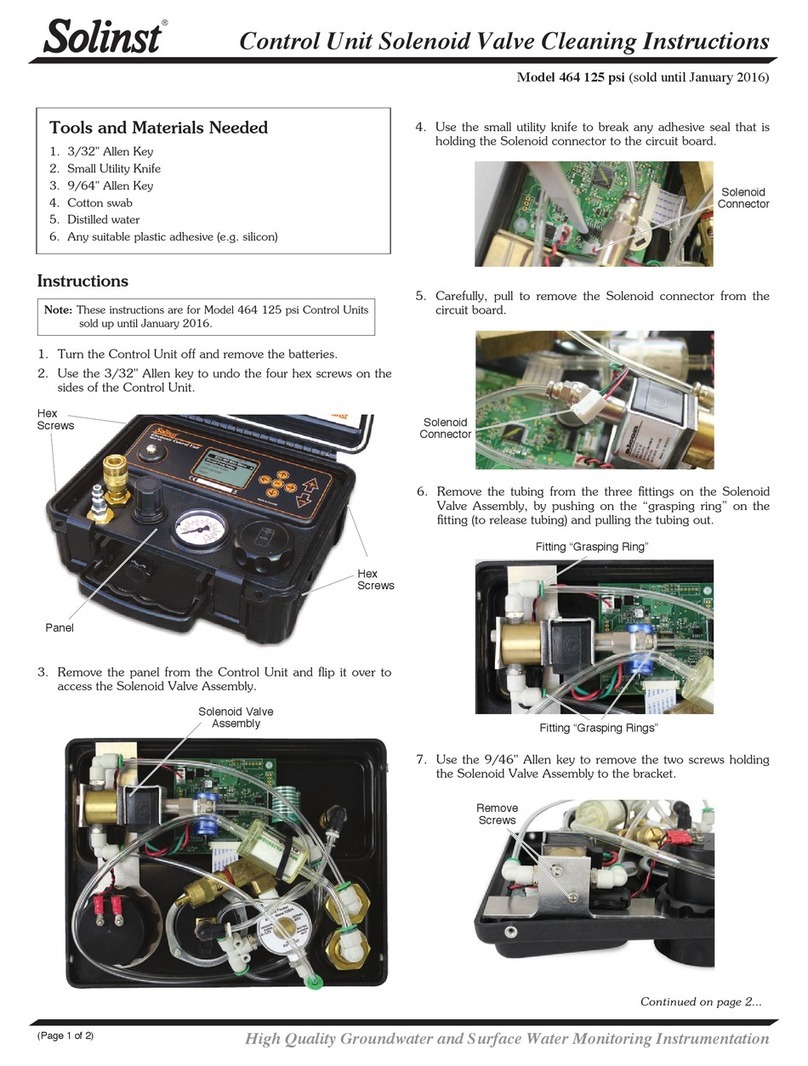
Solinst 464 User manual

Solinst

Solinst 464 User manual

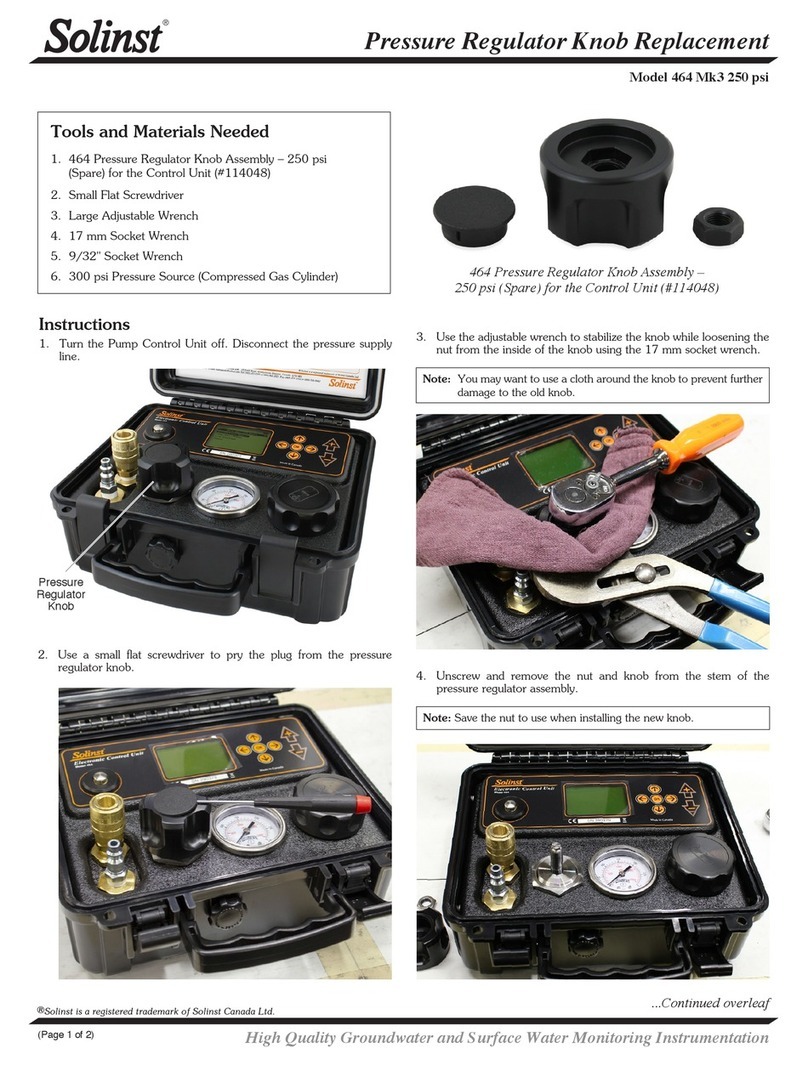
Solinst 464 Mk3 User manual

Solinst

Solinst 464 Mk3 User manual

Solinst 464 Operating instructions

Solinst

Solinst 464 Operating instructions

Solinst 464 125 psi Use and care manual

Solinst

Solinst 464 125 psi Use and care manual

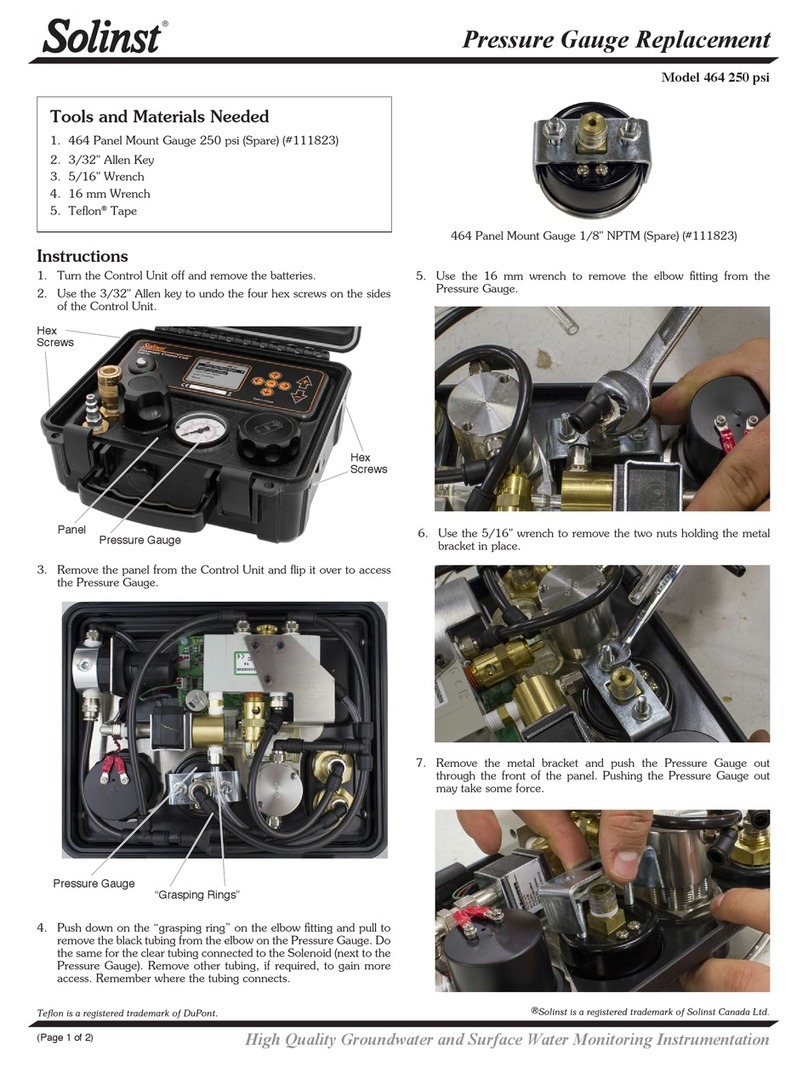
Solinst 464 Mk3 250 psi Use and care manual
Solinst

Solinst 464 Mk3 250 psi Use and care manual

Solinst 464 125 psi Configuration guide
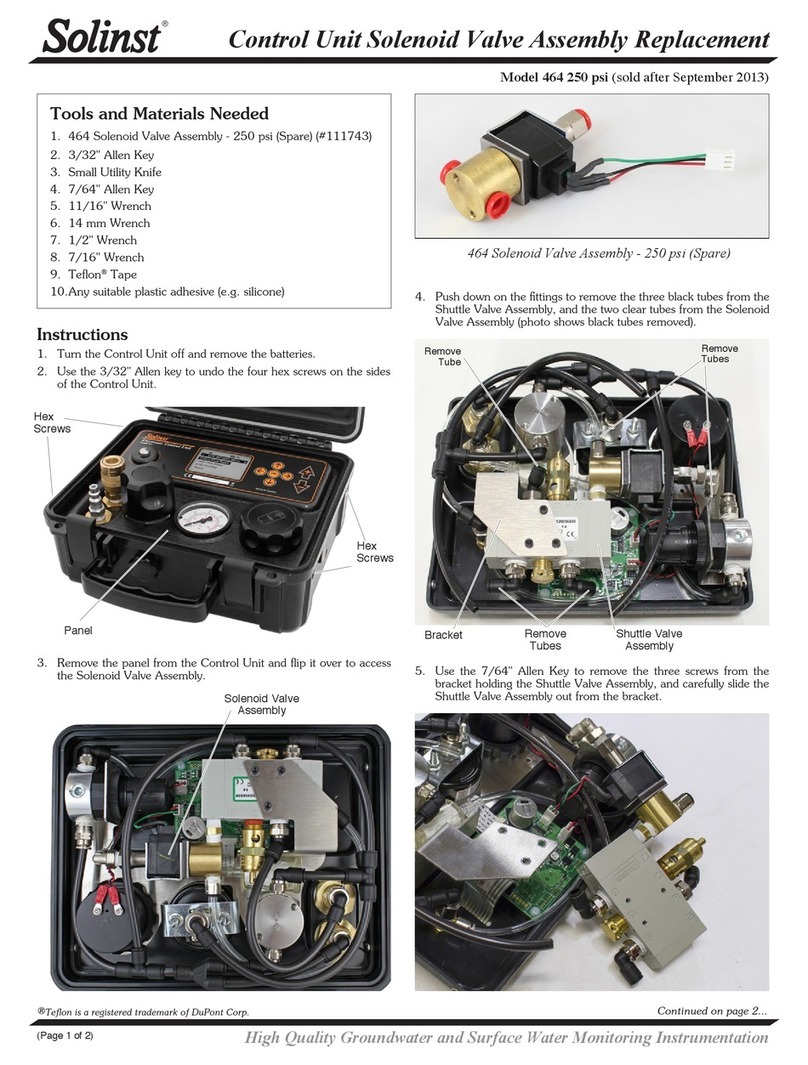
Solinst

Solinst 464 125 psi Configuration guide

Popular Control Unit manuals by other brands

Festo Compact Performance CP-FB6-E Brief description

Festo

Festo Compact Performance CP-FB6-E Brief description

Elo TouchSystems DMS-SA19P-EXTME Quick installation guide

Elo TouchSystems

Elo TouchSystems DMS-SA19P-EXTME Quick installation guide

JS Automation MPC3034A user manual

JS Automation

JS Automation MPC3034A user manual

JAUDT SW GII 6406 Series Translation of the original operating instructions

JAUDT

JAUDT SW GII 6406 Series Translation of the original operating instructions

Spektrum Air Module System manual

Spektrum

Spektrum Air Module System manual

BOC Edwards Q Series instruction manual

BOC Edwards

BOC Edwards Q Series instruction manual

KHADAS BT Magic quick start

KHADAS

KHADAS BT Magic quick start

Etherma eNEXHO-IL Assembly and operating instructions

Etherma

Etherma eNEXHO-IL Assembly and operating instructions

PMFoundations Attenuverter Assembly guide

PMFoundations

PMFoundations Attenuverter Assembly guide

GEA VARIVENT Operating	 instruction

GEA

GEA VARIVENT Operating instruction

Walther Systemtechnik VMS-05 Assembly instructions

Walther Systemtechnik

Walther Systemtechnik VMS-05 Assembly instructions

Altronix LINQ8PD Installation and programming manual

Altronix

Altronix LINQ8PD Installation and programming manual

Eaton Powerware Series user guide

Eaton

Eaton Powerware Series user guide

WAGO 750-407/040-000 manual

WAGO

WAGO 750-407/040-000 manual

Sony CCU-590 Operation manual

Sony

Sony CCU-590 Operation manual

Graco 25D614 instructions

Graco

Graco 25D614 instructions

Task Force Tips YE-RF-900 Instructions for installation, safe operation and maintenance

Task Force Tips

Task Force Tips YE-RF-900 Instructions for installation, safe operation and maintenance

Shini SPV-U Series manual

Shini

Shini SPV-U Series manual

manuals.online logo
manuals.online logoBrands
  • About & Mission
  • Contact us
  • Privacy Policy
  • Terms and Conditions

Copyright 2025 Manuals.Online. All Rights Reserved.

Controller Board Assembly Replacement
Model 464 Mk3 250 psi
High Quality Groundwater and Surface Water Monitoring Instrumentation
(Page 1 of 2)
Tools and Materials Needed
1. 464 Mk3 250 psi Controller Board Assembly (#113871)
(Includes Circuit Board and LCD)
2. 3/32" Allen Key
3. 3/16" Nut Driver
4. Needle Nose Pliers
Instructions
1. Turn the Pump Control Unit off and remove the batteries.
2. Use the 3/32" Allen key to undo the four hex screws on the sides
of the Control Unit.
Hex
Screws
Hex
Screws
Panel
3. Remove the panel from the Control Unit and flip it over to access
the controller board assembly.
®Solinst is a registered trademark of Solinst Canada Ltd.
Controller Board
Assembly
4. To gain better access to the controller board, disconnect any
tubing that may be in the way. To remove the tubing, push on the
“grasping ring” of the black tubing fitting (to release tubing) and pull
the tubing out. Remember where the tubing was connected.
Disconnect Tubing
Solenoid Connector Battery Connector
Solenoid Assembly
5. Pull to remove the battery connector and solenoid connector from
the circuit board.
6. Disconnect tubing as required from the solenoid assembly. Pull to
remove the solenoid assembly from the panel. Remember how it
was connected.
7. Press the tabs on the label ribbon cable to unlock and pull it from
the circuit board. You may need to use needle nose pliers.
Label Ribbon Cable
464 Mk3 250 psi Controller Board Assembly (#113871)
Printed in Canada
February 5, 2018
(#113872)
(Page 2 of 2)
For further information contact: Solinst Canada Ltd.
Fax: +1 (905) 873-1992; (800) 516-9081 Tel: +1 (905) 873-2255; (800) 661-2023
35 Todd Road, Georgetown, Ontario Canada L7G 4R8
Web Site: www.solinst.com E-mail: [email protected]
8. Use the 3/16" nut driver to undo the four nuts holding the controller
board assembly in place. Remove any washers. Be careful not to
lose any washers or nuts.
9. Slowly pull to remove the controller board assembly from the back
of the panel. This may take some force as the assembly may be
stuck to the adhesive on the back of the button faceplate label.
10. Leave any washers below the controller board assembly in place on
the mounting screws.
11. Peel any protective plastic from the LCD on the new controller
board assembly.
12. Place the new controller board assembly over the four mounting
screws on the back of the panel. Make sure the controller board
assembly is oriented correctly.
13. Put any washers back over the four screws. Use the nut driver
to tighten the for nuts, securing the controller board assembly in
place.
14. Reconnect the label ribbon cable to the circuit board.
15. Refasten the solenoid assembly to the panel and reconnect any
tubing by pushing into the fittings.
16. Plug the battery and solenoid connectors into the circuit board.
17. Reconnect any other tubing removed by pushing back into the
fittings.
18. Place the panel in the Control Unit case.
19. Reinstall the batteries. Test the Control Unit to ensure proper
connections were made.
20. Reinstall the four hex screws.