manuals.online logo
Brands
  1. Home
  2. •
  3. Brands
  4. •
  5. Solinst
  6. •
  7. Control Unit
  8. •
  9. Solinst 464 125 psi Use and care manual

Solinst 464 125 psi Use and care manual

Other Solinst Control Unit manuals
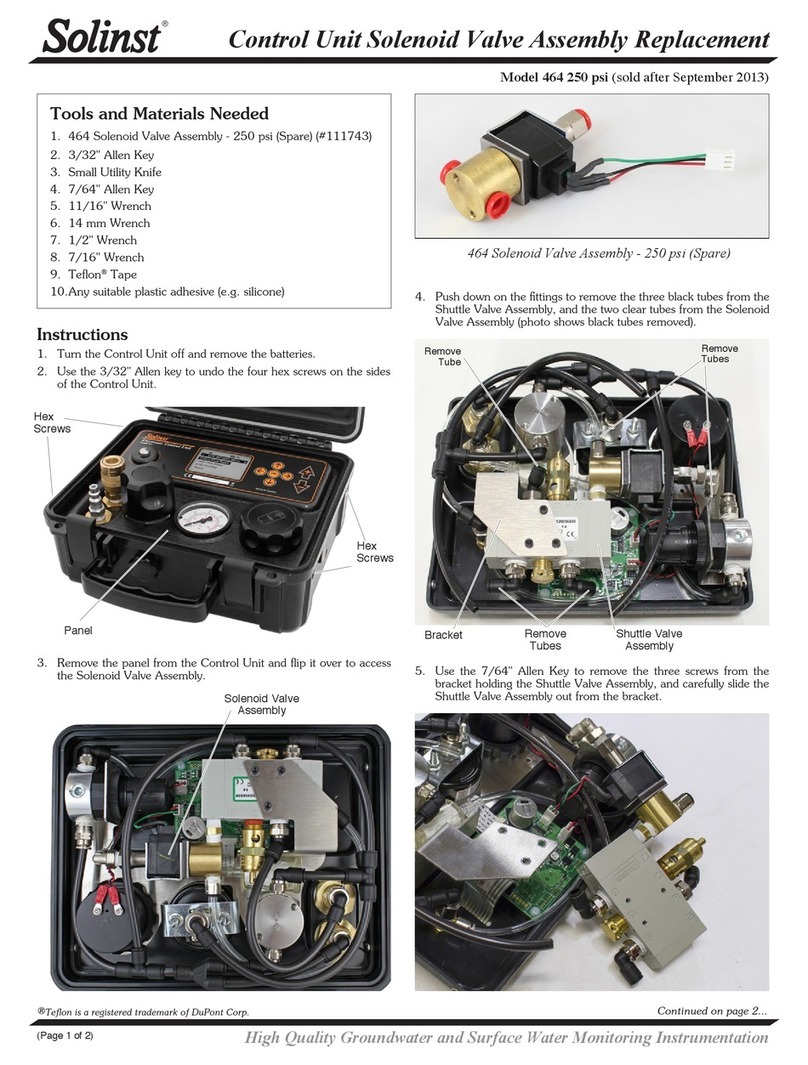
Solinst 464 Mk3 250 psi Use and care manual

Solinst

Solinst 464 Mk3 250 psi Use and care manual

Solinst 464 125 psi Configuration guide

Solinst

Solinst 464 125 psi Configuration guide

Solinst 464 125 psi Use and care manual

Solinst

Solinst 464 125 psi Use and care manual

Solinst 464 Operating instructions

Solinst

Solinst 464 Operating instructions

Solinst 464 250 psi Configuration guide

Solinst

Solinst 464 250 psi Configuration guide

Solinst 464 User manual

Solinst

Solinst 464 User manual

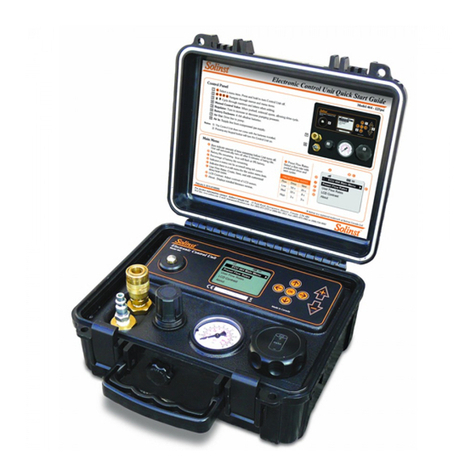
Solinst 464 250 psi Use and care manual
Solinst

Solinst 464 250 psi Use and care manual

Solinst 464 Mk3 User manual

Solinst

Solinst 464 Mk3 User manual
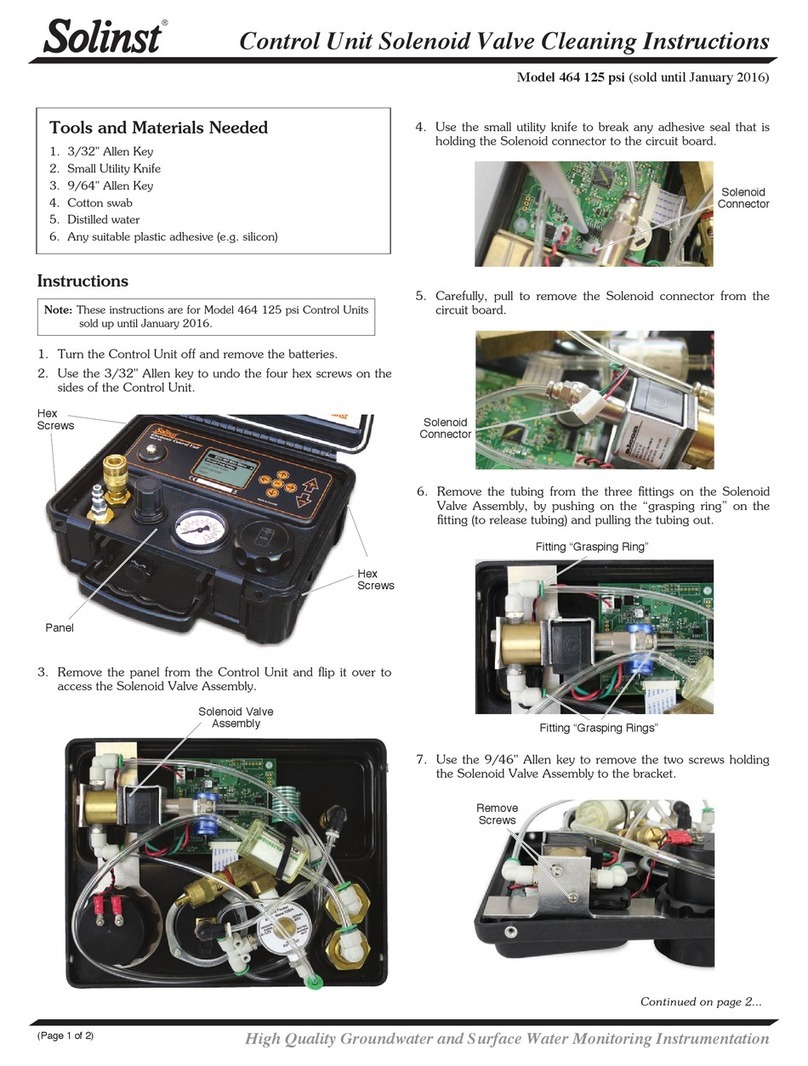
Solinst 464 Mk3 250 psi Use and care manual
Solinst

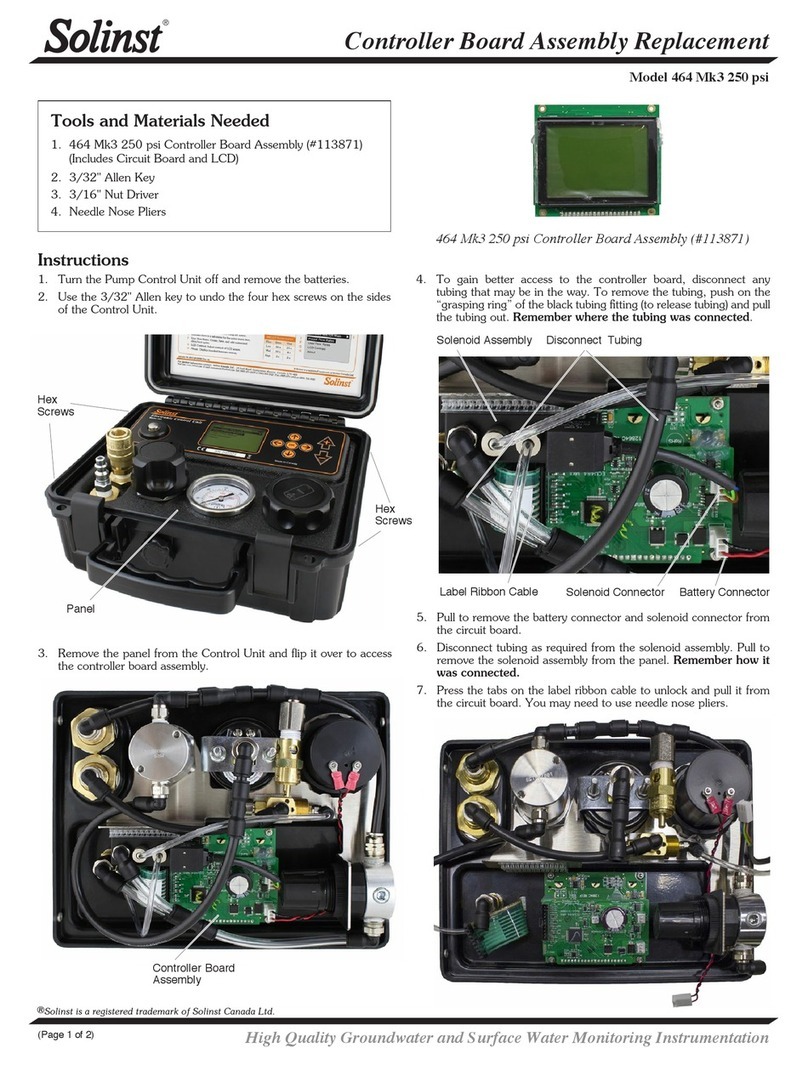
Solinst 464 Mk3 250 psi Use and care manual
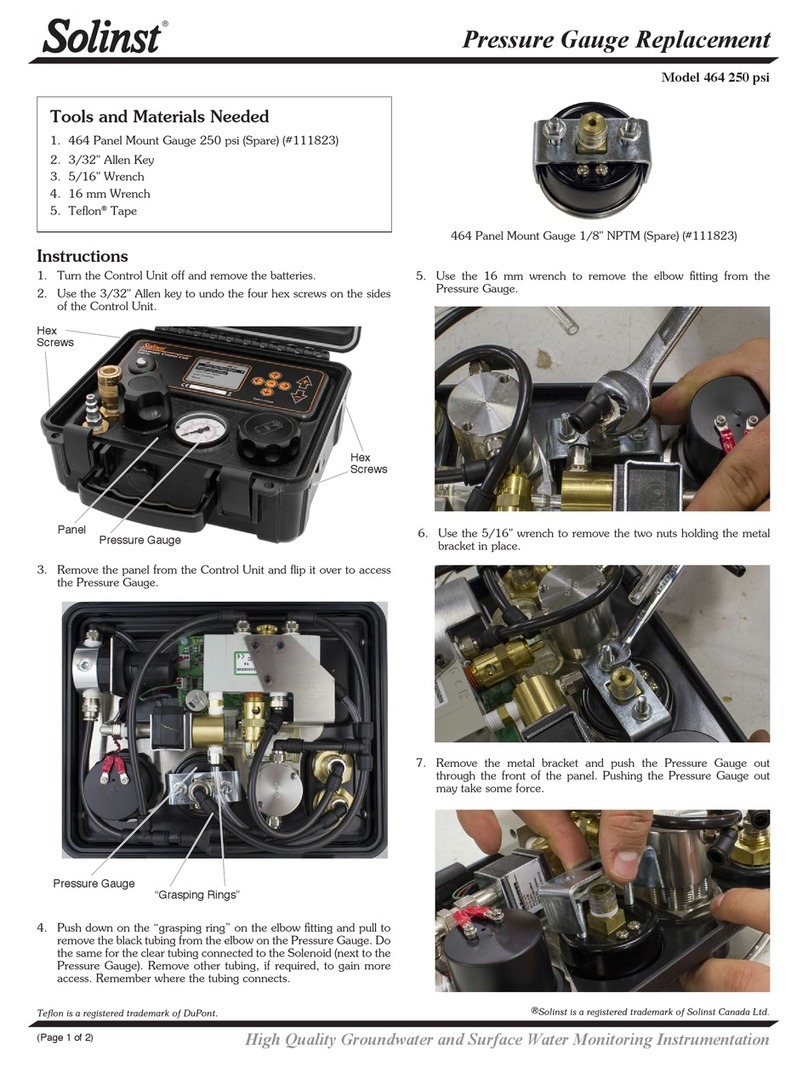
Solinst 464 250 psi Use and care manual

Solinst

Solinst 464 250 psi Use and care manual

Popular Control Unit manuals by other brands

Festo Compact Performance CP-FB6-E Brief description

Festo

Festo Compact Performance CP-FB6-E Brief description

Elo TouchSystems DMS-SA19P-EXTME Quick installation guide

Elo TouchSystems

Elo TouchSystems DMS-SA19P-EXTME Quick installation guide

JS Automation MPC3034A user manual

JS Automation

JS Automation MPC3034A user manual

JAUDT SW GII 6406 Series Translation of the original operating instructions

JAUDT

JAUDT SW GII 6406 Series Translation of the original operating instructions

Spektrum Air Module System manual

Spektrum

Spektrum Air Module System manual

BOC Edwards Q Series instruction manual

BOC Edwards

BOC Edwards Q Series instruction manual

KHADAS BT Magic quick start

KHADAS

KHADAS BT Magic quick start

Etherma eNEXHO-IL Assembly and operating instructions

Etherma

Etherma eNEXHO-IL Assembly and operating instructions

PMFoundations Attenuverter Assembly guide

PMFoundations

PMFoundations Attenuverter Assembly guide

GEA VARIVENT Operating	 instruction

GEA

GEA VARIVENT Operating instruction

Walther Systemtechnik VMS-05 Assembly instructions

Walther Systemtechnik

Walther Systemtechnik VMS-05 Assembly instructions

Altronix LINQ8PD Installation and programming manual

Altronix

Altronix LINQ8PD Installation and programming manual

Eaton Powerware Series user guide

Eaton

Eaton Powerware Series user guide

WAGO 750-407/040-000 manual

WAGO

WAGO 750-407/040-000 manual

Sony CCU-590 Operation manual

Sony

Sony CCU-590 Operation manual

Graco 25D614 instructions

Graco

Graco 25D614 instructions

Task Force Tips YE-RF-900 Instructions for installation, safe operation and maintenance

Task Force Tips

Task Force Tips YE-RF-900 Instructions for installation, safe operation and maintenance

Shini SPV-U Series manual

Shini

Shini SPV-U Series manual

manuals.online logo
manuals.online logoBrands
  • About & Mission
  • Contact us
  • Privacy Policy
  • Terms and Conditions

Copyright 2025 Manuals.Online. All Rights Reserved.

Control Unit Solenoid Valve Assembly Replacement
High Quality Groundwater and Surface Water Monitoring Instrumentation
(Page 1 of 2)
Model 464 125 psi
®Teflon is a registered trademark of DuPont Corp.
Continued on page 2.
Tools and Materials Needed
1. 464 Solenoid Valve Assembly - 125 psi (Spare) (#111383)
2. 3/32" Allen Key
3. Small Utility Knife
4. 7/16" Wrench
5. 9/64" Allen Key
6. Teflon®Tape (for stainless steel threads)
7. Any suitable plastic adhesive (e.g. silicon)
Instructions
1. Turn the Control Unit off and remove the batteries.
2. Use the 3/32" Allen key to undo the four hex screws on the sides
of the Control Unit.
Hex
Screws
Hex
Screws
3. Remove the panel from the Control Unit and flip it over to access
the Solenoid Valve Assembly.
Panel
4. Use the small utility knife to break any adhesive seal that is holding
the Solenoid connector to the circuit board.
Solenoid Valve
Assembly
5. Carefully, pull to remove the Solenoid connector from the circuit
board.
464 Solenoid Valve Assembly - 125 psi (Spare)
Solenoid
Connector
Solenoid
Connector
6. Remove the tubing from the three fittings on the Solenoid Valve
Assembly, by pushing on the “grasping ring” on the fitting (to
release tubing) and pulling the tubing out.
Fitting “Grasping Ring”
Fitting “Grasping Rings”
Printed in Canada
January 22, 2014
(#111382)
(Page 2 of 2)
For further information contact: Solinst Canada Ltd.
Fax: +1 (905) 873-1992; (800) 516-9081 Tel: +1 (905) 873-2255; (800) 661-2023
35 Todd Road, Georgetown, Ontario Canada L7G 4R8
Web Site: www.solinst.com E-mail: [email protected]
7. Use the 9/46" Allen key to remove the two screws holding the old
Solenoid Valve Assembly to the bracket.
8. Use the wrench to unscrew the two elbow connectors and one
stainless steel connector from the old Solenoid Valve Assembly.
9. Remove the three red plugs from the new Solenoid Valve Assembly
Unscrew
Elbow
Remove
Screws
Unscrew
Elbow
Note: Wrap Teflon tape around the threads of the stainless steel
connector.
11. Mount the new Solenoid Valve Assembly to the bracket using the
two screws.
12. Push the tubing into the three fittings. Refer to the photo on
Page 1, to ensure proper connection.
13. Reconnect the Solenoid connector to the circuit board. After
connection, add a small amount of adhesive to the outside of the
connector to help secure it to the circuit board.
14. Place the panel in the Control Unit case and reinstall the four hex
screws.
15. Reinstall the batteries. Test the Control Unit to ensure proper
connections were made when replacing the Solenoid Valve
Assembly.
Plugs
Plug
10. Screw the two elbow connectors and one stainless steel connector
into to the new Solenoid Valve Assembly.
Unscrew
Connector
®Solinst is a registered trademark of Solinst Canada Ltd.