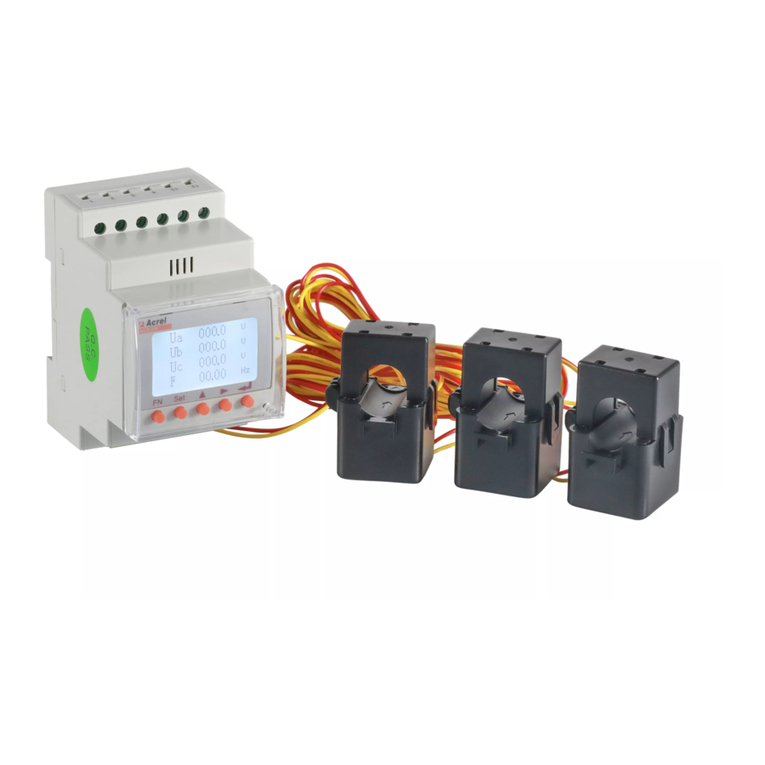
LCD Setting of EPM
4
Disclaimer
5
For further detailed instructions of cable connection and
LCD settings, please refer to the EPM user manual.
2. RS485 cable -> COMM-INV Port
Connect the 2-pin connector to the COMM-INV Port of the
EPM and then the other end of the cable to the COM port of
the inverter or the daisy chain of the inverters.
+ to connect RS485 A
- to connect RS485 B
3. CT cables -> CT1/CT2/CT3 Ports
Connect the CT connectors to the EPM CT ports, and make sure
CT1, CT2 and CT3 are installed on L1,L2 and L3 with correct
sequence. The 2-pin CT connectorsare the same with the 2-pin
Rs485 connector.
Note:
The CTs need to be installed at the PCC (Point of Common
Coupling), instead of the load branch circuit.
P1 towards grid and P2 towards inverter.
After the EPM is powered up, go to the following setting path to
define the number of inverters in the system.
Setting Path: Advanced Setting -> Password:0010
-> Inverter Qty. Set
YES=<ENT> NO=<ESC>
Total Inverter Num:09
Then, set the CT parameter based on the actual CTs used in
the system.
Setting Path: Advanced Setting -> Password:0010
-> Set Meter CT
YES=<ENT> NO=<ESC>
Set Para:0030:1
This manual is subject to change without prior notification.
Copyright is reserved. Duplication of any part of this manual
is prohibited by any means without written permission.
φ9.5~φ11.5
L1
L2
L3
N
1
2
3
N
Stripped length=3mm
Cross-section
1.5mm²
Control Board
Meter Dataloggoer
Grid Port
L1/L2/L3
CT Ports
Reserved LAN WiFi
RS485 RS485 RS485
For Solis Three Phase Inverters
with COM2 and COM3 (RJ45 ports)
COM2 COM3 COM2 COM3 COM2
L1 L2 L3 N PE
L1 L2 L3 N PEL1 L2 L3 N PE
A B
RJ45
L1
L2
L3
N
PE
INV 1 INV 2 INV N
Grid
L1
L2
L3
N
PE
Load
RS485 A < ---- Pin 1 & 4
P1
RS485 B < ---- Pin 2 & 5
Antenna to
Monitoring System
RS485
COMM
-INV
System Diagram
5
+ to connect S1(Red)
- to connect S2(Black)
NO.
1
2
3
4
5
6
CT parameter
300:5(1)
500:5(1)
1000:5(1)
1500:5(1)
2000:5(1)
3000:5(1)
Hole Dimension AKH-0.66K
22 x 32
42 x 62
42 x 82
52 x 82
82 x 82
82 x 122
62 x 122
42 x 102
42 x 132
62 x 142
82 x 162
82 x 202
a x e(mm)
a
e
The following table describes the optional CT package that
can be ordered separately from Solis. (Please evaluate your
system requirements before placing the order)
Note:
The standard package of EPM DOESN’T include the CT
current sensor. Please select CT with secondary
current of 1A or 5A.
6
P2