manuals.online logo
Brands
  1. Home
  2. •
  3. Brands
  4. •
  5. Sony
  6. •
  7. Headset
  8. •
  9. Sony WF-1000XM5 User manual

Sony WF-1000XM5 User manual

Other manuals for WF-1000XM5

1

This manual suits for next models

1

Other Sony Headset manuals

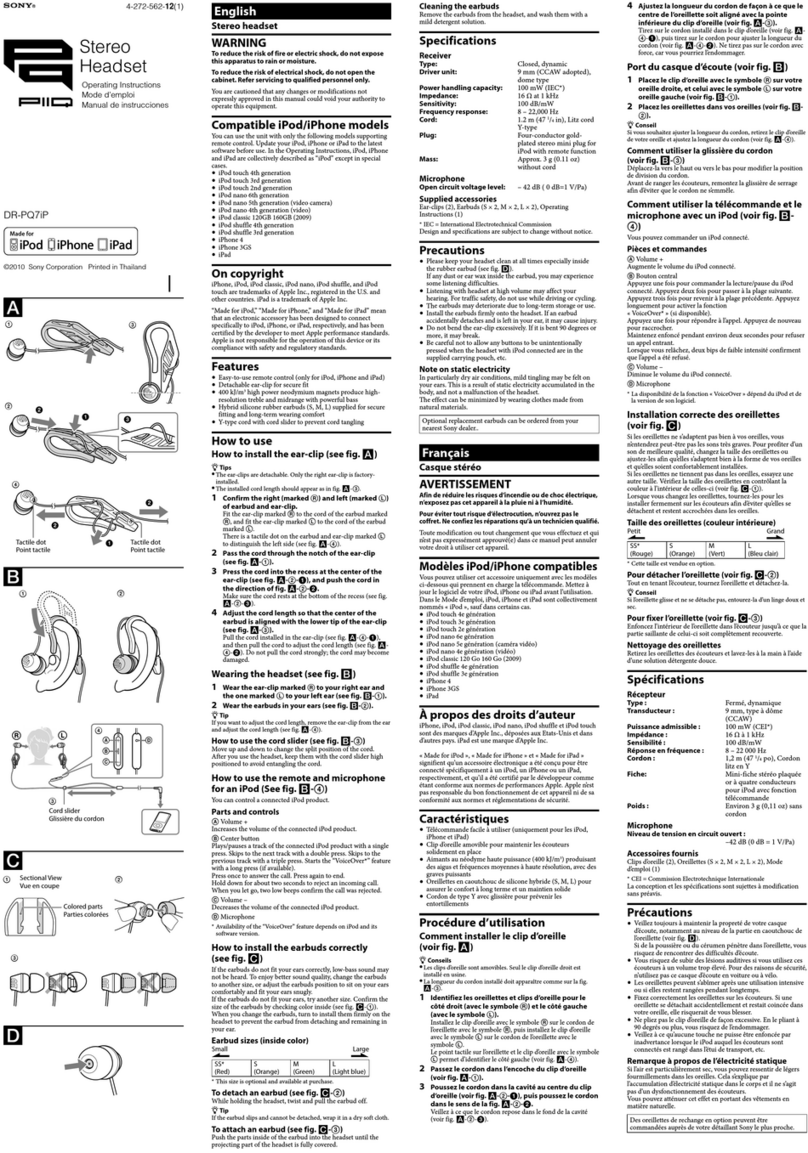
Sony DR-EX12iP User manual

Sony

Sony DR-EX12iP User manual

Sony SBH60 User manual

Sony

Sony SBH60 User manual

Sony MDR-ZX780DC User manual

Sony

Sony MDR-ZX780DC User manual

Sony SP700N User manual

Sony

Sony SP700N User manual

Sony MDR-ZX550BN User manual

Sony

Sony MDR-ZX550BN User manual

Sony 4-130-181-52(1) User manual

Sony

Sony 4-130-181-52(1) User manual

Sony SCEH-00075 User manual

Sony

Sony SCEH-00075 User manual

Sony DR-EX39PP User manual

Sony

Sony DR-EX39PP User manual

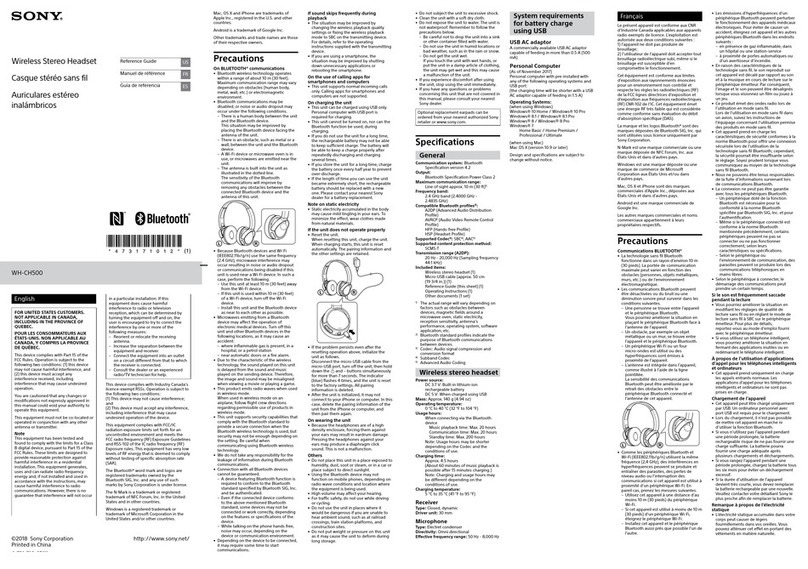
Sony WH-CH500 User manual

Sony

Sony WH-CH500 User manual

Sony SBH20 User manual

Sony

Sony SBH20 User manual

Sony MDR-ZX770BN User manual

Sony

Sony MDR-ZX770BN User manual

Sony LinkBuds S YY2950 User manual

Sony

Sony LinkBuds S YY2950 User manual

Sony STH40D User manual

Sony

Sony STH40D User manual

Sony MDR-ZX780DC User manual

Sony

Sony MDR-ZX780DC User manual

Sony WI-C300 User manual

Sony

Sony WI-C300 User manual

Sony MDR-ZX220BT User manual

Sony

Sony MDR-ZX220BT User manual

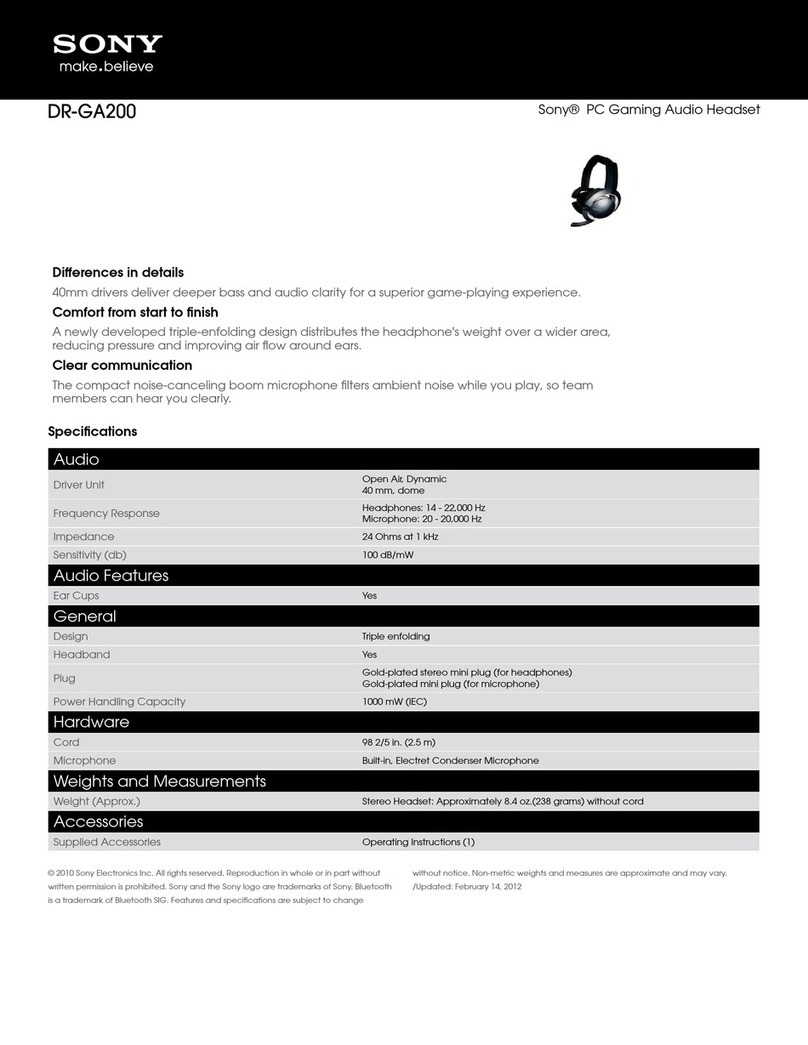
Sony DR-GA200 User manual

Sony

Sony DR-GA200 User manual

Sony XBA-4iP User manual

Sony

Sony XBA-4iP User manual

Sony DR-BTN200 User manual

Sony

Sony DR-BTN200 User manual

Sony CECHYA-0075 User manual

Sony

Sony CECHYA-0075 User manual

Sony WF-1000XM4 User manual

Sony

Sony WF-1000XM4 User manual

Sony WF-1000XM3 Reference guide

Sony

Sony WF-1000XM3 Reference guide

Sony MDR-710LP User guide

Sony

Sony MDR-710LP User guide

Sony XBA-4iP User manual

Sony

Sony XBA-4iP User manual

Popular Headset manuals by other brands

LYSAR INDUSTRIES EQ1 manual

LYSAR INDUSTRIES

LYSAR INDUSTRIES EQ1 manual

Nacon RIG 500 PRO Series user guide

Nacon

Nacon RIG 500 PRO Series user guide

HUHD HW-933M instruction manual

HUHD

HUHD HW-933M instruction manual

H2O Audio Natalie Coughlin Signature Series iSH2-5A1 user guide

H2O Audio

H2O Audio Natalie Coughlin Signature Series iSH2-5A1 user guide

Bose IN-EAR HEADPHONES owner's guide

Bose

Bose IN-EAR HEADPHONES owner's guide

Intaride S-3 manual

Intaride

Intaride S-3 manual

Jabra Elite 7 Pro How do

Jabra

Jabra Elite 7 Pro How do

Sena SMH10 quick start guide

Sena

Sena SMH10 quick start guide

IASUS Stealth  IA-NT4-BASIC-BT manual

IASUS

IASUS Stealth IA-NT4-BASIC-BT manual

Sennheiser EPOS ADAPT 230 user guide

Sennheiser

Sennheiser EPOS ADAPT 230 user guide

Anycom PAROS-10 user manual

Anycom

Anycom PAROS-10 user manual

GE 98971 datasheet

GE

GE 98971 datasheet

Jabra PRO 9460 - PRO 9460-DUO user manual

Jabra

Jabra PRO 9460 - PRO 9460-DUO user manual

Hama 00184070 quick start guide

Hama

Hama 00184070 quick start guide

Plantronics Blackwire 3200 Series user guide

Plantronics

Plantronics Blackwire 3200 Series user guide

Blue Tiger Advantage PLUS user manual

Blue Tiger

Blue Tiger Advantage PLUS user manual

Jabra FR 20 user guide

Jabra

Jabra FR 20 user guide

Roxcore Flow A+ manual

Roxcore

Roxcore Flow A+ manual

manuals.online logo
manuals.online logoBrands
  • About & Mission
  • Contact us
  • Privacy Policy
  • Terms and Conditions

Copyright 2025 Manuals.Online. All Rights Reserved.

©2023 Sony Corporation
Printed in China
https://www.sony.net/
5-048-296-41(1)
Wireless Noise Canceling Stereo Headset
Reference Guide
WF-1000XM5 Model: YY2963
https://rd1.sony.net/help/
mdr/2963/h_zz/
Model: YY2963
The term “product” in this document refers to the unit or its accessories.
Do not install the product in a confined space, such as a bookcase or
built-in cabinet.
Do not expose the batteries (battery pack or batteries installed) to
excessive heat, such as sunshine, fire or the like, for a long time.
Do not subject the batteries to extreme low temperature conditions that
may result in overheating and thermal runaway.
Do not dismantle, open, or shred secondary batteries.
In the event of a secondary battery leaking, do not allow the liquid to
come in contact with the skin or eyes. If contact has been made, wash the
affected area with copious amounts of water and seek medical advice.
Secondary batteries need to be charged before use. Always refer to the
manufacturer’s instructions or product manual for proper charging
instructions.
After extended periods of storage, it may be necessary to charge and
discharge the secondary batteries several times to obtain maximum
performance.
Dispose of properly.
Reduction in the Use of Hazardous Substances in Electrical & Electronic
Equipment (Applicable in Republic of India)
This product and its components, consumables, parts or spares comply
with the hazardous substances restriction of India’s E-Waste
(Management) Rules. The maximum allowable concentrations of the
restricted substances are 0.1% by weight in homogenous materials for
Lead, Mercury, Hexavalent Chromium, Polybrominated Biphenyls (PBB)
and Polybrominated Diphenyl Ethers (PBDE), and 0.01% by weight in
homogenous materials for Cadmium, except for the exemptions specified
in Schedule II of the aforesaid Rules.
High volume may adversely affect your hearing.
Do not use the unit while walking, driving, or cycling. Doing so may cause
traffic accidents.
Do not use in hazardous areas unless the surrounding sound can be
heard.
If water or foreign matter enters the unit, it may result in fire or electric
shock. If water or foreign matter enters the unit, stop use immediately and
consult your nearest Sony dealer. In particular, be careful in the following
cases.
• When using the unit near a sink or liquid container
Be careful that the unit does not fall into a sink or container filled with
water.
• When using the unit in the rain or snow, or in humid locations
For details on the effects of contact with the human body from the mobile
phone or other wireless devices connected to the unit, refer to the
instruction manual of the wireless device.
If the earbud tips are not securely attached, they may fall off and remain
inside the ear during use. Make sure that the earbud tips are securely
attached before use.
Never insert the USB plug when the unit or charging cable is wet. If the
USB plug is inserted while the unit or charging cable is wet, a short circuit
may occur due to liquid (tap water, seawater, soft drink, etc.) or foreign
matter on the unit or charging cable, and cause abnormal heat generation
or malfunction.
This product has magnet(s) which may interfere with pacemakers,
programmable shunt valves for hydrocephalus treatment, or other medical
devices. Do not place this product close to persons who use such medical
devices. Consult your doctor before using this product if you use any such
medical device.
This product has magnet(s). Swallowing magnet(s) could cause serious
harm, such as choking hazard or intestinal injuries. If magnets (or a
magnet) were swallowed, consult a doctor immediately. Keep this product
away from children or other supervised individuals to prevent accidental
ingestion.
There is a danger that this unit or its small parts may be swallowed. After
use, store the unit in the charging case and store in a location out of reach
of small children.
Note about static electricity
If you use the unit when the air is dry, you may experience discomfort due
to static electricity accumulated on your body. This is not a malfunction of
the unit. You can reduce the effect by wearing clothes made of natural
materials that do not easily generate static electricity.
5 V
YY2963
Precautions
The two-dimensional code or the URL on the cover will help you
access the help guide that describes useful notes or procedures
in details.
On water resistant of the unit
• The charging case is not water resistant.
• Unless the unit is used correctly, water may get into the unit and
cause fire, electrocution, or malfunctions.

Note the following cautions carefully and use the unit correctly.
To maintain water resistant performance
Carefully note the precautions below to ensure proper use of the unit.
• Do not splash water forcibly into the sound output holes.
• Do not drop the unit into water, and do not use underwater.
• Do not allow the unit to remain wet in a cold environment, as the
water may freeze. To prevent malfunction, make sure to wipe off any
water after use.
• Do not place the unit in water or use it in a humid place such as a
bathroom.
• Do not drop the unit or expose it to mechanical shock. Doing so may
deform or damage the unit, resulting in deterioration of water
resistance performance.
On BLUETOOTH® communications
• Microwaves emitting from a Bluetooth device may affect the operation
of electronic medical devices. Turn off this unit and other Bluetooth
devices in the following locations, as it may cause an accident:
– in hospitals, near priority seating in trains, locations where inflammable
gas is present, near automatic doors, or near fire alarms.
On charging the unit
• Observe the following precautions. Failure to do so may cause fire,

burns, injury, or electric shock.
– Do not attach metallic objects (such as stickers made of materials
containing metal) to the wireless charger or the unit.
– When using wireless charging, remove the cover attached to the
charging case, and do not place metallic objects (such as straps or clips
containing metal) on the wireless charger.
– If something unusual occurs during wireless charging, such as unusual
odor, unusual sound, smoke, overheating, or deformation, carefully
and safely remove the unit from the wireless charger.
• When you have medical electric devices such as pacemakers or
defibrillators implanted, consult your doctor before using the wireless
charging pad. Radio waves may affect the operations of the medical
electric devices.
• Be sure to use the supplied USB Type-C cable.

Notes on wearing the unit
• After use, remove the headphones slowly.
• Because the earbud tips achieve a tight seal in the ears, forcibly pressing
them in or quickly pulling them out can result in eardrum damage.
When wearing the earbud tips, the speaker diaphragm may produce a
click sound. This is not a malfunction.
On the earbud tips (Noise isolation earbud tips)
• Earbud tips are fitted within the ear, so there is an increased risk of
irritation of the ear canal. If you experience any discomfort, discontinue
use.
• Earbud tips are consumables and may deteriorate or break after
long-term use and storage. If the tips deteriorate or become damaged,
the audio performance such as sound quality and noise canceling will
become compromised. Replace them regularly.
Also, if an earbud tip becomes damaged, such as cracking, peeling,
chipping, or mesh becomes torn, the earbud tip or part of it may remain
in your ear and cause injury or illness. If you see any damage, be sure to
replace the tip.
• Avoid washing with water, wet wipes, and the use of organic solvents
such as alcohol, as these can cause premature deterioration.
Other notes
• If you experience discomfort while using the unit, stop using it
immediately.
• If you have any questions or problems concerning this unit that are not
covered in this manual, please consult your nearest Sony dealer.
Location of the serial number label
• the bottom of the charging case
Specifications
Headset
Power source:
DC 3.85 V: Built-in lithium-ion rechargeable battery
DC 5 V: When charged using USB
Operating temperature:
0 °C to 40 °C
Rated power for charging case:
Input: DC 5 V
Output: DC 5 V / 230 mA (L), DC 5 V / 230 mA (R)
Rated power consumption:
1.4 W (Headset), 3 W (Charging case)
Mass:
Approx. 5.9 g × 2 (Headset (including earbud tips (M)))
Approx. 39 g (Charging case)
Included items:
Wireless Noise Canceling Stereo Headset (1)
USB Type-C® cable (USB-A to USB-C®) (approx. 20 cm) (1)
Noise isolation earbud tips (SS (2), S (2), M (2), L (2))
Charging case (1)
Documents (1 set)
Communication specification
Communication system:
Bluetooth Specification version 5.3
Output:
Bluetooth Specification Power Class 1
Frequency band:
2.4 GHz band (2.4000 GHz - 2.4835 GHz)
Design and specifications are subject to change without notice.
System requirements for battery charge using
USB
USB AC adaptor
A commercially available USB AC adaptor capable of supplying an output
current of 0.5 A (500 mA) or more .
Trademarks
• The Bluetooth® word mark and logos are registered trademarks owned
by Bluetooth SIG, Inc. and any use of such marks by Sony Group
Corporation and its subsidiaries is under license.
• USB Type-C® and USB-C® are registered trademarks of USB Implementers
Forum.
• All other trademarks and registered trademarks are trademarks or
registered trademarks of their respective holders. In this manual, ™ and
® marks are not specified.
Licenses
• This product contains software that Sony uses under a licensing
agreement with the owner of its copyright. We are obligated to
announce the contents of the agreement to customers under
requirement by the owner of copyright for the software. Please access
the following URL and read the contents of the license.
https://rd1.sony.net/help/mdr/sl/23/
• Services offered by third parties may be changed, suspended, or
terminated without prior notice. Sony does not bear any responsibility in
these sorts of situations.