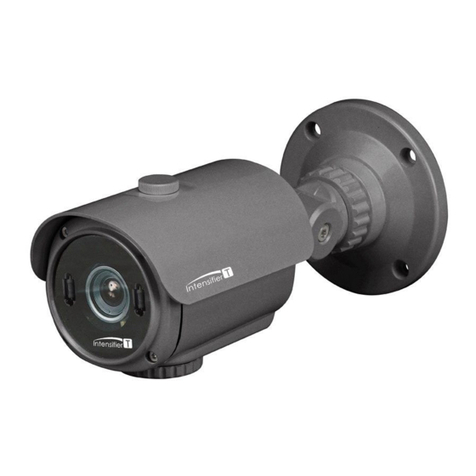
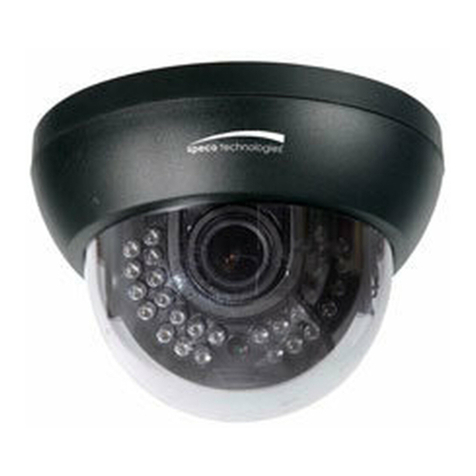
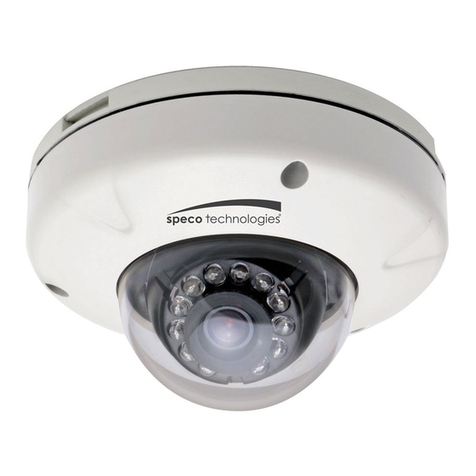
2.1 Location and Function of Parts
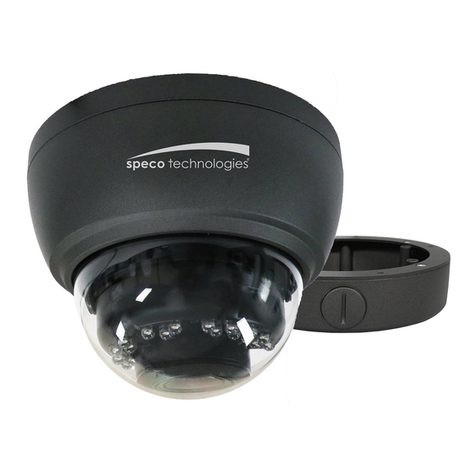
1. Unit casing
The unit casing is made of die-cast aluminum and has conduit holes on the
side and bottom.
2. Safety cord
The safety cord prevents the dome casing from falling to avoid do harm to
people. Please do not remove the safety cord from the unit. If it is necessary
to remove, please remember to fasten the screws accompanied.
3. Zoom lever & Focus lever
Adjusts the camera range and focus. The lever itself is a screw and can be re
moved. Turning this screw all the way clockwise locks the position.
4. UTP-Unshield Twisted Pair(white/black wire)
Twisted Pair(TP) terminal (CAT.5E) for video signal. Usage of TP output re
quires a TP receiver at the other end of the TP line.
5. Power connector(red/black wire)
Connects to the external power source. (DC12V/AC24V)
6. BNC connector
Connects to the VIDEO IN connector of the Monitor Video Connector.
7. Mode setting DIP switch
The following DIP switches are set to defalut position(shaded) as shipped
from factory.
- BLC (backlight compensation) (lnitial setting: ON)
When switched on, the function adjusts exposure to compensate for situa- tions where
the subject is lit from behind. Set BLC to OFF if capturing strong light intensity images
(i.e. glare from car headlights).
- AGC (automatic gain control) (lnitial setting: ON)
- DC/AES Mode switch (Always setting: ON)
This function is useless in the camera.
- Flickerless (lnitial setting: OFF)
Flickerless reduces ickers when NTSC camera is used with 50Hz power
freqency and vice versa. Users can turn on the ickerless function
8. Monitor (MONITOR OUT) connector
You can connect to a monitor from this connector.You can adjust
the camera while looking at the image on the monitor. After adjusting the camera,
disconnect the cable.
9. IR Board