8
camera features:
• Pan/Scan:
Keeping baby in view is important as they get more
mobile and curious. Parents can use the pan and scan feature
to adjust the camera. Use the up, down, left, or right arrows on
the screen to keep baby in view at all times.
• Motion Tracking:
Allows you to activate the camera for
automatic movement detection and it follows any movement
by baby. The camera refocuses after movement stops.
Feature can be turned on/off by pressing the icon in the
Features Control Menu.
• Multi-Level Zoom:
Multi-level zoom enables increasing levels
of a zoomed-in image on screen. This provides parents with
much closer views on screen than one-level zoom, with the
option to view from 1 to 3 times closer. Press the icon on
screen to zoom.
• Two-Way Communication:
Calm baby with the sound of your
voice with talk-back. Parents speak into the handheld unit or
their smart device and their voice is projected through the
camera. It’s reassuring for parents to be able to talk to or
soothe a crying baby. It’s also a convenient tool for parents,
making communication easy if one of them needs a reminder
to bring something from one room to another. Press and hold
the Talk Button on the top of the in-home handheld while
speaking.
• Night Vision:
Rest assured knowing you can see your baby day
and night with automatic night vision. The system
automatically adjusts to the level of light in the room to keep
your baby in view in low light and dark room conditions,
making it easy to continue monitoring overnight. Night vision
video is displayed in black and white.
• Internet Status Lights:
The lights on the front of the camera will
tell you the status of your camera’s connection to an internet
source (see page 9 for more details). To toggle lights on and
off use the switch located on the back of your camera.
• Adjustable Volume & Brightness:
Volume adjustments allow
higher volume settings to hear every little sound while lower
volume settings monitor the louder sounds from baby. Easily
increase and decrease the brightness on your monitor screen,
press the feature control menu then the brightness control icon,
and using the up and down arrows in the feature control menu,
adjust the brightness to accommodate the level of light in the
room.
• Sound Lights:
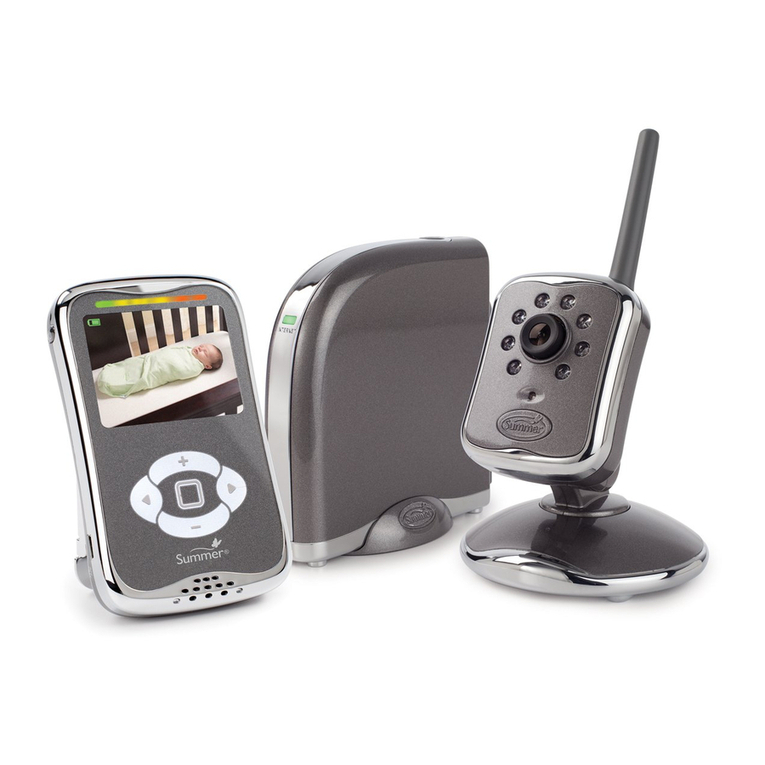
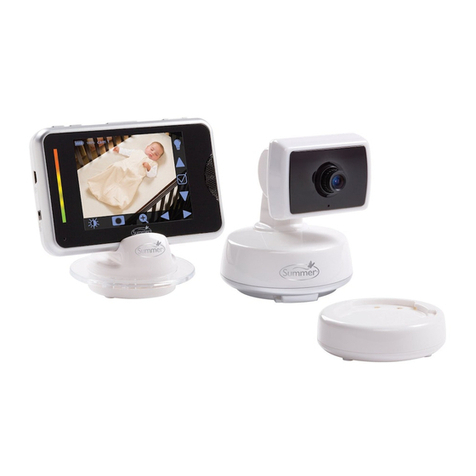
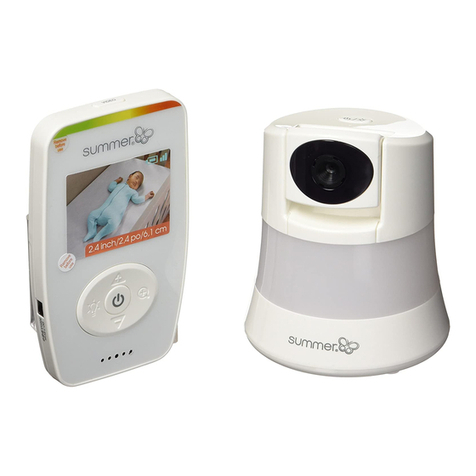
The video monitor lets you not only hear your
baby but with sound lights parents can “see” when sound is
coming from baby’s room. Displayed on a color bar above the
video screen, the color changes from green to amber to red as
the sound level increases. These lights can be especially
helpful for parents when they are in crowded or noisy rooms.