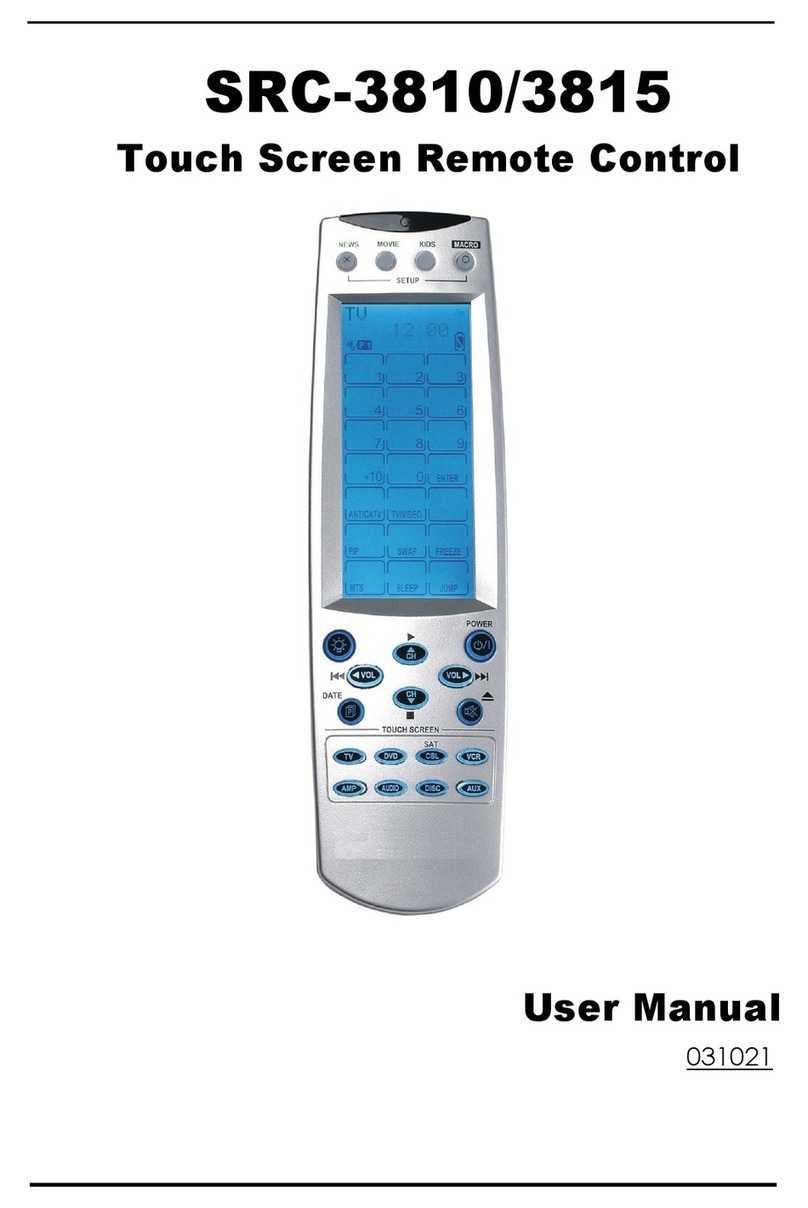
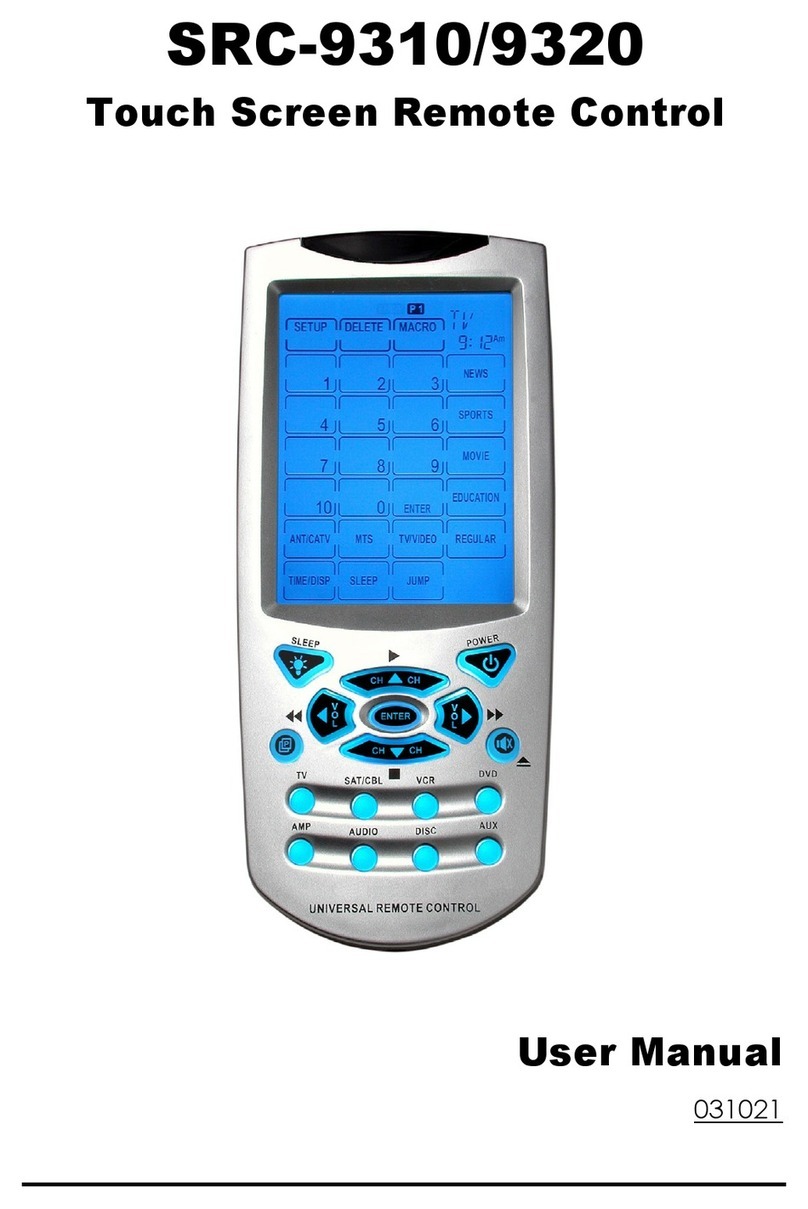
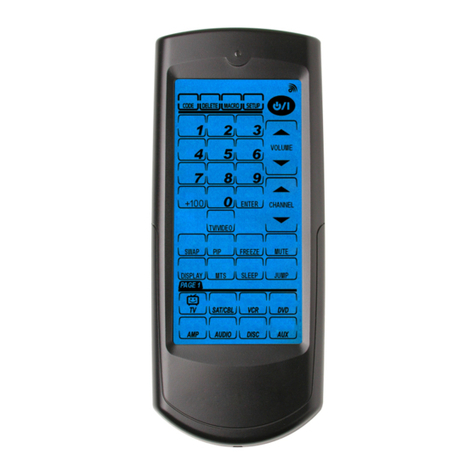
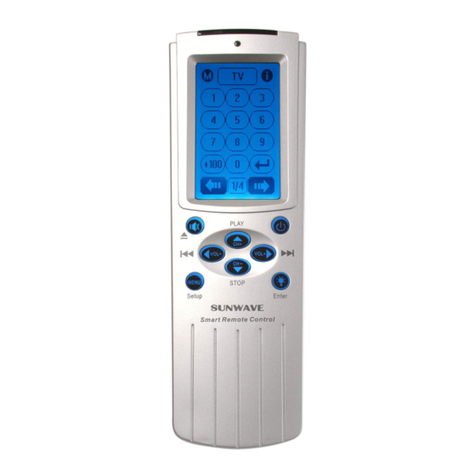
Sunwave Tech. SRC-3820 User manual

SRC-3820
Touch Screen Remote Control
User Manual
050805


Preface
About this manual
This manual is designed to make using the SRC-3820 Touch Screen
Universal Remote Control as easy as possible. Information in this
document has been carefully checked for accuracy; however, no
guarantee is given to the correctness of the contents. The information in
this document is subject to change without notice.
Copyright
© Copyright 2005
This document contains proprietary information protected by copyright.
All rights are reserved. No part of this manual may be reproduced by
any mechanical, electronic or other means, in any form, without prior
written permission of SUNWAVE Technology Corporation.
Trademarks
All trademarks and registered trademarks are the property of their
respective owners.

SRC-3820 User’s Manual
ii
Table of Contents
Chapter 1 - Introducing the SRC-3820 ……………………………….1
SRC-3820 Features ………………………………………………….2
Unpacking the SRC-3820............................................................ 2
Identifying Components ………………………………………….3
Chapter 2 - Getting Started............................................................. 4
Installing Batteries ........................................................................ 4
Battery Indicator .................................................................. 5
Battery Tips and Precautions.............................................. 5
About the Touch Screen ............................................................ 6
Turning the LCD On ............................................................. 6
Precautions of Using the Touch Screen............................ 6
Using Hard Buttons....................................................................... 7
Entering the Setup Menu............................................................ 8
Navigating the Setup Menu............................................... 8
Chapter 3 - Setting Up the SRC-3820............................................ 10
Device Menu.............................................................................. 10
Creating a New Device.................................................... 11
Re-labeling a Device ........................................................ 11
Deleting a Device.............................................................. 13
Code Menu ................................................................................ 14
Using Pre-code to Program Devices............................... 15
Using Code Learning Mode ............................................. 17
Erasing a Key Code........................................................... 19
Erasing a Device Codes ................................................... 20
LCD Layout ................................................................................. 21
Using Macros .............................................................................. 22
Creating a New Macro..................................................... 23
Deleting a Macro............................................................... 25
Viewing a Macro ............................................................... 26

Preface
iii
Setting Quick CHs ..................................................................... 27
Setting a QUICK CH........................................................... 27
Deleting a QUICK CH …………..…………………………..28
Relabeling a QUICK CH .................................................... 29
Using Timer …………….…………………………………………...30
Creating a timer at the SLEEP mode ………………...….31
Creating a timer at the DATE mode …………………….33
Creating a time at the WEEK mode …………………….34
Deleting a timer ……………………………………………..35
Using the Transmission Feature ................................................ 36
Miscellaneous Menu ................................................................. 37
Setting the Date and Time ............................................... 38
Setting the Power Time ..................................................... 39
Setting the Backlight ………………………………………..39
Setting the Beep …………………………………………….40
Checking the Version Number ........................................ 40
Resetting the SRC-3820 back to Factory Default ................. 41
Appendix A - Specifications..........................................................42
Appendix B - Accessories..............................................................43
Appendix C – Troubleshooting ......................................................44
Troubleshooting Tables ............................................................. 44


1
Chapter 1 - Introducing the SRC-3820
Congratulations on your purchase of the SRC-3820
Touch-Screen Universal Remote Control. The SRC-3820
is a digital remote control that is equipped with a LCD,
touch panel and smart program. You can simply
select a device by tough panel and the appropriate
control screen will appear as you wish. The maximum
devices you can control on SRC-3820 are sixteen,
including VCRs, DVDs, TVs, Tuners, Amps, satellite dishes
and other equipments with infrared system.
The SRC-3820 is easy to set up. You can quickly
configure each device in your household or office by
using the innovative “learning eye” feature. In addition,
the advanced macro function enables you to initiate
a chain of up to 60 commands with the touch of a
single button.
Convenient and easy to use, the SRC-3820 provides
you with a complete central control solution.
This manual helps you learn how to use the SRC-
3820. It does not explain how to use your devices.
For your device, please refer to original user's
manual.

SRC-3820 User’s Manual
2
SRC-3820 Features
The following list illustrates the SRC-3820’s key features.
•Large Touch Screen display
•Timer macro enables SRC-3820 to send commands
at specific time
•Control up to 16 devices
•Built in the smartest Learning program
•Pre-programmed manufacturer’s codes
•Favorite channels grouping
•Soft Keys and layout on screen can be changed
•Built in motion detector
•LED Backlight
Unpacking the SRC-3820
After you have unpacked the SRC-3810, check its
contents to make sure the following items are included.
•SRC-3820
•User’s Manual
•Pre-programmed Code list
If any of above items is missing or appears damaged,
please contact your dealer immediately. Do not throw
the shipping carton away in case you need to ship
your SRC-3820 thereafter.

Identifying Components
3
Figure
1
:
Front View
Identifying Components
Refer to the following illustrations and identify related
key parts and components of the SRC-3820.
Infrared Eye: point the
infrared eye at the target
device
Quick Channel: enable
you to group channels
for easy access
LCD: stimulate
traditional controls on
key layout and provide a
better user interface
Touch Screen: replace
the function of rubber
buttons
Backlight: turn on LED
backlight
Hard Key: these
buttons include to turn
the target device on and
off, change channels,
and adjust or mute
volume
Page/Date: Exchange
page 1 and 2 each
device by pressing the
button, or display date
and time by pressing the
button
Device Keys: call
control screen for assign
device
Learning Eye: enable
users to learn original
remotes

4
Chapter 2 - Getting Started
This chapter provides you to get using the SRC-3820
quickly.
Installing Batteries
The SRC-3820 is powered up by four AAA Alkaline
batteries (excluded). Batteries must be inserted
before you operate the SRC-3820. For more
understanding, the following steps will guide you how
to install batteries.
1. Turn the remote over, push the tab in the direction of
the arrow on the battery cover and slide the cover off.
2. Insert batteries, matching each battery to the (+) and
(–) marks as shown in the battery case.
3. Replace the battery cover.
Table of contents
Other Sunwave Tech. Remote Control manuals

Sunwave Tech.
Sunwave Tech. SRC-3810 User manual

Sunwave Tech.
Sunwave Tech. SRC-3310/9320 User manual

Sunwave Tech.
Sunwave Tech. SRC-3000 User manual

Sunwave Tech.
Sunwave Tech. RemoteComm SRC-7000 User manual

Sunwave Tech.
Sunwave Tech. 3815 User manual

Sunwave Tech.
Sunwave Tech. RemoteComm SRC-7000 User manual

Sunwave Tech.
Sunwave Tech. SRC-3000b User manual

Sunwave Tech.
Sunwave Tech. RemoteComm SRC-7000 User manual