manuals.online logo
Brands
  1. Home
  2. •
  3. Brands
  4. •
  5. SYMBYX
  6. •
  7. Medical Equipment
  8. •
  9. SYMBYX PDCare Protocol User manual

SYMBYX PDCare Protocol User manual

Other SYMBYX Medical Equipment manuals

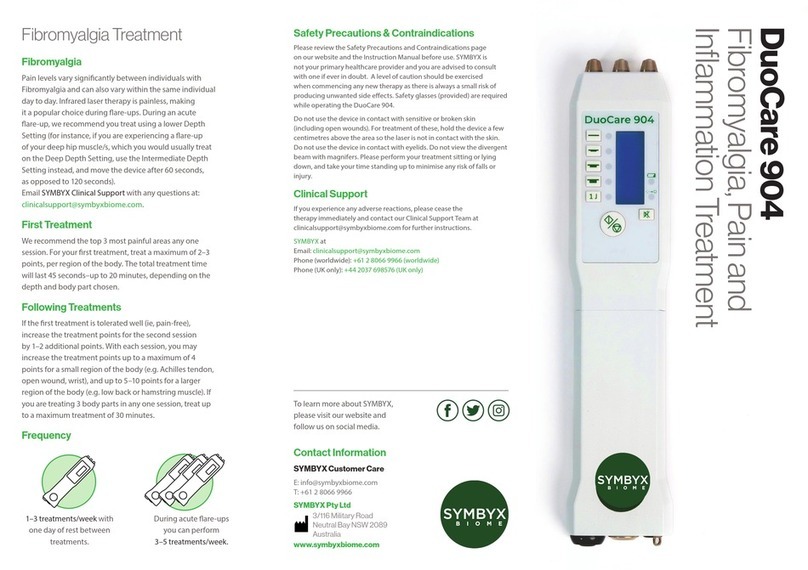
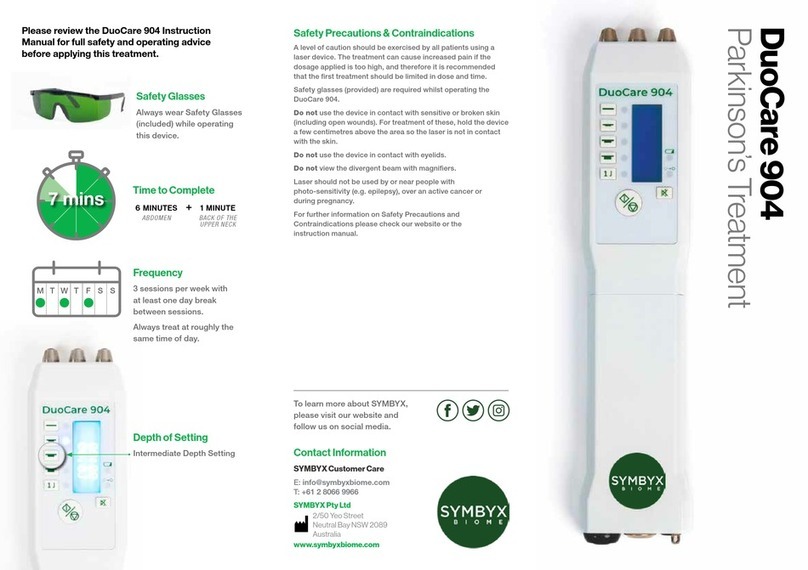
SYMBYX DuoCare 904 User manual

SYMBYX

SYMBYX DuoCare 904 User manual

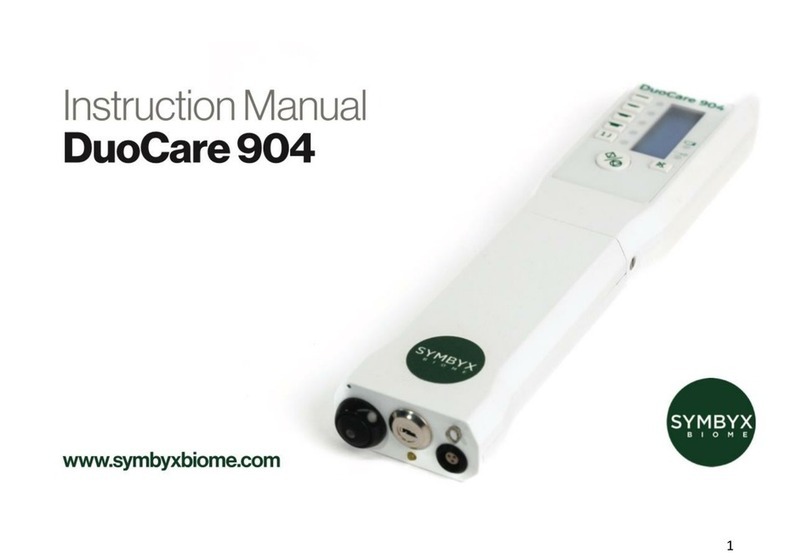
SYMBYX Biome DuoCare 904 User manual

SYMBYX

SYMBYX Biome DuoCare 904 User manual

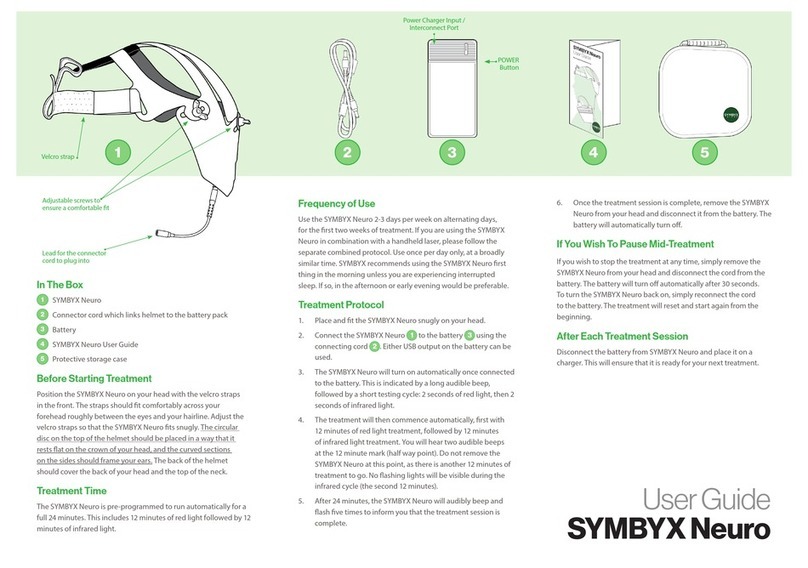
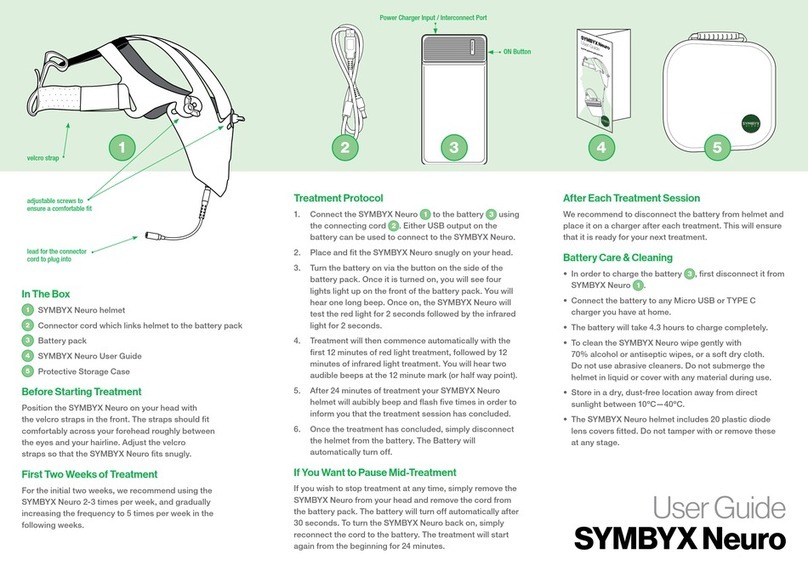
SYMBYX Neuro User manual

SYMBYX

SYMBYX Neuro User manual

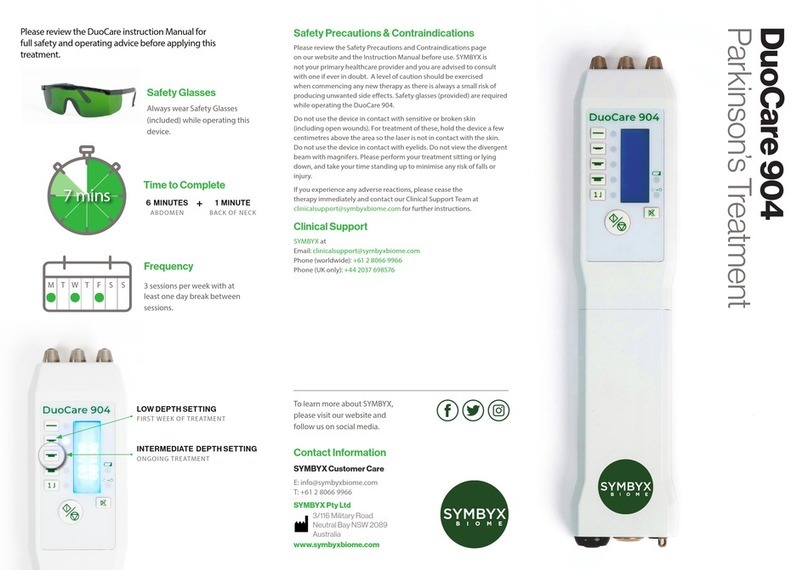
SYMBYX BIOME DuoCare 904 User manual

SYMBYX

SYMBYX BIOME DuoCare 904 User manual

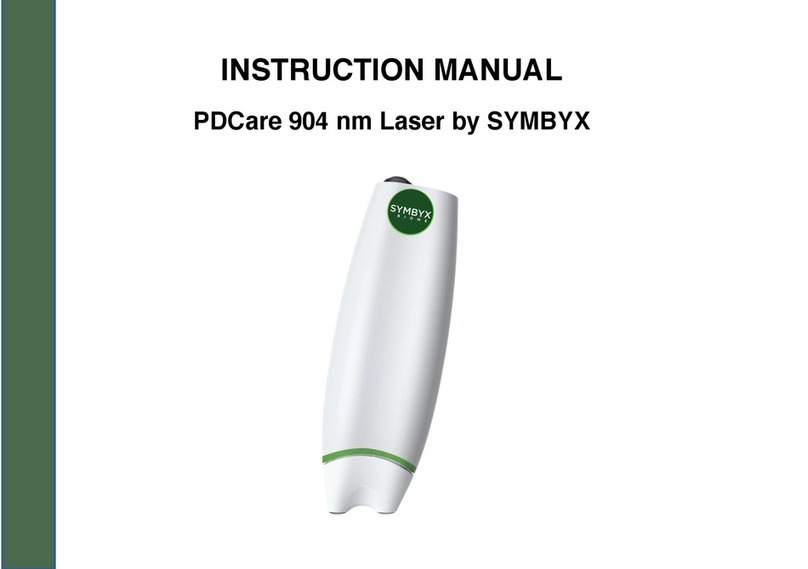
SYMBYX PDCare User manual

SYMBYX

SYMBYX PDCare User manual

SYMBYX Neuro User manual

SYMBYX

SYMBYX Neuro User manual

SYMBYX DuoCare 904 User manual

SYMBYX

SYMBYX DuoCare 904 User manual

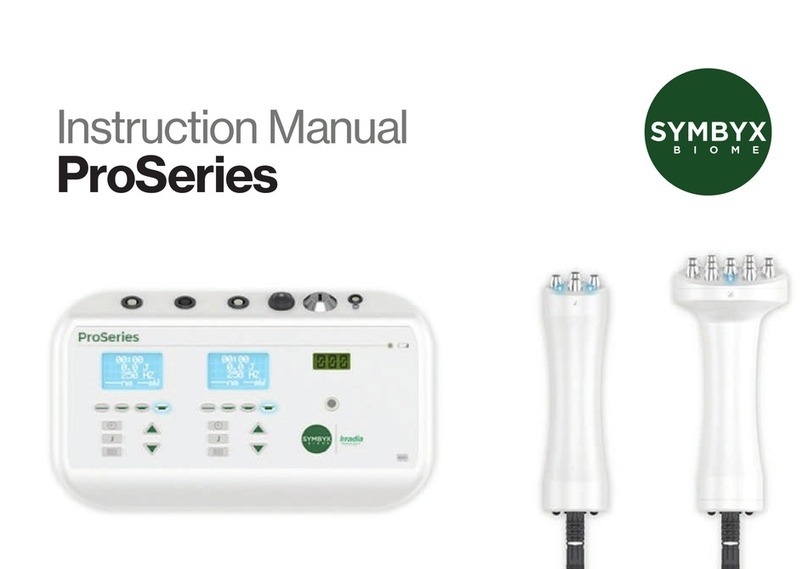
SYMBYX BIOME ProSeries User manual

SYMBYX

SYMBYX BIOME ProSeries User manual

SYMBYX Neuro User manual

SYMBYX

SYMBYX Neuro User manual

Popular Medical Equipment manuals by other brands

Itamar Medical WatchPAT Operation manual

Itamar Medical

Itamar Medical WatchPAT Operation manual

PROTEOR 1P650 KNEE Assembling and adjustment instructions

PROTEOR

PROTEOR 1P650 KNEE Assembling and adjustment instructions

Liberate Medical VentFree user manual

Liberate Medical

Liberate Medical VentFree user manual

Dicarre DA20 user guide

Dicarre

Dicarre DA20 user guide

Stryker Medical M Series Operation manual

Stryker Medical

Stryker Medical M Series Operation manual

Invacare ScanBed 750 user manual

Invacare

Invacare ScanBed 750 user manual

Getinge Arjohuntleigh Nimbus 3 Professional Instructions for use

Getinge

Getinge Arjohuntleigh Nimbus 3 Professional Instructions for use

Mettler Electronics Sonicator 730 Maintenance manual

Mettler Electronics

Mettler Electronics Sonicator 730 Maintenance manual

Pressalit Care R1100 Mounting instruction

Pressalit Care

Pressalit Care R1100 Mounting instruction

Denas MS DENAS-T operating manual

Denas MS

Denas MS DENAS-T operating manual

bort medical ActiveColor quick guide

bort medical

bort medical ActiveColor quick guide

AccuVein AV400 user manual

AccuVein

AccuVein AV400 user manual

agiliti NP Trio user manual

agiliti

agiliti NP Trio user manual

Rocket Medical Rocket Digital Oocyte Aspiration Pump Service manual

Rocket Medical

Rocket Medical Rocket Digital Oocyte Aspiration Pump Service manual

Monteris Medical Neuroblate Instructions for use

Monteris Medical

Monteris Medical Neuroblate Instructions for use

Otto Block 8E33 7 manual

Otto Block

Otto Block 8E33 7 manual

ADVANCED HOME CARE Helios Guide

ADVANCED HOME CARE

ADVANCED HOME CARE Helios Guide

NeuLog NUL-208 Guide

NeuLog

NeuLog NUL-208 Guide

manuals.online logo
manuals.online logoBrands
  • About & Mission
  • Contact us
  • Privacy Policy
  • Terms and Conditions

Copyright 2025 Manuals.Online. All Rights Reserved.

PDCare
Protocol
Frequency
3 times per week, with one day
of rest between treatments.
Time to Complete
18 MINUTES
ABDOMEN
2 MINUTES
BACKOFNECK
+
Please review the PDCare Instruction Manual for full
safety and operating advice.
Battery Care
• When the PDCare is low in power, you will notice the
following signs:
• It may work for several seconds or minutes and
then beep continuously
• It may start to beep every few seconds after you
turn it in
• It may not turn on at all
• Please make sure the PDCare is turned of fully after each
treatment. The green light within the power button should
be o.
• If the PDCare is not turned o after each use, the batteries
will need replacing more often than every 4 hours of
continuous usage.
• To change the batteries, unscrew the back of the device by
using the small athead screwdriver (provided), open and
replace the batteries. Do not over-tighten the screw once
the batteries are replaced.
• Rechargeable AAA batteries may be used. For convenience
you may want to purchase 12x AAA NiMH batteries to
have on hand, and an 8-slot battery charger for recharging
batteries every few weeks.
PDCare Treatment Safety Precautions & Contraindications
Please review the Safety Precautions and Contraindications page
on our website and the Instruction Manual before use. SYMBYX is
not your primary healthcare provider and you are advised to consult
with one if ever in doubt. A level of caution should be exercised
when commencing any new therapy as there is always a small risk
of producing unwanted side eects. These may include mild and
transient nausea, vomiting, dizziness and/or vertigo. These symptoms
are usually transient, and almost always fully resolve with a short
break from the therapy. Please perform your treatment sitting or lying
down, and take your time standing up to minimise any risk of falls or
injury. If you experience worsening balance, tremor, headache, nausea,
dizziness and/or other adverse reactions, please cease the therapy
immediately and contact our Clinical Support team at clinicalsupport@
symbyxbiome.com for further instructions
Clinical Support
SYMBYX at
Email: clinicalsupport@symbyxbiome.com
Phone (worldwide): +61 2 8066 9966
Phone (UK only): +44 2037 698576
20 mins
M T W T F S S
To learn more about SYMBYX,
please visit our website and
follow us on social media.
Contact Information
SYMBYX Customer Care
E: info@symbyxbiome.com
T: +61 2 8066 9966
SYMBYX Pty Ltd
3/116 Military Road
Neutral Bay NSW 2089
Australia
www.symbyxbiome.com

Please always treat below your rib cage and above your
pelvis to ensure best results. Please be seated, or lying down
during treatment.
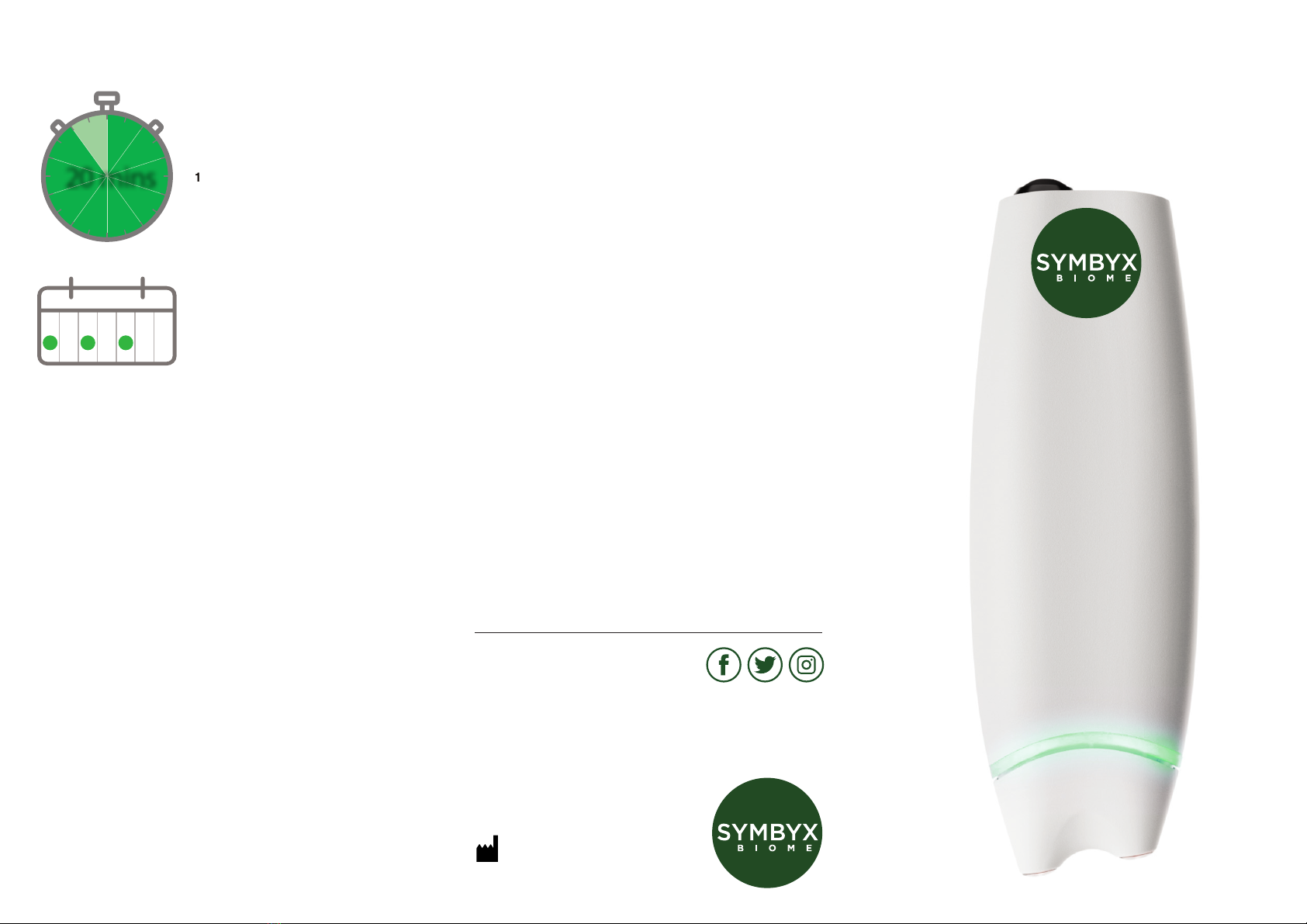
Turn On the PDCare Laser
• Press the power button gently on the top of the PDCare and
release  . The small green light within the power button will
now be illuminated.
• This will be followed by 4 short beeps and a ashing green light
band  .
• When the PDCare is pressed onto the treatment area, the green
band of light will be illuminated, indicating that the laser diodes
are emitting laser light  .
First Week of Treatment
For the rst week of treatment, we recommend starting
with half the dosage. Simply follow the below instructions
but only treat each spot on the abdomen and back of neck
for 1 minute per spot (10 minutes in total). After the rst
week, complete the full protocol and hold the PDCare
laser on each spot for 2 minutes (20 minutes in total).
The Abdomen
• After turning the PDCare on, press the laser end of the PDCare
laser  comfortably onto the bare skin of your abdomen,
ensuring that the green light band is illuminated  . The PDCare
laser will beep every 1 minute of laser treatment.
• Hold the PDCare on each of the 9 spots marked on the diagram
for 2 minutes of treatment (2 beeps). You can move the laser
around the 9 spots in any order you choose, using your belly
button as the middle point of the abdomen. The top 3 spots to
treat are above the belly button but below the ribs. The bottom
3 spots are just below the belly button.
• If at any time during the treatment you release pressure on the
laser device and the green light band  switches o, simply
recommence the treatment. The PDCare will not revert back to
zero seconds, but will continue treating for the remaining time of
that minute.
PDCare
Tre atm e nt
Turn O the PDCare
1. Press the power button on the top
of the PDCare and release .
2. The small green light within the
power button will now turn o .
3. When pressed against the skin
there should be no beeping sound
or ashing light.
The Back of the Neck
• After completing the abdomen
routine, press the laser against
the back of the neck just below
the base of the skull (top of the
neck). Hold the PDCare in this
treatment spot for 2 minutes (2
beeps).
1
1
1
2
3