2Synthes Compact Air Drive II Instructions for Use
Introduction
Intended use
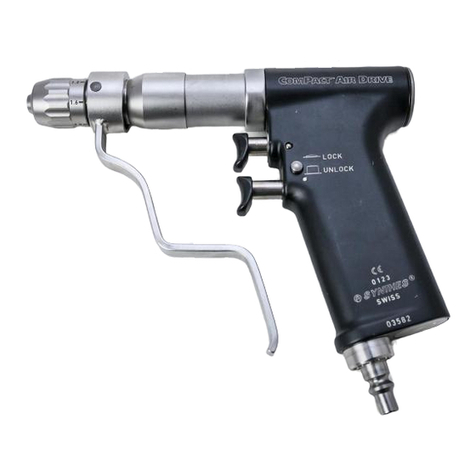
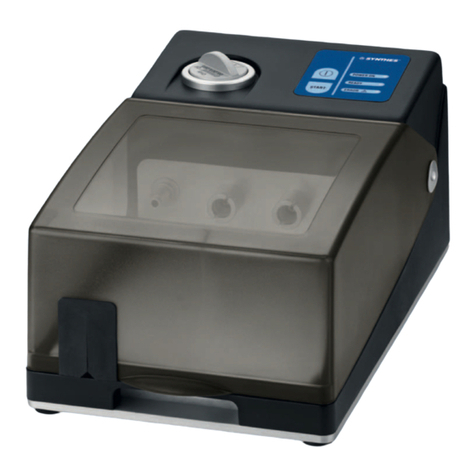
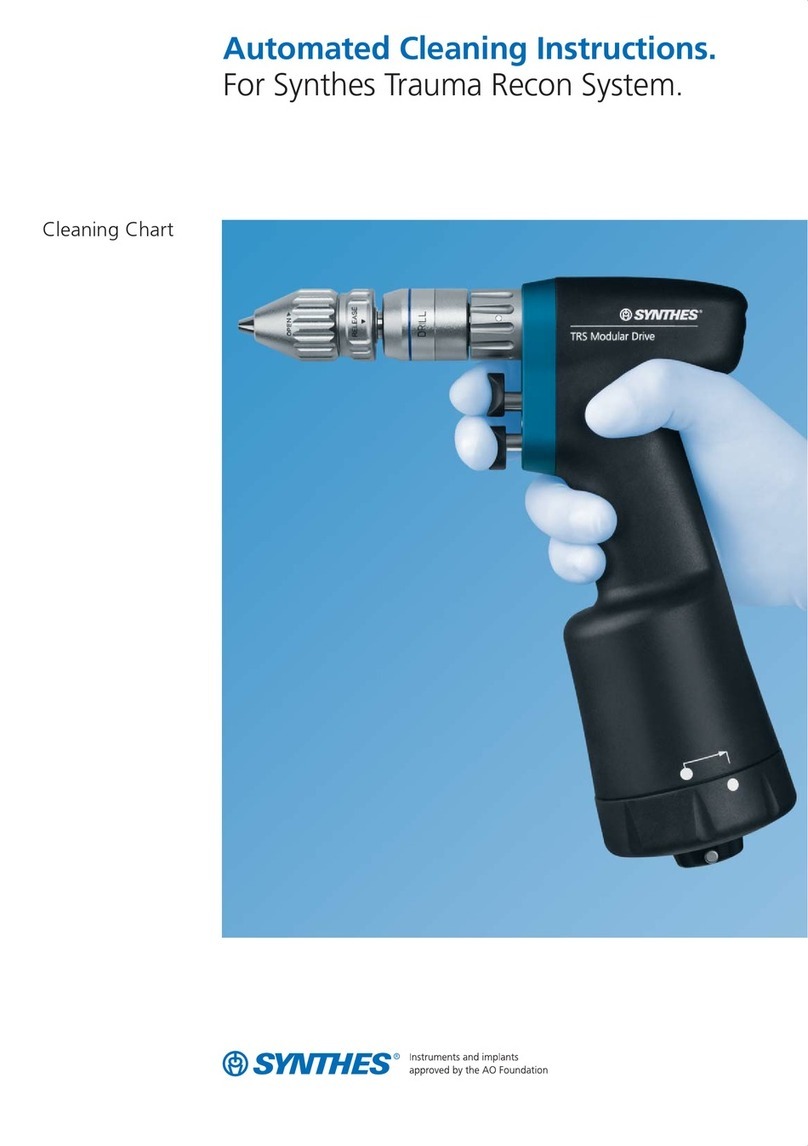
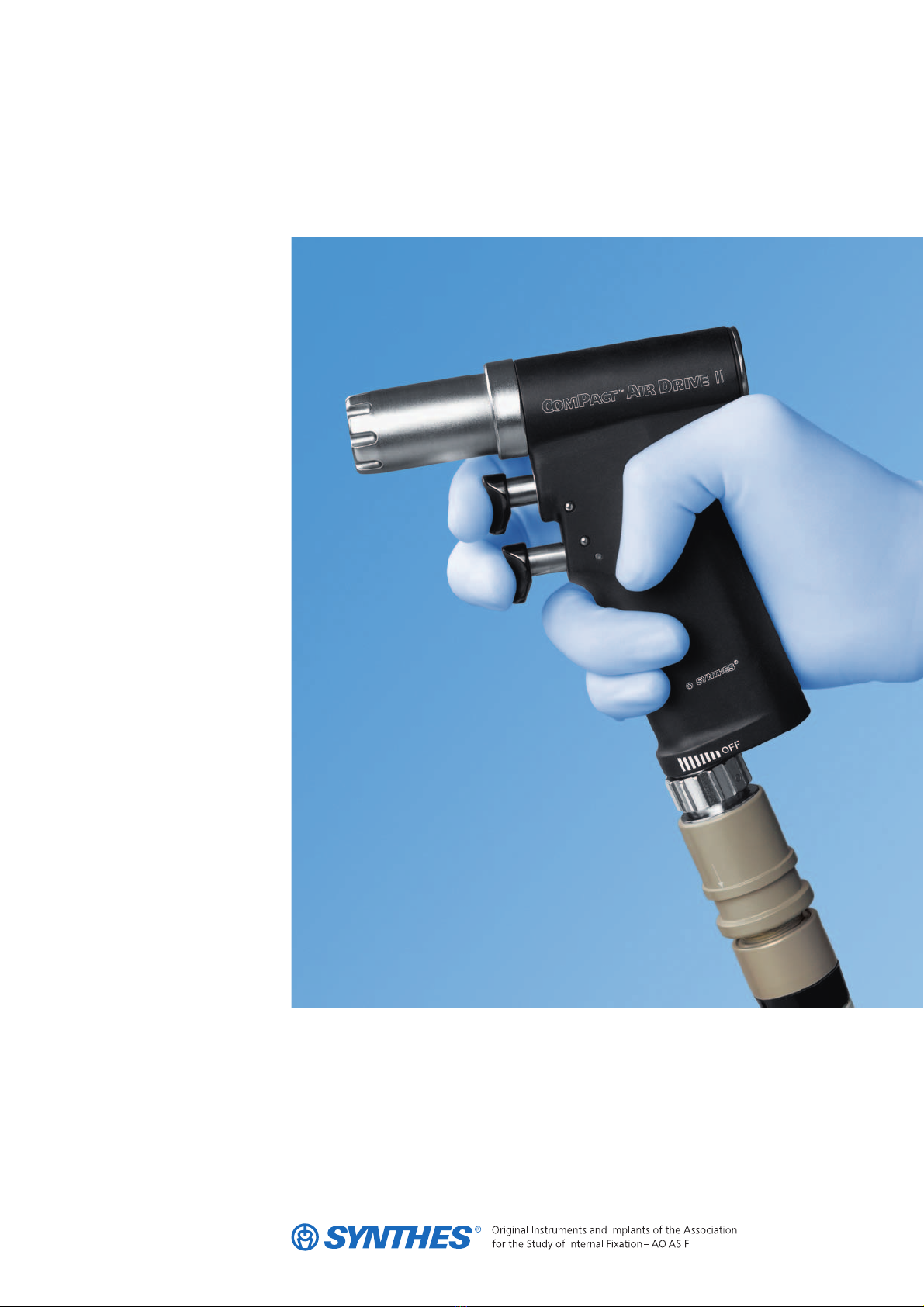
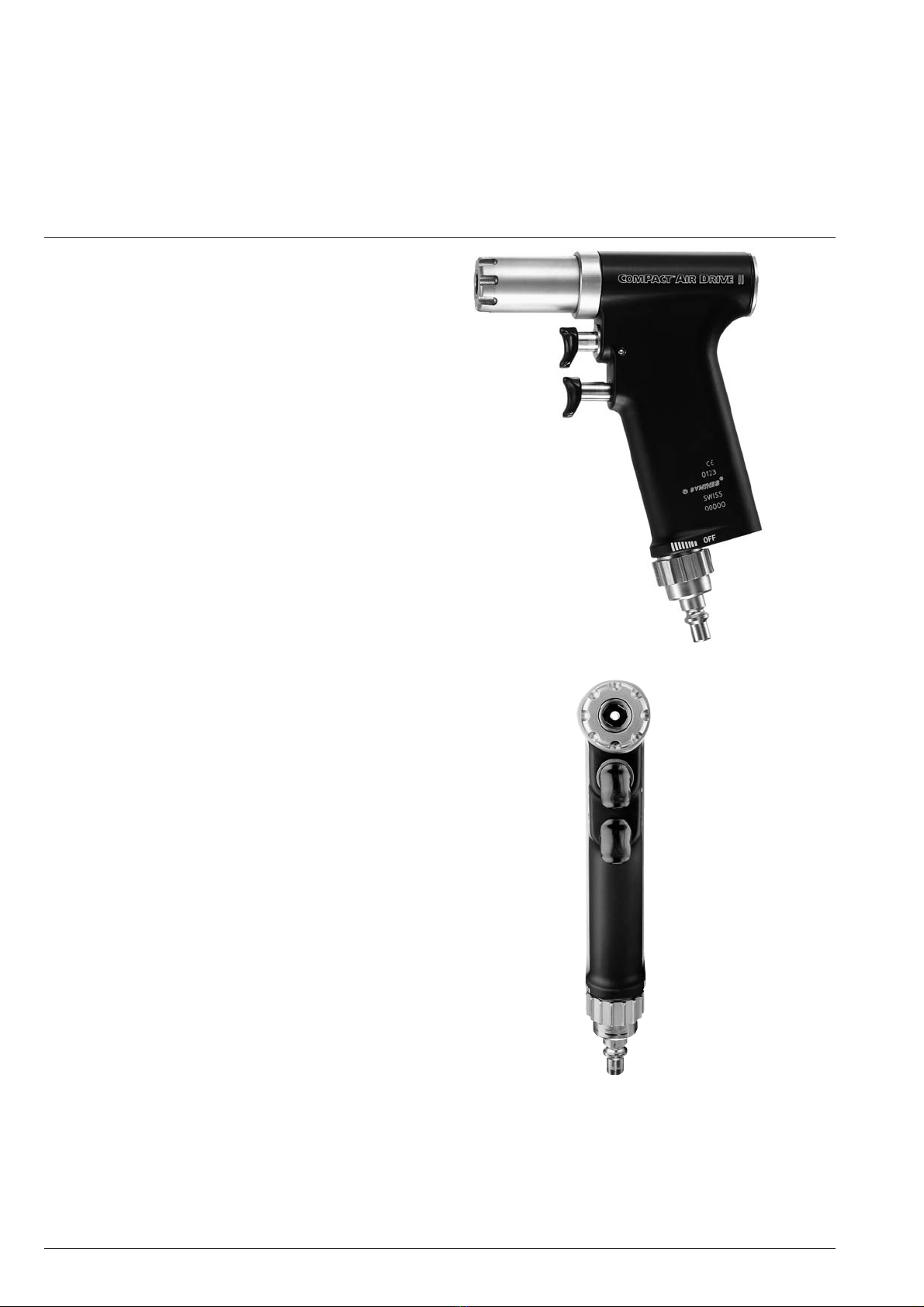
The Compact Air Drive II is an air-driven power tool for use in
traumatology, endoprosthetics and spinal column surgery.
To ensure proper operation of the Compact Air Drive II, use
only Synthes original accessories.
Patient safety
The Compact Air Drive II may only be used on patients after
the medical personnel have read the instructions. Since it is
impossible to fully exclude the possibility of technical prob-
lems, always ensure that an alternative system is ready when
using the unit on patients.
Starting the system
New power tools and their accessories must undergo the
entire reprocessing process before being used. Completely
remove protective caps and films.
Compressed air units may never be operated with oxygen
(due to the explosion hazard), only with compressed air
or nitrogen.
Recommended operating pressure: 6–7 bar.
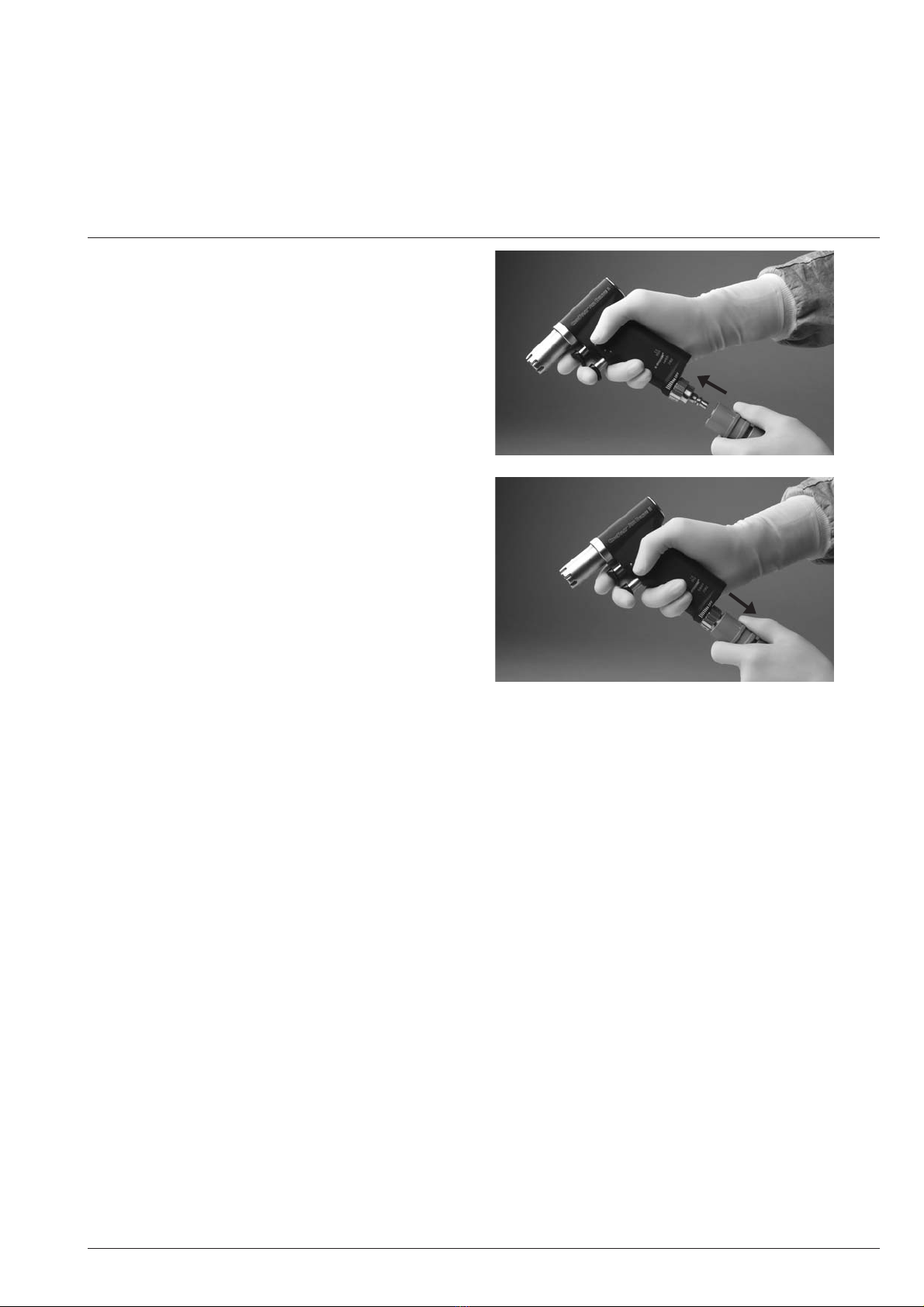
Only use Synthes original compressed air hoses.
To prevent injury, the handpiece must be locked with the
safety system during each manipulation.
Properly operating cutting tools are essential to the success
of an operation. For this reason, used tools must be checked
for wear and/or damage after each use and be replaced if
necessary. For each operation, we recommend using a new
Synthes original cutting tool.
Maintenance
The life of the equipment can be substantially extended by
following the service instructions.
For the devices to function properly, Synthes recommends
that they be serviced annually by Synthes, or by exclusive
Synthes sales outlets.
Synthes is not responsible for damage arising from improper
use or technical service rendered by unauthorized parties.
Additional information on the use and preparation of the
products can be obtained from a Synthes representative.
Particular attention should be given to the section “Care and
Maintenance“ starting on page 22.
Liability of the user
The user of the product is responsible for proper use of the
equipment during surgery.
Explanation of symbols used
This symbol provides notification of important infor-
mation. When this symbol is on a device, it refers
to important information in the accompanying docu-
ments.
This symbol indicates that the corresponding device
may not be immersed in liquids.
General Information