www.kovert.com Doc XCCT513
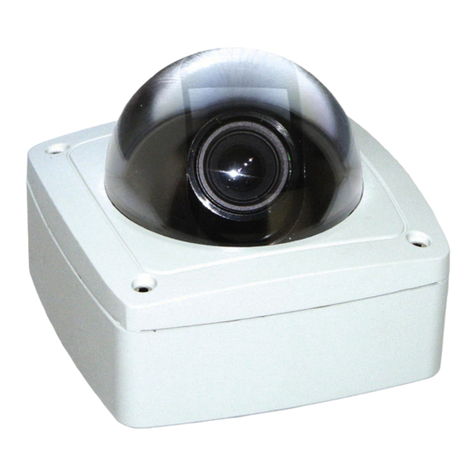
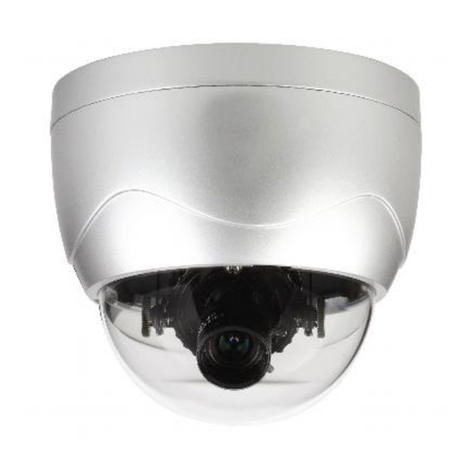
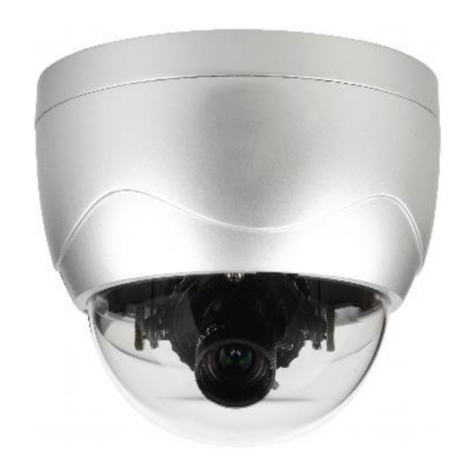
CCT513 Hi-Res Vari-focal Colour Dome Camera Instructions
Email: support@kovert.com
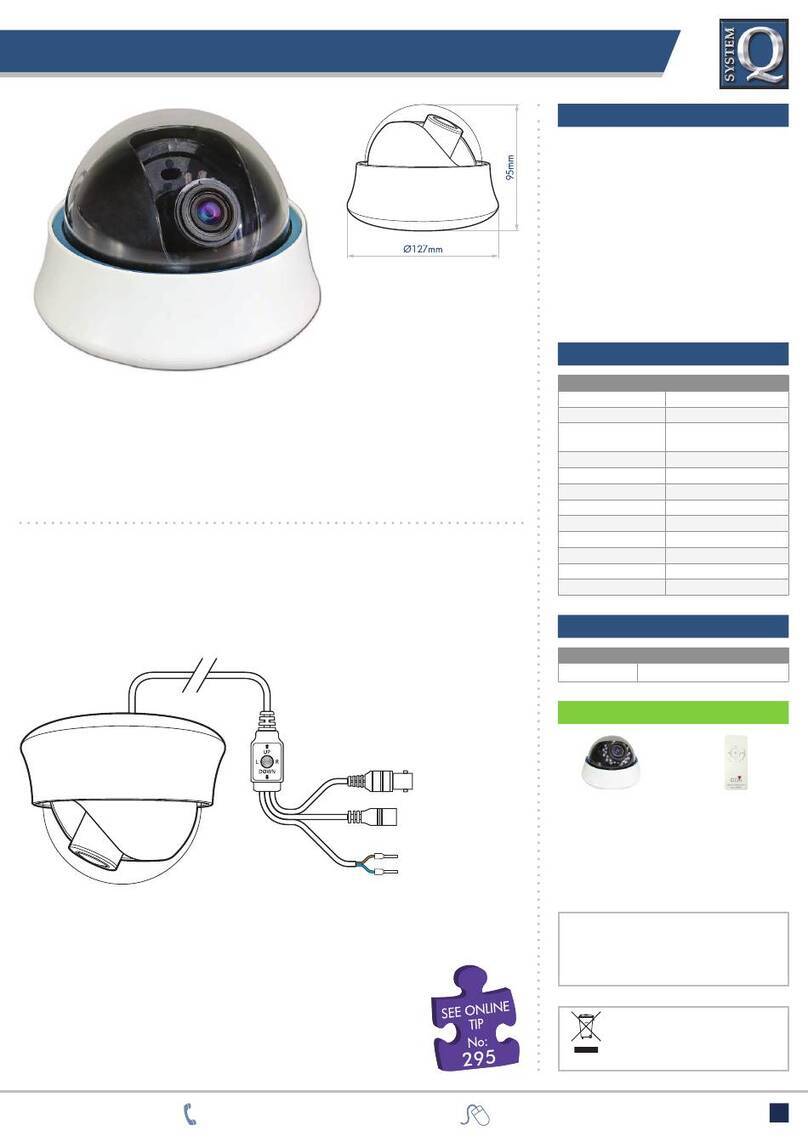
Connecting the camera to video control equipment.
The dome camera comes with a fly lead for power and video out. To reduce installation time the video out lead is
terminated into a male BNC connector. This allows the installer to effortlessly connect the camera to control
equipment via a female BNC-BNC lead.
Remember that the Video out from the camera is like any other electrical circuit and requires two wires to complete
the circuit. When using a co-ax type cable such as RG59 or similar, the outer braid of the co-ax provides the “0V
GROUND”connection and the inner core provides the “Video”connection.
It is recommended that when you are first setting up the cameras that you use a short
BNC-BNC cable to link the camera directly to the monitor and to set it up at the
same time. This allows you to both understand the camera and get the very best out
of this great product, as you will be able to adjust the camera whilst looking at the
monitor screen. Obviously whilst you are setting up the camera, it does need to be powered!
Securing the dome
First select a suitable position to mount the dome. This must be an internal installation and fitted to a ceiling.
Unscrew the dome housing from the base by turning anti-clockwise.
Make a hole in the ceiling to take the video and power cables and secure the base using mounting screws.
Rotate the camera base, set camera angle of view and then refit dome cover. Secure the dome cover with the retaining
screw.
All specifications are approximate. Kovert.com reserves the right to change
any product specifications or features without notice. Whilst every effort is
made to ensure that these instructions are complete and accurate, kovert.com
cannot be held responsible in any way for any losses, no matter how they arise,
from errors or omissions in these instructions, or the performance or non-
performance of the equipment that these instructions refer to.