4Arc Chaser Quick Start Guide
Live IFD mode can monitor live cables for intermittent conditions, capturing
these “events”, and reporting where and when they occur.
• Power the Arc Chaser on by pressing the Power Button .
• Select Live IFD icon.
• Connect the Arc Chaser to the cable (via leader cable or dual banana
plug to BNC female adapter).
• Select Test Setup icon to congure the Live IFD cable test.
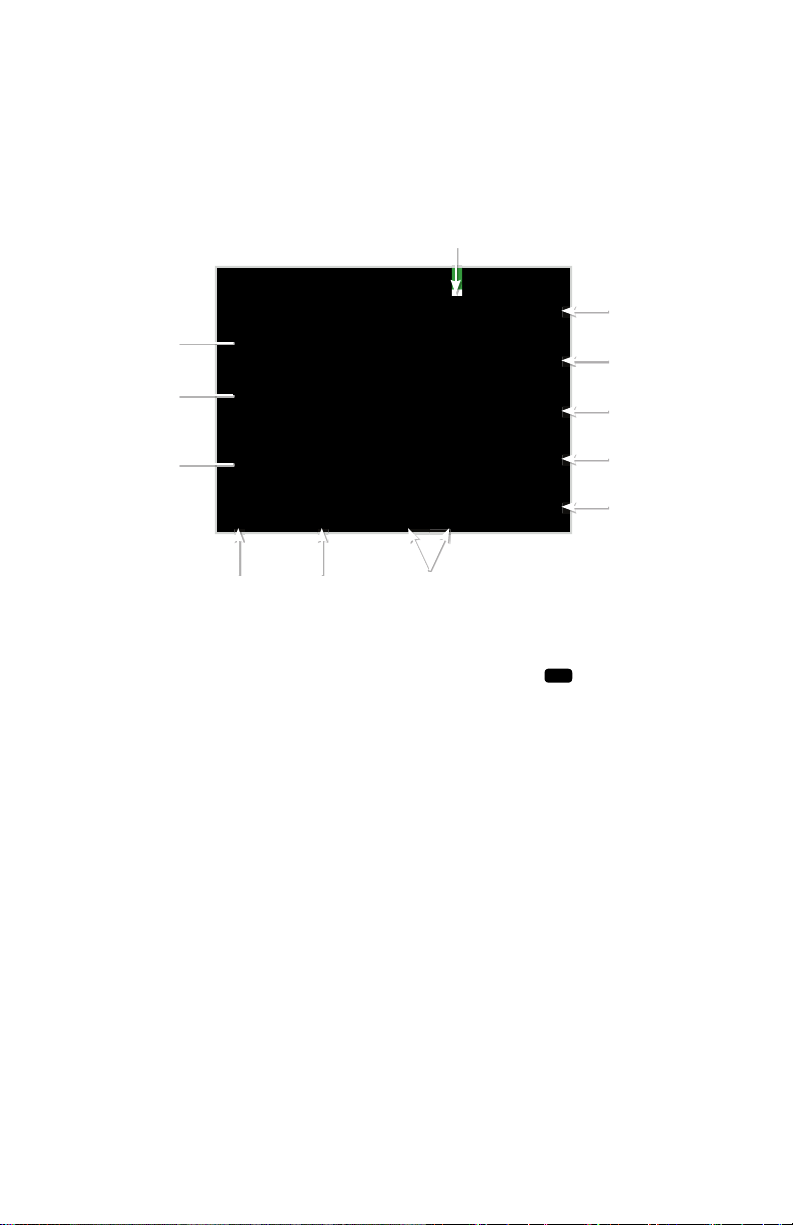
• Test Setup: Auto Frequency
▪Leader Settings: select Leader or No Leader (Leader should be
used unless dual banana plug to BNC female adapter is being
used.)
▪Cable Type: Select either Twisted Pair/Coax or Other
▪Test Frequency: Two options to select test frequency (Estimated
Test Length or choose one of 5 preset Frequencies on the right
hand side of screen).
▪If you do not know which of the ve preset frequencies to use,
select Estimated Test Length icon to enter the approximate
length of the cable to determine test frequency.
Note: Running a Fault Location test will help to obtain the most
accurate test frequency.
• Test Setup: VOP
▪VOP: Two options to select cable VOP (Custom VOP, Cable Type)
Fault Location (Cont’d)
▫If the VOP or Cable Type is not known, select Discover VOP and
enter the known length of the cable you are testing. This will give
you your VOP for this cable.
Note: VOP values can vary among cable types, lots, and manufacturers. In
most cases, these differences are minor and may be disregarded.
▫Select Save icon
• Press the Test Button to perform a test
Note: Select Graph View to view waveform
LiveIntermittent Fault Detection (Live IFD):