manuals.online logo
Brands
  1. Home
  2. •
  3. Brands
  4. •
  5. TaoTronics
  6. •
  7. Home Lighting
  8. •
  9. TaoTronics TT-DL041 User manual

TaoTronics TT-DL041 User manual

Other TaoTronics Home Lighting manuals

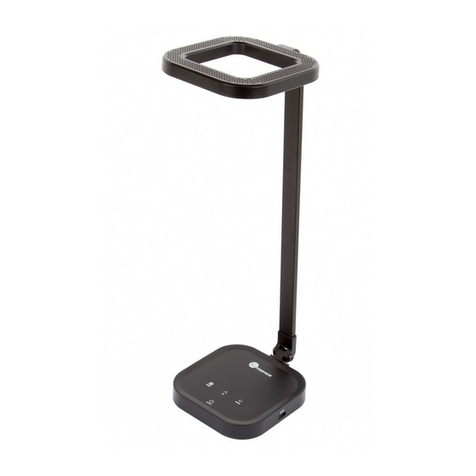
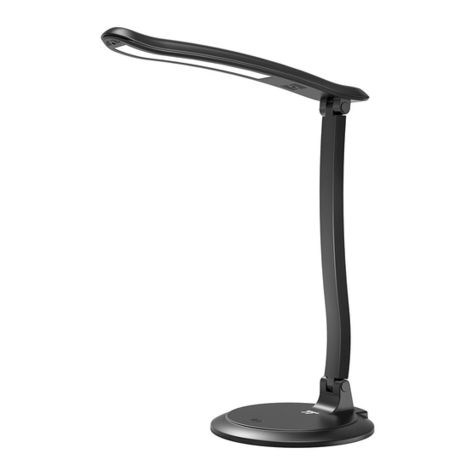
TaoTronics TT-DL16 User manual

TaoTronics

TaoTronics TT-DL16 User manual

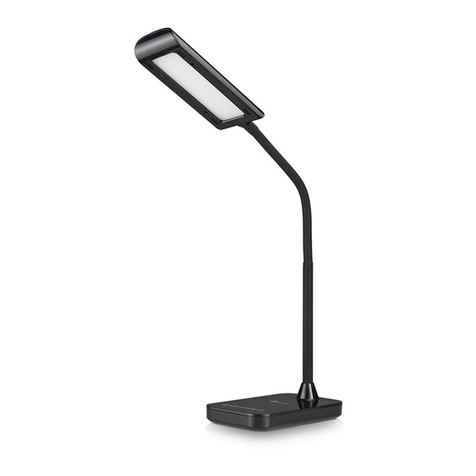
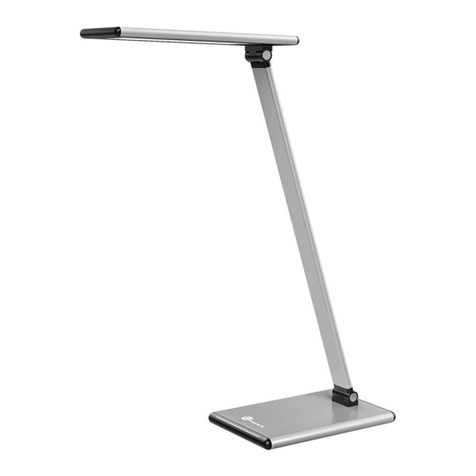
TaoTronics TT-DL036 User manual

TaoTronics

TaoTronics TT-DL036 User manual

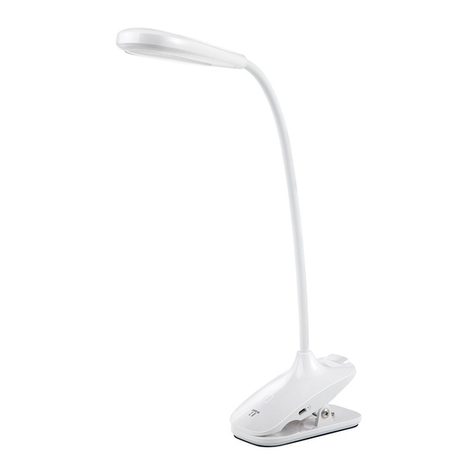
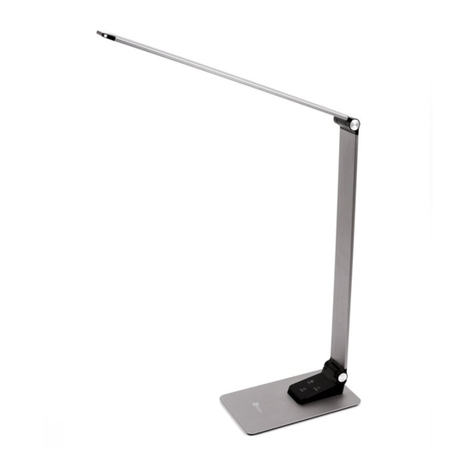
TaoTronics TT-DL24 User manual

TaoTronics

TaoTronics TT-DL24 User manual

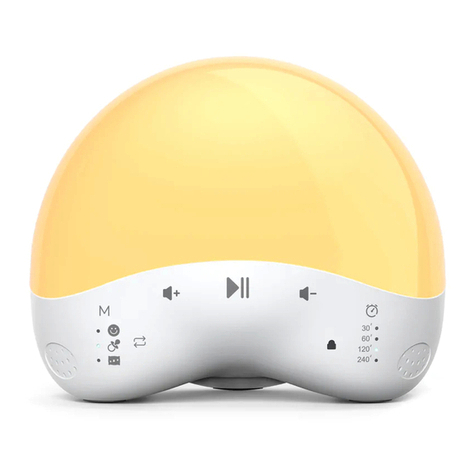
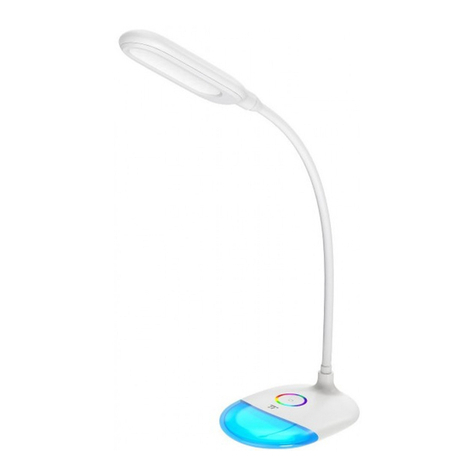
TaoTronics TT-DL11 User manual

TaoTronics

TaoTronics TT-DL11 User manual

TaoTronics TT-DL033 User manual

TaoTronics

TaoTronics TT-DL033 User manual

TaoTronics TT-DL032 User manual

TaoTronics

TaoTronics TT-DL032 User manual

TaoTronics TT-DL043 User manual

TaoTronics

TaoTronics TT-DL043 User manual

TaoTronics TT-DL039 User manual

TaoTronics

TaoTronics TT-DL039 User manual

TaoTronics TT-DL044 User manual

TaoTronics

TaoTronics TT-DL044 User manual

TaoTronics TT-DL16 User manual

TaoTronics

TaoTronics TT-DL16 User manual

TaoTronics TT-CL023 User manual

TaoTronics

TaoTronics TT-CL023 User manual

TaoTronics TT-DL17 User manual

TaoTronics

TaoTronics TT-DL17 User manual

TaoTronics TT-DL12 User manual

TaoTronics

TaoTronics TT-DL12 User manual

TaoTronics TT-DL062 User manual

TaoTronics

TaoTronics TT-DL062 User manual

TaoTronics TT-DL20 User manual

TaoTronics

TaoTronics TT-DL20 User manual

TaoTronics TT-DL070 User manual

TaoTronics

TaoTronics TT-DL070 User manual

TaoTronics TT-DL1012 User manual

TaoTronics

TaoTronics TT-DL1012 User manual

TaoTronics TT-DL21 User manual

TaoTronics

TaoTronics TT-DL21 User manual

TaoTronics TT-DL19 User manual

TaoTronics

TaoTronics TT-DL19 User manual

TaoTronics TT-DL092 User manual

TaoTronics

TaoTronics TT-DL092 User manual

TaoTronics Hello TT-DL26 User manual

TaoTronics

TaoTronics Hello TT-DL26 User manual

TaoTronics TT-DL034 User manual

TaoTronics

TaoTronics TT-DL034 User manual

Popular Home Lighting manuals by other brands

Philips LivingColors Iris user manual

Philips

Philips LivingColors Iris user manual

Safavieh Lighting TBL4385A Assembly instructions

Safavieh Lighting

Safavieh Lighting TBL4385A Assembly instructions

MOB MO6816 user manual

MOB

MOB MO6816 user manual

Schuller ALIVE operating manual

Schuller

Schuller ALIVE operating manual

Safavieh Lighting SADE FLL4015A manual

Safavieh Lighting

Safavieh Lighting SADE FLL4015A manual

JONATHAN Y JYL5019A manual

JONATHAN Y

JONATHAN Y JYL5019A manual

JONATHAN Y JYL6007A quick start guide

JONATHAN Y

JONATHAN Y JYL6007A quick start guide

Philips Ledino 31606/11/16 Specifications

Philips

Philips Ledino 31606/11/16 Specifications

Safavieh Lighting CANDRI TBL4427A manual

Safavieh Lighting

Safavieh Lighting CANDRI TBL4427A manual

Hunter Bullet Spotlight Kit Owner's guide and installation manual

Hunter

Hunter Bullet Spotlight Kit Owner's guide and installation manual

Philips 405441213 user manual

Philips

Philips 405441213 user manual

Philips Halogen Light Brochure & specs

Philips

Philips Halogen Light Brochure & specs

Philips 40736-11-16 user manual

Philips

Philips 40736-11-16 user manual

Pentair GLOBRITE Installation and user guide

Pentair

Pentair GLOBRITE Installation and user guide

Philips 55592-30-16 user manual

Philips

Philips 55592-30-16 user manual

Livoo Night light user manual

Livoo

Livoo Night light user manual

Schwaiger NFL45 user guide

Schwaiger

Schwaiger NFL45 user guide

FRITZ HANSEN AQ01 PLUG-IN manual

FRITZ HANSEN

FRITZ HANSEN AQ01 PLUG-IN manual

manuals.online logo
manuals.online logoBrands
  • About & Mission
  • Contact us
  • Privacy Policy
  • Terms and Conditions

Copyright 2025 Manuals.Online. All Rights Reserved.

LED DESK LAMP
User Guide
EN
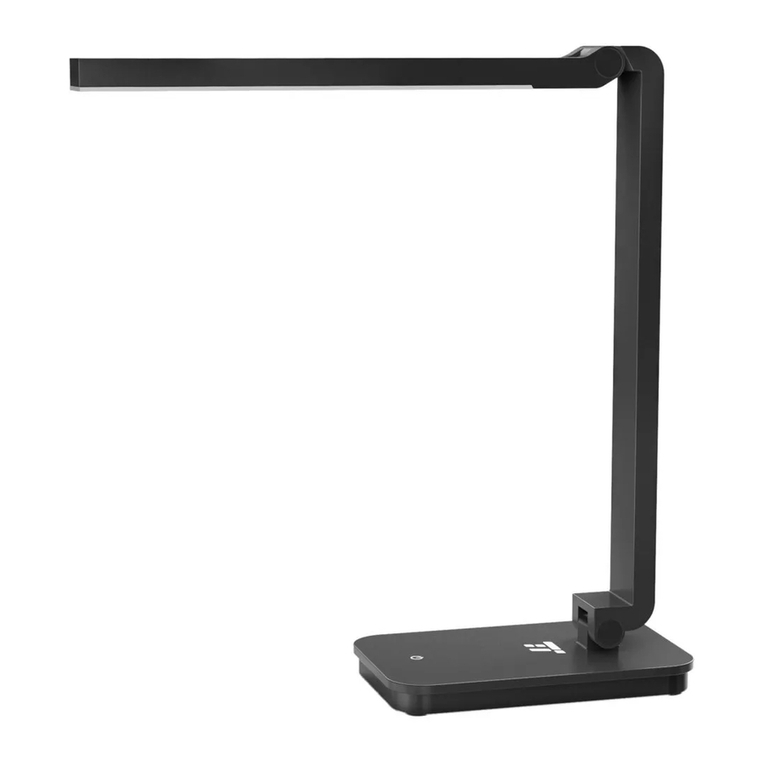
Product Diagram
EN
Product Diagram
1. Lamp Head
2. Charging Indicator
3. Power Port
4. Power / Brightness Button
JP
製品図
1.ランプヘッド
2.充電表示インジケーター
3.充電ポート
4.電源/明るさボタン
Model
Operating Voltage
Power
Battery Capacity
Color Temperature
Lumens
Operating Temperature
CRI
Working Time
Charging Time
TT-DL041
DC 5V / 0.5A
3W
600mAh
5000-5500K
160 lm
-5 °C to 40 °C / 23 °F to 104 °F
>80
Up to 8 hours (Low Brightness)
2 hours
1
2
4
3
TT-DL041_V1.3
EUROPE
E-mail:
[email protected](UK)
[email protected](DE)
[email protected](FR)
[email protected](ES)
[email protected](IT)
EU Importer: ZBT International Trading GmbH
Address: Halstenbeker Weg 98C, 25462 Rellingen, Deutschland
NORTH AMERICA
E-mail : [email protected](US)
[email protected](CA)
Tel : 1-888-456-8468 (Monday-Friday: 9:00 – 17:00 PST)
US Distributor: SUNVALLEYTEK INTERNATIONAL INC.
Address:46724 Lakeview Blvd, Fremont, CA 94538
Manufacturer: Shenzhen NearbyExpress Technology Development
Co.,Ltd.
Address: 333 Bulong Road, Shenzhen, China, 518129
MANUFACTURER
Learn more about the EU Declaration of Conformity:
https://www.taotronics.com/downloads-TT-DL041-CE-Cert.html
ASIA PACIFIC
E-mail: [email protected](JP)
JPImporter:株式会社SUNVALLEYJAPAN
Address:〒104-0032東京都中央区八丁堀3丁目18-6PMO京橋東9F
www.taotronics.com
MADE IN CHINA
Model: TTDL041
JP
仕様
モデル
動作電圧
消耗電力
電池容量
色温度
ルーメン
作動温度
CRI
作動時間
充電時間
TT-DL041
DC5V/0.5A
3W
600mAh
5000-5500K
160lm
-5°C〜40°C
>80
8時間連続稼働(一番弱い明るさモード)
2時間
Charging the Lamp
Charge the lamp with the included charging cable, the charging indicator will turn red when charging and
turn o when charging has completed.
Using the Lamp
Tap the Power / Brightness Button to turn on the light in the lowest brightness setting. Tap again to increase
the brightness by another 2 levels. Tap again to turn the light o.
Caution
·The lamp arm is 180 degree rotatable. Please adjust the lamp within the allowed angle.
Do not use excessive force to avoid damages to the product.
ランプの充電
付属の充電ケーブルでランプを充電。充電中は充電表示が赤く光り、充電が完了すると自動的に消えます。
ランプの使用
電源/明るさボタンをタップすると一番低い明るさレベルで電源が入ります。再度タップすると明るさのレベ
ルが上がります(3段階)。もう一度タップすると電源が消えます。
注意
·ランプヘッドとアームの接続部分は180度回転できます。その範囲内で角度を調整して下さい。過度の力を
加えると製品が損傷する場合がありますので、ご注意ください。
FCC Compliance
This device complies with Part 15 of the FCC Rules. Operation is subject to the following two conditions: (1) this device may not
cause harmful interference, and (2) this device must withstand any interference received, including interference that may cause
undesired operation.
WEEE Compliance
Correct Disposal of This Product (Waste Electrical & Electronic Equipment)
(Applicable in countries with separate collection systems)
This marking on the product, accessories or literature indicates that the product and its electronic accessories should not be
disposed of with other household waste at the end of their working life. To prevent possible harm to the environment or human
health from uncontrolled waste disposal, please separate these items from other types of waste and recycle them responsibly to
promote the sustainable reuse of material resources. Household users should contact either the retailer where they purchased
this product, or their local government oce, for details of where and how they can take these items for environmentally safe
recycling. Business users should contact their supplier and check the terms and conditions of the purchase contract. This product
and its electronic accessories should not be mixed with other commercial wastes for disposal.