TASCAM BB-1000CD/BB-800 5
Contents
1 – Introduction ........................................................ 6
Main features.............................................................................. 6
Differences between BB-1000CD and BB-800 models .............. 6
Included items............................................................................. 6
Note about this manual .............................................................. 6
Intellectual property rights ......................................................... 6
Cautions on installation .............................................................. 7
Beware of condensation ............................................................. 7
Cleaning the unit......................................................................... 7
About SD cards ........................................................................... 7
Precautions for use.................................................................7
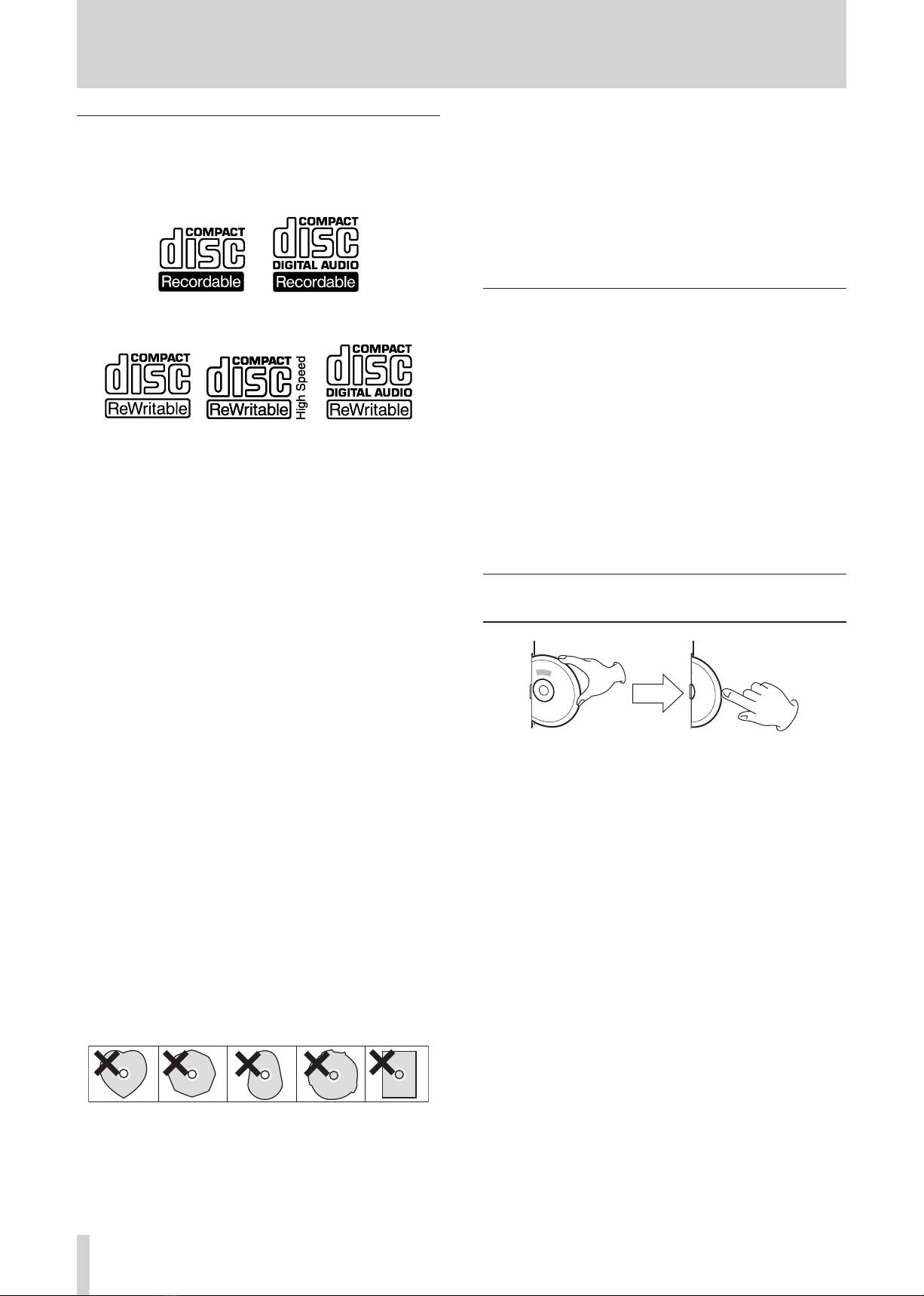
About Compact Discs.................................................................. 7
Precaution for CD use............................................................. 8
About CD-R and CD-RW discs................................................ 8
Inserting a disc into the slot-loading drive ................................. 8
2 – Part Names and Functions.................................. 9
Top panel ................................................................................... 9
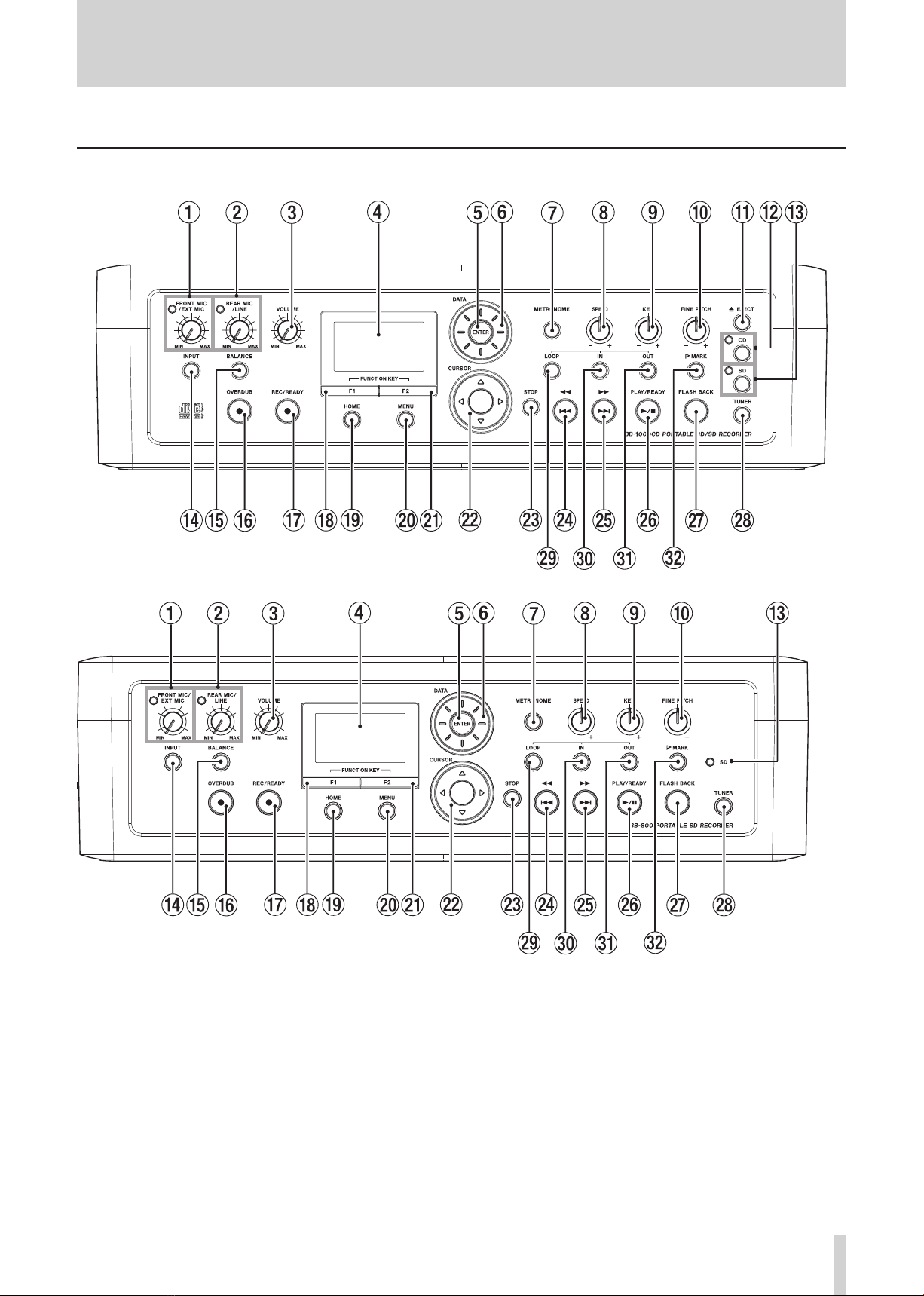
Front Panel................................................................................ 11
Rear Panel................................................................................. 12
Left side panel........................................................................... 12
Right side panel ........................................................................ 13
Remote control unit (RC-BB1000)............................................. 13
Home screen ............................................................................. 14
3 – Preparation........................................................ 15
Powering the unit...................................................................... 15
Connecting the AC adaptor.................................................. 15
Installing batteries................................................................ 15
Preparing the remote control ................................................... 15
Installing the battery............................................................ 15
Battery replacement............................................................. 15
Precautions about using the remote control ........................ 16
Turning the power on and off ................................................... 16
Setting the date and time ......................................................... 16
Connecting microphones .......................................................... 17
Connecting external audio devices........................................... 17
Connecting headphones, amplifiers and
powered speakers ................................................................ 17
Connecting external audio devices to the unit’s input......... 17
Using SD cards .......................................................................... 17
SD card write protection ...................................................... 17
Inserting and removing SD cards ......................................... 18
Formatting an SD card ......................................................... 18
USING CDS (BB-1000CD only) .................................................. 19
Inserting a disc ..................................................................... 19
Ejecting a disc....................................................................... 19
Forcing disc ejection............................................................. 19
4 – Recording........................................................... 20
Selecting whether to record to an SD card or a CD
(BB-1000CD only) ..................................................................... 20
Selecting the input.................................................................... 20
Recording with built-in microphones ................................... 20
Recording with external microphones.................................. 20
Recording with line inputs.................................................... 21
Setting the recording file format............................................... 21
Recording to an SD card....................................................... 21
About recording time................................................................ 22
Creating new SD card folders ................................................... 23
Making a recording................................................................... 24
Recording Screen ...................................................................... 24
Creating new tracks while continuing to record....................... 25
Various recording settings ........................................................ 25
Adjusting the balance of microphones................................. 25
Recording in monaural ......................................................... 25
Using the limiter function..................................................... 26
Using the automatic recording function............................... 26
Adding performances to an existing recording (OVERDUB)..... 27
Overdubbing with higher sound quality (DIRECT MIX) ............ 29
Finalizing a CD-R/RW so that it can be played in
other CD players (BB-1000CD only).......................................... 29
Preparing a CD-RW so that additional recordings can be made
(BB-1000CD only) ..................................................................... 30
Deleting tracks from a CD-RW (BB-1000CD only) ....................30
5 – Playback............................................................. 32
Selecting SD card or CD playback (BB-1000CD only) ...............32
Selecting the SD card folder for playback ................................. 32
Icons on the BROWSE screen ...............................................33
Playing tracks............................................................................ 33
Pausing playback.................................................................. 33
Stopping playback ................................................................ 33
Selecting a track................................................................... 33
Searching backward and forward ........................................33
Changing playback position with the DATA wheel .............. 33
Going back a few seconds (FLASH BACK)............................ 33
Repeating playback of a track...................................................34
Repeating playback of a set interval (loop playback)............... 34
Setting marker points where desired in tracks .........................34
6 – Practicing with musical instruments ............... 35
Tuning instruments ................................................................... 35
Setting the standard frequency (calibration) ....................... 35
Changing the tuning mode................................................... 35
Chromatic tuner mode.......................................................... 35
Oscillator mode .................................................................... 35
Using the metronome ...............................................................36
Changing the speed (TEMPO) .............................................. 36
Setting the rhythm (BEAT) ...................................................36
Starting and stopping the metronome.................................36
Practicing with CD or SD card playback.................................... 36
Changing the playback pitch................................................36
Changing the playback speed .............................................. 37
Reducing the sound at a certain stereo position (PART
CANCEL)............................................................................... 37
Practicing a certain phrase repeatedly................................. 37
Recording while playing along with a CD or SD card .......... 37
7 – Editing functions and file operations.............. 38
Dividing files (DIVIDE) ..............................................................38
Changing the order of track playback (MOVE) ......................... 39
Deleting unneeded files (DELETE).............................................40
8 – Other useful functions ..................................... 42
Outputting external microphone signals from the speakers..... 42
Copying CD tracks to an SD card (BB-1000CD only)................. 42
Creating a CD from files on an SD card (BB-1000CD only).......43
Backing up an audio CD (BB-1000CD only)..............................44
9 – Operation settings (SETUP screen settings) ... 46
Set automatic backlight OFF time (BACKLIGHT)..................46
Adjust display contrast (CONTRAST)....................................46
Set flash back time (FLASH BACK) .......................................46
Set date and time (DATE/TIME) ...........................................46
10 – Messages ......................................................... 47
11 – Troubleshooting.............................................. 49
12 – Specifications .................................................. 50
Ratings ...................................................................................... 50
Audio input and output ratings ................................................ 50
Audio performance ................................................................... 50
General......................................................................................50
Dimensional drawings............................................................... 51