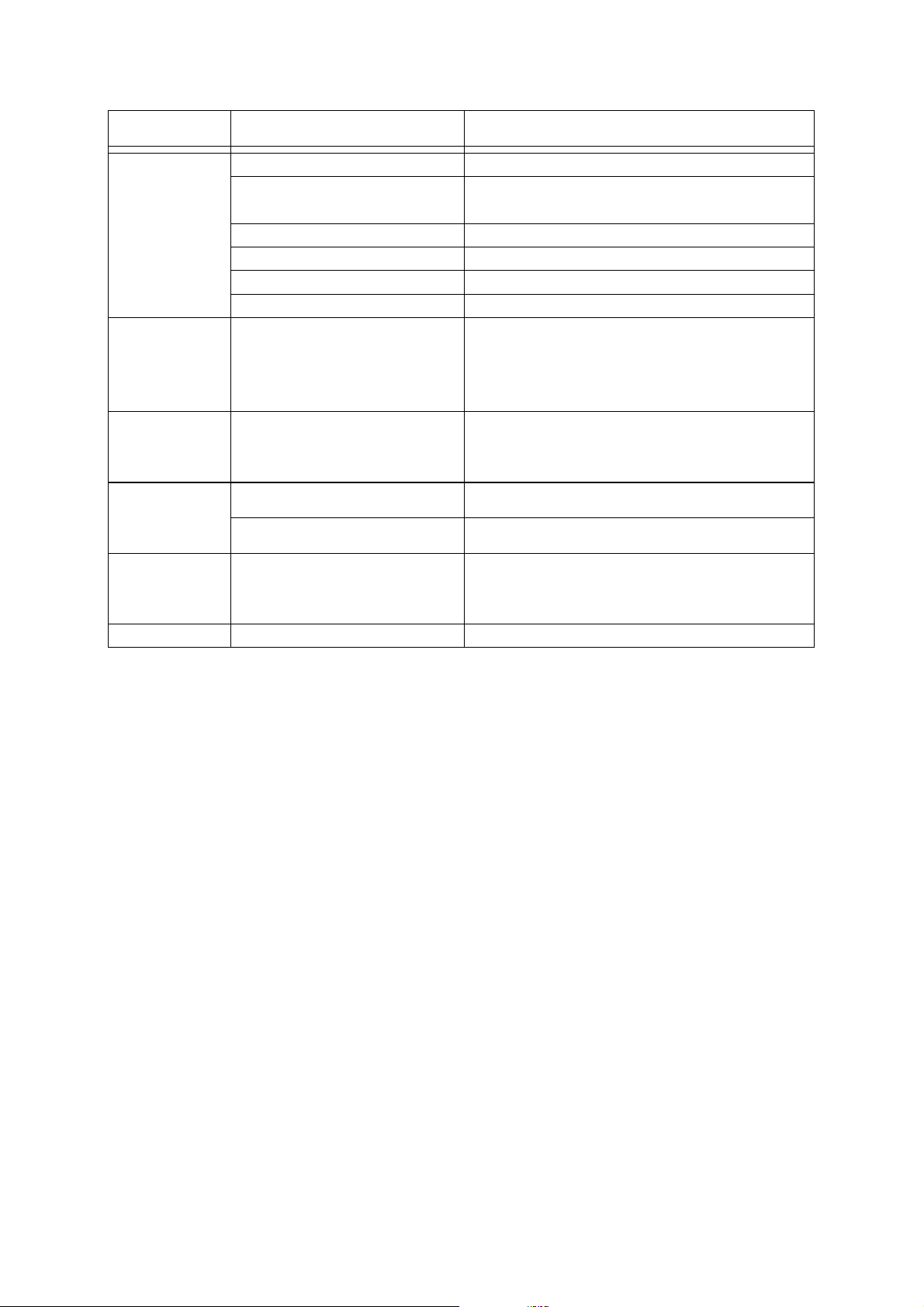
Symptom Cause Remedy
No power. The power cord is disconnected. Plug the power cord into the wall outlet securely.
The power is on, but
the DVD player
does not work.
No disc is inserted. Insert a disc.(Check that the DVD or audio CD indicator
in the DVD display is lit.)
The TV is not set to receive DVD signal
output.
Select the appropiate video input mode on the TV so the
picture from the DVD player appears on the TV screen.
The video cable is not connected
securely. Connect the video cable into jacks securely.
The connected TV power is turned off. Turn on the TV
P-SCAN is selected Check the front display. If P-SCAN segment is on, press
"P-SCAN" key of remote control unit.
The playback
picture is poor. The disc is dirty. Clean the disc.
No disc is inserted. Insert a disc.(Check that the DVD or CD indicator in the
display is lit.)
The DVD/VCR player cannot read the
disc because it is damaged or an
incorrect type (for example, a CD-I)
Check the a disc type, color system and regional code.
Check for any scratches or smudge on the disc.
Insert a readable disc.
The disc is placed upside down. Place the disc with the playback side down.
The disc is not placed within the guide. Place the disc on the disc tray correctly inside the guide.
The disc is dirty. Clean the disc.
A menu is on the TV screen. Press SETUP to turn off the manu screen
The rating level is set. Cancel the rating function or change the rating level.
The remote control is not pointed at the
remote sensor of the unit. Point the remote control at the remote sensor of the unit.
The remote control is too far from
the unit. Operate the remote control within about 23 feet(7m).
There is an obstacle in the path of the
remote control and the DVD player. Remove the obstacle.
The remote's batteries are exhausted. Replace the batteries with new ones.
Other function is selected. Press the function key what you want to operate. DVD/VCR
The disc is not writable DVD DISC. Remove the disc and insert a proper writable DVD DISC.
The disc is CD-R/RW. Only DVD+R/+RW/-R/-RW DISC can be recorded. Remove
the disc and insert a proper writable DVD DISC.
The disc is full. Remove the disc and insert a proper writable DVD DISC.
The disc is dirty. Clean the disc and insert a blank writable DVD DISC.
The disc is a suitable DISC to record. Use the recommended DISC for better operations.
The disc is finalized. Unfinalize the DISC and then record in the DISC.
No picture.
The DVD/VCR
player does not start
play back.
The remote control
does not work
properly.
Recording does
not work properly.
-8-
TROUBLESHOOTING