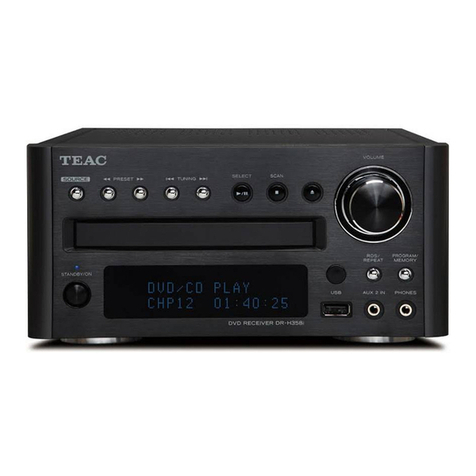
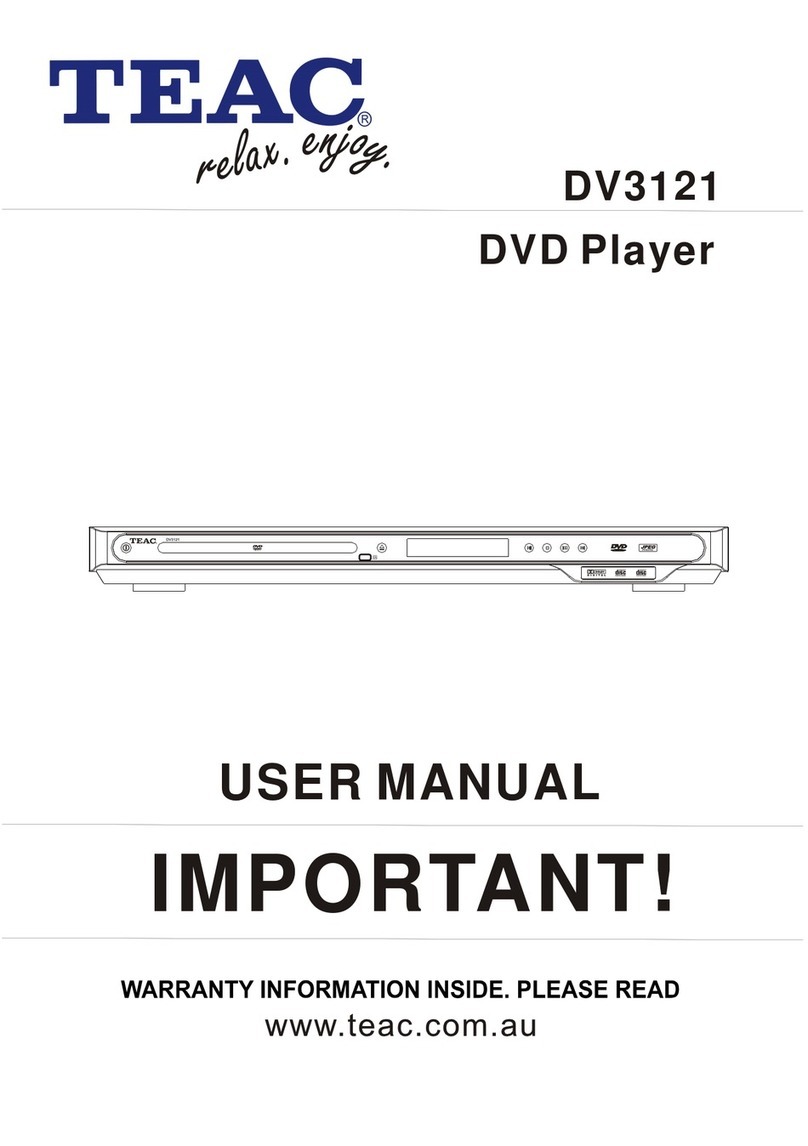
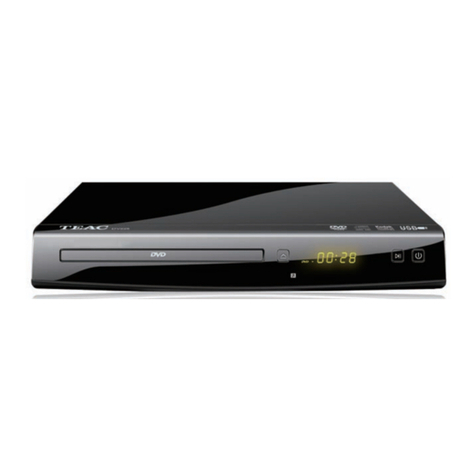
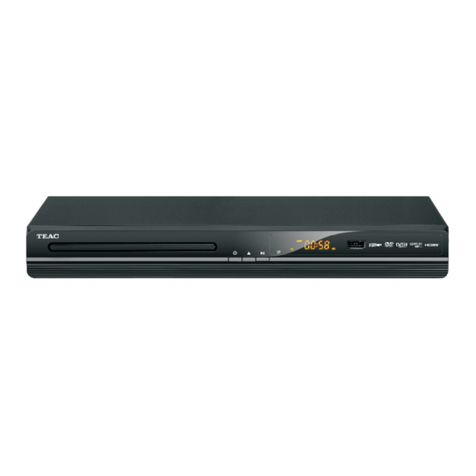
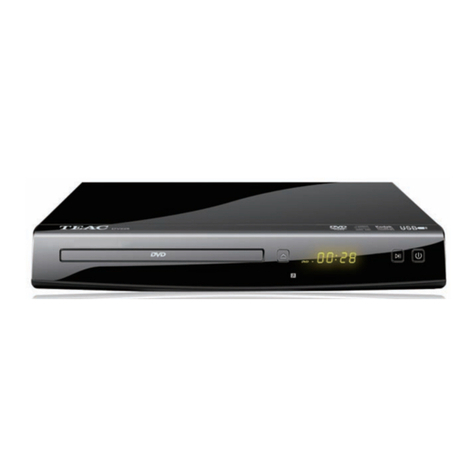
zWhen you want to play back DVD video discs,
turn on the TV and select the video input source
connected to the DVD receiver.
zWhen you want to enjoy the sound at the DVD
video discs or audio CDs from the audio system, turn
on the audio system and select the input source
connected to the DVD receiver.
zFor connection details, see pages 5 and 6.
zSet the playback picture size according to the
aspect ratio of the connected TV at the SETUP menu
(TV Aspect).
zThe DVD receiver turns on and the system
begin to work. Press POWER button on the
front panel. The power indicator will light on
and system is ready for playing. The power
indicator also light on when use the remote
control to turn the system on and standby
zPress the DVD/USB button on the remote
.
zOnce the disc is in the tray, press OPEN /
CLOSE button to close the tray. Once closed.
the player will begin to play the disc.
zPlace a disc on the disc tray with playback
side down.
zThere are two different disc sizes. Place the
disc in the correct guide on the disc tray. If the
disc is out of the guide, it may damage the
disc and cause the DVD receiver to malfunction.
zDo not place anything except 3" disc or 5" disc
on the disc tray.
zPress STOP button once to stop playback and
show the logo screen. The player memorizes
the location where playback is stopped.
zPress PLAY button to resume playback from
the location where playback is stopped.
zWhen the STOP button is pressed twice, the
resume function will be cleared.
zPress PAUSE button once to pause playback.
The sound is mutted during PAUSE mode.
zPress PLAY button to resume normal
playback.
Press STEP button to pause playback.
zPress STEP button again to single step
forward to the nest picture frame.
zPress PLAY button to resume normal
playback.
zPress FWD button to fast forward through the
disc, The speed can be selected by pressing
the key further (2x, 4x, 8x, 16x, 32x, normal).
zPress PLAY button to resume normal
playback.
zPress REV button to fast reverse through the
disc The speed can be selected by pressing
the key further (2x, 4x, 8x, 16x, 32x, normal).
zPress PLAY to resume normal playback.
BASIC PLAYBACK