Contents
Thank you for choosing TEAC. Read this manual carefully to get the best performance from this unit.
Before Use ....................................................5
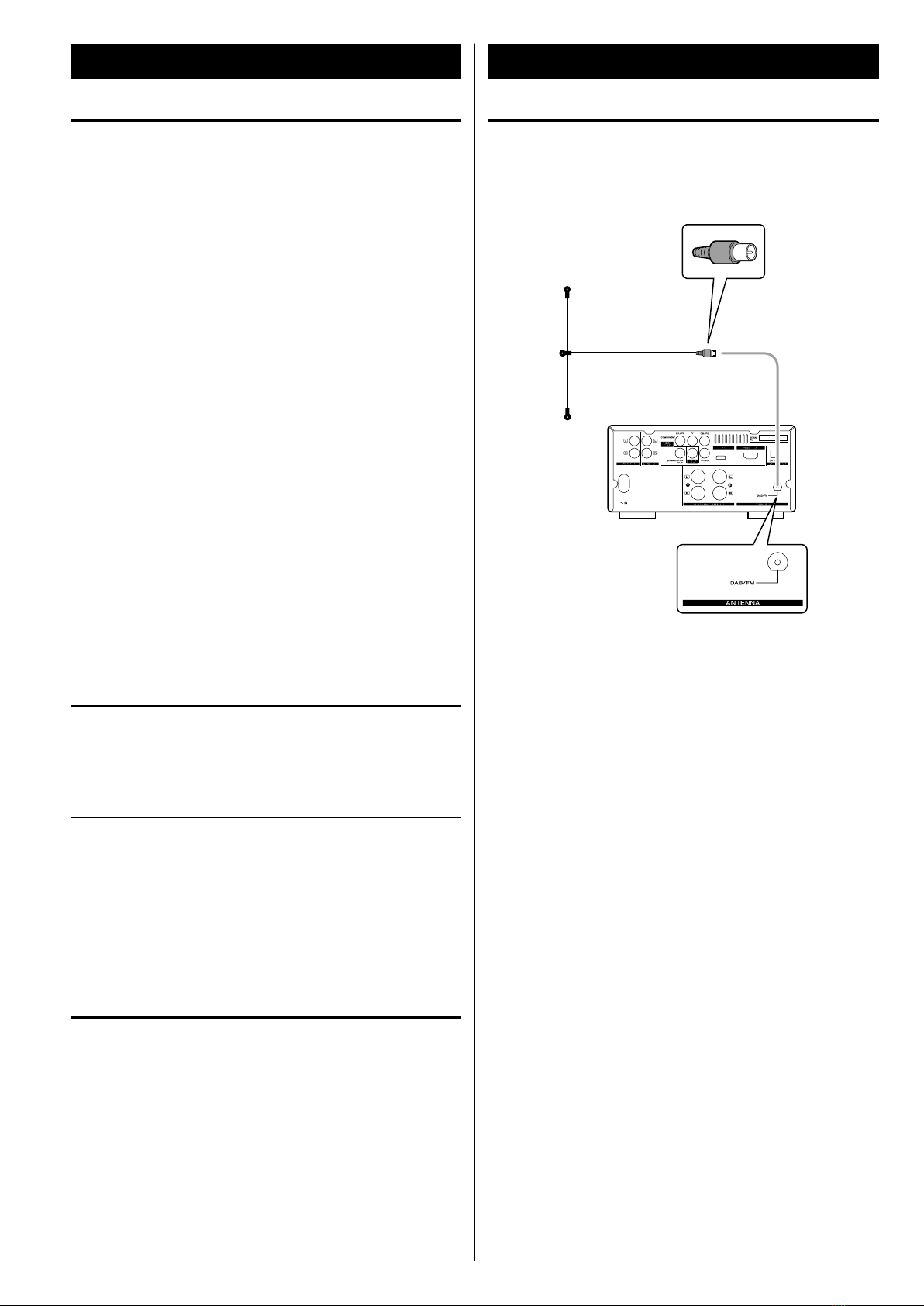
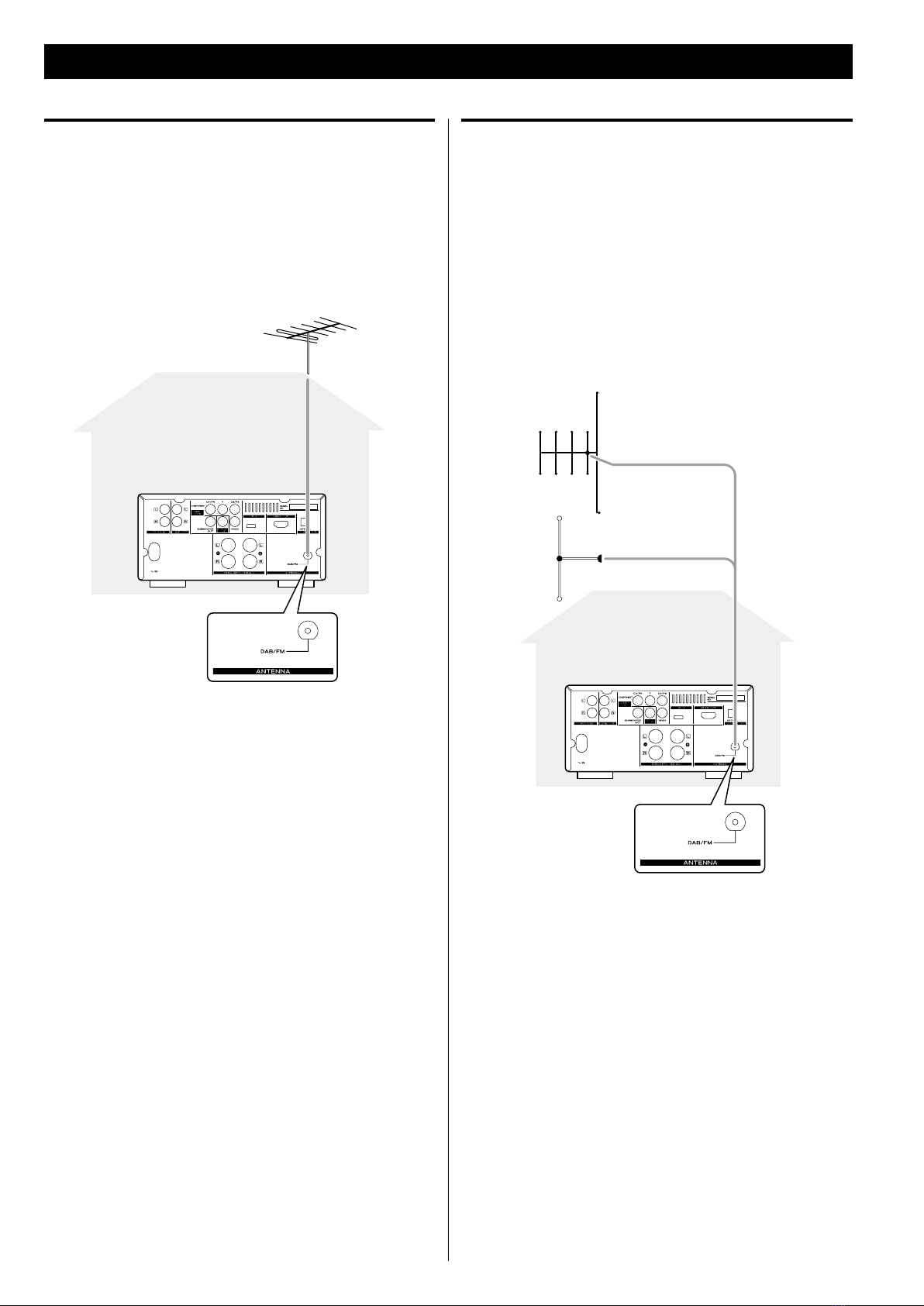
Connecting Antennas .........................................5
Speaker Connection ..........................................7
Connection to a TV ...........................................8
Connection to Audio Equipments etc. ........................10
Remote Control Unit .........................................11
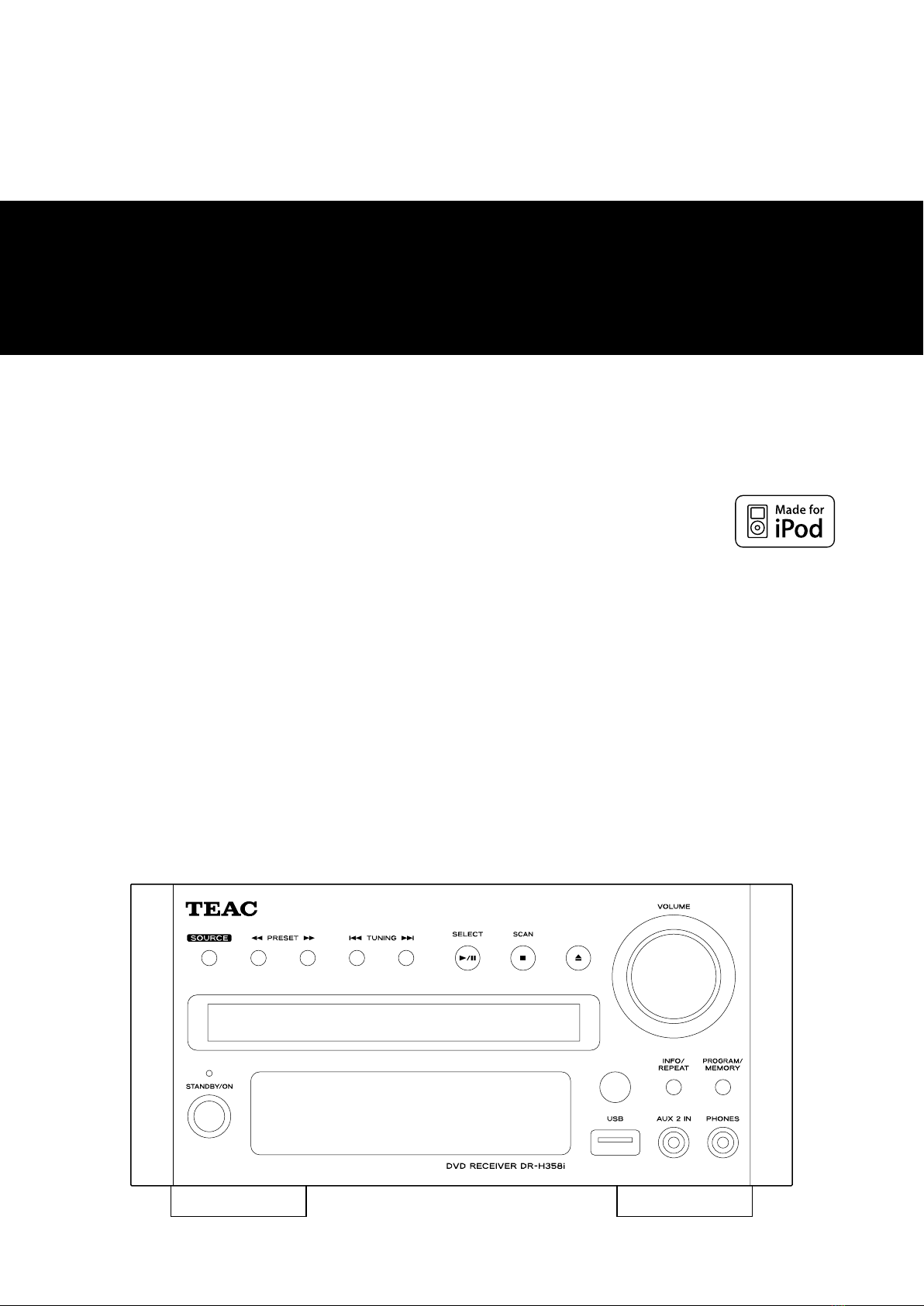
Identifying the Parts (Main Unit) ..............................12
Identifying the Parts (Remote Control Unit) ...................14
Discs ........................................................16
USB memory device compatibility ............................18
Getting Started with an iPod .................................18
Setting the Clock ............................................19
Basic Operation ..............................................20
Listening to an iPod ..........................................22
Listening to a Disc ...........................................24
Listening to an USB Memory Device ..........................25
On-screen Menu .............................................25
Basic Operations for a Disc and USB Memory Device ..........27
Skipping Playback............................................28
Searching for a part of a chapter or track ......................28
Selecting a Chapter or Track ..................................28
Selecting Audio..............................................28
Selecting Subtitles ...........................................29
Changing Camera Angle .....................................29
Picture Zoom ................................................29
Slow Motion .................................................29
Repeat and Shuffle Playback .................................30
A-B Repeat Playback .........................................31
Changing the Display Mode ..................................31
Time Search (VCD/CD) .......................................32
Time Search (MP3/WMA) .....................................32
Chapter Search/ Time Search (DVD)...........................33
Chapter Search/ Time Search (DivX) ..........................33
Programmed Playback (DVD, VCD, CD) ........................34
Programmed Playback (MP3, WMA, DIVX) .....................35
Settings (Introduction) .......................................36
Settings (General Setup)......................................37
TV DISPLAY
OSD (On Screen Display) LANGUAGE
SCREEN SAVER
Settings (Audio Setup) .......................................38
DIGITAL AUDIO SETUP (DIGITAL OUTPUT)
DOLBY DIGITAL SETUP (DUAL MONO)
3D PROCESSING
NIGHT MODE
AUDIO SYNC
Settings (Video Setup) ....................................39, 40
VIDEO OUTPUT
TV MODE
COLOR SETTING
HDMI
Settings (Preference) ......................................40, 41
TV TYPE
AUDIO, SUBTITLE, DISC MENU
PARENTAL (Parental control)
Settings (Password Setup) ....................................41
PASSWORD MODE
PASSWORD
Listening to the DAB Radio ...................................42
Display Setting of the DAB ...................................43
Using the DAB Menu .........................................44
Listening to the FM Radio ....................................47
Preset Tuning (DAB/FM) ......................................48
RDS (Display Setting of the FM) ...............................49
Listening to an External Source ...............................50
Sleep Timer..................................................51
Wake Up Timer ..............................................51
Troubleshooting .............................................53
Specifications................................................55