manuals.online logo
Brands
  1. Home
  2. •
  3. Brands
  4. •
  5. Tenmars
  6. •
  7. Measuring Instrument
  8. •
  9. Tenmars TM 191 User manual

Tenmars TM 191 User manual

Other Tenmars Measuring Instrument manuals

Tenmars TRIAXIAL ELF User manual

Tenmars

Tenmars TRIAXIAL ELF User manual

Tenmars TM-223 User manual

Tenmars

Tenmars TM-223 User manual

Tenmars TM-721 User manual

Tenmars

Tenmars TM-721 User manual

Tenmars TM201 User manual

Tenmars

Tenmars TM201 User manual

Tenmars TM-195 User manual

Tenmars

Tenmars TM-195 User manual

Tenmars ST-109R User manual

Tenmars

Tenmars ST-109R User manual

Tenmars TM-188 User manual

Tenmars

Tenmars TM-188 User manual

Tenmars TM-730 User manual

Tenmars

Tenmars TM-730 User manual

Tenmars TM-802 User manual

Tenmars

Tenmars TM-802 User manual

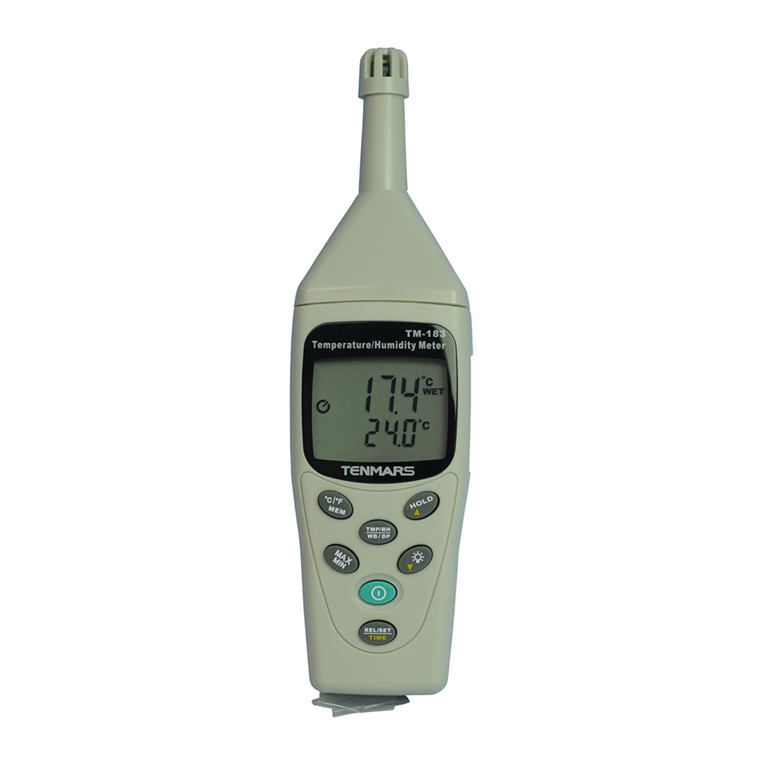
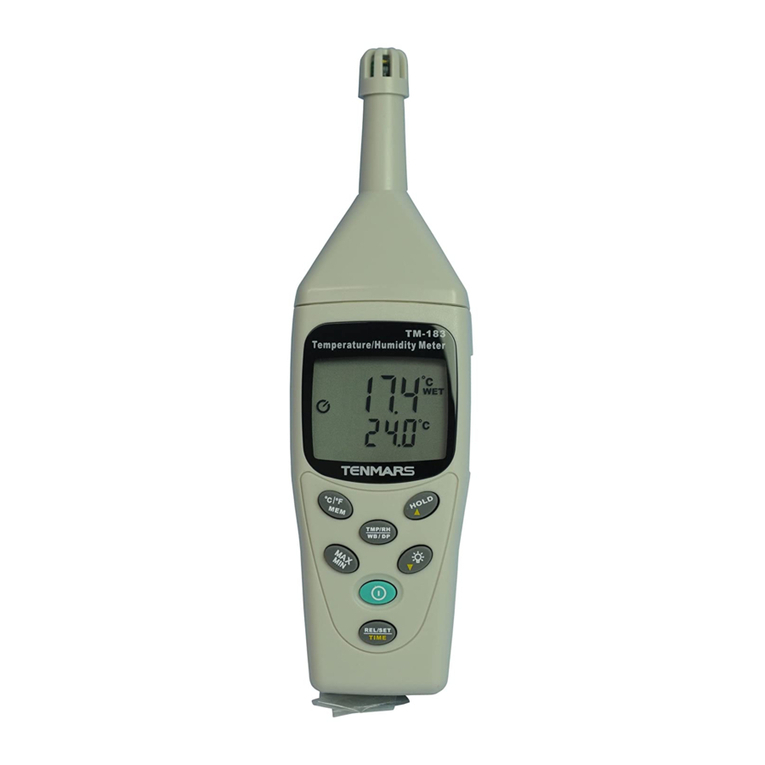
Tenmars TM-183 User manual

Tenmars

Tenmars TM-183 User manual

Tenmars TM- 4100D User manual

Tenmars

Tenmars TM- 4100D User manual

Tenmars TM-197 User manual

Tenmars

Tenmars TM-197 User manual

Tenmars TM-188 User manual

Tenmars

Tenmars TM-188 User manual

Tenmars TM-288 User manual

Tenmars

Tenmars TM-288 User manual

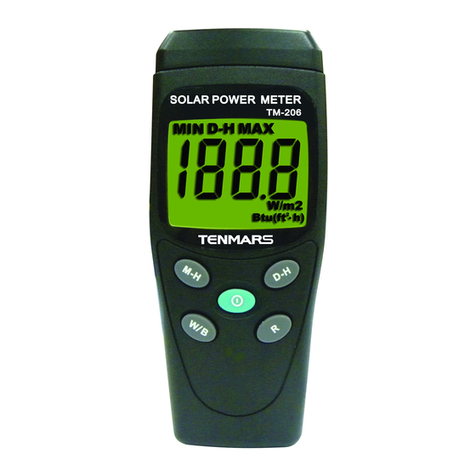
Tenmars TM-206 User manual

Tenmars

Tenmars TM-206 User manual

Tenmars TM-12E User manual

Tenmars

Tenmars TM-12E User manual

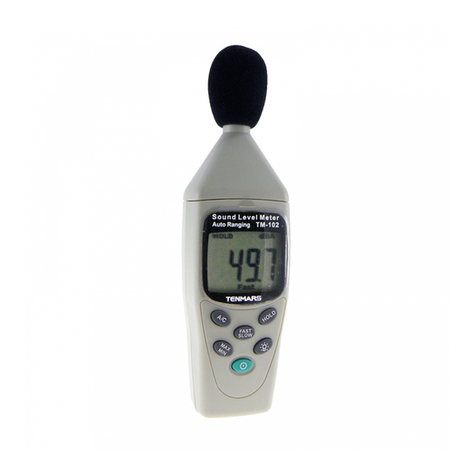
Tenmars TM-102 User manual

Tenmars

Tenmars TM-102 User manual

Tenmars TM-741 User manual

Tenmars

Tenmars TM-741 User manual

Tenmars TM-207 User manual

Tenmars

Tenmars TM-207 User manual

Tenmars TM-190 User manual

Tenmars

Tenmars TM-190 User manual

Tenmars TRIAXIAL ELF User manual

Tenmars

Tenmars TRIAXIAL ELF User manual

Tenmars TM-720 User manual

Tenmars

Tenmars TM-720 User manual

Tenmars TM-102 User manual

Tenmars

Tenmars TM-102 User manual

Tenmars TM201 User manual

Tenmars

Tenmars TM201 User manual

Popular Measuring Instrument manuals by other brands

Suaoki D40 user manual

Suaoki

Suaoki D40 user manual

Elster BK-G1.6 operating instructions

Elster

Elster BK-G1.6 operating instructions

Endress+Hauser Deltabar FMD71 technical information

Endress+Hauser

Endress+Hauser Deltabar FMD71 technical information

Duratool D03128 manual

Duratool

Duratool D03128 manual

Vega VEGAPULS 65 Quick setup guide

Vega

Vega VEGAPULS 65 Quick setup guide

Tonghui TH2618B Operation manual

Tonghui

Tonghui TH2618B Operation manual

MSR 145 user manual

MSR

MSR 145 user manual

TPS WP-82 manual

TPS

TPS WP-82 manual

PCB Piezotronics 003C30 Installation and operating manual

PCB Piezotronics

PCB Piezotronics 003C30 Installation and operating manual

Tenma 72-10465 manual

Tenma

Tenma 72-10465 manual

Endress+Hauser Proline Promag 50 Brief operating instructions

Endress+Hauser

Endress+Hauser Proline Promag 50 Brief operating instructions

Siemens SITRANS F Coriolis FCT030 Function manual

Siemens

Siemens SITRANS F Coriolis FCT030 Function manual

KLINGER CMF V Series instruction manual

KLINGER

KLINGER CMF V Series instruction manual

Keysight M8290A Getting started guide

Keysight

Keysight M8290A Getting started guide

Acterna MS1400 Operation manual

Acterna

Acterna MS1400 Operation manual

R&S ZPH manual

R&S

R&S ZPH manual

Datacolor ColorReader DC10-2 user guide

Datacolor

Datacolor ColorReader DC10-2 user guide

Konica Minolta BC-10 Plus instruction manual

Konica Minolta

Konica Minolta BC-10 Plus instruction manual

manuals.online logo
manuals.online logoBrands
  • About & Mission
  • Contact us
  • Privacy Policy
  • Terms and Conditions

Copyright 2025 Manuals.Online. All Rights Reserved.

TETTIFIARS TM-t9l
1
2
3
4
5
6
7
8
9
Table of Contents
lntroduction.................
Appllcation........... .. ..
Features .....................
ldentifying parts..........
.......... 1
....... 1
1 lntroduction
Safety precautions should be taken against electric appliances
in places inctudins medicat insritutior;, ";;;[;;;55ii"*,",
districts, where peopte usualy rt"y fo; t;;;ti;:j;;;';;"t
patients. babies and senior ciijzen'. fro. "rp"orri";;in;'
electromagnetic waves.
An electromagnetic wave simply means the wave motion of the
electromagnetic fi eld (EMF).
The change in electric fields produces magnetic fields, and the
ghange in magnetic fietds can atso g"n"r;" ui""tn:JflLil.lrn"
fluctuation of correlation between eich other is k;;;; ;
"electromagnetic waves", which i. " t"rrn'"i """igi "irnjrlr. ,"
light and heat thar can be transmitteo eitne, ovialiaj;;;; ih"
air or by an electric conductor.
It is suggested that rearrangements should be made in families
and work tocations where eLctromag."t"rliol ,i" j;i""i;o
the strongest in order to avoid proloriged ""p"*r"i" """""-'rr"
electromagnetic fields.
2 Apptication
. Tlis meter is applied to measuring electromagnetic fields
of extremety tow frequency (ELF);f 30 toaOO]_1..''" '"
. rr ts capable of measuring the electromagnetic field
radiation intensity that js produced trorn Ete"iri"
transmission e-quipment, power tine, rni";;;;; oven, air
conditioner, refrigerator, computer monitor, viOeolauiio
device and so forth.
. The magnetic field unit is Tesla (T). Gauss (G).
mini-Gauss (mG) or micro_Tesla (p T)
. 1T-.10,000c . 1c:1,000mc
. 1lT:10 mG
3 Features
. Swilcl between the display of micro_Tesla and
mrnl-Gauss is available
. Data hold (HOLD) . maximum (MAX) Hotd function.
. Rangedisptay(20,200.2000).
. Low battery detector -litl,.
. Over load display,,OL',.
Measurement procedures
Speclfications
Battery replacement .......
Safety Precaution
End of life
..1
..2
.2
.4
.4
.5
EN-1

TENIYIARS TM_t9l
1. Sensor position.
2.LCD
3. Power on/off
4. maximum hoid button
5. Data hole button
6. mG unit select button
7. pT unit select button
8. Range select button
L Battery cover.
Measurement Procedures
Press -O to power on.
Select q,., for mG unit or .p; for pT unrt.
Position the front (refer to Figure 1 ) or the upper back

(refer to Figure 2) of the meter to measure the
electromagnetic waves. Try to change the measurement
angle or position for obtaining the highest reading value
(piease refer to Figure 3 to 6).
Read the measured value. The display of "OL" on the left
highest position indicates there is an overload on the
reading. Please press,,,l". to select a higher range for
measurement again.
Due to the environmental magnetic field factors, this
magnetic field meter could display a reading value that is
lower than 0.5mG prior to measuring. This is not a
malfunction of the device.
To permanently loqk and keep the_ reading displayed on
the LCD, presS, 6o$ . or press,, ro$.r again to unlock.
To retain the maximum value, press i.*i I and the
reading value displayed on the LCD wilt keep updating to
the maximum value.
T€Nm,rutS TM-191
4o
| 1,,,,
Y
5X
X
X
EN-3
ry* ffi,
X
111,,,
(.1 ) Arrow pointing direction indicates
the direction of the electromagnetic
Figure 1 indicate the correcl measurement direction of the
electromagnetic wave.
Figure 2,3, 4, 5 and 6 indicate the incorrect measurement
direction of the electromagnetic wave.
EN-2
TElfrlARS rM-lel
6 Specifications
. Display: 3-'112 digits LCD, maximum reading 1999.
. Range:2O0|2OO0mG,20l20OpT.
. Resolution: 0.1/1 mG or 0.01/0.1 pT.
. Frequency response: 30Hz to 300H2.
. Sensor: Single Axis
. Accuracy: t(2.5%+6dgqatSOHzllOHz.
. Over load: LCD display,'OL',.
. Sample rale: 2.5 times per second.
. Battery: 9V NEDA 1604, tEC 6F22 or JtS 006p.
. Battery life: Approximate 100 hours.
. Operating temperature & humidity: 5.Cto 40.C,below
80% RH.
. Storage temperature & humidity: -.10t to 60t , betow
70%.
. Weight: About 1209.
. Dimensions:130(L).56(W).38(H)mm.
. Accessories: User's manual, 9V battery, Carrying case.
7 Battery replacement
Turn off the instrument.
Remove the battery cover
Replace the battery.
lnstall the battery cover.
T€TIIMARS TM-r9l
8 Safety Precaution
. For cleaning the instrument use a soft dry cloth. Never use
a wet cloth, solvents or water, etc..
. Operation Altitude: Up to 2000M.
. Operating Environment: lndoors use. This instrument has
been designed for being used in an environment of
pollution degree 2.
Iife
Caution: this symbol indicates that equipment
and its accessories shall be subject to a
separate coilection and correct disposal
9 End of
X
I
EN-4 EN-5