EnglishDeutsch
 logo
Brands
  1. Home
  2. •
  3. Brands
  4. •
  5. Tennant
  6. •
  7. Scrubber
  8. •
  9. Tennant Nobles T350 User manual

Tennant Nobles T350 User manual

Other manuals for Nobles T350

2

This manual suits for next models

1

Other Tennant Scrubber manuals

Tennant IPC Kosmic-H PW-H31 User manual

Tennant

Tennant IPC Kosmic-H PW-H31 User manual

Tennant 5540 Product manual

Tennant

Tennant 5540 Product manual

Tennant 550 Training manual

Tennant

Tennant 550 Training manual

Tennant 300000PAC Product manual

Tennant

Tennant 300000PAC Product manual

Tennant T20 LPG User manual

Tennant

Tennant T20 LPG User manual

Tennant 7100 User manual

Tennant

Tennant 7100 User manual

Tennant 550 User manual

Tennant

Tennant 550 User manual
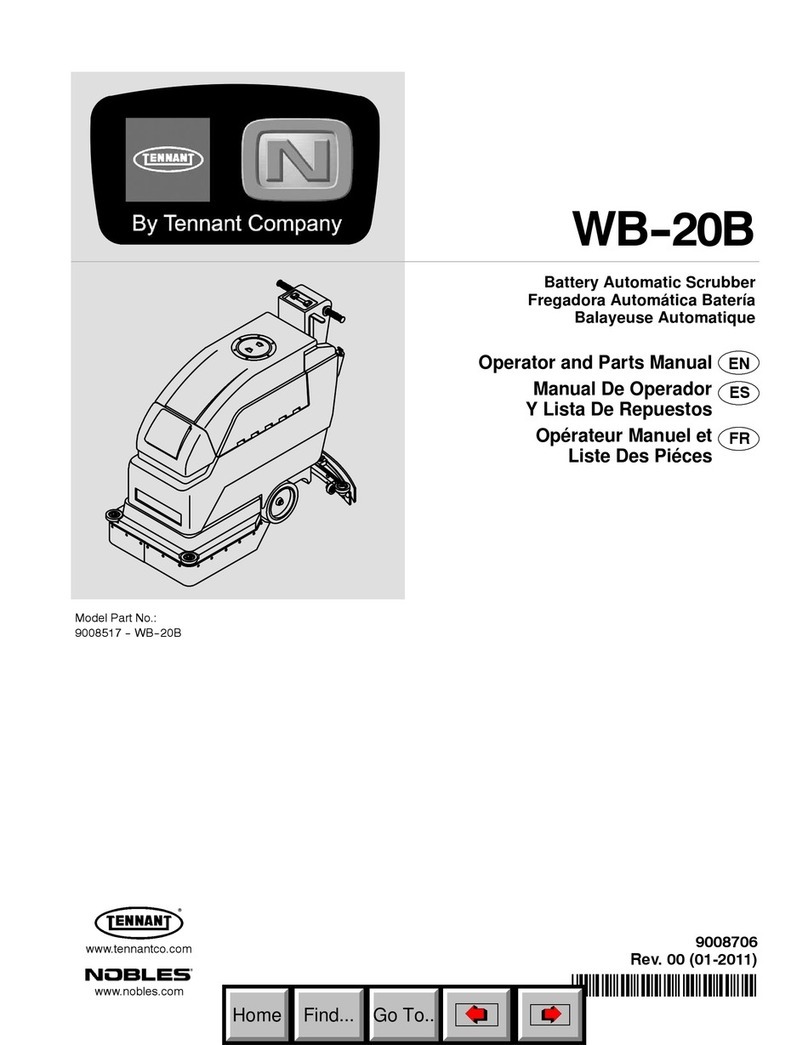
Tennant Nobles WB-20B Product manual

Tennant

Tennant Nobles WB-20B Product manual

Tennant T291 User manual

Tennant

Tennant T291 User manual

Tennant T581 User manual

Tennant

Tennant T581 User manual

Tennant 5400 User manual

Tennant

Tennant 5400 User manual
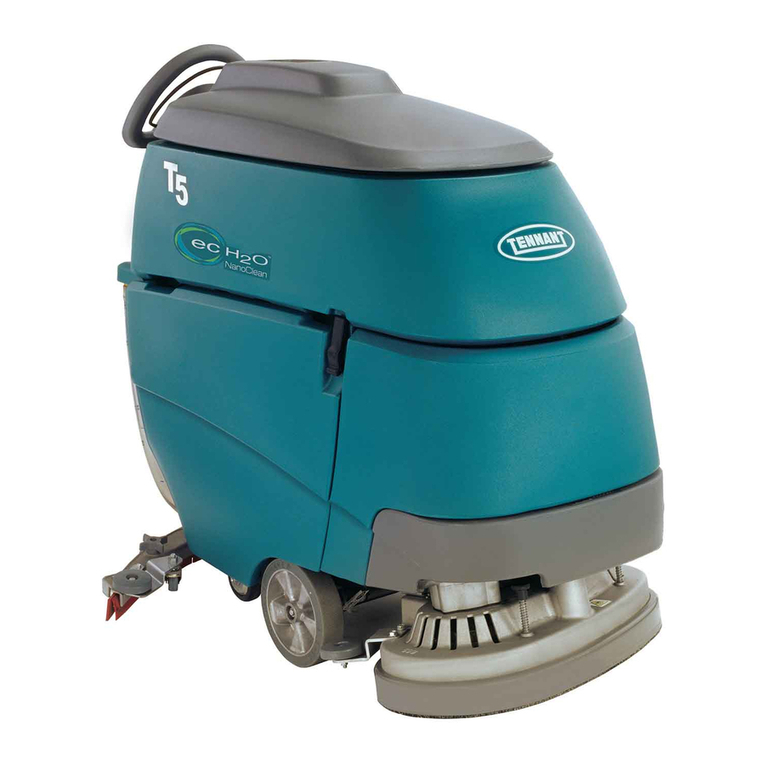
Tennant T5 User manual

Tennant

Tennant T5 User manual

Tennant SweepSmart S20 ELECTRIC Training manual

Tennant

Tennant SweepSmart S20 ELECTRIC Training manual

Tennant 5700 User manual

Tennant

Tennant 5700 User manual

Tennant M20 Training manual

Tennant

Tennant M20 Training manual

Tennant T3 User manual

Tennant

Tennant T3 User manual

Tennant 265XP User manual

Tennant

Tennant 265XP User manual

Tennant M20 User manual

Tennant

Tennant M20 User manual
Tennant 5300 User manual

Tennant

Tennant 5300 User manual

Tennant 800 User manual

Tennant

Tennant 800 User manual

Tennant 5540 Product manual

Tennant

Tennant 5540 Product manual

Tennant 5700 Training manual

Tennant

Tennant 5700 Training manual

Tennant 7100 User manual

Tennant

Tennant 7100 User manual

Tennant T291 User manual

Tennant

Tennant T291 User manual

Popular Scrubber manuals by other brands
Olympus M200H operating manual

Olympus

Olympus M200H operating manual

Clarke BEXT 100H Operation?and safety

Clarke

Clarke BEXT 100H Operation?and safety

JOHNY VAC JVC70BCT user guide

JOHNY VAC

JOHNY VAC JVC70BCT user guide

RCm Elan Series Instruction and maintenance handbook

RCm

RCm Elan Series Instruction and maintenance handbook

Kärcher B 120 W quick start

Kärcher

Kärcher B 120 W quick start

Truvox Orbis MotorScrubber 20 user manual

Truvox

Truvox Orbis MotorScrubber 20 user manual

Numatic TTB 4045/100 Original instructions

Numatic

Numatic TTB 4045/100 Original instructions

U.S. Products PEX 500-C-TICK Information & operating instructions

U.S. Products

U.S. Products PEX 500-C-TICK Information & operating instructions

Mclennan C510 Operator's manual

Mclennan

Mclennan C510 Operator's manual
Columbus ARA 66 BM 100 operating manual

Columbus

Columbus ARA 66 BM 100 operating manual

Numatic TTV 678G / 300T Owner's instructions

Numatic

Numatic TTV 678G / 300T Owner's instructions

American-Lincoln 505-945 Instructions for use

American-Lincoln

American-Lincoln 505-945 Instructions for use

Floorpul ruby 48 blt Use and maintenance

Floorpul

Floorpul ruby 48 blt Use and maintenance

Onyx RX-34 Operator's manual

Onyx

Onyx RX-34 Operator's manual

Dustbane Hurricane 400 Operation manual

Dustbane

Dustbane Hurricane 400 Operation manual

Sana EUJ-702 user manual

Sana

Sana EUJ-702 user manual

REMS Twist instruction manual

REMS

REMS Twist instruction manual

Clarke CA30 20B Service manual

Clarke

Clarke CA30 20B Service manual

https://manuals.online logo
https://manuals.online logoBrands
  • About & Mission
  • Contact us
  • Privacy Policy
  • Terms and Conditions

Copyright 2026 Manuals.Online. All Rights Reserved.

KIT NO. 9017891 Page1of3
9017892 Rev. 00 (04- 2018) Tennant Company www.tennantco.com
On-Board Battery Charger &
Cable Connector Retrofit Kit
Models: T350, Speed Scrub 350
This kit includes the necessary parts to replace a defective charger, caused from backfeed, and retrofit parts to modify
the cable connector configuration to prevent future battery charger damage. Install retrofit parts as instructed.
On-Board Battery Charger Replacement Parts
Ref Part No. Description Qty.
1 1220856 Charger, 24vdc 25a 100-240vac (on-board) 1
2 26395-2 Clamp, Cable, Stl, 0.38dx0.38w, 1hole 1
3 1205799 Screw, Btn, m5x0.8x16, 8.8,nl torx 5
4 1210807 Wire, Tie [w/.25” fir tree clip] 2
Cable Connector Retrofit Parts
Ref Part No. Description Qty.
5 1020446 Connector, Anderson, 1321 Series 4
6 1217818 Sleeve, Heatshrink, 1.5id, 07.0L 1
7 33931 Screw, Pan, Phl, m4x0.70x30, ss 2
8 1240380 Plate, Washer, Battery, Connector 1
9 1239877 Plate, Wldt, Mount, Battery Disconnect 1
10 763115 Tie, Cable, 6.0L, 1.25 max 1
Kit Contents
1
3
6
2
4
5
8
9
710
CABLE CONNECTOR RETROFIT
INSTALLATION INSTRUCTIONS:
Installation Time: 1 Hour
Special Tools Required: Heat Gun
1. Park machine on a level surface.
2. Turn off machine and remove key.
FOR SAFETY: Before servicing machine, stop on level
surface, turn off machine and remove key.
3. Disconnect the battery cable harness quick disconnect
connector (Figure 1).
Fig. 1
4. Disconnect the battery cable harness from the batteries
(Figure 2).
Battery Cable
Harness
Fig. 2
5. Remove the double pole connector from the battery
cable harness and discard. To remove connector, push
the lock tab downward with a small flat-head
screwdriver and pull the cable outward (Figure 3).
Push lock tabs downward
Fig. 3
6. Remove and discard the protective boot (Figure 4).
Fig. 4
Page2of3
KIT NO. 9017891
9017892 Rev. 00 (04- 2018) Tennant Company www.tennantco.com
7. Install the new single pole connectors on the battery
cable harness (Figure 9). Fully insert the cable terminal
into the connector until it clicks into position. Pull test
the cable to ensure terminal is engaged with lock tab
as shown.
Lock Tab
Fig. 5
8. Remove the battery cable connector bracket from the
machine (Figure 6). Save mounting hardware.
Fig. 6
9. Remove the double pole connector from the bracket
and discard bracket (Figure 7). Save hardware.
Fig. 7
10. Remove the double pull connector from the battery
cables and discard (Figure 8).
Fig. 8
11. Install a new single pole connector on the red cable
(Figure 9).
Fig. 9
12. Using the supplied mounting hardware, attach the
single pole connector to the new bracket as shown
(Figure 10).
Fig. 10
Page3of3
KIT NO. 9017891
9017892 Rev. 00 (04- 2018) Tennant Company www.tennantco.com
13. Using existing hardware, mount the new cable bracket
to machine at the same location (Figure 11).
Fig. 11
14. Reroute the black cable from behind the actuator
bracket to the center of the battery compartment as
shown (Figure 12).
Actuator Bracket
Fig. 12
15. Install a new single pole connector on the black cable
(Figure 13).
Fig. 13
16. Slide the supplied heat shrink sleeve over the
connector (Figure 14).
Fig. 14
17. Connect the single pole connector to the negative
battery cable harness as shown (Figure 15).
Fig. 15
18. Position the heat shrink sleeve over the connection and
apply heat to sleeve to make connection permanent
(Figure 16).
Fig. 16
19. Connect the battery cable harness to the batteries
(Figure 17). Connect black cable (negative) first.
Fig. 17
20. Lastly, connect the positive battery cable connector to
the new bracket connector as shown (Figure 18).
Fig. 18
21. Verify machine operation.