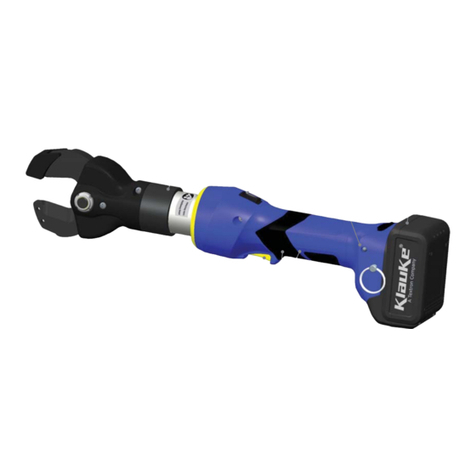
Ultra Tugger®Cable Puller and Pulling Packages
Greenlee / A Textron Company 4455 Boeing Dr. • Rockford, IL 61109-2988 USA • 815-397-7070
8
Disconnect power supply before servicing this tool,
or when not in use.
Failure to observe this warning could result in severe
injury or death.
Maintenance should be performed by authorized
personnel only.
General Maintenance Notes
Replace any part that is broken, cracked, or worn.•
Replace any bearings that do not turn freely.•
Clean all mating surfaces before assembly.•
Replace gearbox grease with Texaco• ® Regal AFB or
equivalent.
Specific Service Notes
Average brush life for commutator brushes is about •
100 hours. Replace brushes if they are shorter than
9.5 mm (3/8").
Replace rope ramp if it is grooved more than •
6.5 mm (1/4").
Replace the capstan if it is grooved more than •
0.15 mm (1/16").
The puller should not require any lubrication during its•
normal service life.
Switchbox Removal
1. Remove the four Phillips head screws and cover
from the switchbox (1).
2. Remove the green hex head screw (28), three lock
washers (29), and three yellow and green wires from
the heat sink plate (24).
3. Remove the brown and blue motor wires from the
lter (10).
4. Remove 15 hex head screws (23) and top cover
(21) from the motor. Be careful not to damage
the brown, blue, and green motor wire when you
remove the top cover from the motor.
5. Remove the four hex nuts (5), four screws (4), and
switchbox (1) from the top cover.
Switchbox Assembly Notes
1. If replacing the rectier (10) or lter (11), use a
thermal contact grease before mounting to heat
sink (24).
Maintenance
2. Secure motor wires to the motor using tie-
wraps. Make sure the wires will not contact the
commutator.
3. Connect the brown motor wire to the positive (+)
terminal on the rectier (10). Connect the blue motor
wire to the negative (–) terminal on the rectier.
The rst reduction hub will be damaged if the motor
wires are reversed.
4. Connect the green and yellow wires from the power
cord, motor, and lter to the heat sink plate.
Motor Removal
Refer to “Illustration: Ultra Tugger Cable Puller”
1. Remove switchbox.
2. Remove seven hex head screws (23) and cover (20)
from the motor.
3. Use the 7/16" wrench to remove two hex nuts (34)
and end cap (19).
Refer to “Illustration: Motor”
4. Push in and pull out the tab to release the commu-
tator brush springs (2).
5. Use 7/16" wrench and remove four hex nuts, two
lock washers, and tail housing (3) from the motor.
6. Remove brush assembly plate (4).
7. Remove the O-ring (35), bafe (22), and end support
(18) from the motor housing. (Refer to “Illustration:
Ultra Tugger Cable Puller.”)
8. Remove magnet housing (5).
9. Remove armature (6).
10. Remove screw holding the air vent protective screen
and remove screen (9).
Motor Assembly Notes
1. Apply gasket sealant between gearbox housing and
the outside of the front armature housing.
2. If the armature does not turn freely after installation,
the wrong gear teeth were engaged.
3. Hold armature in place when installing the magnet
housing. Position magnet housing with the roll pin
outward and pointed towards 8 o’clock. The square
hole of the mounting plate should be positioned at
10 o’clock.
4. Install commutator brush assembly. Wires should be
at the 9 o’clock position.
5. Insert magnet housing roll pin into the recess on the
tail housing.