manuals.online logo
Brands
  1. Home
  2. •
  3. Brands
  4. •
  5. Thermaltake
  6. •
  7. Computer Hardware
  8. •
  9. Thermaltake Extreme Spirit Il User manual

Thermaltake Extreme Spirit Il User manual

Other Thermaltake Computer Hardware manuals
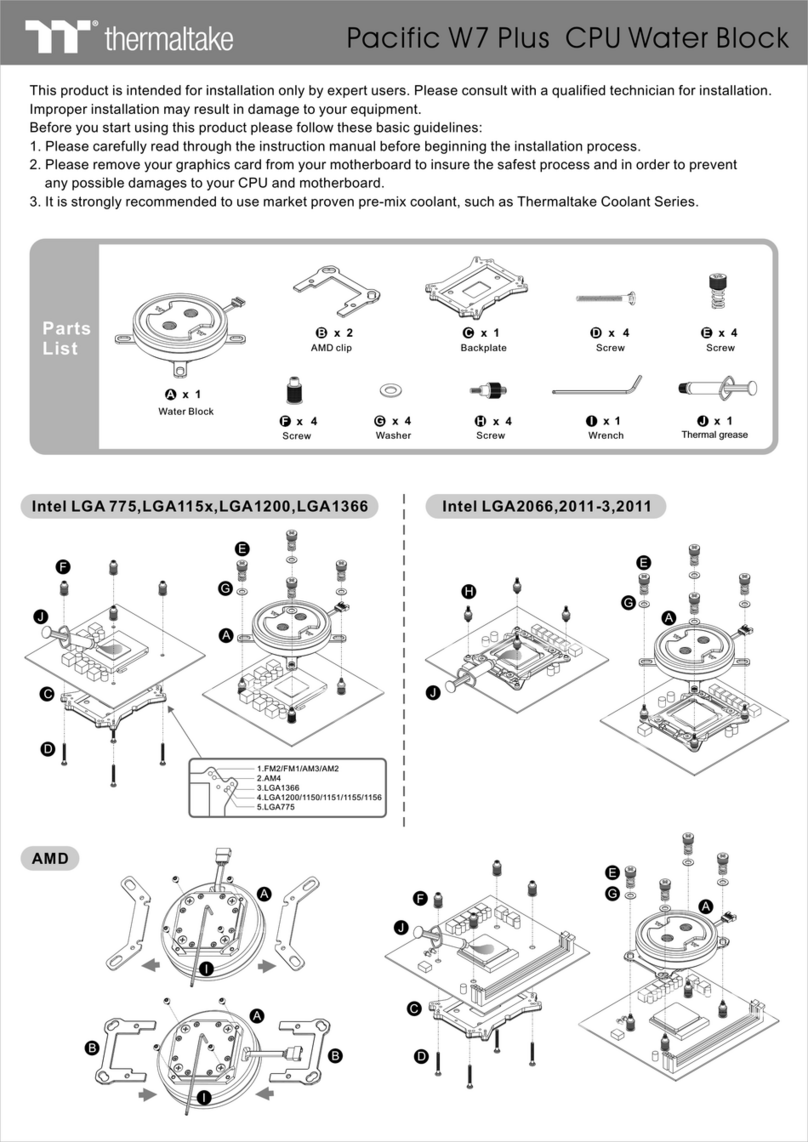
Thermaltake M360 Plus User manual

Thermaltake

Thermaltake M360 Plus User manual

Thermaltake CLP0538 User manual

Thermaltake

Thermaltake CLP0538 User manual

Thermaltake TOUGHLIQUID Ultra 420 RGB User manual

Thermaltake

Thermaltake TOUGHLIQUID Ultra 420 RGB User manual

Thermaltake FANLESS VGA User manual

Thermaltake

Thermaltake FANLESS VGA User manual

Thermaltake CPU Cooler Socket 478 User manual
Thermaltake

Thermaltake CPU Cooler Socket 478 User manual

Thermaltake A1827 User manual

Thermaltake

Thermaltake A1827 User manual

Thermaltake Pacific V-RTX 4090 Plus User manual

Thermaltake

Thermaltake Pacific V-RTX 4090 Plus User manual

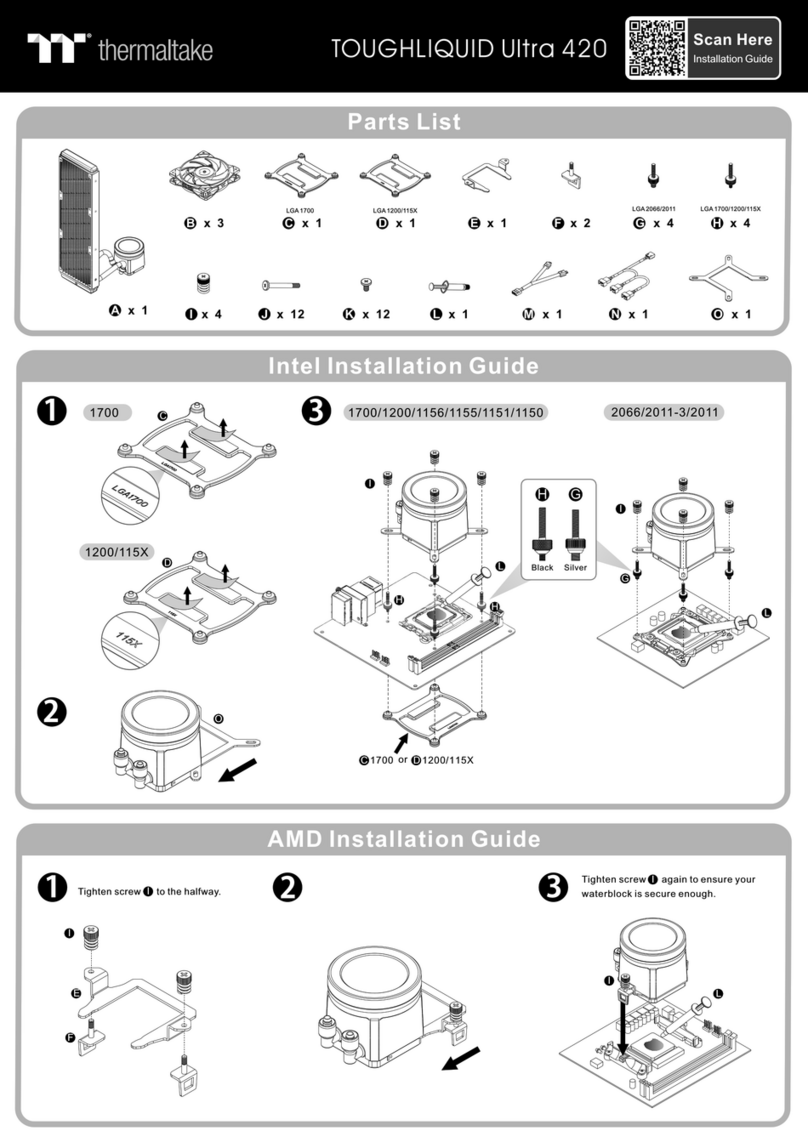
Thermaltake Pacific V-RTX 2070 Super Plus User manual
Thermaltake

Thermaltake Pacific V-RTX 2070 Super Plus User manual

Thermaltake TOUGHLIQUID 360 ARGB TRX40 Edition User manual

Thermaltake

Thermaltake TOUGHLIQUID 360 ARGB TRX40 Edition User manual

Thermaltake Pacific A2 Ultra User manual

Thermaltake

Thermaltake Pacific A2 Ultra User manual

Thermaltake V3 Black Edition VL8000 Series User manual

Thermaltake

Thermaltake V3 Black Edition VL8000 Series User manual

Thermaltake CLP0539 User manual

Thermaltake

Thermaltake CLP0539 User manual

Thermaltake Pacific CL360 Plus User manual

Thermaltake

Thermaltake Pacific CL360 Plus User manual

Thermaltake TH240 ARGB Sync User manual

Thermaltake

Thermaltake TH240 ARGB Sync User manual

Thermaltake Level 10 GT Battle Edition VN10008W2N User manual

Thermaltake

Thermaltake Level 10 GT Battle Edition VN10008W2N User manual

Thermaltake TOUGHLIQUID Ultra 420 User manual
Thermaltake

Thermaltake TOUGHLIQUID Ultra 420 User manual

Thermaltake Pacific MX1 Plus User manual

Thermaltake

Thermaltake Pacific MX1 Plus User manual

Thermaltake Pacific V-RTX 4090 Plus User manual

Thermaltake

Thermaltake Pacific V-RTX 4090 Plus User manual

Thermaltake Pacific V-RTX 3070 Plus User manual

Thermaltake

Thermaltake Pacific V-RTX 3070 Plus User manual

Thermaltake Pacific V-RX 5700 Plus Series User manual

Thermaltake

Thermaltake Pacific V-RX 5700 Plus Series User manual

Thermaltake TOUGHLIQUID 240 ARGB Sync User manual

Thermaltake

Thermaltake TOUGHLIQUID 240 ARGB Sync User manual

Thermaltake Pacific PR32-D5 Plus User manual

Thermaltake

Thermaltake Pacific PR32-D5 Plus User manual

Thermaltake Floe Ultra 360 RGB User manual

Thermaltake

Thermaltake Floe Ultra 360 RGB User manual

Thermaltake Pacific TOUGH C240 DDC User manual
Thermaltake

Thermaltake Pacific TOUGH C240 DDC User manual

Popular Computer Hardware manuals by other brands

EMC2 VNX Series Hardware Information Guide

EMC2

EMC2 VNX Series Hardware Information Guide

Panasonic DV0PM20105 Operation manual

Panasonic

Panasonic DV0PM20105 Operation manual

Mitsubishi Electric Q81BD-J61BT11 user manual

Mitsubishi Electric

Mitsubishi Electric Q81BD-J61BT11 user manual

Gigabyte B660M DS3H AX DDR4 user manual

Gigabyte

Gigabyte B660M DS3H AX DDR4 user manual

Raidon iT2300 Quick installation guide

Raidon

Raidon iT2300 Quick installation guide

National Instruments PXI-8186 user manual

National Instruments

National Instruments PXI-8186 user manual

Hauppauge WinTV-HVR-2250 Quick installation guide

Hauppauge

Hauppauge WinTV-HVR-2250 Quick installation guide

Kontron CP6002 user guide

Kontron

Kontron CP6002 user guide

Manhattan 702843 user manual

Manhattan

Manhattan 702843 user manual

Aphex 230 instruction manual

Aphex

Aphex 230 instruction manual

Intel NUC 12 Pro user guide

Intel

Intel NUC 12 Pro user guide

Galaxy GHDX2-2430S-24F4D Installation and hardware reference manual

Galaxy

Galaxy GHDX2-2430S-24F4D Installation and hardware reference manual

Intel AXXRMFBU4 Quick installation user's guide

Intel

Intel AXXRMFBU4 Quick installation user's guide

Kontron DIMM-PC/MD product manual

Kontron

Kontron DIMM-PC/MD product manual

ST X-NUCLEO-SAFEA1B How to use

ST

ST X-NUCLEO-SAFEA1B How to use

STEINWAY LYNGDORF SP-1 installation manual

STEINWAY LYNGDORF

STEINWAY LYNGDORF SP-1 installation manual

Advantech ASMB-935 Series user manual

Advantech

Advantech ASMB-935 Series user manual

Jupiter RAM PACK instructions

Jupiter

Jupiter RAM PACK instructions

manuals.online logo
manuals.online logoBrands
  • About & Mission
  • Contact us
  • Privacy Policy
  • Terms and Conditions

Copyright 2025 Manuals.Online. All Rights Reserved.

REVISION A.2006.03
Please visit our Support Section for more technical support or update at
Components >>
Long screw x 2
Hooked screw x 2
Washer x 4
Standoff x 4
Gasket gap pad x 1
Extreme Spirit II Northbridge CoolerExtreme Spirit II Northbridge Cooler
Application for all Northbridge chipsets
Pass the screws through
the motherboard holes.
Secure the screws with the standoffs.
Thermal grease x 1
Before Installation >>
1.On Flip Chipset
Type 1: Flip chipset
2.On BGA Chipset
Long screw x 2
Standoff x 4
Washer x 4
Pass washers through screws.
Slip the washer on.
P/N: CL-C0034
1.1.
Place the gasket gap pad onto the
heatsink as shown to prevent
crushing the chipset die.
Type 2: BGA chipset. Please do not
use the gasket if you have this type
of chipset.
Application 1:
Northbridge chipset
with mounting holes.
Pass the washers through the screws. Slightly loosen the screw and pull out
the clips as shown in the picture.
Place the Extreme Spirit II
over the chip and pass
the clips through the
screws.
Adjust the clips and Extreme Spirit II
to proper position.
Secure the screws
by standoffs.
O4429
REVISION A.2006.03
Please visit our Support Section for more technical support or update at
P/N: CL-C0034
O4429
Extreme Spirit II Northbridge CoolerExtreme Spirit II Northbridge Cooler
Application for all Northbridge chipsets
Place the Extreme Spirit II
over the chipset
Apply a thin layer of grease.
Install the hooked screws as shown
and clip on slightly.
Clip on the other side. Adjust the clips and Extreme Spirit II
to proper position.
Secure the screws by
standoffs.
Plug the fan connector to
3 pin socket on
Motherboard.
Fan Connection >>
Application 2:
Northbridge chip without
mounting holes around.
Hooked screw x 2
Standoff x 2
2.2.
Slightly loosen the screws and pull out
the clips as shown in the picture.
Fix the hooked screws by standoffs.
(Note: Don't to secure to the end.)