North America
166 Cummings Center
Beverly, MA 01915 USA
Toll Free: 1-800-225-1480
Tel: 1-978-232-6000
Netherlands
Tel: (31) 033-2463887
India
Tel: (91) 22-4175-8800
wai.asia@thermofisher.com
©2010 Thermo Fisher Scientific Inc. All rights reserved. All trademarks are the property of Thermo Fisher Scientific Inc. and its
subsidiaries. ROSS and the COIL tradedress are trademarks of Thermo Fisher Scientific Inc. US Patent 6,793,787.
Water Analysis Instruments
China
Tel: (86) 21-68654588
wai.asia@thermofisher.com
Singapore
Tel: (65) 6778-6876
wai.asia@thermofisher.com
Japan
Tel: (81) 045-453-9175
wai.asia@thermofisher.com
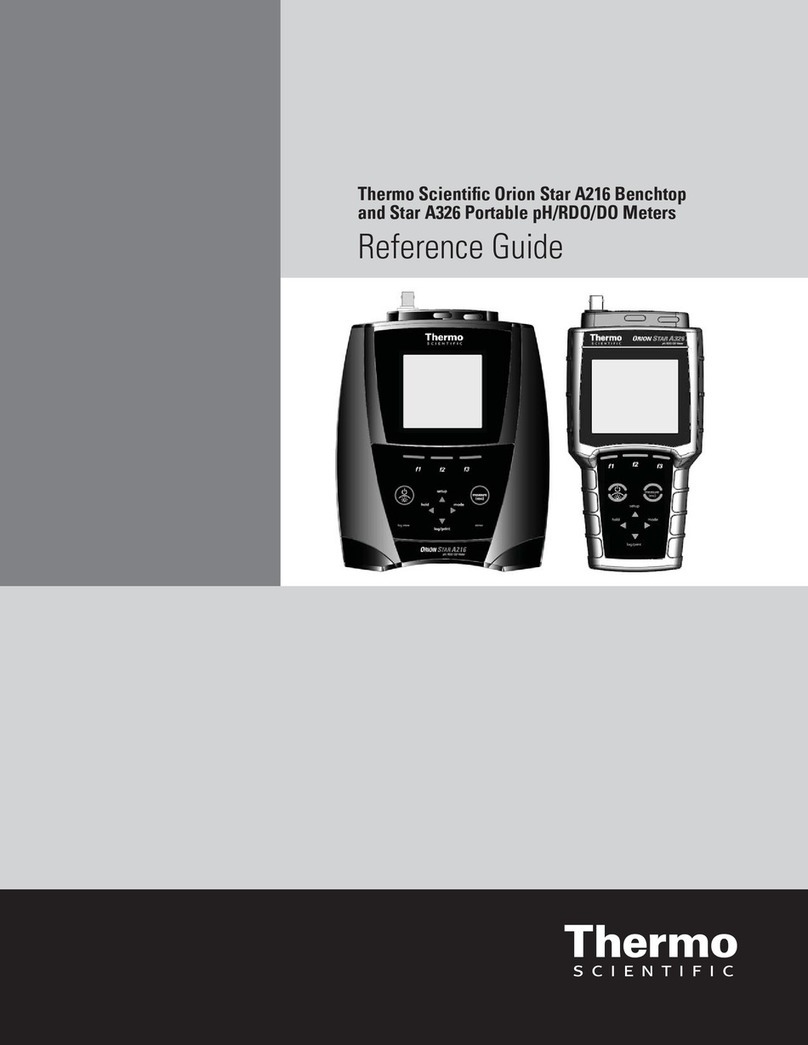
Thermo Scientific Orion Star™LogR Meter
Quick Start Guide
Selecting the Temperature Reading
and Compensation Setting
1. In measurement mode, press the setup key.
2. Press the down arrow key to scroll through the
setup menu until tC is displayed on the top line.
3. Press the select key twice to accept the selection
and move the icon to the bottom line.
4. Press the up arrow keys to select the setting:
• – uses the resistance of the pH
electrode’s glass bulb.
• – uses the automatic-temperature
compensation (ATC) probe.
• – uses the temperature value entered
under the General Menu Setting.
5. Press the select key to accept the selection and
move the icon to the top line.
6. Press the measure key to return to the
measurement mode.
Calibrating the LogR Setting with
an ATC Probe
A temperature difference of 10-20 °C between the
samples is recommended for best results.
1. LOGr should be displayed on the third line. If not,
refer to the Selecting the Temperature Reading
and Compensation Setting section in the user
guide.
2. Press the up/down arrow keys until the top
measurement line shows temperature (no units).
3. Place pH electrode and ATC probe into 1st solution.
Stir moderately. Press the calibrate key.
4. CAL. 1 will display. When the reading stabilizes,
the icon and first digit will flash.
5. Press the calibrate key to proceed to the next
calibration and repeat steps 3 & 4 or press the
measure key to accept the calibration and return
to measuring mode.
pH Autocalibration with
Two Buffers
1. Press the power key to turn on the meter.
2. Select two buffers that bracket the expected
sample pH and are one to four pH units apart.
3. In the measurement screen, press the up arrow
key until the pH icon is shown. If changing from an
ISE or relative mV mode, please wait for the screen
to update (about 3 seconds). Once the pH reading
has stabilized, press the calibrate key.
4. Rinse the electrode with deionized water and blot
dry with a lint-free tissue.
5. Insert the electrode into the first buffer and gently
stir - if a stirrer probe is being used press the stir
key to start and stop stirring.
6. Wait fo the pH icon to stop flashing and the
icon to start flashing. The meter should display the
temperature corrected pH buffer value.
If the displayed buffer value is incorrect or a
customer buffer is being used manually enter the
value by pressing the up/down arrow keys to
adjust each digit and the digits key to move to the
next digit.
7. Press the calibrate key.
8. Rinse the electrode with deionized water and blot
dry with a lint-free tissue.
9. Insert the electrode into the second buffer and
gently stir - if a stirrer probe is being used press
the stir key to start and stop stirring.
10. Wait for the pH icon to stop flashing and the
icon to start flashing. The meter should display the
temperature corrected pH buffer value.
11. Press the measure key to save and end the
calibration. The slope will be displayed and then
the meter will proceed to the measurement mode.
pH and ISE Measurements
AUTO-READ™ is the default measurement mode.
Continuous or timed measurement modes can be
selected in the setup menu. ISE capabilities can
be found on the Orion Star LogR pH/ISE meter,
Cat. No. 3115000.
1. In the measurement screen, press the up arrow
key until the desired icon is shown (pH or ISE,
whichever is being calibrated).
2. Rinse the electrode (ATC probe, stirrer probe and
reference electrode, if applicable) with deionized
water, blot dry with a lint-free tissue, and insert
the electrode into the sample.
3. If the meter is in AUTO-READ mode, press the
measure key to take a measurement. Once the
reading stabilizes the AR icon will stop flashing
and the display will freeze. Press the measure key
again to take a new measurement.
If a stirrer probe is connected it will start stirring
when the measure key is pressed and stop stirring
when the AR icon stops flashing.
4. If the meter is in the continuous or timed
measurement modes the meter will continuously
take measurements and update the display. Once
the reading stabilizes the icon will stop flashing.
If a stirrer probe is connected press the stir key to
start stirring and press again to stop stirring.
Printing Data
Data logging depends on the measurement mode
AUTO-READ mode: at stable reading and locked
display (if logging is selected)
Continuous mode: when measure key is pressed
Timed mode: at selected time interval
1. Press the view log key
2. Use the up arrow key to scroll between CALS
(print the calibration log) and SEnd (print the
measurement log).
3. Press the line select key to print the data.
ISE Calibration with
Two Standards
ISE capabilities can be found on the Orion Star LogR
pH/ISE meter, Cat. No. 3115000
1. Press the power key to turn on the meter.
2. Select two standards that bracket the expected
sample concentration and are a decade apart in
concentration. Always calibrate using the lowest
concentration standard first and work up to the
highest concentration standard last.
3. In the measurement screen, press the up arrow
key until the ISE icon is shown. If the temperature
reading and compensation was LOgr, please wait
for the screen to update (about 3 seconds). Once
the ISE reading has stabilized, press the calibrate
key.
4. Rinse the electrode with deionized water and blot
dry with a lint-free tissue.
5. Insert the electrode into the lower concentration
standard.
6. Wait for the ISE icon to stop flashing. Enter the
concentration of the standard by pressing the
up/down arrow keys to adjust each digit and
the digits key to move to the next digit. Once the
standard value is set, press the digits key until the
decimal point is in the correct location.
7. Press the calibrate key.
8. Rinse the electrode with deionized water and blot
dry with a lint-free tissue.
9. Insert the electrode into the high concentration
standard.
10. Wait for the ISE icon to stop flashing. Enter the
concentration of the standard by pressing the
up/down arrow keys to adjust each digit and
the digits key to move to the next digit. Once the
standard value is set, press the digits key until the
decimal point is in the correct location.
11. Press the measure key to save and end the
calibration. The slope will be displayed and then
the meter will proceed to the measurement mode.