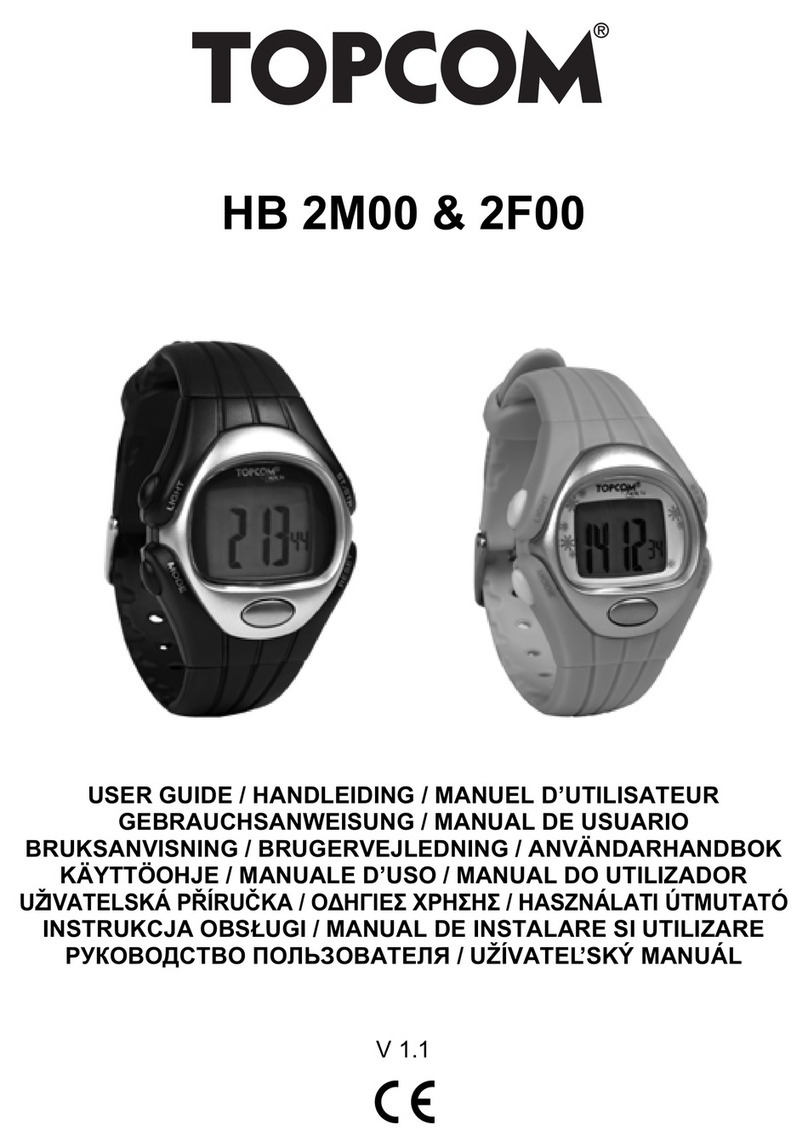
Topcom HBM Sensor Watch 2002 User manual

HBM SENSOR WATCH 2002
USER GUIDE
BEDIENUNGSANLEITUNG
BRUKSANVISNING
BRUGERVEJLEDNING
MANUAL DE USUARIO
U8006458 - V1.0

This product is in compliance with the essential requirements and other relevant
provisions of the directive 89/336/EEC.
The Declaration of conformity can be found on:
http://www.topcom.net/support.cedeclarations.php
GB The features described in this manual are published with reservation to modifications.
DE Die in dieser Bedienungsanleitung umschriebenen Möglichkeiten, werden vorbehaltlich
Änderungen publiziert.
SFunktionerna i denna bruksanvisning publiceras med reservation för ändringar.
DK Vi forbeholder os retten til ændringer af de specifikationer, der er beskrevet
i denne brugsanvisning.
ES Las características descritas en este manual pueden ser objeto de futuras modificaciones.

TOPCOM HBM Sensor Watch 2002 3
ENGLISH
1 INTRODUCTION
Congratulations on your purchase of the HBM Sensor Watch 2002. We hope that you will enjoy
using the Heart Meter and the benefits it offers. In exercise or sports, your heart naturally speeds
up in pumping blood to the body in accordance with the increased energy level. With the Heart
Meter you can measure this increase expressed as the number of beats per minute (bpm). The
HBM Sensor watch supports 5 User modes:
2 SAFETY NOTES
Using a Heart Monitor is NOT a substitute for professional medical attention. If you suffer from
heart disorder, illness or have recently taken up fitness training, it is advisable that you seek a
doctor or talk to your trainer and work out a fitness plan that suits you.
The HBM SW 2002 should only be used as a guide in maintaining a safe heart beat rate. It should
NOT be relied upon as a medical heart rate monitor. If you are uncertain about how your exercise
program will impact on your heart, please consult a physician.
1. Normal Time Mode
2. Alarm Time Mode
3. Heart Meter Mode
4. Chronograph Mode
5. Countdown Timer Mode
Read carefully through the following information concerning safety and
proper use. Make yourself familiar with all functions of the device. Keep
this manual on a safe place for future use.

4 TOPCOM HBM Sensor Watch 2002
3 CARE AND MAINTENANCE
Never use force to open the case or remove back coverl DO NOT expose the watch to extreme
weather conditions or cleaning agents and solvents. Avoid dropping or rough handling of the
watch. Clean the watch with a dry soft cloth or a soft cloth moistened with water and mild
detergent. Store the watch in a dry place when not in use.
4 DISPOSAL OF THE DEVICE (ENVIRONMENT)
At the end of the product lifecycle, you should not throw this product into the
normal household garbage but bring the product to a collection point for the
recycling of electrical and electronic equipments. The symbol on the product,
user guide and/or box indicate this.
Some of the product materials can be re-used if you bring them to a recycling point. By re-using
some parts or raw materials from used products you make an important contribution to the
protection of the environment. Please contact your local authorities in case you need more
information on the collection points in your area.
TOPCOM HBM Sensor Watch 2002 5
ENGLISH
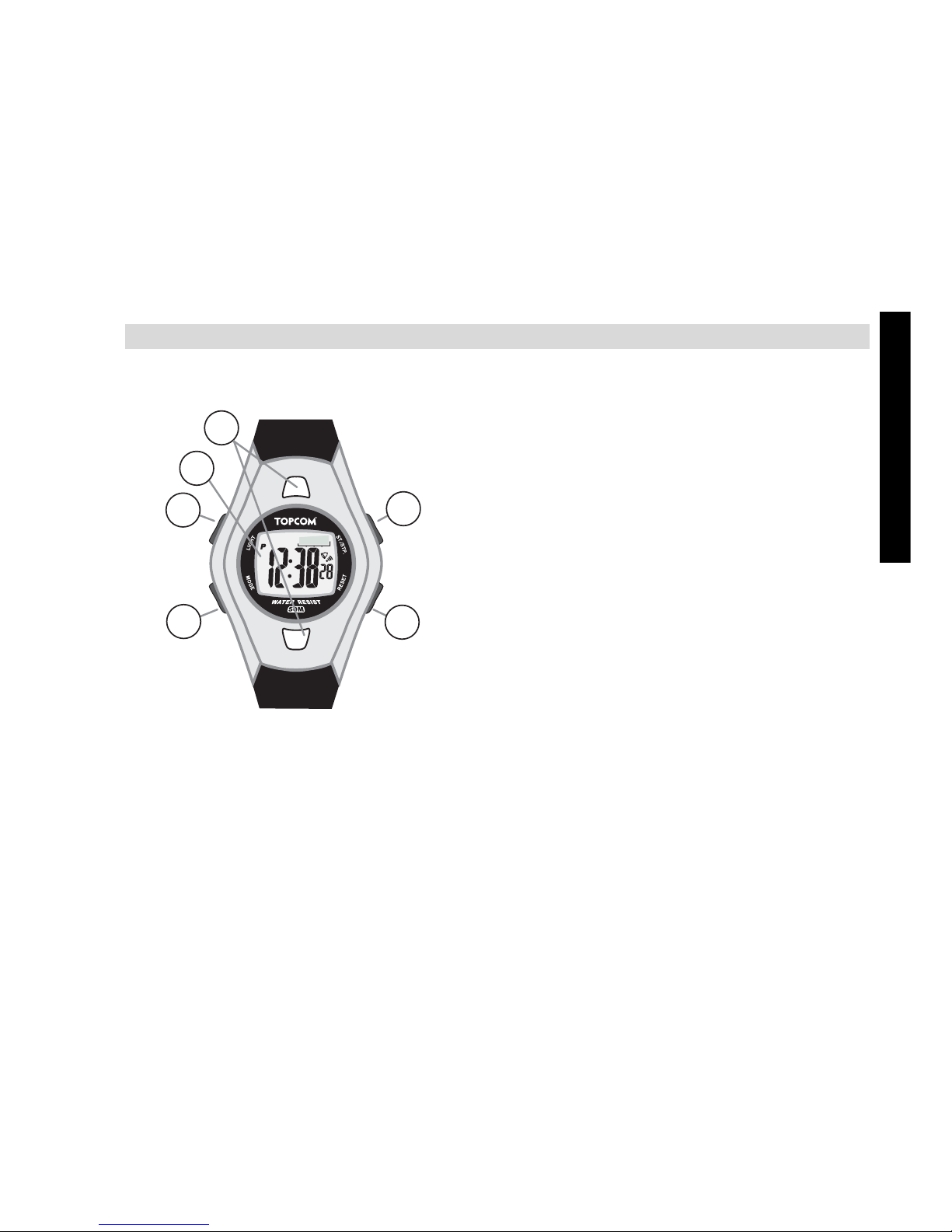
5BUTTONS
5.1 MASTER RESET
Press and hold ST./STP., RESET en MODE simultaneously to reset the HBM SW 2002.
!!! All set information will be lost, also the date and time.
5.2 BACK LIGHT
Press LIGHT briefly to active the back light of the display.
1. START/STOP - button (ST./STP.)
2. RESET - button
3. MODE- button
4. LIGHT - button
5. LCD display
6. Sensor
6
5
1
2
3
4
6 TOPCOM HBM Sensor Watch 2002
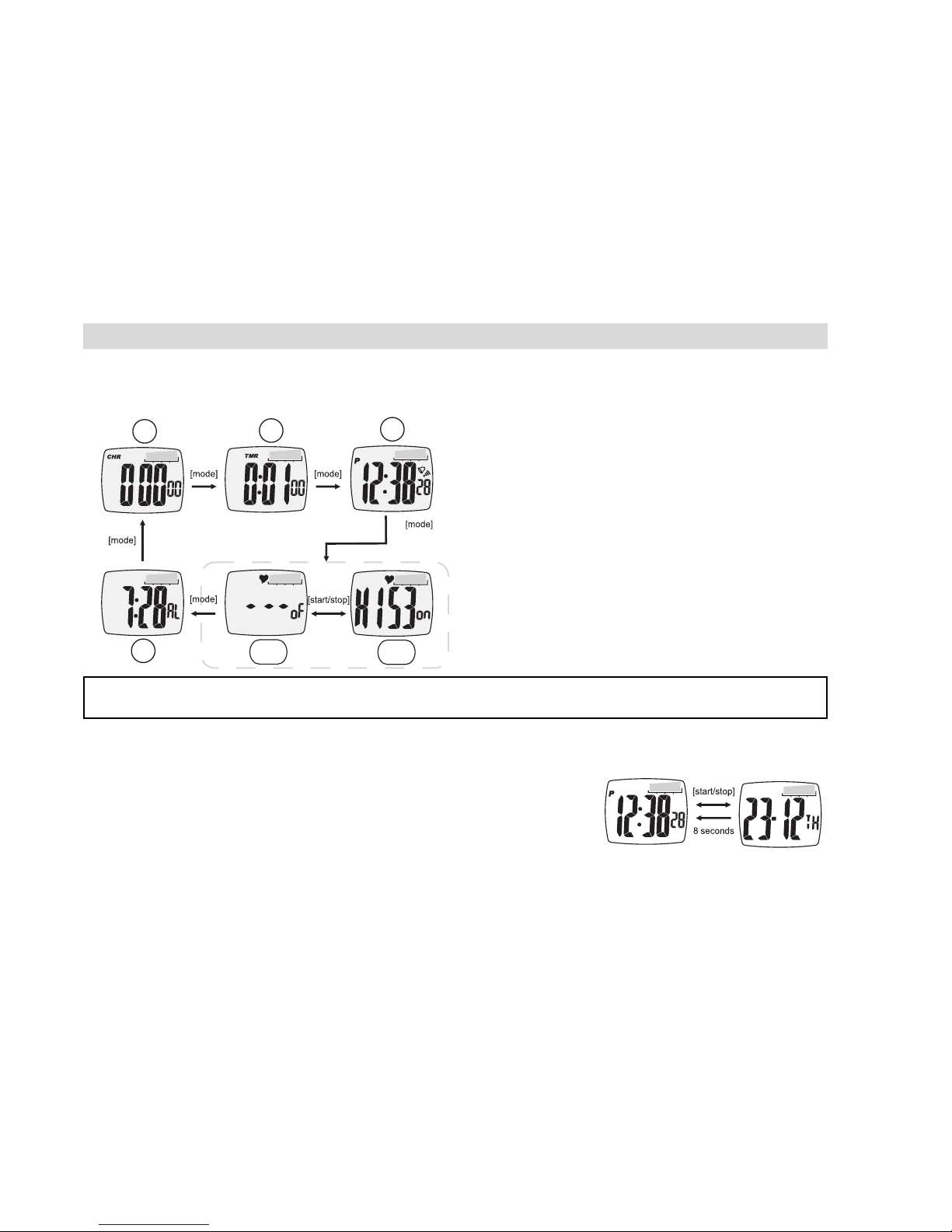
6 FUNCTIONAL MODES
The HBM Wrist includes 5 functional modes
7 TIME AND DATE
In time Current Time mode :
• Press ST./STP. to select the date
• Press ST./STP. to switch back to time. If no button is
pressed within 8 seconds, it will switch automatically back
to time mode.
Press MODE to scroll through the next
functional modes.
1. Currect Time
2. Heart rate alarm mode
a. Heart rate alarm ON
b. Heart rate alarm OFF
3. Daily alarm mode
4. Cronograph mode
5. Timer mode
1
3
4
2b
5
2a
Normal Time Mode will be displayed when NO key is pressed within 1 minute.

TOPCOM HBM Sensor Watch 2002 7
ENGLISH
7.1 SETTING TIME AND DATE
In time Current Time mode :
• Press and hold MODE until the seconds are blinking on the display.
• Press ST./STP. to set the seconds to zero.
• Press MODE to switch to minutes.
• Press ST./STP. to increase the minutes or RESET to decrease the minutes.
• Press MODE to switch to hours
• Follow the same instruction as for the minutes to adjust the hour, year, month and day.
After setting the date
• Press ST./STP. to select the visualisation of the date (‘month/day’ or ‘day/month’).
• Press MODE to switch hour setting.
• Press ST./STP. to select 24Hours system or 12Hours systems (indication AM/PM)
• Press MODE to switch to the keybeep setting.
• Press ST./STP. to set the keybeep on (ON) or off (OF)
• If the date and time is correct, press and hold MODE to fix the setting.
8 TOPCOM HBM Sensor Watch 2002
8 DAILY ALARM
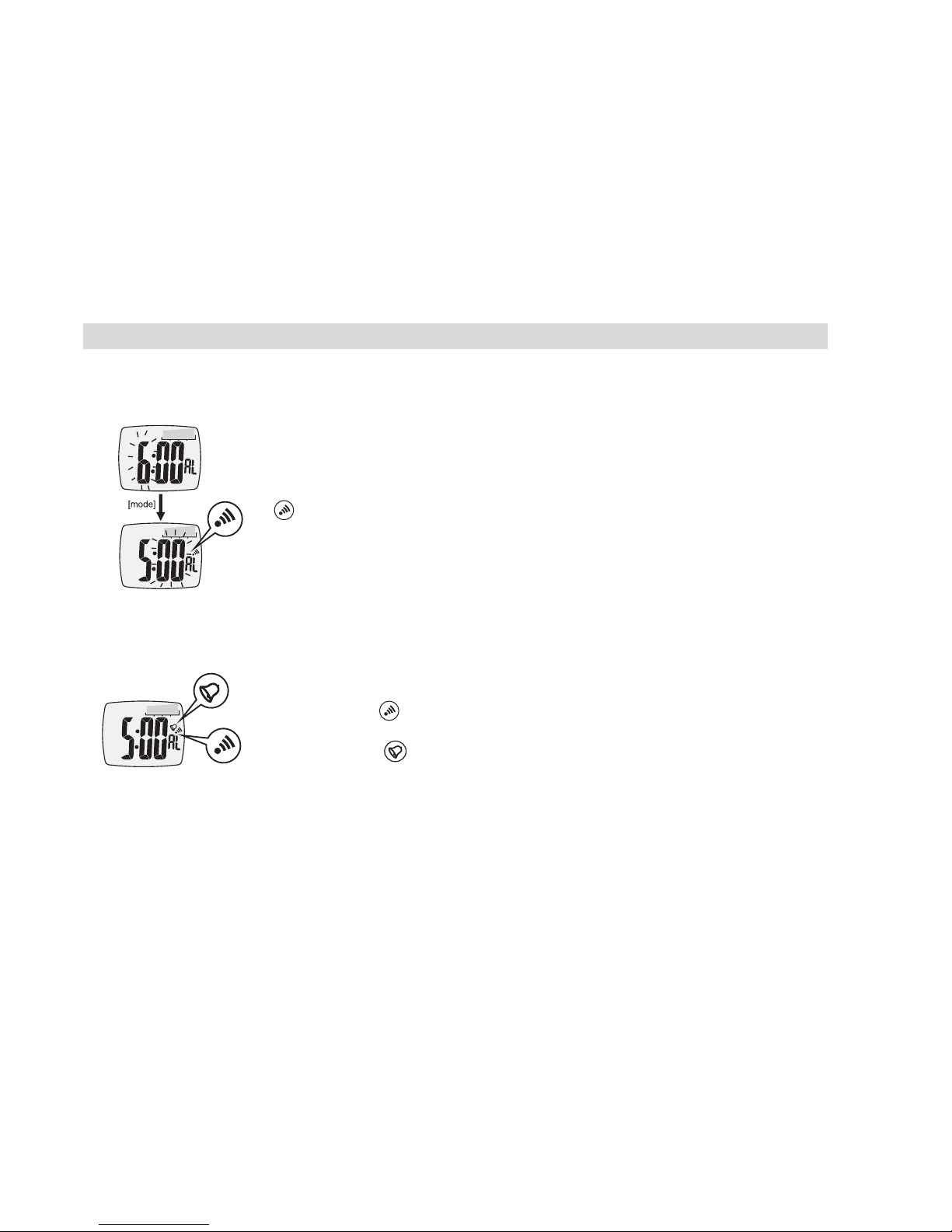
8.1 SETTING THE DAILY ALARM
8.2 ACTIVATING/DEACTIVATING ALARM
- Press MODE 2 times to go to Alarm Mode
- Press and hold MODE until the hour is blinking on the display.
- Press ST./STP. to increase the hour or RESET to decrease the hour.
Once you change the hour, the alarm will be On and the daily alarm icon
is displayed.
- Press MODE to switch to minutes.
- Press ST./STP. to increase the minutes or RESET to decrease the min-
utes.
- If the time is correct, press and hold MODE to fix the setting.
- Press MODE 2 times to go to Alarm Mode
- Press ST./STP. to activate/deactivate the daily alarm. When the Daily
Alarm is ON, is displayed.
- Press RESET to activate/deactivate the Hourly chime. When the Hourly
Chime is ON, is displayed. The watch will now beep every hour.

TOPCOM HBM Sensor Watch 2002 9
ENGLISH
9 CHRONOGRAPH MODE
The maximum counting time is 99 hours, 59 minutes and 59,99 seconds.
10 TIMER MODE
The maximum count down time is 99 hours, 59 minutes and 59 seconds.
To set the countdown time.
- Press MODE 3 times to go to Chronograph Mode
- When 0:00 displayed, press ST./STP. to start counting.
- Press ST./STP. again to stop counting.
- Press RESET to reset the counter to 0:00
- Press MODE 4 times to go to Timer Mode.
- Press and hold MODE until the hour is blinking on the display.
- Press ST./STP. to increase the hour or RESET to decrease the hour.
- Press MODE to switch to minutes.
- Follow the same instruction as for the hour to adjust the minutes and
seconds.
- If the time is correct, press and hold MODE to fix the setting.
- Press ST./STP. to start counting down.
- Press ST./STP. again to stop counting.
- Press RESET to reset the counter to set time.

10 TOPCOM HBM Sensor Watch 2002
11 HEARTBEAT MEASUREMENT
11.1 IMPORTANT NOTES
1. A sensor contact located on the back of the watch must make firm contact with the user's
skin during measurement.
2. DO NOT take measurement when diving or under water.
3. Clean the back cover occasionally by applying a few drops of water and then wipe it with a
paper towel thoroughly to remove any residual grease.
4. DO NOT use hand cream, it will insulate the signal between the skin and the sensors. Rub
the skin and the fingers with soap and water occasionally for better signal transmission.
5. DO NOT use the finger tips where the skin is dry and thick. For those with extremely dry
skin, moisten fingers and wrist with tap water.
6. Hold the watch firmly while taking a measurement in motion, this assists the sensors in
making firm contact with the skin and fingers.
7. During the measurement, avoid any abrupt motion. It will create undesired noise, hence
an error heart beat reading may result.
8. Before you use the heart rate alert function (see §11.3), get your heart rate limits from your
doctor or personal trainer. Even if you let the watch define your limits by gender and age,
compare the limits with the one you received from your doctor or personal trainer.
Other manuals for HBM Sensor Watch 2002
1
Table of contents
Languages:
Other Topcom Watch manuals
Topcom
Topcom HB 4M00 User manual
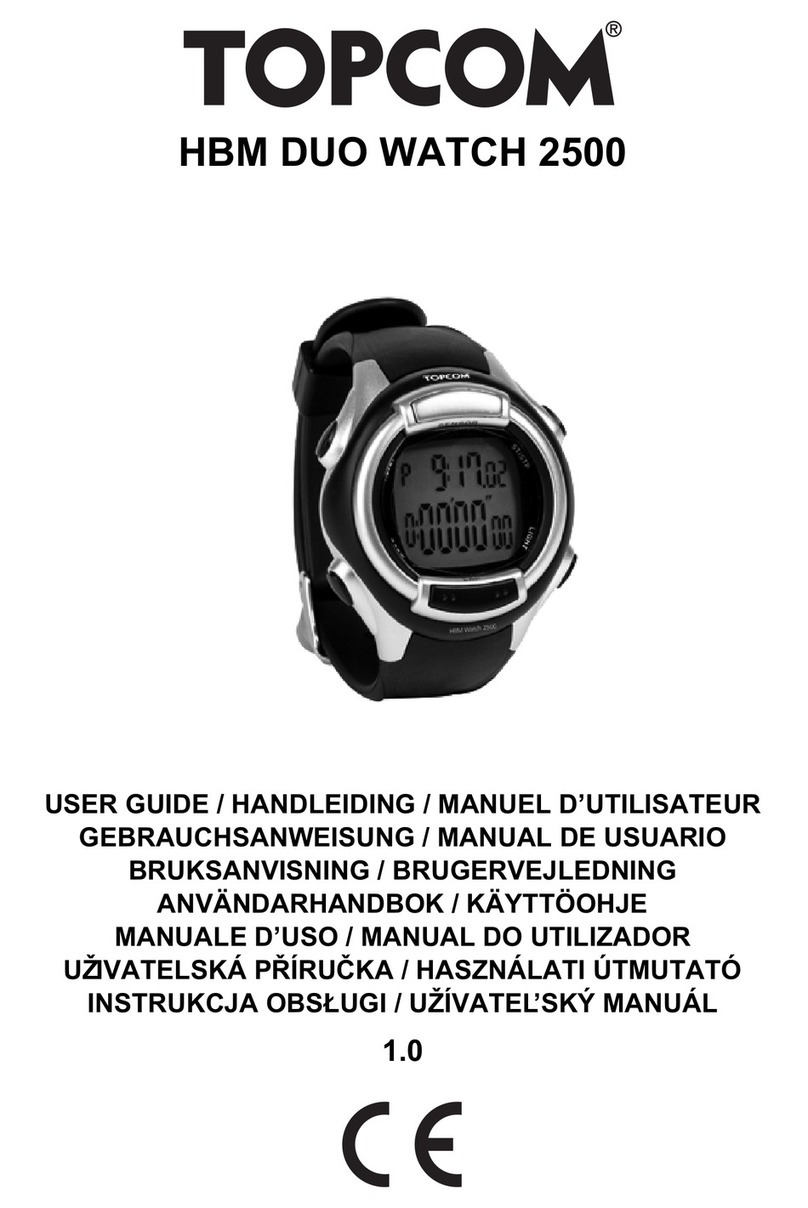
Topcom
Topcom HBM DUO WATCH 2500 User manual
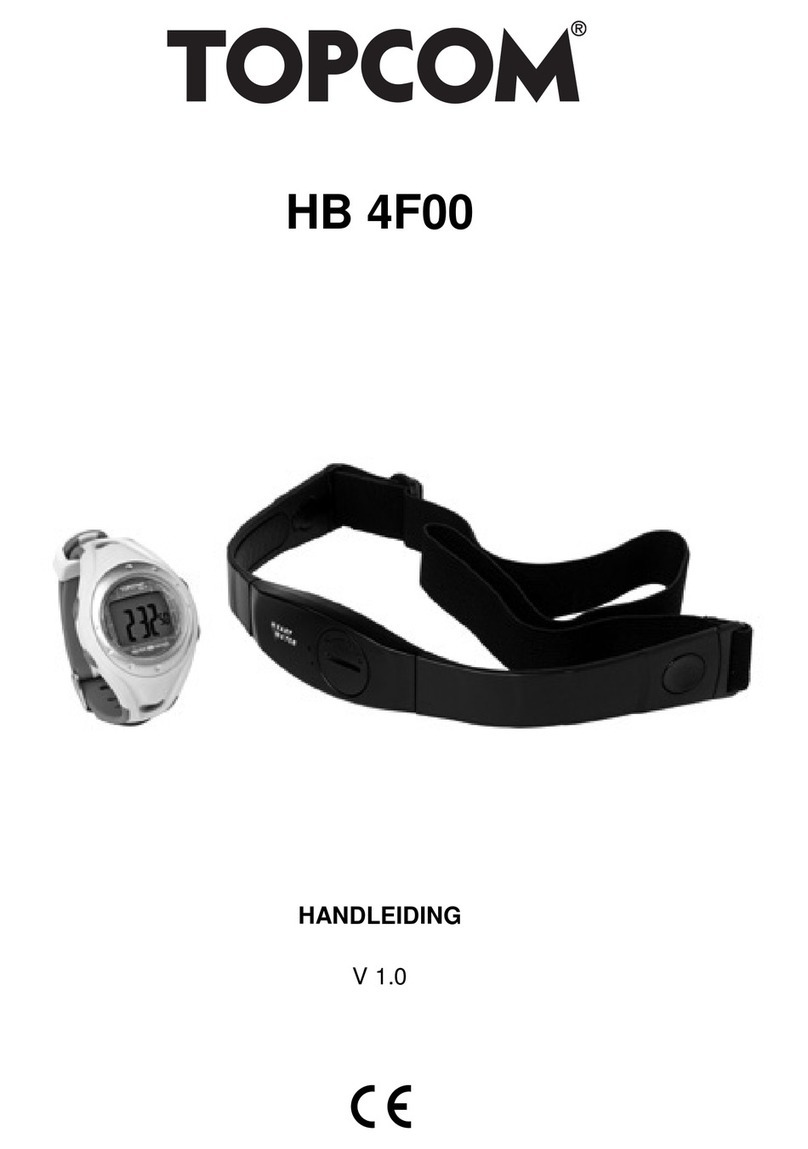
Topcom
Topcom HB 4F00 User manual
Topcom
Topcom HB 4F00 User manual
Topcom
Topcom Speedopulse 1000W User manual
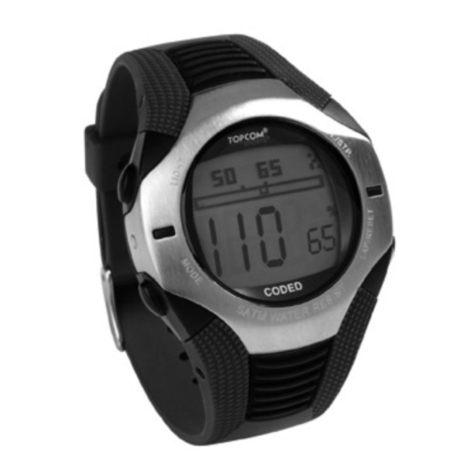
Topcom
Topcom HB 6M00 User manual
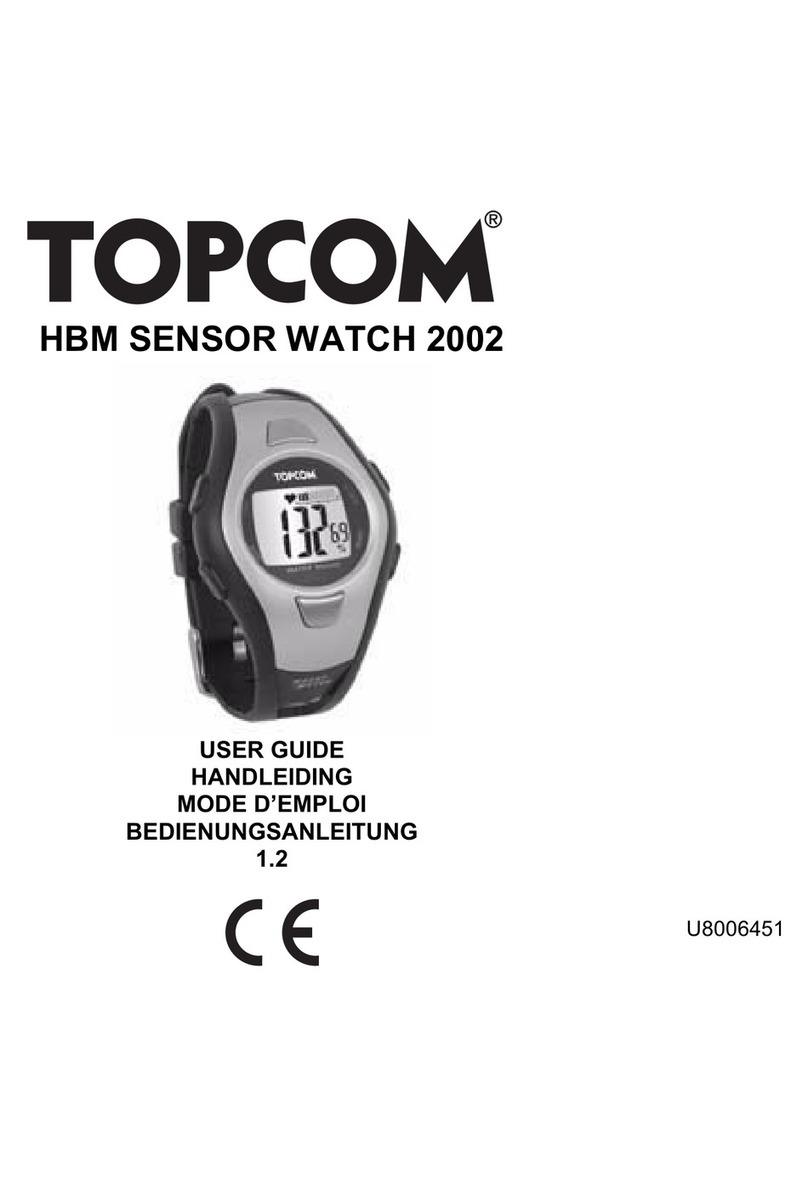
Topcom
Topcom HBM Sensor Watch 2002 User manual
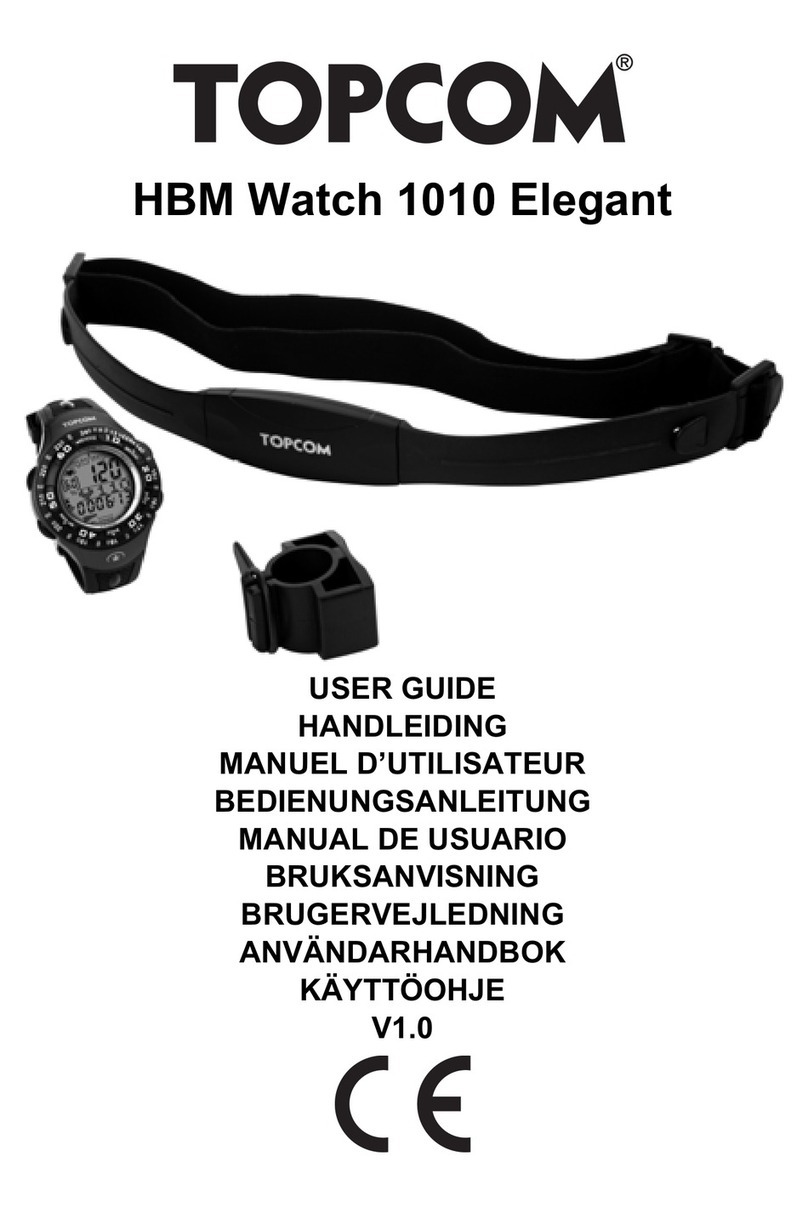
Topcom
Topcom HBM Watch 1010 Elelgant User manual
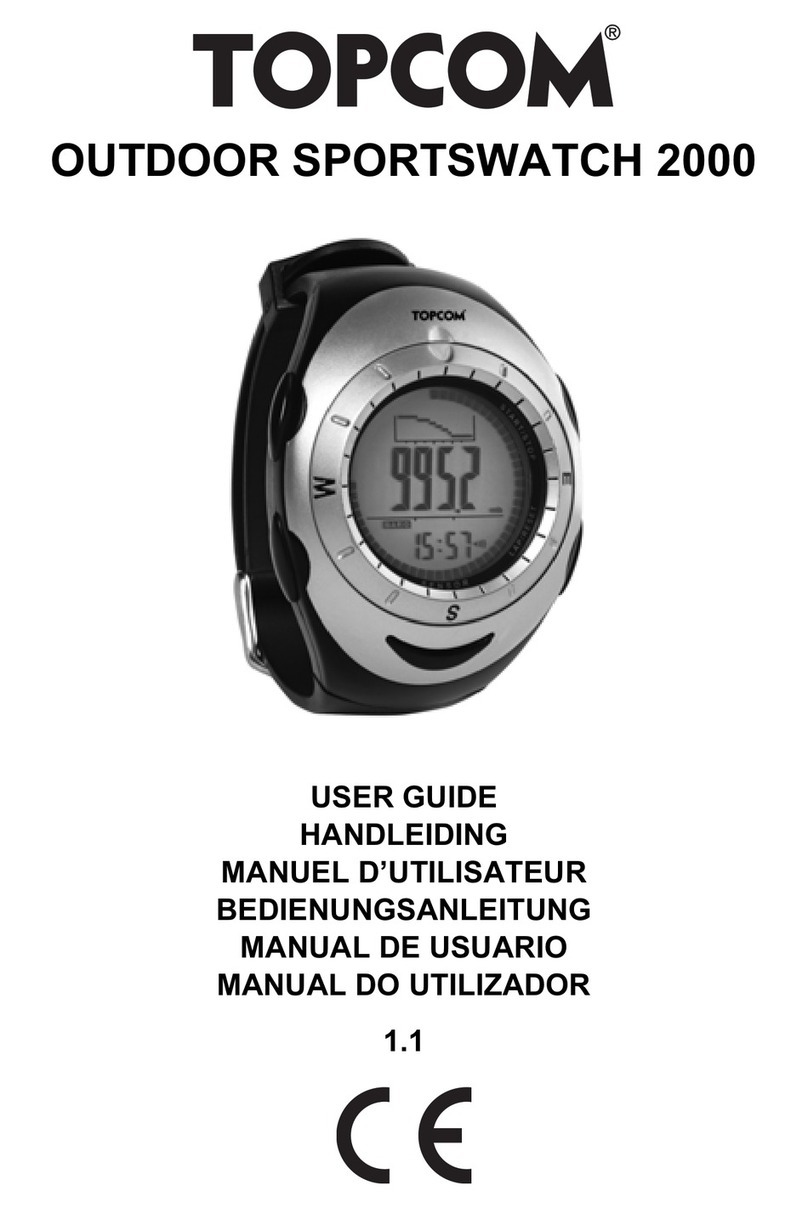
Topcom
Topcom OUTDOOR SPORTSWATCH 2000 User manual
Topcom
Topcom HB 2F00 User manual