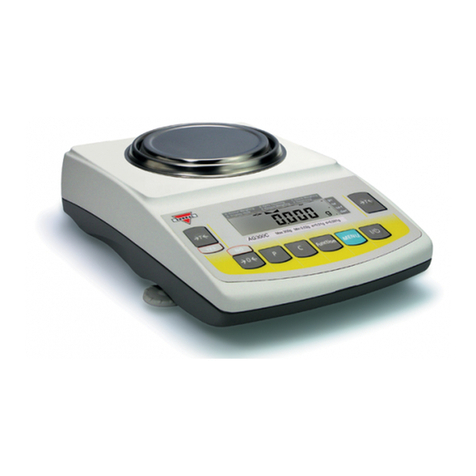
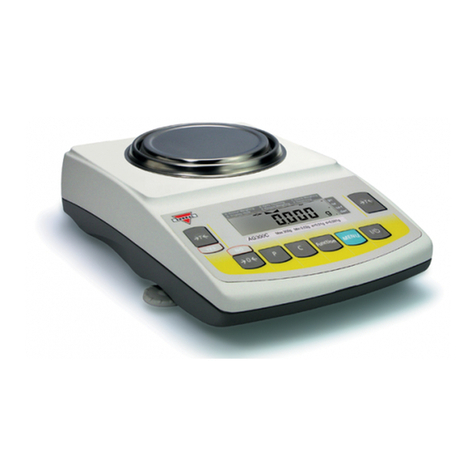
Torbal DRX-4C User manual

DRX-4C
Instruction Manual Model
Fulcrum Inc.
23 Carol Street.
Clifton, NJ 07014
(973) 473-6900
(973) 777-8302
http://www.fulcruminc.net
Call Free 1 800 848 1633 • Fax Free 1 800 447 2923

TABLE OF CONTENTS
0
0
0
0
0
0
0
0
0
1. Specifications..........................................................................1
2. Parts Description .....................................................................2
3. Keys and display indicators .........................................................3
4. Commands .............................................................................4
5. Getting Started ........................................................................5
6. Weighing................................................................................ 7
7. Zeroing the scale ......................................................................8
8. Taring ....................................................................................9
9. Clearing the Tare ....................................................................11
10. Compounding (Recipe Making) ..................................................12
11. Printing the Recipe .................................................................14
12. Pill Counting (Counting prescription drugs for the first time.) .............15
13. Pill Counting (Counting prescription drugs which
have been previously stored in the scale's database.) .......................20
14. NDC Verification .....................................................................23
15. Printing a pill count receipt ........................................................25
16. Maintaining and modifying the database ......................................26
17. Calibration ............................................................................29
18. Sealing the DRX-4C .................................................................32
19. Setting the Time and Date...... ...................................................34
20. Common Errors and Troubleshooting ..........................................38
Call Free 1 800 848 1633 • Fax Free 1 800 447 2923

TORBAL Precision scale is a sensitive and a delicate instrument. Always
handle your scale with care.
Cautionary notes and precautions
The correct location and proper environment
makes an important contribution to the
accuracy of the weighing results of TORBAL
precision scales.
The optimum location for your scale:
- Stable, vibration-free base as horizontal as
possible
- Away from direct sunlight
- Not exposed to high temperature variations
- Away from direct drafts
The best location is on a stable bench away
from direct drafts, doors, windows, radiators
and air conditioner vents.
CAUTION:
- The scale may only be used indoors.
- Do not operate the scale in hazardous areas or conditions.
- Do not use the scale in locations subject to high humidity or
dust levels.
- Do not connect cables in ways other than those mentioned
in this manual.
- Be sure to set the scale on a firm, stable, horizontal
surface.
- Never stand on or lean on this product. Equipment may fall
or collapse, causing breakage and possible injury.
- Before moving the product, unplug it and unplug all cables
connected to it.
- When storing, transporting or returning the scale for
service, always use the original packaging.
WARNING:
- Never attempt to repair, disassemble or modify the scale
yourself. Tampering with the scale may result in injury and
cause more damage to the equipment.
- Be sure to use the specified power source.
- Do not allow foreign matter to fall into the scale.
- If water or other liquid spills into the scale, do not continue
to use it. Unplug the power cord immediately and contact
technical support.
!
!
Call Free 1 800 848 1633 • Fax Free 1 800 447 2923

Specifications:
1
Specifications:
CHAPTER 1
Call Free 1 800 848 1633 • Fax Free 1 800 447 2923

Parts Description:
2
Front View Rear View
Scanner Stand Scanner Pan Base Pan
Adjustable Legs
Seal Screws AC Adaptor socket
RS232 Serial Port
Calibration Switch Level Indicator
Instruction Manual Model DRX-4C
Scanner Cable RJ Connector
(Plugs into
the scanner)
Rs232
(Plugs into
the scale)
AC Adaptor
CHAPTER 2
Call Free 1 800 848 1633 • Fax Free 1 800 447 2923

Keys and display indicators
3
Center of zero NET result indicator
Stabilization indicator Used Capacity Indicator
*To enter the calibration mode, the rear calibration switch must be toggled to the "ON" position.
**For the scale to enter and remain in the standby mode, the power supply must be plugged into
the scale.
NOTE:
Tare button used to tare the weighing pan and to enter or accept
commands.
Function button used to swap between the weighing and counting
modes.
Power On/Off button - when turned "Off", the scale enters the
standby mode. **
Scale stabilization indicator - signals the weighing result has
stabilized and an accurate reading may be taken.
Indicates the Auto Zeroing Setting Mechanism (AZSM) is active.
AZSM automatically maintains a "center of zero" condition within
+/- .6d (6mg)
Weighing unit, in grams
Print button, used to print or send data to a PC.
Zero button, used to re-zero the scale.
Instruction Manual Model DRX-4C
Total and sum
Clear and Cancel key - Used to cancel compounding and counting
operations.
C
Dotted line on the display - indicates the T or buttons have been
pressed and the scale is taring or re-zeroing.
SUM key used to verify the total recipe weight in the compounding
function.
CHAPTER 3
Call Free 1 800 848 1633 • Fax Free 1 800 447 2923

Keys and display indicators
3
Center of zero NET result indicator
Stabilization indicator Used Capacity Indicator
*To enter the calibration mode, the rear calibration switch must be toggled to the "ON" position.
**For the scale to enter and remain in the standby mode, the power supply must be plugged into
the scale.
NOTE:
Tare button used to tare the weighing pan and to enter or accept
commands.
Function button used to swap between the weighing and counting
modes.
Power On/Off button - when turned "Off", the scale enters the
standby mode. **
Scale stabilization indicator - signals the weighing result has
stabilized and an accurate reading may be taken.
Indicates the Auto Zeroing Setting Mechanism (AZSM) is active.
AZSM automatically maintains a "center of zero" condition within
+/- .6d (6mg)
Weighing unit, in grams
Print button, used to print or send data to a PC.
Zero button, used to re-zero the scale.
Instruction Manual Model DRX-4C
Total and sum
Clear and Cancel key - Used to cancel compounding and counting
operations.
C
Dotted line on the display - indicates the T or buttons have been
pressed and the scale is taring or re-zeroing.
SUM key used to verify the total recipe weight in the compounding
function.
CHAPTER 3
Call Free 1 800 848 1633 • Fax Free 1 800 447 2923

Getting Started
5
1. Carefully remove the scale, pan,
scanner, and all of its components out
of the packaging and place them on a
stable base where the scale will not be
affected by any mechanical vibrations
or air movements.
2. After removing the pan base and the pan from their packaging, carefully
install the pan base onto the scale by placing it on the pan support located
in the middle of the scale. Once the pan base has been installed, carefully
place the pan on the base as shown below.
Instruction Manual Model DRX-4C
3. Connect the scanner to the scale by plugging in the RJ connector to the
scanner and the RS232 connector to the scale. The RS232 port is
located in the rear of the scale. Using a small flat-head screwdriver,
tighten the connector screw to secure the cable and prevent it from
unintentional unplugging.
CHAPTER 5
Call Free 1 800 848 1633 • Fax Free 1 800 447 2923

Indicates to scan the NDC code. **
The scale failed to find a match between NDC codes in the
NDC Verification feature. **
Commands
4
*These commands apply to the calibration mode only.
**These commands apply to the counting mode only.
NOTE:
When the P button is pressed, "PRINT" indicates data is
printing via the Serial port.
Indicates the rear calibration switch has been toggled to
the "ON" position and the scale is in the calibration mode.*
Indicates the scale is taring for the calibration procedure
to begin.*
Indicates to load the calibration weight of 300 grams on
the pan in order to begin calibration.*
The scale is calibrating.*
Calibration procedure is finished.*
Instruction Manual Model DRX-4C
Indicates the scale is in the counting mode.
Indicates NDC verification is disabled. **
Indicates NDC verification is enabled. **
Indicates to place a container on the pan and tare it by
pressing the T key. **
Indicates to begin filling the prescription in order for the
count to begin. **
Indicates the counting operation is finished; to start a new
count, press the C key. **
CHAPTER 4
Indicates SUM is not available. There are no ingredients
entered into the scale's memory.
Call Free 1 800 848 1633 • Fax Free 1 800 447 2923

Specifications:
1
Specifications:
CHAPTER 1
Call Free 1 800 848 1633 • Fax Free 1 800 447 2923
Other manuals for DRX-4C
2
Other Torbal Scale manuals
Torbal
Torbal ATN Series User manual

Torbal
Torbal FSB2 User manual
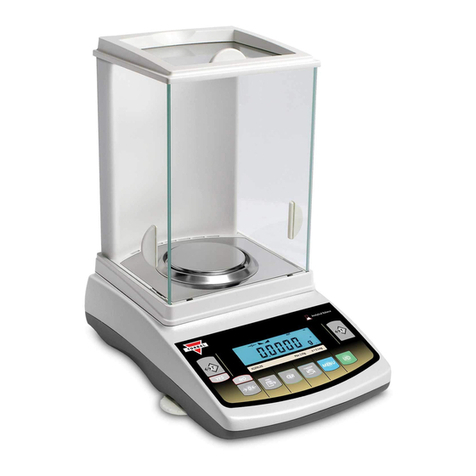
Torbal
Torbal AGZN Series User manual
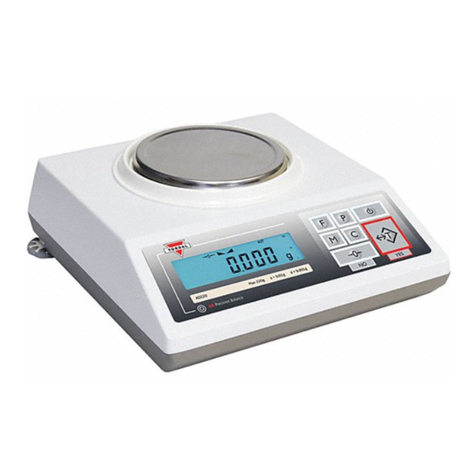
Torbal
Torbal AD60 User manual
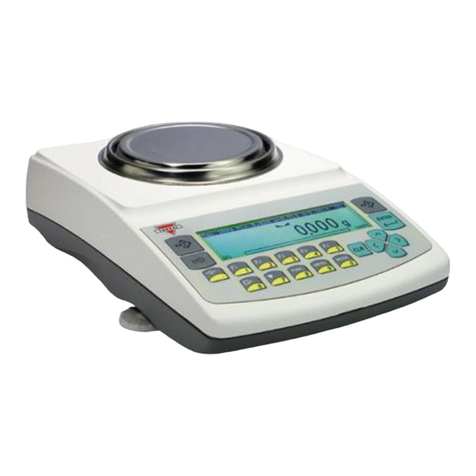
Torbal
Torbal Fulcrum AG Precision PRO Series User manual
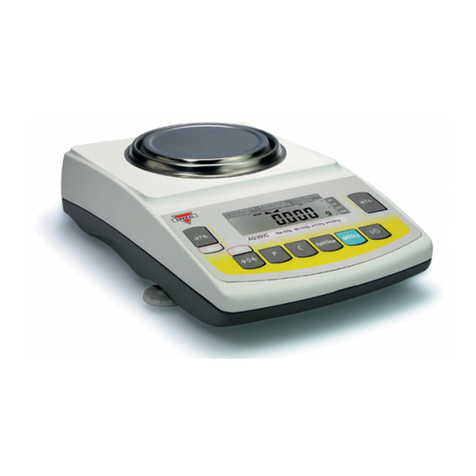
Torbal
Torbal AGC100 User manual
Torbal
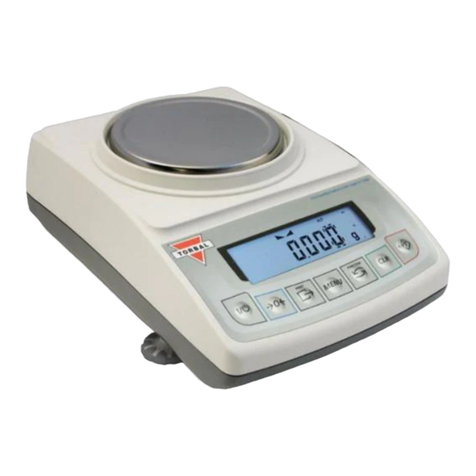
Torbal ATA Series User manual

Torbal
Torbal AGZN Series User manual

Torbal
Torbal HRX Series User manual
Torbal
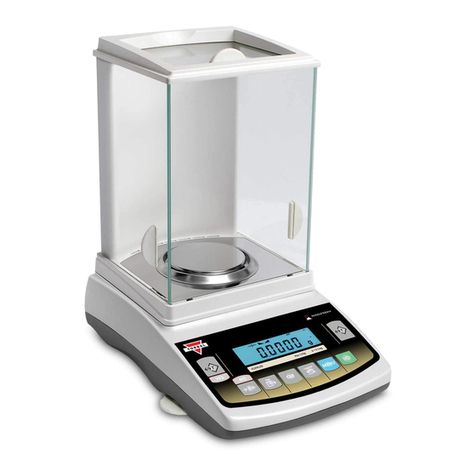
Torbal AGZN Series User manual
Torbal
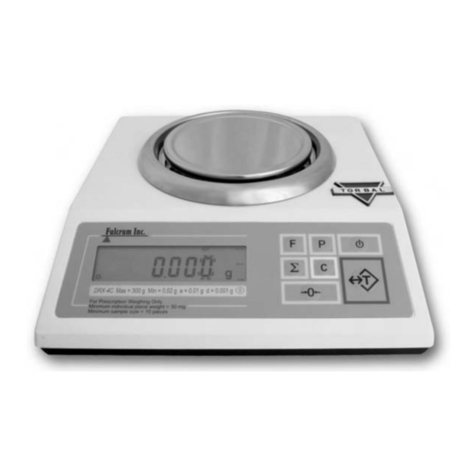
Torbal DRX-4C User manual
Torbal
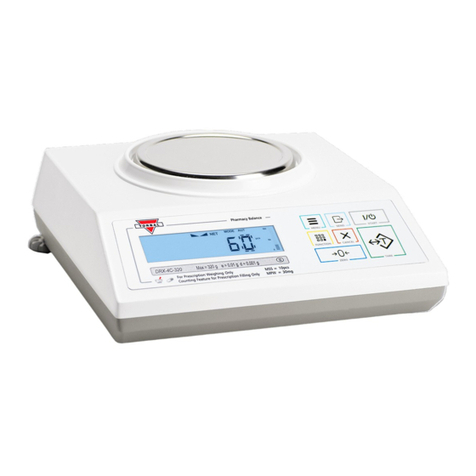
Torbal DRX-4C2 User manual

Torbal
Torbal ERX Series User manual

Torbal
Torbal DRX-5SX User manual
Torbal
Torbal FB5 User manual

Torbal
Torbal DRX-4 User manual
Torbal
Torbal AGC Series User manual
Torbal
Torbal AD Series User manual
Torbal
Torbal AD Series User manual
Torbal
Torbal AGC Series User manual