
TrickleStar TS1921 User manual
Installation Guide
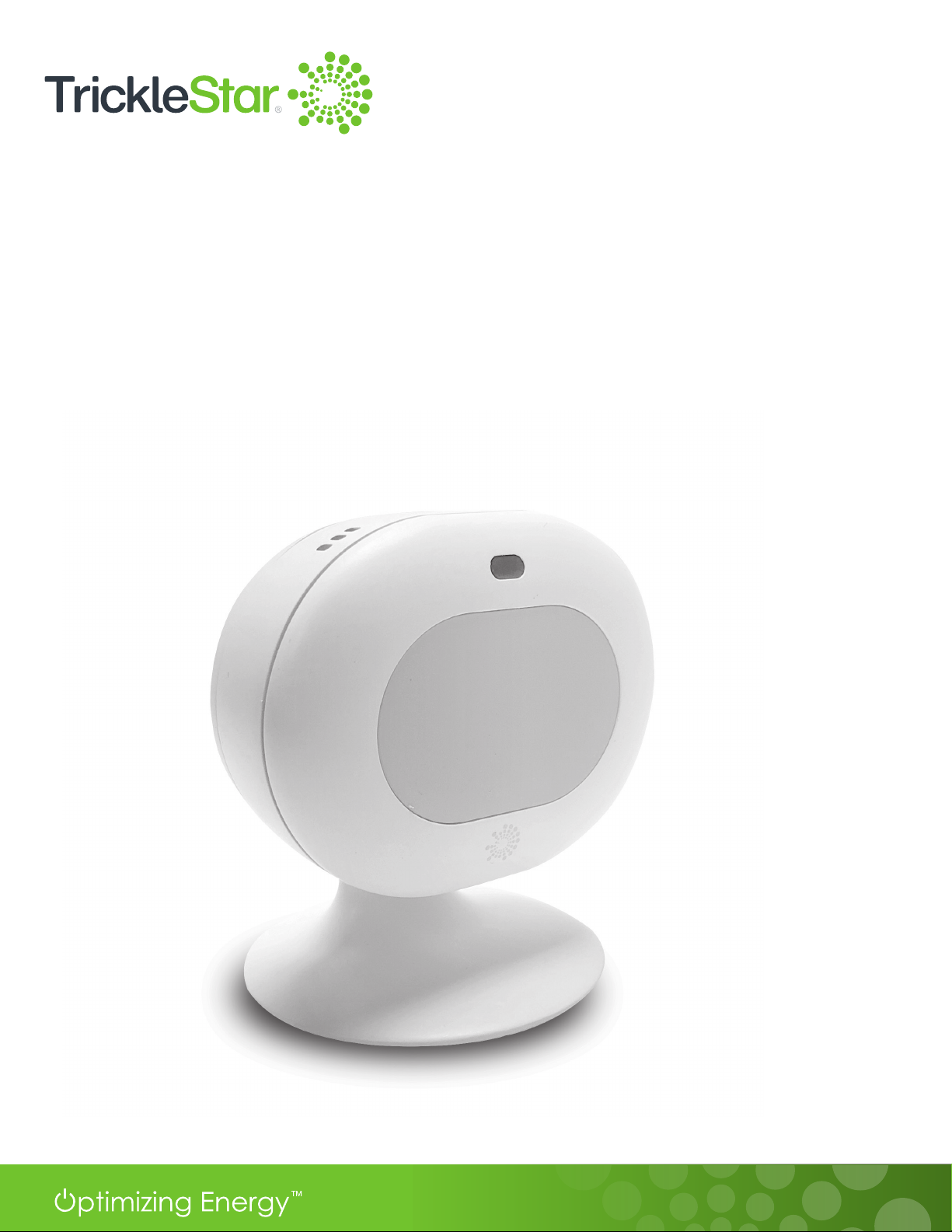
TS1921 Occupancy Sensor

2
Table of Contents
1 Welcome! 3
2 What's in the box? 4
3 Sensor Overview 5
4 Sensor Setup and Installation 6
- Powering up the Sensor 6
- Pairing the Sensor 7
- Mounting the Sensor on a wall 10
-PlacingtheSensoronaatsurface 11
-Readyforuse 12
5 Sensor Occupancy Detection 13
- Changing Sensor Settings in the TrickleStar Portal 14
- Automated Thermostat Occupancy Mode Changes 16
6 Weighted Average of the Room Temperature from all Sensors 20
7 Sensor Specications 21
- Connectivity 21
-Specications 22
-Environmentally-friendlyfeatures 24
8 Sensor Maintenance 25
9 Troubleshooting 26
10 FCC Statement 27
11 IC Statement 28

3
Welcome!
Thank you for choosing the TrickleStar TS1921 Occupancy Sensor.
This Occupancy Sensor is an accessory for the TrickleStar Wi-Fi Smart Thermostat. The Sensor helps
the Thermostat to maximize comfort to your room as the Sensor can detect occupancy as well as
measure the temperature in the room. Maximum 6 Sensors can be connected to the Thermostat via
Bluetooth.
This Installation Guide describes how to install the Sensor and pair it to a TrickleStar Wi-Fi Smart
Thermostat.
If you have any inquiries about TrickleStar products or need technical support, visit our website for
tutorials, videos and Frequently Asked Questions (FAQ). You can also contact us by email or phone.
Instruction Videos
If you want to see the Installation Instructions
as videos, visit our YouTube channel:
https://www.youtube.com/user/TrickleStarUS/
Website: www.tricklestar.com
Email: customer.service@tricklestar.com
Toll Free: 1-888-700-1098

4
Fig 4-A
What’s in the box?
Occupancy
Sensor
QR code sheet Lithium cell battery
(CR2477X x 1)
Stand Double-sided
adhesive

5
Sensor Overview
Fresnel Lens
Stand
Battery Cover
Top View
Bottom View
LED Indicator
Battery Cover
Double-sided
adhesive
(for wall mount)
Slot (for stand)
Stand (detachable)
Pairing
Button
Fig 5-A
Fig 5-B
6
Sensor Setup and Installation
Powering Up the Sensor
To
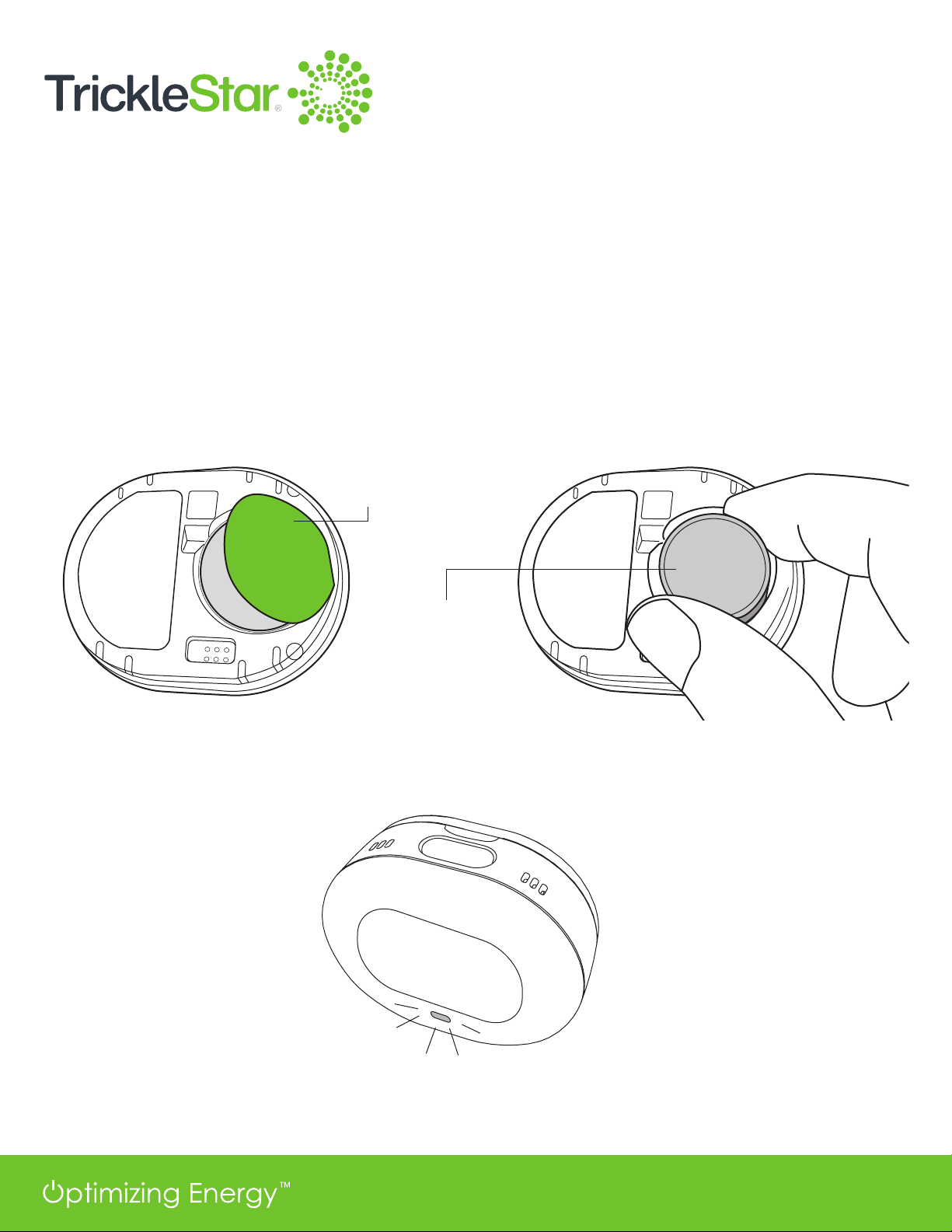
power up the Sensor, gently remove the Sensor back cover by detaching the cover from the clips.
You
will
see an insulator on the battery with the caption “REMOVE BEFORE USE”. Lift the battery by
pulling
on the battery insulator and gently peel off the battery insulator.
Insert
the battery back into the Sensor’s battery compartment. Snap the back cover properly to
the
Sensor unit. Improper back cover installation will result in the Sensor not powering up.
When the Sensor is powered up, it enters Pairing mode automatically. The LED starts blinking and
continues blinking up to eight minutes.
REMOVE
BEFORE USE
Battery
Insulator
Insert the
battery
Fig 6-A
Fig 6-B
7
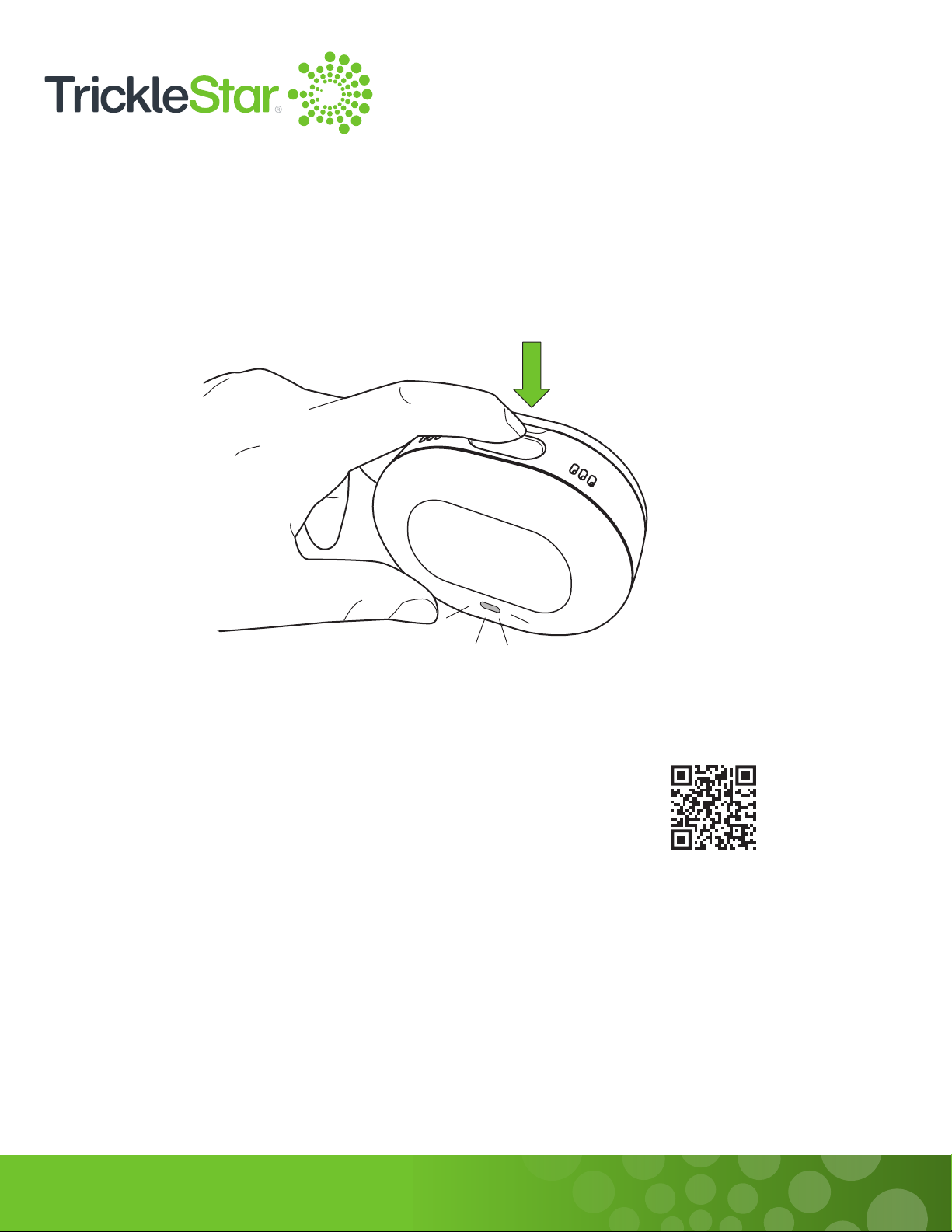
If the LED does not blink after the Sensor is powered up or after battery insertion, or if the Sensor goes
to sleep after eight minutes, hold the Pairing Button for 3 seconds to re-initiate pairing to the
Thermostat. The Sensor will enter Pairing mode again and broadcast itself for 8 minutes for Thermostat
scanning.
Pairing the Sensor
1.
Log in to your TrickleStar Portal account.
Scan the QR code to access the Portal.
2.
On the Dashboard screen, select Devices, then click on your
Thermostat Name to enter the Thermostat Control page.
3.
Select Sensors on the left panel, then click on “+” to add a new Sensor.
4. Enter the name for your Sensor.
5. Press Next once your Sensor LED is blinking to complete the pairing process. This will initiate a
scan function and Thermostat will scan for Sensors in range. Sensors that are detected will be
listed by their MAC addresses. Select the correct Sensor from the list of available
Sensors for pairing. Note: It may take up to 30 seconds to detect and pair a new Sensor.
6. Once your Sensor is successfully added, the Sensor Status maybe shown as “Not connected”.
Wait 1 to 2 minutes for the Sensor data to be auto-populated, or you may click on the “Refresh
Sensor Data” icon to update the sensor readings manually.
Fig 7-A

8
6
Fig 8-A
5. Press Next once your Sensor LED is blinking to complete the pairing process. This will initiate a scan
functionandtheThermostatwillscanforSensorsinrange.Sensorsthataredetectedwillbelistedby
theirMACaddresses.SelectthecorrectSensorfromthelistofavailableSensorsforpairing.Note:It
may take up to 30 seconds to detect and pair a new Sensor.
6. OnceyourSensorissuccessfullyadded,theSensorStatusmaybeshownas“Notconnected”.Wait1
to2minutesfortheSensordatatobeauto-populated,oryoumayclickonthe“RefreshSensorData”
icon to update the Sensor readings manually.
Note:
• It is advisable to power up and pair the Sensors one at a time to minimise interferences to the pairing
process. The pairing process completes when Sensor Status is shown as “Connected”.
• During the pairing process, the Sensor must be placed near the Thermostat unit.
• Each Sensor can only be paired and connected to one Thermostat at any one time. Unpair the Sensor
from the existing Thermostat before pairing to a different Thermostat.
• Do not pair the Sensor to any other Bluetooth device.
• After the pairing process completes, mount or place the Sensor at the location where you want it to
sense occupancy or temperature readings. Maximum range is 98 ft (30 m) away from Thermostat.

9
If pairing is successful, the Occupancy Sensor will stop blinking. Then, the Bluetooth indicator appears
on the Thermostat display.
If pairing is unsuccessful or times out after 8 minutes, the LED will stop blinking and the Sensor will go
into standby mode. In standby mode, the connection between the Sensor and the Thermostat is not
set up. All the Sensor circuits will be shut down to save power. Hold the Pairing Button for 3 seconds
to initiate Pairing mode again.
Note: If the Sensor is previously registered, it will be added to the Thermostat network
automatically in Pairing mode. If disconnected, the Sensor will change to Pairing mode
automatically and try to reconnect with the Thermostat. User can also press the Pairing Button
to restart the Sensor in Pairing mode.
Fig 9-A

10
Fig 10-A
Mounting the Sensor on a wall
Before you mount the Sensor on the wall, be sure to check that:
• The Sensor is connected to the Thermostat.
• The Sensor is mounted away from direct heating or cooling sources, such as a fireplace or an air
ventilator.
Attach the double-sided adhesive to the Sensor. Then, mount the Sensor at a height of approximately
5 ft. (1.5 m) on the wall.
Note:
•Be sure to check that nothing is blocking the Sensor’s view for occupancy detection.
•It is advisable to locate the Sensor at least 3.3 ft. (1 m) away from the nearest neighbouring
Sensor.
5 ft.
(1.5 m)
Other manuals for TS1921
1
Table of contents
Other TrickleStar Accessories manuals
TrickleStar
TrickleStar SENSORCLICK 188LV-US-4 Series User manual

TrickleStar
TrickleStar TS1914 User manual
TrickleStar
TrickleStar TS1810 User manual
TrickleStar
TrickleStar SENSORCLICK 188LV-TFS-3F User manual
TrickleStar
TrickleStar SENSORCLICK 188LV-TFS-3F User manual

TrickleStar
TrickleStar Advanced PowerStrip+ User manual

TrickleStar
TrickleStar TS1921 User manual















