EN 7
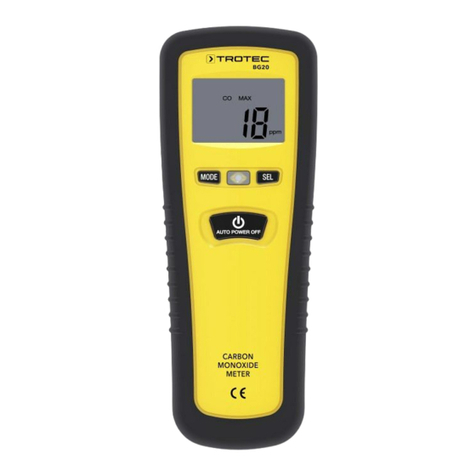
gas detector BG20
Switch-on
Note
The device calibrates after each switch-on taking the
CO concentration in the environment as basis. For
reasons of safety however, regardless of the actual CO
concentration in the environment upon switch-on, the
device accepts no more than 10 ppm as upper limit!
Example: Should the background concentration of CO
amount to 30ppm, the device will not use 30ppm as
reference value, and hence zero point, but instead
maximally 10ppm! The set alarm threshold of 30ppm
(see also 'Carrying out a measurement') would
therefore be activated at an actual CO value of 40ppm
(display: 30ppm!).
Always make sure to switch the device on in CO-free
surroundings, e.g. in fresh air, for otherwise the
displayed CO contents of the subsequent
measurements will be incorrect!
1. Go to a place with a low CO concentration (e.g. fresh air).
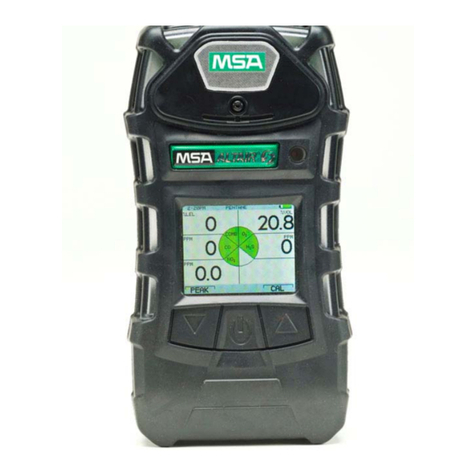
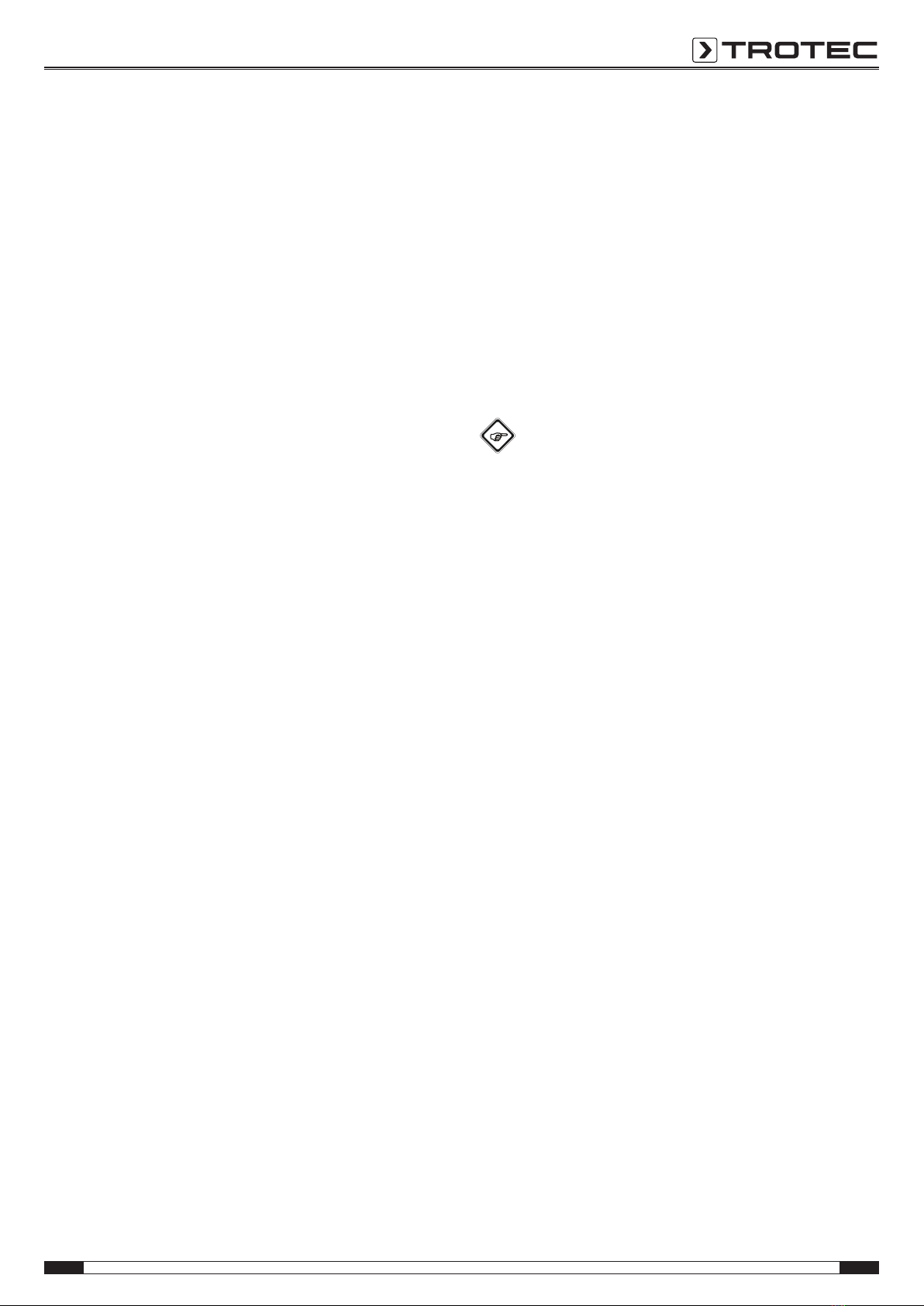
2. Press the POWER button(5).
ðThe indicator LED(4) will briefly flash red and then be
illuminated in green. The warm-up phase of the device
incl. self-test is started.
3. Wait until the self-test is completed.
ðThe device displays a countdown from11 to0 in the
measurement value display(16).
ðAn acoustic signal indicates, that the self-test is
completed.
ðThe device is ready for operation.
Carrying out a measurement
1. Direct the device towards the supposed CO source.
ðThe measured value is displayed in real time on the
measurement value display(16).
ðIf the measured value amounts to more than 30ppm, a
repetitive acoustic warning signal will be emitted. The
higher the CO content, the higher the repetition
frequency. The LED(4) is illuminated in red.
ðIf the measured value amounts to more than 200ppm,
a constant acoustic warning signal will be emitted. The
LED(4) is illuminated in red.
Displaying the maximum value
The device can display the maximum value determined since
the beginning of the measurement. To do so, proceed as
follows:
1. Press the MODE button(6) once.
ðThe indications MAX(9) and REC(11) appear on the
display.
ðThe highest value measured appears in the
measurement value display(16).
Measured value storage
The device comes equipped with a measured value memory, in
which up to 10measured values can be stored. Saved
measured values are preserved even after switch-off. In order to
save one or several measured values, please proceed as
follows:
1. Press the MODE button(6) three times.
ðThe indications REC(11) and memory space(12) appear
on the display.
ðThe value 0 or else the storage location displayed when
last calling up the measured value memory will appear
in the memory space(12) display.
2. Press the SEL button(3) to save the current measured
value.
Info
The measured value memory is deleted when you
perform a zero point reset (see Resetting the zero
point).
Calling up the measured value memory
To call up saved measured values, please proceed as follows:
1. Press the MODE button(6) twice.
ðThe indications MEM(13) and memory space(12)
appear on the display.
2. Repeatedly press the SEL button(3) until the storage
location with the desired number is displayed.
Calling up the alarm threshold
The value for the alarm threshold is stipulated, can however be
called up at any time:
1. Press the MODE button(6) four times.
ðThe value 30ppm is displayed in the measurement
value display(16).
Resetting the zero point
Note
Resetting the zero point should only be effected in the
fresh air, thus in surroundings with the lowest possible
COconcentration!
By means of resetting the zero point the prevailing CO
concentration and hence the current measured value is defined
as new reference value (see also Switch-on). To do so, proceed
as follows:
1. Go to a place with a low CO concentration (e.g. fresh air).
2. Press the MODE button(6) four times.
ðThe alarm threshold (30ppm) is displayed in the
measurement value display(16).
3. Press and hold the SEL button(3) for approx.8 seconds
until0 appears in the measurement value display.
ðThe digit0 flashes six times.
ðThen the device returns to the measuring mode.
ðThe saved measured values will be deleted.