MNL-1T-C2-750-V3.00 5
Controlling the 1T-C2-750 with the buttons of the front panel
You control some functions of this unit by pressing and holding combinations of buttons.
In this section
Saving your configuration 5
Locking the buttons of the front panel 5
Restoring your last saved settings 5
Factory reset 5
Switching between different resolutions 6
Saving your configuration
To access this function, the unit must be switched on and in active mode. This function does not work when the
unit is in standby mode.
To save your current configuration, press and hold MENU until you hear a beep.
Locking the buttons of the front panel
To access this function, the unit must be switched on and in active mode. This function does not work when the
unit is in standby mode.
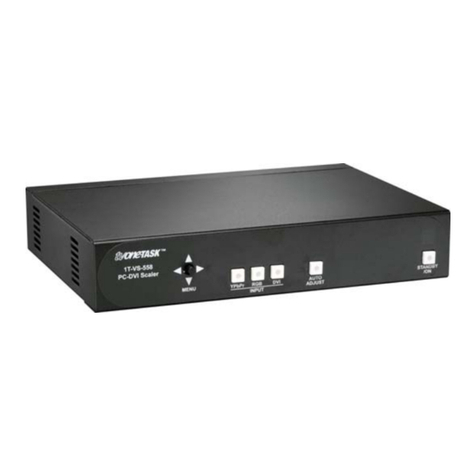
To lock and unlock the buttons of the front panel, press and hold STANDBY and INPUT at the same
time.
When the buttons lock, you hear a beep and the STANDBY LED flashes.
When the buttons are locked, you can only unlock the buttons and save your current configuration.
When you save your configuration, the buttons remain locked when the unit powers on.
Restoring your last saved settings
To access this function, the unit must be switched on and in active mode. This function does not work when the
unit is in standby mode.
If you can't see the on-screen menu, or you're experiencing a problem, you can restore your last saved
settings.
To restore your last saved settings, press and hold STANDBYand MENU at the same time until you hear
a single beep.
Note: stop pressing the buttons after a single beep. If you continue to press the buttons, the unit will
reset all settings to factory defaults.
Factory reset
To access this function, the unit must be switched on and in active mode. This function does not work when the
unit is in standby mode.
To reset all your settings to their factory defaults, press and hold STANDBY and MENU until you hear
two beeps.