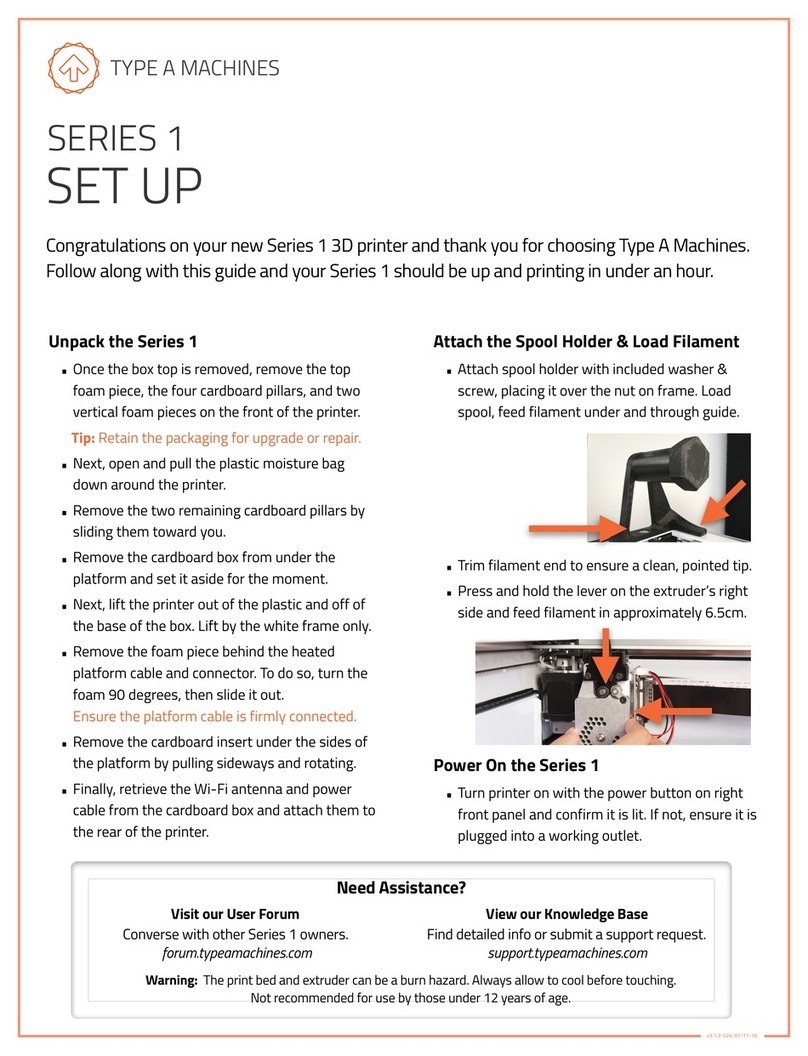
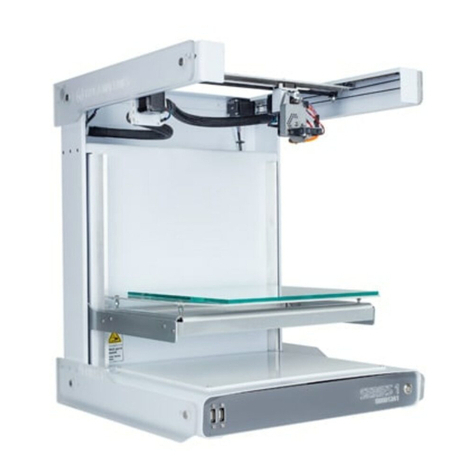
2014 Series 1 User Manual | Version 1.2
Contents
1Box Contents.................................................................................................................................. 2
2About Your Series 1.......................................................................................................................3
3Getting Started...............................................................................................................................4
3.1 Unpacking Your Printer ........................................................................................................4
3.2 Attach the Side Panels, Spool Holder, and Build Platform ..............................................4
3.3 Connect to Ethernet and Power On ...................................................................................8
3.4 Load Filament ........................................................................................................................7
3.5 Connect to the Web Interface .............................................................................................8
3.6 Verifying and Calibrating the Z Height ...............................................................................9
3.7 Verifying Build Platform Alignment ..................................................................................11
3.8 Apply the Build Surface Treatment...................................................................................11
3.9 Time to Test Print!...............................................................................................................11
4Wi-Fi Set Up ..................................................................................................................................13
5Software Setup.............................................................................................................................13
5.1 Slicing software....................................................................................................................14
5.2 Loading a GCode File ..........................................................................................................14
6Removing a Printed Object from the Print Surface ................................................................15
7Prepare for Your Next Print .......................................................................................................15
8File Type Basics: .STL and GCode ..............................................................................................15
9Customer Support.......................................................................................................................16
typeamachines.com
1