Navigating the Interface
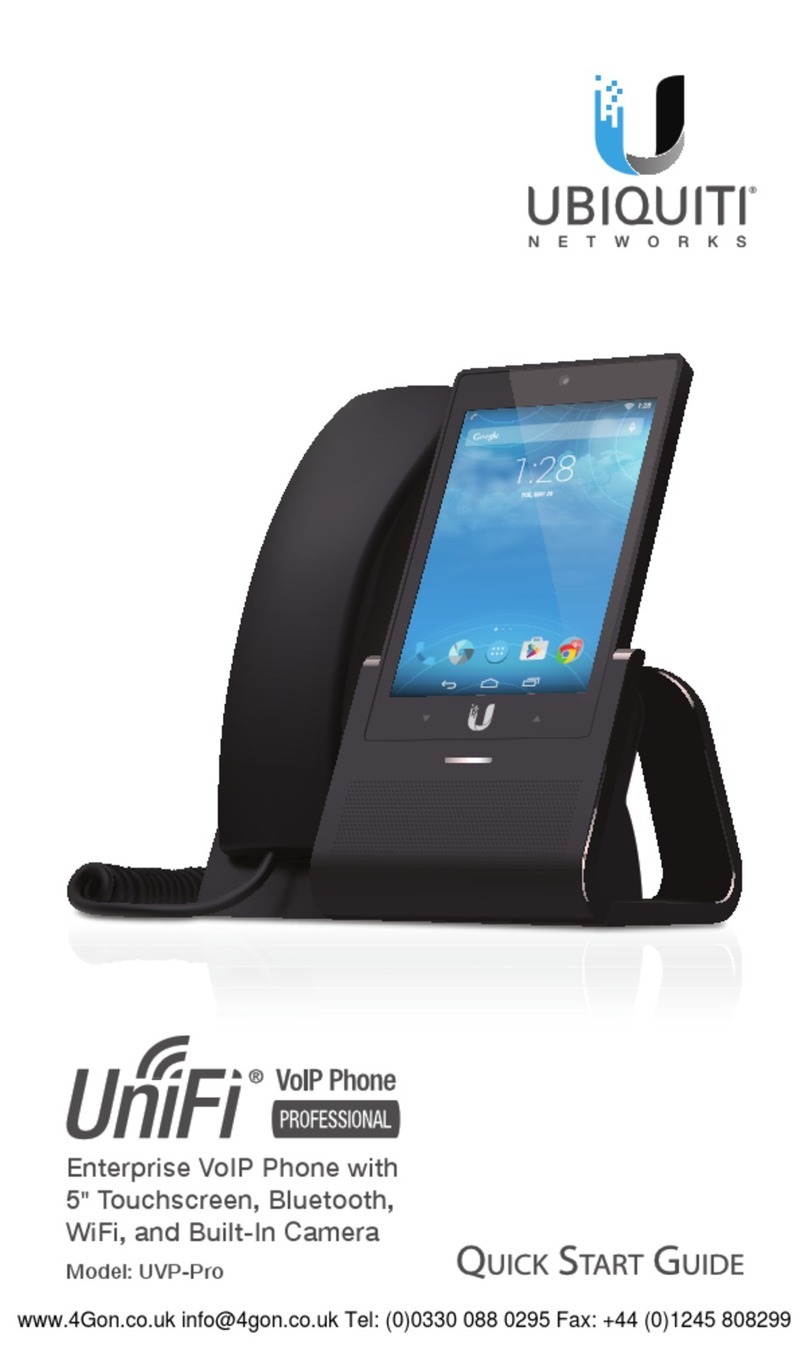
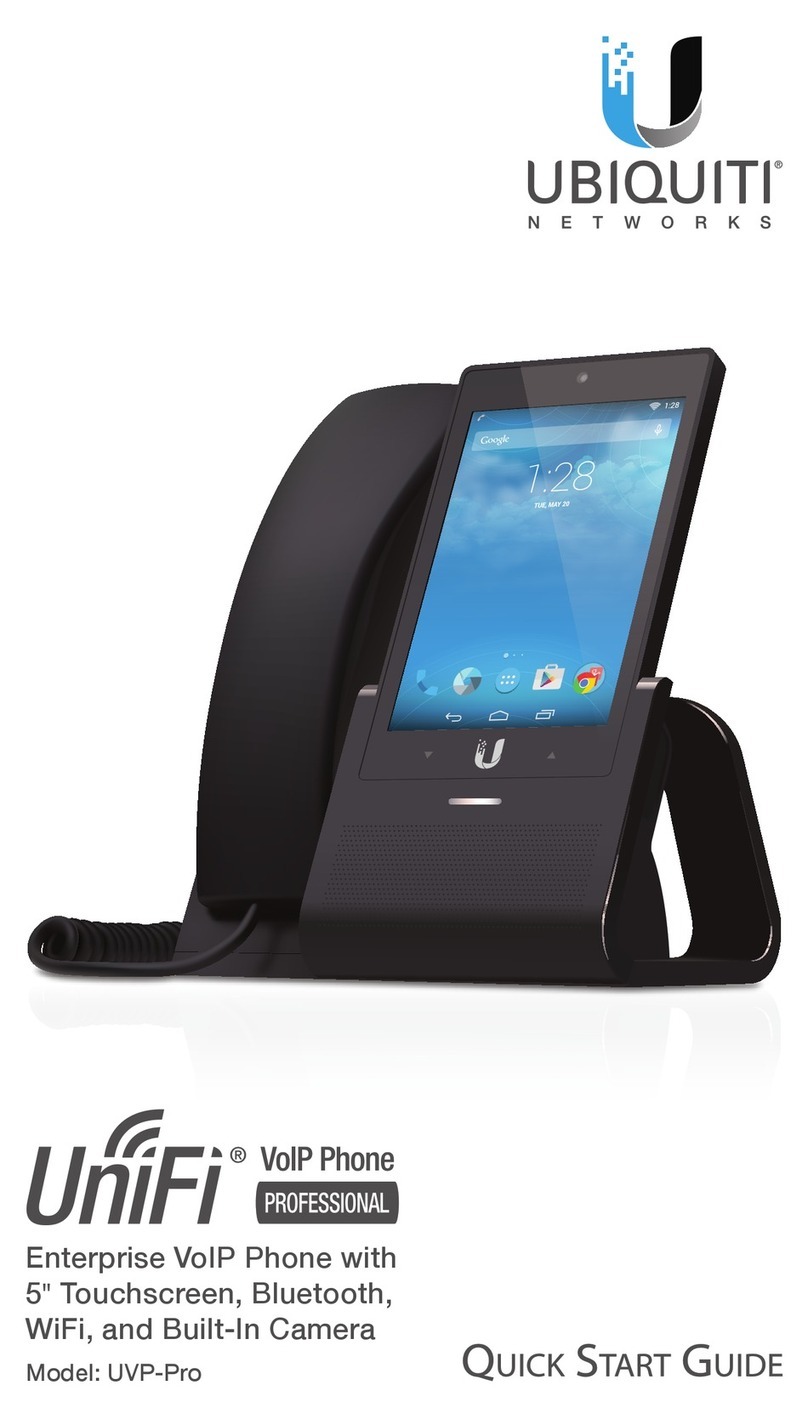
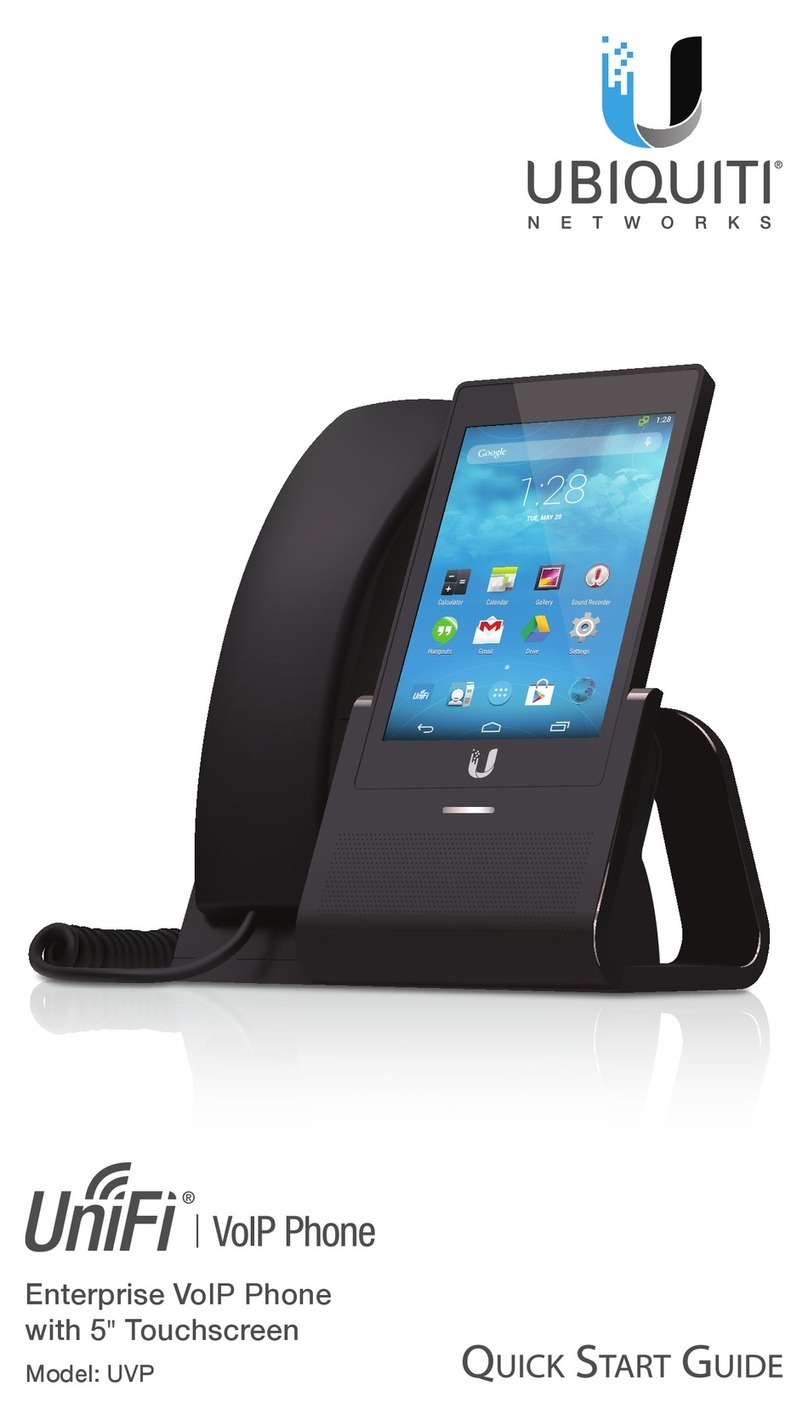
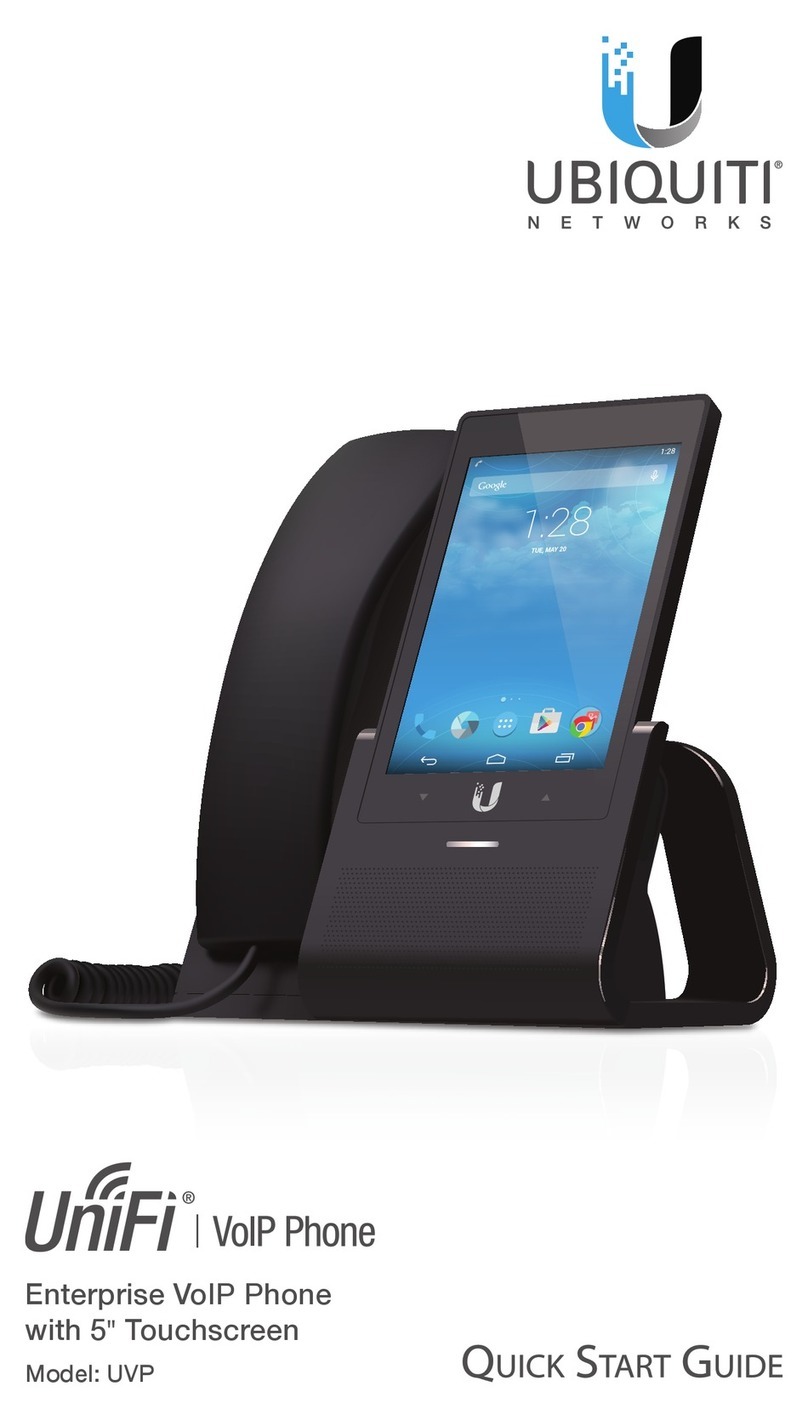
The Home screen contains a Google™search widget, five
default icons at the bottom of the screen, and the three action
baricons.
Google™Search Widget
Use the Google™search widget to type or speak voice
commands. Touch the bar to bring up a virtual keyboard, or
touch the microphone icon to say a voice command.
Default Home Screen Icons
Icon Description
Phone Displays the keypad to make a call.
Recent calls, contacts, and voicemail are also
accessible from here.
People Press to view a list of contacts.
Apps Press to access the Apps screen. This
default icon is the only one that cannot be be
removed from the Home screen.
Google Play™Store Press to open the Google
Play™store. Download apps, music, movies,
books, games, and other media. A new or
existing account is required for access.
Google™Apps Folder Contains the Google™
suite of apps including Gmail™, YouTube™,
Chrome™, Hangouts™, Google Drive™,
GoogleMaps™, and more.