manuals.online logo
Brands
  1. Home
  2. •
  3. Brands
  4. •
  5. Ublox
  6. •
  7. Receiver
  8. •
  9. Ublox EVK-M91 User manual

Ublox EVK-M91 User manual

Other manuals for EVK-M91

1

Other Ublox Receiver manuals

Ublox XPLR-M9 User manual

Ublox

Ublox XPLR-M9 User manual

Ublox EVA-M8M Quick setup guide

Ublox

Ublox EVA-M8M Quick setup guide

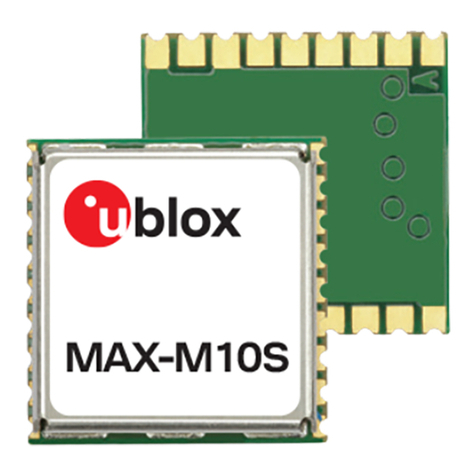
Ublox MAX-M10S Use and care manual

Ublox

Ublox MAX-M10S Use and care manual

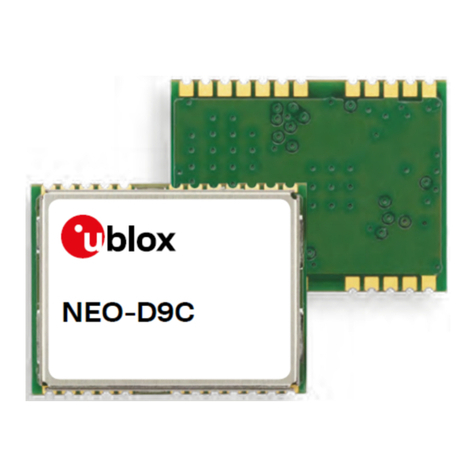
Ublox NEO-D9C Use and care manual

Ublox

Ublox NEO-D9C Use and care manual

Ublox EVA-M8M Quick setup guide

Ublox

Ublox EVA-M8M Quick setup guide

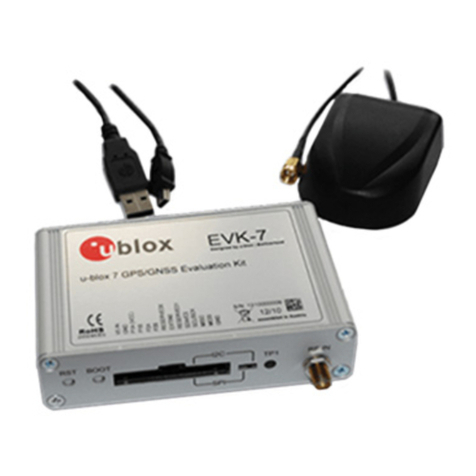
Ublox EVK-7 User manual

Ublox

Ublox EVK-7 User manual

Ublox NEO-D9S Use and care manual

Ublox

Ublox NEO-D9S Use and care manual

Ublox NEO-M9N Use and care manual

Ublox

Ublox NEO-M9N Use and care manual

Ublox EVK-F9T User manual

Ublox

Ublox EVK-F9T User manual

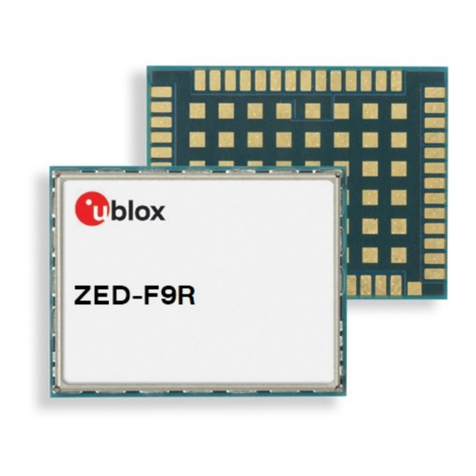
Ublox ZED-F9R Use and care manual

Ublox

Ublox ZED-F9R Use and care manual

Ublox ZED-F9R Use and care manual

Ublox

Ublox ZED-F9R Use and care manual

Ublox LEA-M8F Quick setup guide

Ublox

Ublox LEA-M8F Quick setup guide

Ublox Navilock NL-82002U User manual

Ublox

Ublox Navilock NL-82002U User manual

Ublox EVA-7M User manual

Ublox

Ublox EVA-7M User manual

Ublox LEA-M8S Quick setup guide

Ublox

Ublox LEA-M8S Quick setup guide

Popular Receiver manuals by other brands

Televes ZAS HD SAT user manual

Televes

Televes ZAS HD SAT user manual

Realistic DX-75 Operating and service instructions

Realistic

Realistic DX-75 Operating and service instructions

Saris 4620 Assembly instructions

Saris

Saris 4620 Assembly instructions

Mini DTR 206C PVR user manual

Mini

Mini DTR 206C PVR user manual

RF Elements TwistPort manual

RF Elements

RF Elements TwistPort manual

Denon DN-200WS user guide

Denon

Denon DN-200WS user guide

Yamaha RX-V467 owner's manual

Yamaha

Yamaha RX-V467 owner's manual

Russound SaphIR 858 instruction manual

Russound

Russound SaphIR 858 instruction manual

Quasonix RDMS Firmware update procedure

Quasonix

Quasonix RDMS Firmware update procedure

Pioneer XV-HTD1 Service manual

Pioneer

Pioneer XV-HTD1 Service manual

ATZ HDMI-V2-44HE150 manual

ATZ

ATZ HDMI-V2-44HE150 manual

Sony XNV-770BT MyTomTom Specifications

Sony

Sony XNV-770BT MyTomTom Specifications

Grundig STR 7122 TWIN Service manual

Grundig

Grundig STR 7122 TWIN Service manual

Creative Blaster Modem user guide

Creative

Creative Blaster Modem user guide

Panduit ATLONA AT-OME-RX11 installation guide

Panduit

Panduit ATLONA AT-OME-RX11 installation guide

VOLTCRAFT UTPS-40 operating instructions

VOLTCRAFT

VOLTCRAFT UTPS-40 operating instructions

JVC KW-ADV794 instructions

JVC

JVC KW-ADV794 instructions

Litelink VT-1001 operating instructions

Litelink

Litelink VT-1001 operating instructions

manuals.online logo
manuals.online logoBrands
  • About & Mission
  • Contact us
  • Privacy Policy
  • Terms and Conditions

Copyright 2025 Manuals.Online. All Rights Reserved.

Setup overview
1. Download and install the u-center GNSS evalua-
tion software from www.u-blox.com/u-center.
2. Connect the unit to a PC. Options:
• Connect via USB port. The USB driver installs
automatically when the device is connected to
the PC; internet connection is required.
• Connect via RS232 port (UART interface). Set
the interface switch (2) to I2C.
• SPI / I2C: Set switch to either SPI or I2C and
connect the appropriate pins (1).
Note: Press RST after setting the switch.
3. The device must always have power, either via
USB on the back or the V5 IN pin (3) on the front.
4. Connect the provided GNSS antenna to the eval-
uation unit and place the antenna so that it has
an unobstructed view to the sky. Alternatively,
connect a GNSS simulator signal directly to the
EVK-M91 RF input.
5. Start the u-center GNSS evaluation software
and select the corresponding COM port and
baud rate.
Quick start for EVK-M91
Copyright © 2019, u-blox AGUBX-19058278-R01
Interfaces
EVK-M91 can be used to evaluate all interfaces
available on the u-blox M9 chips and modules.
The evaluation unit provides a standard USB
connector for communication and powering the
device, and an RS232 connector for connecting
to the COM port on your PC.
SPI and the I2C interfaces are designed to ena-
ble communication with a host CPU.
Kit includes
• EVK-M91 evaluation board
• Type-C USB cable
• Active GNSS antenna with a 3 m cable
• Welcome card
u-center installation
• Internet connection is required.
• Supported Windows operating systems are
Windows 7 and onwards (x86 and x64).
• Unzipthedownloadedu-centersetuple,
runtheextractedle,andfollowtheinstaller
instructions.
• When the installation is complete, the
u-center program is available in the Windows
Start menu > All programs > u-blox.
More information
See the recommendations in the EVK-M91
User guide when using the EVK with a GNSS
simulator.
For more information about EVK-M91, contact
your nearest u-blox support. For complete con-
tact information, visit us at www.u-blox.com.