EnglishDeutsch
 logo
Brands
  1. Home
  2. •
  3. Brands
  4. •
  5. Unit
  6. •
  7. Measuring Instrument
  8. •
  9. Unit UT383 User manual

Unit UT383 User manual

Other Unit Measuring Instrument manuals
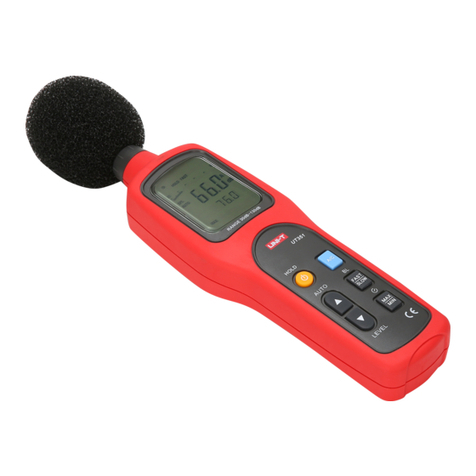
Unit UT351 User manual

Unit

Unit UT351 User manual

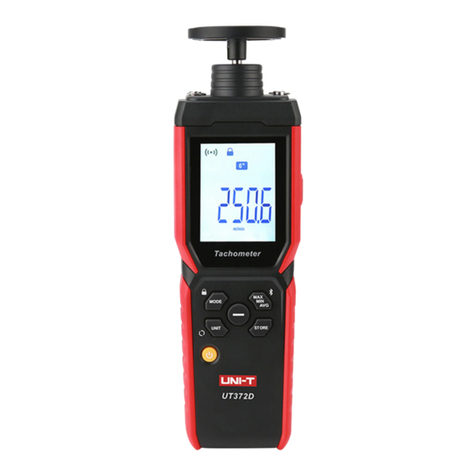
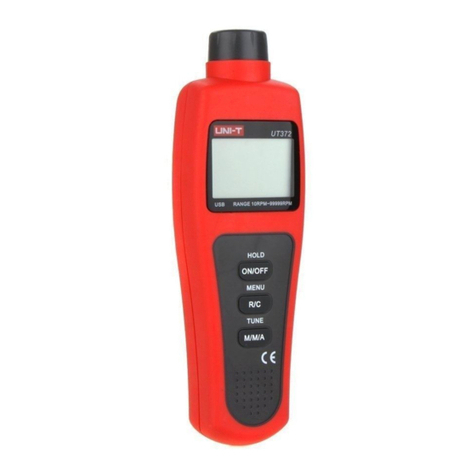
Unit UT372D User manual

Unit

Unit UT372D User manual

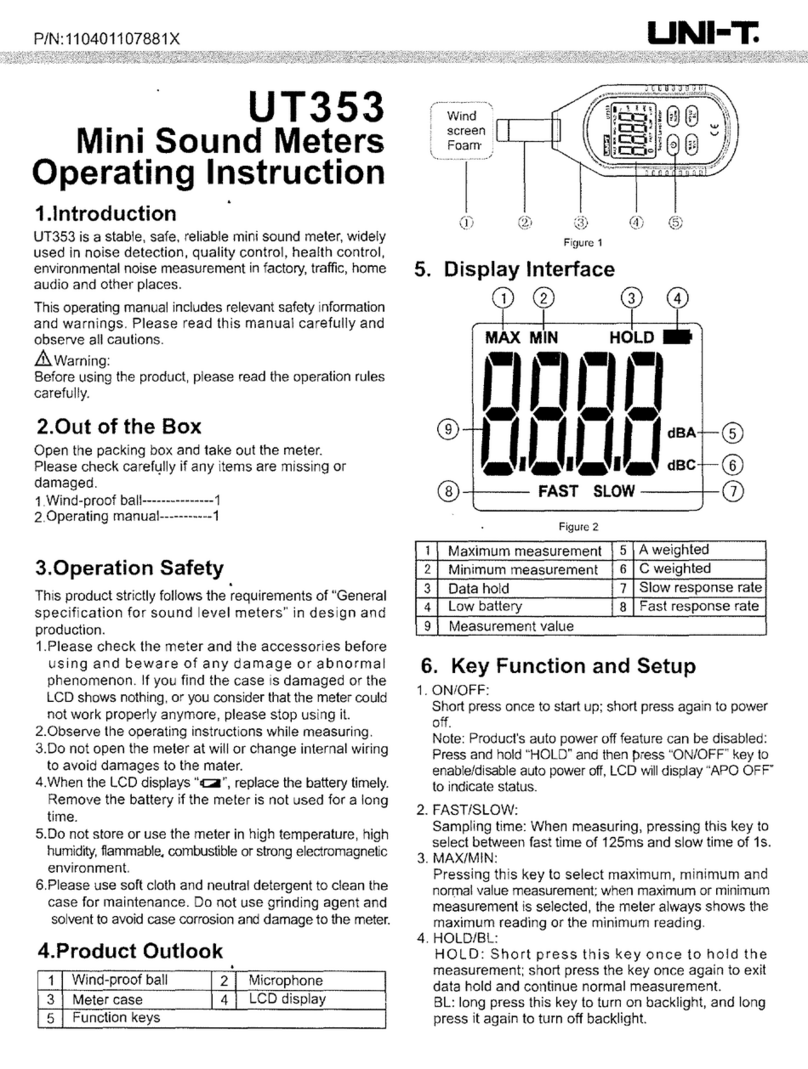
Unit UT353 User manual

Unit

Unit UT353 User manual

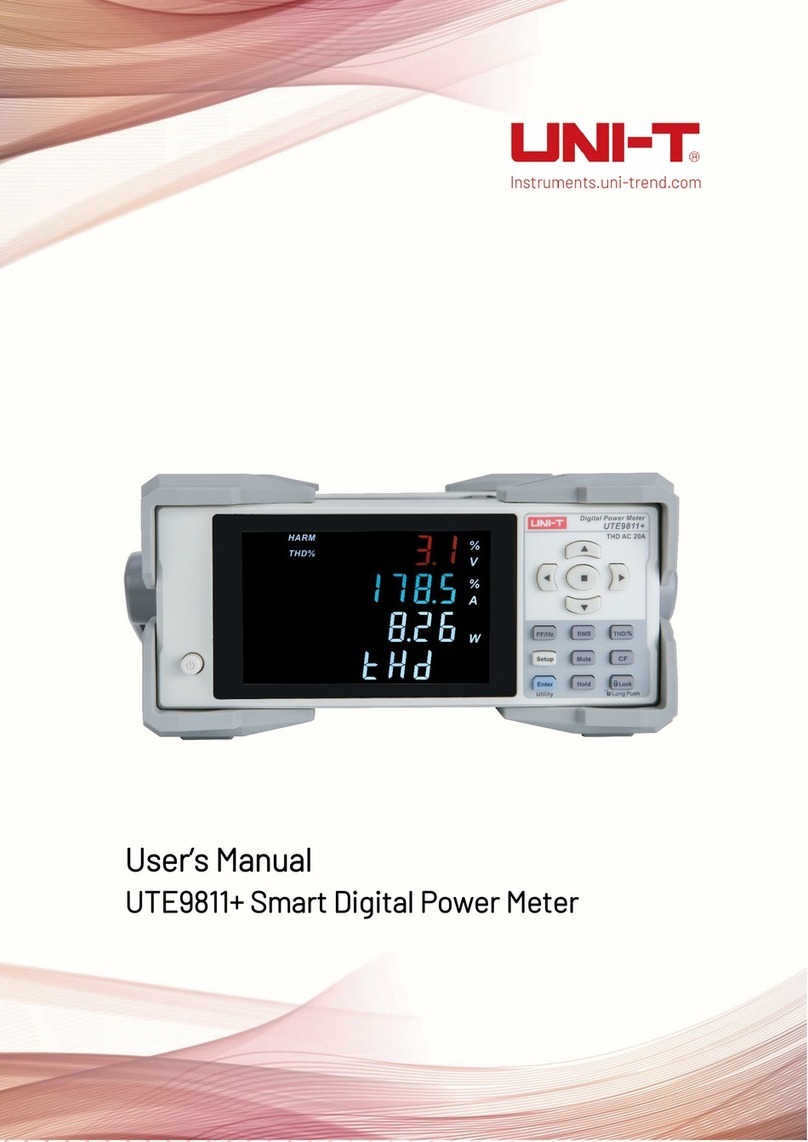
Unit UTE9811+ User manual

Unit

Unit UTE9811+ User manual

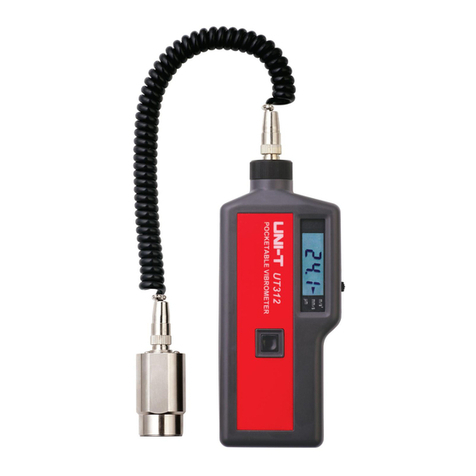
Unit UT312 User manual

Unit

Unit UT312 User manual

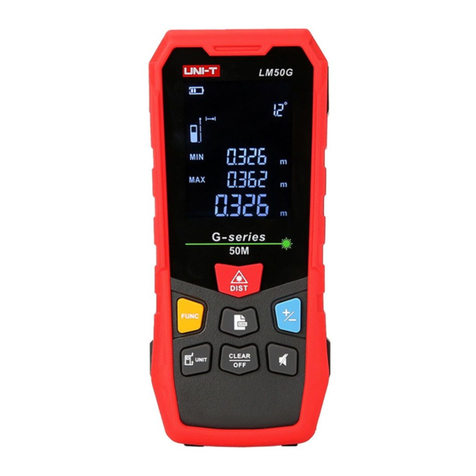
Unit LM50G User manual

Unit

Unit LM50G User manual

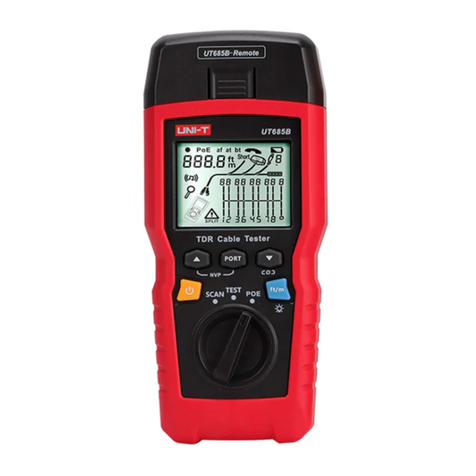
Unit UT685B User manual

Unit

Unit UT685B User manual

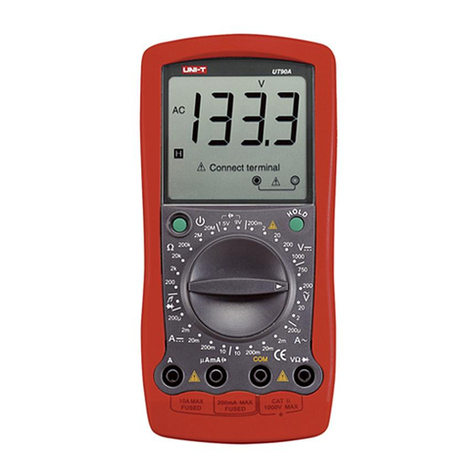
Unit UT90A User manual

Unit

Unit UT90A User manual

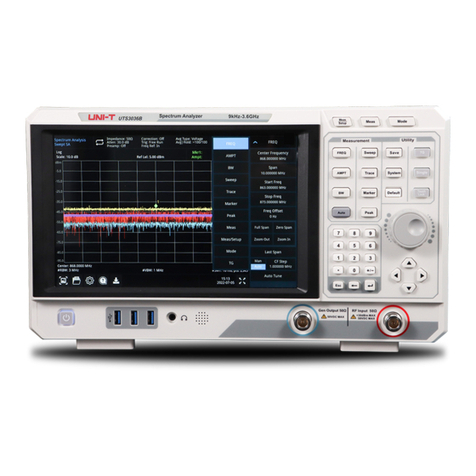
Unit UTS3000B/A Series User manual

Unit

Unit UTS3000B/A Series User manual

Unit UTD4000 Series User manual

Unit

Unit UTD4000 Series User manual

Unit UT255A User manual

Unit

Unit UT255A User manual

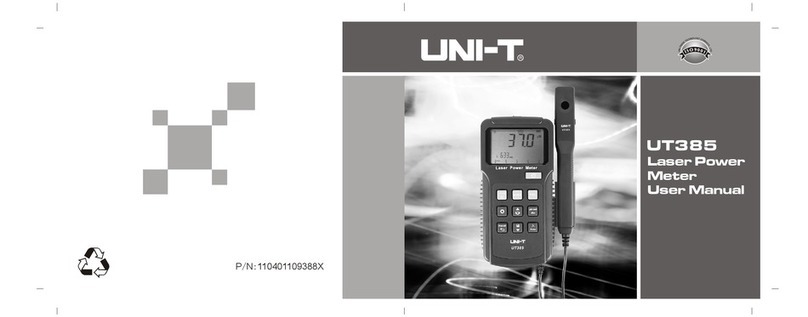
Unit UT385 User manual

Unit

Unit UT385 User manual

Unit UT371 User manual

Unit

Unit UT371 User manual

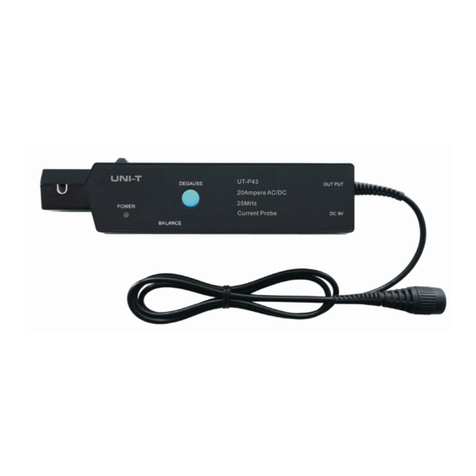
Unit UT-P43 Series User manual

Unit

Unit UT-P43 Series User manual

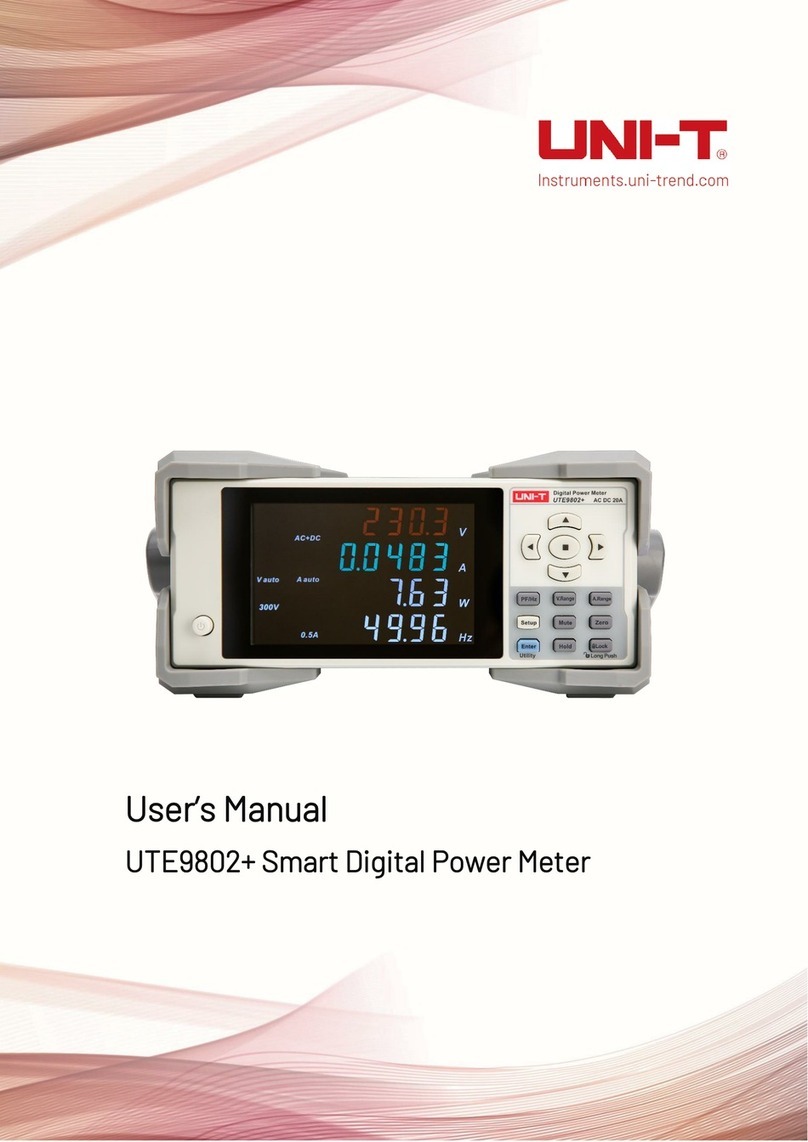
Unit UTE9802+ User manual

Unit

Unit UTE9802+ User manual

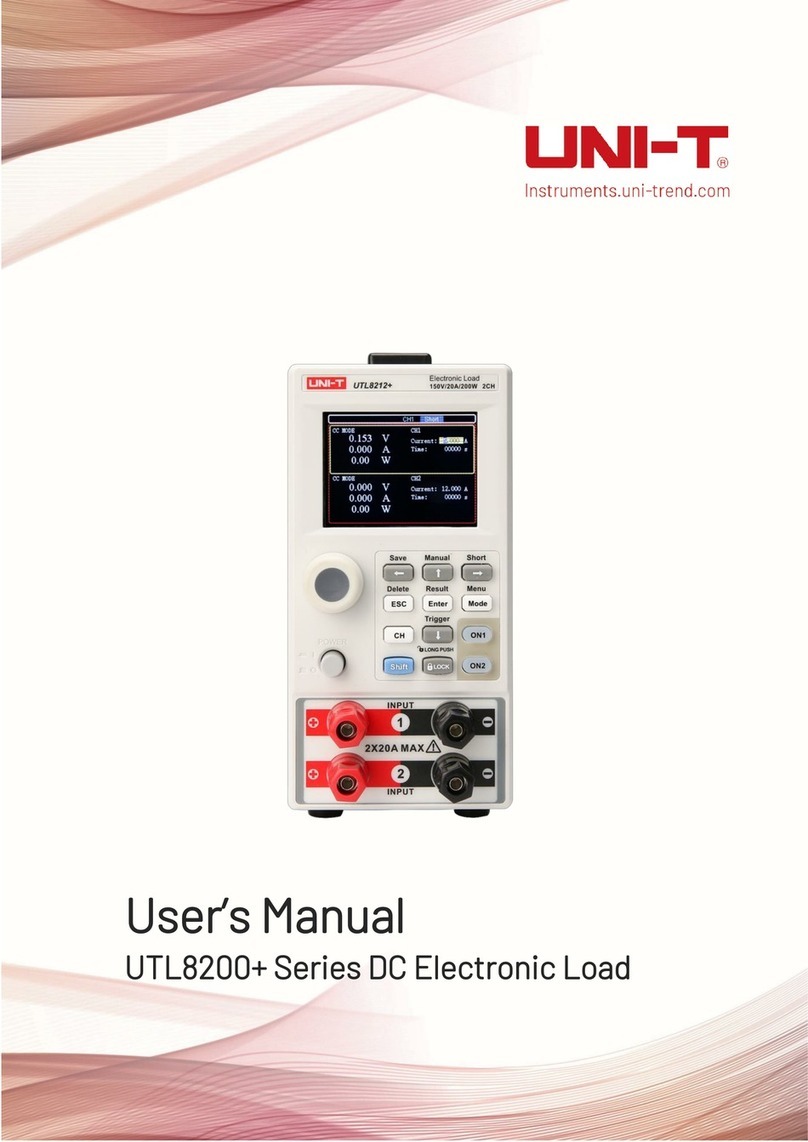
Unit UTL8200+ Series User manual

Unit

Unit UTL8200+ Series User manual

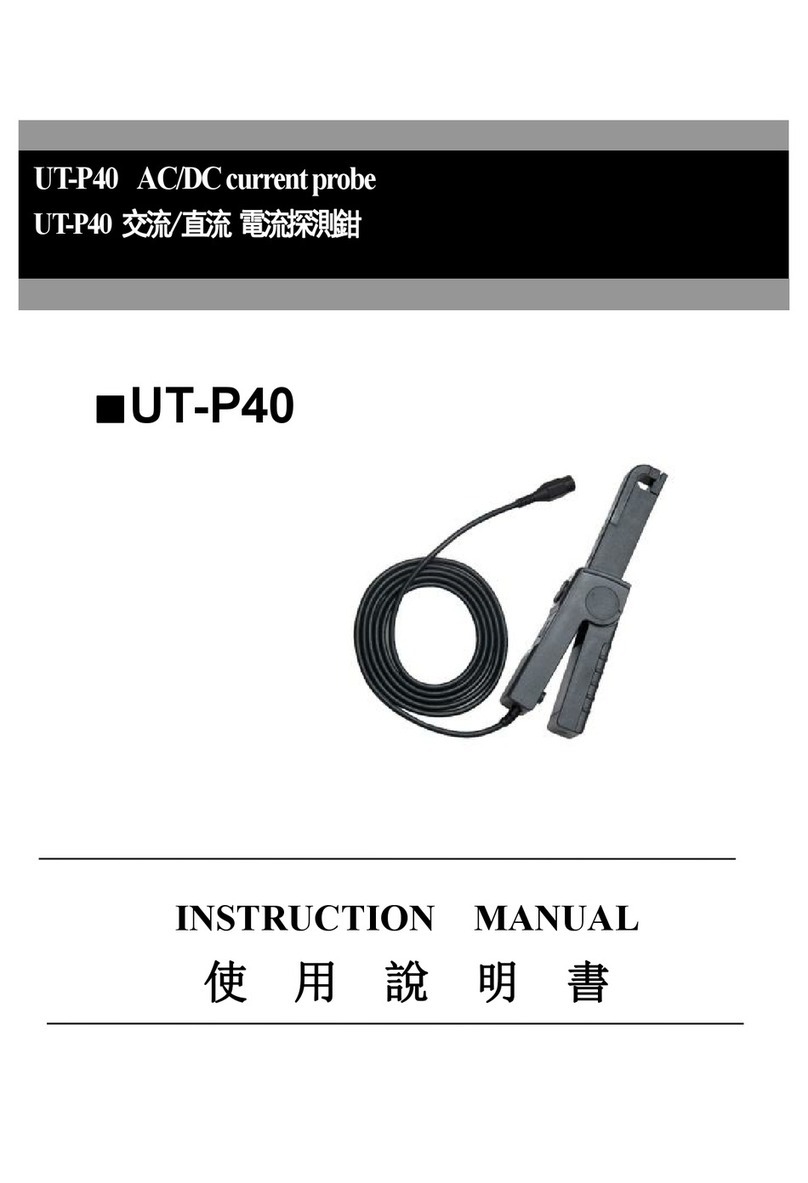
Unit UT-P40 User manual

Unit

Unit UT-P40 User manual

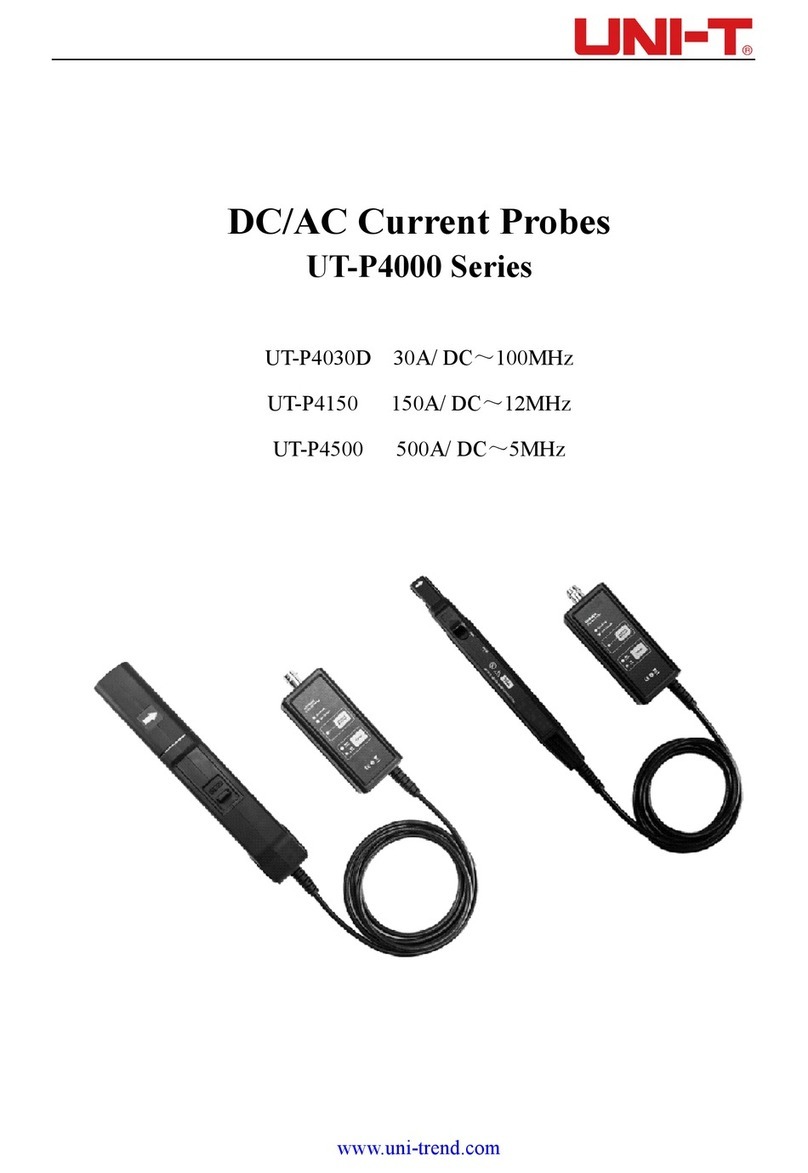
Unit UT-P4000 Series User manual

Unit

Unit UT-P4000 Series User manual

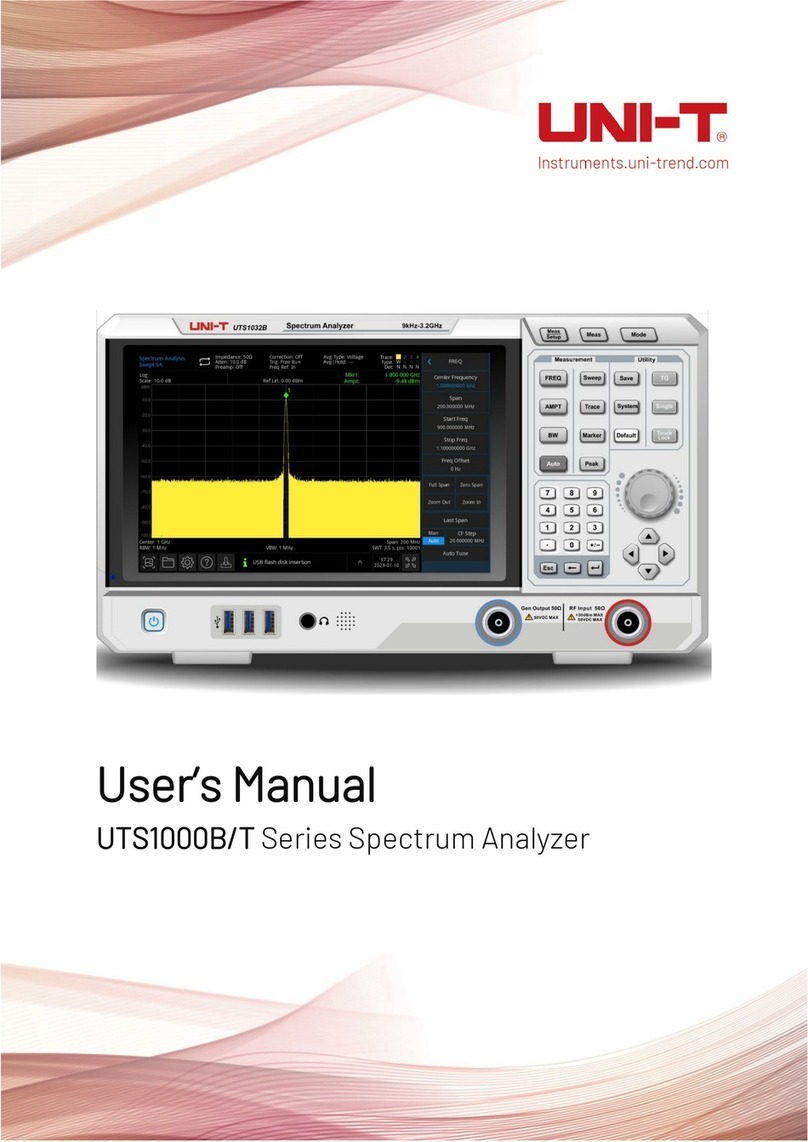
Unit UTS1000B Series User manual

Unit

Unit UTS1000B Series User manual

Unit UT118A User manual

Unit

Unit UT118A User manual

Unit UT118A User manual

Unit

Unit UT118A User manual

Unit UT381 User manual

Unit

Unit UT381 User manual

Unit UT620C User manual

Unit

Unit UT620C User manual

Unit UTE310 User manual

Unit

Unit UTE310 User manual

Popular Measuring Instrument manuals by other brands
Suaoki D40 user manual

Suaoki

Suaoki D40 user manual

Elster BK-G1.6 operating instructions

Elster

Elster BK-G1.6 operating instructions

Endress+Hauser Deltabar FMD71 technical information

Endress+Hauser

Endress+Hauser Deltabar FMD71 technical information

Duratool D03128 manual

Duratool

Duratool D03128 manual

Vega VEGAPULS 65 Quick setup guide

Vega

Vega VEGAPULS 65 Quick setup guide

Tonghui TH2618B Operation manual

Tonghui

Tonghui TH2618B Operation manual

Tenmars TM-801 user manual

Tenmars

Tenmars TM-801 user manual

MSR 145 user manual

MSR

MSR 145 user manual

TPS WP-82 manual

TPS

TPS WP-82 manual

PCB Piezotronics 003C30 Installation and operating manual

PCB Piezotronics

PCB Piezotronics 003C30 Installation and operating manual

Tenma 72-10465 manual

Tenma

Tenma 72-10465 manual

Endress+Hauser Proline Promag 50 Brief operating instructions

Endress+Hauser

Endress+Hauser Proline Promag 50 Brief operating instructions

Siemens SITRANS F Coriolis FCT030 Function manual

Siemens

Siemens SITRANS F Coriolis FCT030 Function manual

KLINGER CMF V Series instruction manual

KLINGER

KLINGER CMF V Series instruction manual

Keysight M8290A Getting started guide

Keysight

Keysight M8290A Getting started guide

Acterna MS1400 Operation manual

Acterna

Acterna MS1400 Operation manual

R&S ZPH manual

R&S

R&S ZPH manual

Datacolor ColorReader DC10-2 user guide

Datacolor

Datacolor ColorReader DC10-2 user guide

https://manuals.online logo
https://manuals.online logoBrands
  • About & Mission
  • Contact us
  • Privacy Policy
  • Terms and Conditions

Copyright 2026 Manuals.Online. All Rights Reserved.

P/N:l10401105962X
UNI-T
UT383
Mini
Light
Meters
Operating
Instruction
1.
Introduction
UT383
is
a
stable,
safe,
reliable
mini
digital
light
meter,
widely
used
in
lightening
enterprises,
agriculture
and
animal
husbandry,
mining
enterprises,
laboratory,
office,
household,
street
lights
construction
and
others.
This
operating
manual
includes
relevant
safety
information
and
warnings.
Please
read
this
manual
carefully
and
observe
all
the
cautions
strictly.
A
Warning:
Before
using
the
product,
please
read
the
operation
safety
rules
carefully.
2.
Out
of
the
Box
Open
the
packing
box
and
take
out
the
meter.
Please
check
carefully
if
any
items
are
missing
or
damaged.
1.
Main
Unit-1
2.
Blister
--1
3.
Operating
manual-1
3.
Operation
Safety
1.
P
lease
check
the
meter
and
the
accessories
before
using
and
beware
of
any
damage
or
abnormal
phenomenon.
If
you
find
the
case
is
damaged
or
the
LCD
shows
nothing,
or
you
consider
that
the
meter
could
not
work
properly
anymore,
please
stop
using
it.
2,Observe
the
operating
instructions
while
measuring.
3.
Do
not
open
the
meter
at
will
or
change
internal
wiring
to
avoid
damages
to
the
meter.
4.
W
hen
the
LCD
displays
“ca”,
replace
the
battery
timely.
Remove
the
battery
if
the
meter
is
not
used
for
a
long
time.
5.
D
o
not
store
or
use
the
meter
in
high
temperature,
high
humidity,
flammable,
combustible,
or
strong
electromagnetic
environment.
6.
P
lease
use
soft
cloth
and
neutral
detergent
to
clean
the
case
for
maintenance.
Do
not
use
grinding
agent
and
solvent
to
avoid
case
corrosion
and
damaging
the
meter.
4.
P
r
oduct
Outlook
1.
Illumination
transducer
2.
Meter
case
3.
LCD
display
4.
Function
keys
®
©
©
©
5.
D
i
s
p
l
a
y
Interface
1
Maximum
measurement
5
Foot
candle
2
Minimum
measurement
6
Lux
3
Data
hold
7
Value*10
or
value*100
4
Low
battery
8
Illumination
value
6.
K
ey
Function
and
Setup
1.
ON/OFF:
Short
press
once
to
start
up;
short
press
again
to
power
off.
Note:
Product's
auto
power
off
feature
can
be
disabled:
Press
and
hold
“HOLD”
and
then
press
“ON/OFF”
key
to
enable/disable
auto
power
off,
LCD
will
display
“APO
OFF”
to
indicate
status.
2.
LUX/FC:
Unit
conversion
key:
Short
press
this
key
to
select
Lux
or
Foot
candles.
3.
MAX/MIN:
Pressing
this
key
can
select
maximum,
minimum
or
normal
value
measurement;
select
maximum
and
the
meter
will
always
show
the
maximum
reading;
select
minimum
and
the
meter
will
always
show
the
minimum
reading.
4.
HOLD/BL:
HOLD:
Short
press
this
key
to
hold
measurement;
short
press
this
key
again
to
exit
data
hold
and
continue
normal
measurement.
BL:
Long
press
this
key
to
turn
on
backlight;
long
press
this
key
again
to
turn
off
backlight.
7.
Technical
Specifications
1.
I
llumination
Function
Range
Resolution
Accuracy
Description
Illumination
0-9999
Lux
1
Lux
±(4%rdg
+
8dgts)
(regulate
in
the
standard
of
2856K
color
temperature
flat
lamp)
Note:
1FC=10.76
Lux
^10000
Lux
10
Lux
±(5%rdg
+
10dgts)
Range
0-199,999
Lux
Auto-ranging
Sampling
Time
0.5s
Refresh
sampling
in
0.5s
Overload
Indication
OL
Shows
“OL”
MAX/M
IN
Measurement
MAX/MIN
Shows
“MAX/MIN”
Data
Hold
HOLD
Shows
“HOLD”
Backlight
BL
Manually
on
and
off
Auto
Power
Off
5mins
Automatically
power
off
after
5mins
without
operation
Low
Battery
3.0-3.5V
Shows
low
battery
prompt
when
power
is
3.0-3.5V
2.
General
Type
a.
LCD:
4
digits
LCD
display.
The
max
display
is
9999
b.
Overload
indication:
When
illumination
is
over
199,999
Lux,
“OL”
will
be
displayed
c.
Battery
low
power
display:
Prompt
“<a”.
New
battery
should
be
replaced
in
time
d.
Sampling
rate:
2/s
e.
Sensor
type:
Silicon
photocell
f.
Impact
strength:
Can
withstand
the
impact
of
landing
from
1
meter
height
g.
Battery
requirement:
1.5V
batteries
(AAA)
*3
h.
Product
size:
160><50x28mm
i.
Weight:
118g
3.
Environment
Specification
a.
Indoor
use
b.
Altitude
height:
2000m
c.
Safety:
EN61326-1
d.
Pollution
level:
2
e.
Working
temperature
and
humidity:
0°C~40°C
(not
greater
than
80%RH)
40°C~50°C
(not
greater
than
45%RH)
f.
Storage
temperature
and
humidity:
-20°C-60°C
(not
greater
than
75%RH)
4.
Electrical
Specifications
a.
Accuracy:
0~9999Lux,
±(4%rdg
+
8dgts)
^
10OOOLux,
±(5%rdg
+
8dgts)
b.
Environment
temperature:
23°C±3°C
c.
Environment
humidity:
^80%RH
5.
General
Maintenance
A
Warning:
please
do
not
open
the
case
of
meter
to
avoid
affecting
device
accuracy
or
damage
to
the
meter.
a.
Maintenance
and
service
of
the
meter
should
be
accomplished
by
professional
personnel
or
designated
maintenance
department.
b.
Clean
the
case
by
dry
cloth
periodically,
detergent
with
abrasive
or
solvent
composition
shall
not
be
used.
6.
B
a
ttery
Installation
and
Replacement
a.
The
meter
uses
3
pieces
of
AAA
1.5V
batteries.
Please
see
figure
below
for
steps
of
battery
installation
and
replacement.
Manufacturer:
Uni-Trend
Technology(China)
Limited
No
6,
Gong
Ye
Bei
1st
Road
Songshan
Lake
National
High-Tech
Industrial
Development
Zone,
Dongguan
City
Guangdong
Province
China
Postal
Code:523
808
Headquarters:
Uni-Trend
Group
Limited
Rm901,
9/F,
Nanyang
Plaza
57
Hung
To
Road
Kwun
Tong
Kowloon,
Hong
Kong
Tel:
(852)
2950
9168
Fax:
(852)
2950
9303
Email:
[email protected]
http://www.uni-trend.com