manuals.online logo
Brands
  1. Home
  2. •
  3. Brands
  4. •
  5. VarTech Systems
  6. •
  7. Touch Panel
  8. •
  9. VarTech Systems VTPC100PSS User manual

VarTech Systems VTPC100PSS User manual

Other VarTech Systems Touch Panel manuals

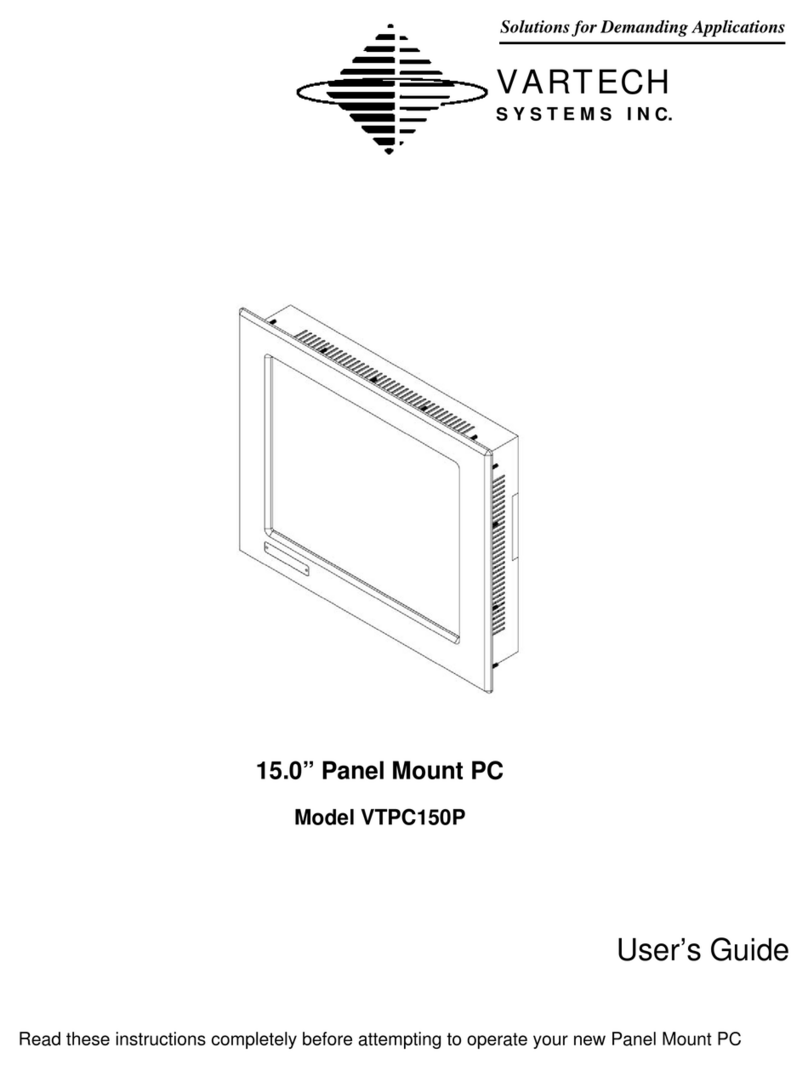
VarTech Systems VTPC150P User manual

VarTech Systems

VarTech Systems VTPC150P User manual

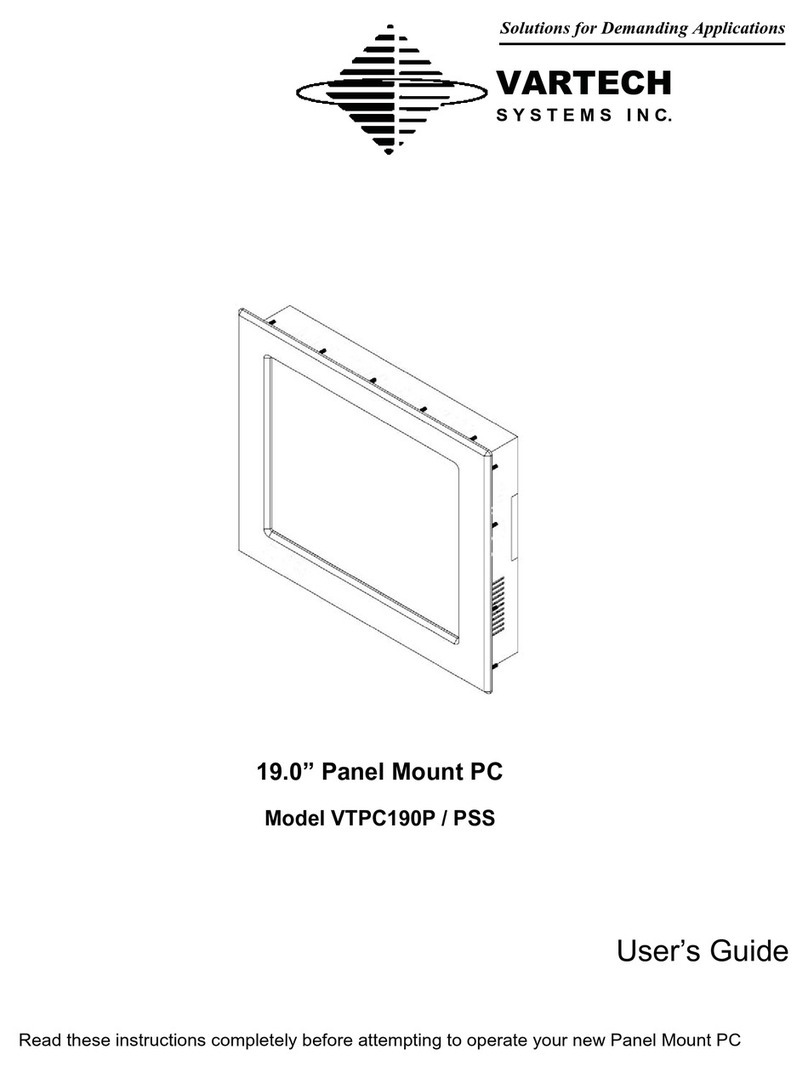
VarTech Systems VTPC190P User manual

VarTech Systems

VarTech Systems VTPC190P User manual

VarTech Systems VTPC190VR User manual

VarTech Systems

VarTech Systems VTPC190VR User manual

VarTech Systems VTPC190P User manual

VarTech Systems

VarTech Systems VTPC190P User manual

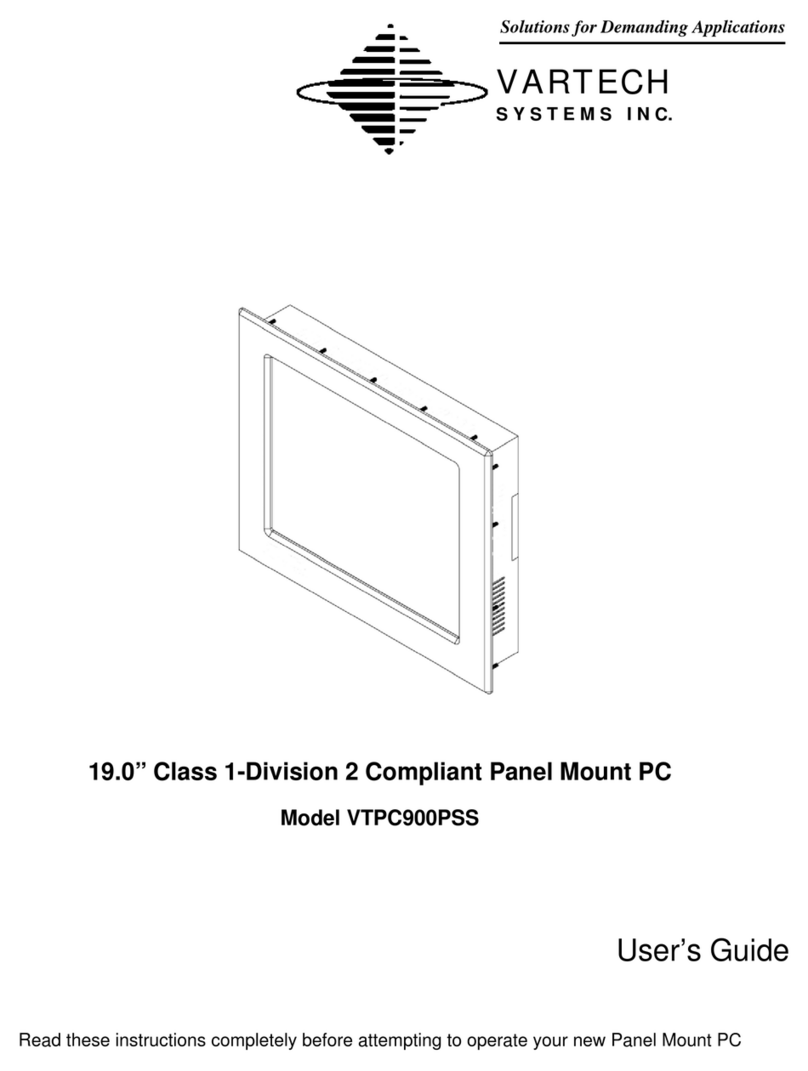
VarTech Systems VTPC900PSS User manual

VarTech Systems

VarTech Systems VTPC900PSS User manual

VarTech Systems VTPC150P User manual

VarTech Systems

VarTech Systems VTPC150P User manual

VarTech Systems VT104V-VS User manual

VarTech Systems

VarTech Systems VT104V-VS User manual

VarTech Systems VTPC170P User manual

VarTech Systems

VarTech Systems VTPC170P User manual

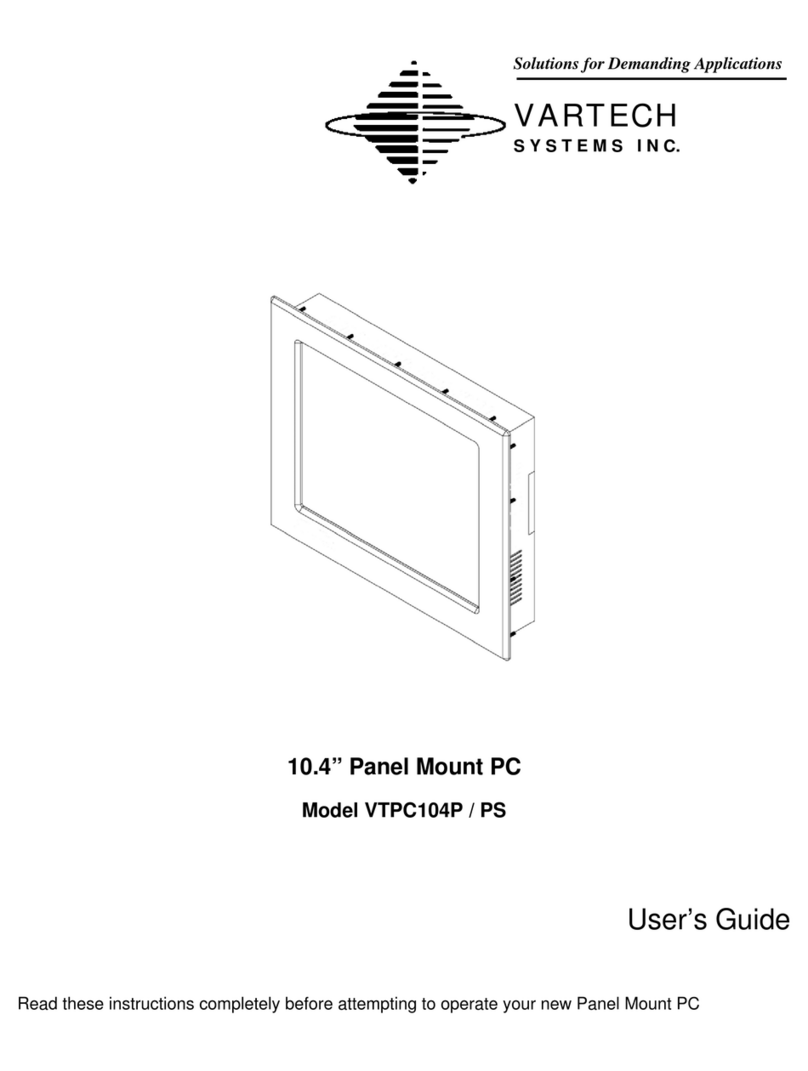
VarTech Systems VTPC104P User manual

VarTech Systems

VarTech Systems VTPC104P User manual

Popular Touch Panel manuals by other brands

Endress+Hauser ria45 operating instructions

Endress+Hauser

Endress+Hauser ria45 operating instructions

Wincomm WLP-7B20 Series user manual

Wincomm

Wincomm WLP-7B20 Series user manual

NEC ME Series user manual

NEC

NEC ME Series user manual

VIPA TP 606C CAN manual

VIPA

VIPA TP 606C CAN manual

Acnodes PC 1080 quick guide

Acnodes

Acnodes PC 1080 quick guide

Extron electronics TLP 700MV user guide

Extron electronics

Extron electronics TLP 700MV user guide

AMX AXT-EL Plus Dimensional drawing

AMX

AMX AXT-EL Plus Dimensional drawing

LEGRAND 67285 installation manual

LEGRAND

LEGRAND 67285 installation manual

FlowLine Data loop quick start

FlowLine

FlowLine Data loop quick start

ALPEX AEx-8 P Series user manual

ALPEX

ALPEX AEx-8 P Series user manual

Harman AMX MODERO S MSD-701-L2 quick start guide

Harman

Harman AMX MODERO S MSD-701-L2 quick start guide

ADT 6270ADT Installation and setup gude

ADT

ADT 6270ADT Installation and setup gude

Acnodes PC 1150 installation guide

Acnodes

Acnodes PC 1150 installation guide

AMX ViewPoint quick start guide

AMX

AMX ViewPoint quick start guide

AIS IP10IA99 series user guide

AIS

AIS IP10IA99 series user guide

IBASE Technology ASTUT-152-RE1S user manual

IBASE Technology

IBASE Technology ASTUT-152-RE1S user manual

YASKAWA TP 610C manual

YASKAWA

YASKAWA TP 610C manual

B&R Power Panel C Series user manual

B&R

B&R Power Panel C Series user manual

manuals.online logo
manuals.online logoBrands
  • About & Mission
  • Contact us
  • Privacy Policy
  • Terms and Conditions

Copyright 2025 Manuals.Online. All Rights Reserved.

Solutions for Demanding Applications
VARTECH
S Y S T E M S I N C.
10.4” C1-D2 Compliant Panel Mount PC
Model VTPC100PSS
User’s Guide
Read these instructions completely before attempting to operate your new Panel Mount PC
10.4” C1-D2 Compliant Panel Mount PC 486-0029-00-00
2
Revision History
Date Rev No Summary Page
10/12/09 00 First Issue
10.4” C1-D2 Compliant Panel Mount PC 486-0029-00-00
3
Safety Instructions
PLEASE NOTE - This equipment is suitable for use in Class I, Division 2 or non-hazardous
locations only.
WARNING - EXPLOSION HAZARD - DO NOT DISCONNECT EQUIPMENT UNLESS POWER HAS
BEEN SWITCHED OFF OR THE AREA IS KNOWN TO BE NON-HAZARDOUS.
AVERTISSEMENT - RISQE D'EXPLOSION - AVANT DE DECONNECTER L'EQUIPMENT, COUPER
LE COURANT OU S'ASSURER QUE L'EMPLACEMENT EST DESIGNE NON DANGEREUX.
Read the Safety Instructions carefully and keep it for use later.
The chassis metalwork of the module must be installed properly to the main earthing termination
for Class 1 equipment.
Care must be exercised in the application of the system to prevent overheating. Ensure that the
ambient temperature around the system does not exceed 60°C and provide adequate means of
ventilation to achieve this.
When cleaning cut off the electrical supply at all times. Never use liquid or aerosol detergent,
use a soft damp cloth instead.
Never insert anything metallic into the chassis openings. This may create an electric shock
hazard or hazard from rotating fan blades.
To avoid electric shock, never touch the inside of the system. There are no user adjustable
components inside, only a qualified technician should open the system’s case.
Openings in the system enclosure are to allow for ventilation. To prevent overheating, these
openings should not be blocked or covered.
If the system does not operate normally – in particular, if there are any unusual sounds or smells
coming from it – disconnect it immediately.
Do not put pressure on the LCD panel screen because it is very fragile.
Always handle the system with care when moving it.
Take care that the system is disposed of correctly at the end of its life. If in doubt refer to your
local ordinances or regulations for proper disposal.
User to supply appropriate lockable type plug and power disconnecting switch.
The end user must either supply a switch to their power outlet suitable for Class 1, Division 2
use (if adjacent to the power outlet), or locate the said switch outside the hazardous area.
This equipment is suitable for use in a Class 1, Division 2, Groups A, B, C, and D or non-
hazardous location only.

10.4” C1-D2 Compliant Panel Mount PC 486-0029-00-00
4
Explosion Hazard - Substitution of components may impair suitability for hazardous locations.
Any Equipment or associated cabling connected to this device must be non-incendive and/or
suitable for the Class 1, Division 2 area in which it is to be installed.
Hazardous Locations:
This equipment is suitable only for the locations specified on the product nameplate, specifically:
Class I, Division 2 Groups A, B, C, D
Non-hazardous locations
The following statement applies to use in hazardous locations:
WARNING! Explosion Hazard
Substitution of components may impair suitability for hazardous locations.
Do not disconnect equipment unless power has been switched off and area is
known to be non-hazardous.
Do not connect or disconnect components unless power has been switched off.
All wiring must comply with N.E.C. articles 501-4(b), 502-4(b), 503-4(b) as
appropriate.
Peripheral equipment must be suitable for the location in which it is used.
All hazardous-location equipment must be mounted in an enclosure that is
suitably designed or rated for those specific environmental conditions that will be
present, and designed to prevent personal injury resulting from accessibility to live
parts.
This equipment has an operating temperature code of T4 when operating in a 60`C (140`F) ambient
environment. Do not install this product in environments where atmospheric gases have an ignition
temperature of less than 135`C (275`F).
10.4” C1-D2 Compliant Panel Mount PC 486-0029-00-00
5
Environment and Enclosure Information:
Review this information on enclosures before installing the product:
ATTENTION: Environment and Enclosure
This equipment is intended for use in a Pollution Class 2 industrial environment, in
overvoltage Category II applications (as defined in IEC publication 60664-1), at
altitudes up to 2000 meters (6561 feet).
This equipment is supplied as open-type equipment. UL recognized and
hazardous location equipment must be mounted in an enclosure that is suitably
designed or rated for those specific environmental conditions that will be present,
and designed to prevent personal injury resulting from accesibility to live parts.
These units are shipped with a gasketed bezel to meet specified NEMA and IEC
ratings if and only if mounted in a flat panel or enclosure with an equivalent rating.
Peripheral equipment must be suitable for the location in which it is used.
See NEMA Standards publication 250 and IEC publication 60529, as applicable,
for explanations of the degrees of protection provided by different types of
enclosures. The user may also reference the Industrial Automation Wiring and
Grounding Guidelines, publication 1770-4.1, for additional installation
requirements pertaining to this equipment.
10.4” C1-D2 Compliant Panel Mount PC 486-0029-00-00
6
Cleaning the LCD monitor
To clean the LCD panel:
Wipe the screen gently with a clean lens brush made of camel hair, or a soft, clean, lint free
cloth. This is to remove dust and other particles without scratching the LCD panel.
If it is still not clean, then wipe with a damp lint free cloth and blow on it to dry.
Do not clean the panel with a keton-type material (e.g. acetone), or ethyl toluene, ethyl acid, methyl
or chloride. These may damage the LCD panel.
Do not apply pressure to the LCD panel.
Standard Technical Specifications:
LCD Monitor:
Size / Type 10.4” SVGA TFT LCD
Native Resolution 800 x 600
Contrast Ratio 500:1
Viewing Angles Horizontal: 120°
Vertical: 100°
Pixel Pitch 0.264mm
Brightness (typical) 230 cd/m²
Response Time (typical) 35ms
Colors Supported 16.8 million
10.4” C1-D2 Compliant Panel Mount PC 486-0029-00-00
7
Computer System:
Processor Intel® Atom™ N270, 1.6 GHz processor
System Memory 200 pin DDR PC-3200 SO-DIMM 2 GB x 1
BIOS AMI BIOS
Hard Drive 320 GB SATA
Operating System Microsoft XP Professional (SP3) for Embedded Systems
Expansion Slots None
Back Panel I/O Ports PS/2 Keyboard Connector x 1
PS/2 Mouse Connector x 1
Power Inlet x 1
RS-232 Port x 3 (x1 422/485 Optional)
USB 2.0 Port x 6 (x4 on Stainless Steel Models)
RJ45 LAN Port x 2
VGA Port x 1
IEEE1394a x 2
Audio Jacks: Line Out x 1 / Line In x 1
Graphics SIS Mirage Graphics Engine
LAN Realtek RTL8110SC GbE
DVD Drive (E-IDE / ATAPI) DVD-R, DVD+R, DVD-RW, DVD+RW, DVD-R DL, DVD+R9 CD-R,
CD-RW,
Touch Screen Resistive
Touch Screen Interface USB
10.4” C1-D2 Compliant Panel Mount PC 486-0029-00-00
8
Power & Operational Specifications:
Power Input 100 - 240 VAC 1.5A 50/60 Hz
12 - 24 VDC 6.0A max (optional); SELV source required if used
Power Consumption 37W
Temperature Operational: -32°F to 140°F 0°C to 60°C
Storage: -4°F to 149°F -20°C to 65°C
Humidity Operational: 20 to 40°C, 90% RH NC
Storage: 5 to 65°C, 28% RH NC
Installation of Your Panel PC
Packaged with each carton will be:
1 - VTPC100PSS
1 - #10-32 Mounting Hardware
1 - Users Guide (Printed or on CD)
10.4” C1-D2 Compliant Panel Mount PC 486-0029-00-00
9
BEFORE MAKING ANY CONNECTIONS OR APPLYING POWER,
FIRST READ THROUGH THE ENTIRE MANUAL
Panel Mount Procedure
Panel Mounting Procedure:
1- Cut and drill the panel (refer to the panel mount drawing, Figure A). Measurements are
provided in inches and millimeters.
Panel Mounting Cutout:
1- If access to the bottom of the enclosure is not available following installation, attach the
power and all necessary cables to the bottom side of the enclosure at this time.
2- Install the enclosure in the prepared cutout.
3- Secure the enclosure using the lock nuts and washers, supplied with the unit, behind the
holes running along the sides and the top and bottom of the cutout in the panel. Extra lock
nuts and washers are provided.
4- Tighten all mounting hardware to a torque of 24 inch-pounds.
ATTENTION: Mounting nuts must be tightened to a torque of 24 inch-pounds to provide a
proper panel seal and avoid potential damage. Vartech Systems assumes no responsibility for
water or chemical damage to the monitor or other equipment within the enclosure due to
improper installation.
NOTE: An easily accessible 15A fused or breaker protected outlet must be provided for
installation of the unit.
5- Attach the power, video and system cables to the bottom side of the enclosure if you have
not already done so.
10.4” C1-D2 Compliant Panel Mount PC 486-0029-00-00
10
Panel Mount Drawing: Detail –A–
Connections to the Panel Mount PC
Bottom Rear View (AC Unit shown)
- Connector Panel -