manuals.online logo
Brands
  1. Home
  2. •
  3. Brands
  4. •
  5. Vaxcel
  6. •
  7. Outdoor Light
  8. •
  9. Vaxcel T0062 Instruction manual

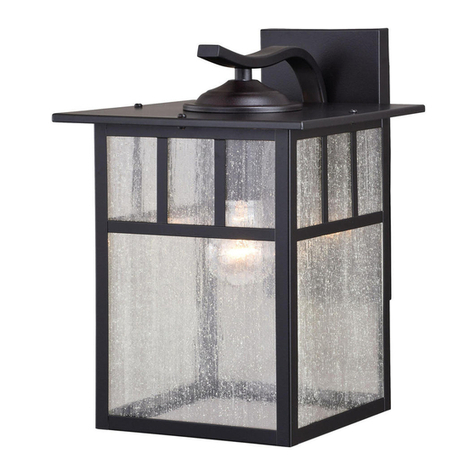
Vaxcel T0062 Instruction manual

Other Vaxcel Outdoor Light manuals
Vaxcel T0246 Instruction manual

Vaxcel

Vaxcel T0246 Instruction manual

Vaxcel T0396 Instruction manual

Vaxcel

Vaxcel T0396 Instruction manual

Vaxcel Mission T0437 Instruction manual

Vaxcel

Vaxcel Mission T0437 Instruction manual

Vaxcel T0620 Instruction manual

Vaxcel

Vaxcel T0620 Instruction manual

Vaxcel T0103 Instruction manual

Vaxcel

Vaxcel T0103 Instruction manual

Vaxcel T0112 User manual

Vaxcel

Vaxcel T0112 User manual

Vaxcel T0698 Instruction manual

Vaxcel

Vaxcel T0698 Instruction manual

Vaxcel T0451 Instruction manual

Vaxcel

Vaxcel T0451 Instruction manual

Vaxcel T0599 Instruction manual

Vaxcel

Vaxcel T0599 Instruction manual

Vaxcel T0366 Instruction manual

Vaxcel

Vaxcel T0366 Instruction manual

Vaxcel T0099 Instruction manual

Vaxcel

Vaxcel T0099 Instruction manual

Vaxcel Proline T0429 Instruction manual
Vaxcel

Vaxcel Proline T0429 Instruction manual

Vaxcel T0199 Instruction manual

Vaxcel

Vaxcel T0199 Instruction manual

Vaxcel T0080 Instruction manual

Vaxcel

Vaxcel T0080 Instruction manual

Vaxcel T0595 Instruction manual

Vaxcel

Vaxcel T0595 Instruction manual

Vaxcel T0692 Instruction manual

Vaxcel

Vaxcel T0692 Instruction manual

Vaxcel T0568 Instruction manual

Vaxcel

Vaxcel T0568 Instruction manual
Vaxcel T0468 Instruction manual

Vaxcel

Vaxcel T0468 Instruction manual

Vaxcel T0076 Instruction manual

Vaxcel

Vaxcel T0076 Instruction manual

Vaxcel T0542 Instruction manual

Vaxcel

Vaxcel T0542 Instruction manual

Vaxcel T0701 Instruction manual

Vaxcel

Vaxcel T0701 Instruction manual

Vaxcel T0479 Instruction manual

Vaxcel

Vaxcel T0479 Instruction manual

Vaxcel T0435 Instruction manual

Vaxcel

Vaxcel T0435 Instruction manual

Vaxcel T0571 Instruction manual

Vaxcel

Vaxcel T0571 Instruction manual

Popular Outdoor Light manuals by other brands
Kichler Lighting HELEN 37536 instructions

Kichler Lighting

Kichler Lighting HELEN 37536 instructions

Thorn OXANE L installation instructions

Thorn

Thorn OXANE L installation instructions

esotec Solar Globe Light multicolor 20 operating instructions

esotec

esotec Solar Globe Light multicolor 20 operating instructions

mitzi HL200201 ELLIS Assembly and mounting instructions

mitzi

mitzi HL200201 ELLIS Assembly and mounting instructions

HEPER TILA S AFX 3 Module Installation & maintenance instructions

HEPER

HEPER TILA S AFX 3 Module Installation & maintenance instructions

Designplan TRON 180 installation instructions

Designplan

Designplan TRON 180 installation instructions

Sealey LED37 instructions

Sealey

Sealey LED37 instructions

nordlux VEJERS Mounting instruction

nordlux

nordlux VEJERS Mounting instruction

SImx ELITE LED LHTC637 installation instructions

SImx

SImx ELITE LED LHTC637 installation instructions

GEV CAROLINE 10833 manual

GEV

GEV CAROLINE 10833 manual

WE-EF PFL540 LED Installation and maintenance instructions

WE-EF

WE-EF PFL540 LED Installation and maintenance instructions

HEPER DOGO Side LW6048.585-US Installation & maintenance instructions

HEPER

HEPER DOGO Side LW6048.585-US Installation & maintenance instructions

BEGA 84 253 Installation and technical information
BEGA

BEGA 84 253 Installation and technical information

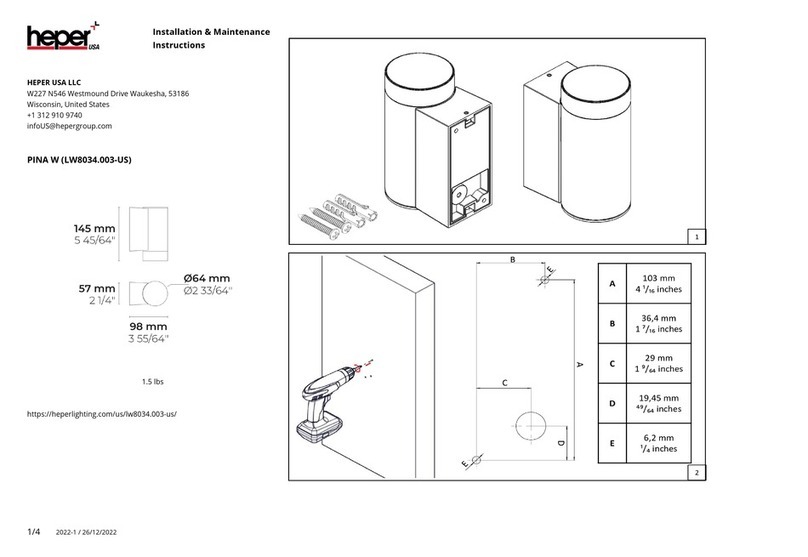
HEPER LW8034.003-US Installation & maintenance instructions
HEPER

HEPER LW8034.003-US Installation & maintenance instructions

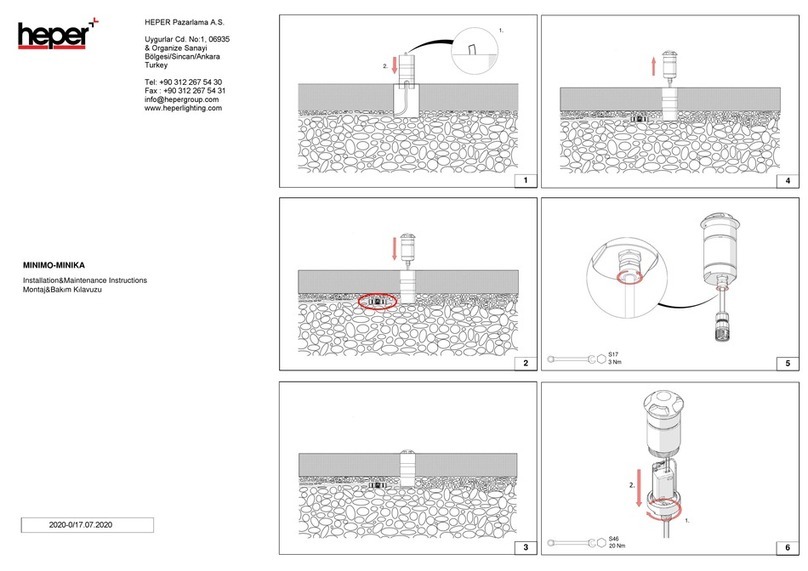
HEPER MINIMO Installation & maintenance instructions

HEPER

HEPER MINIMO Installation & maintenance instructions
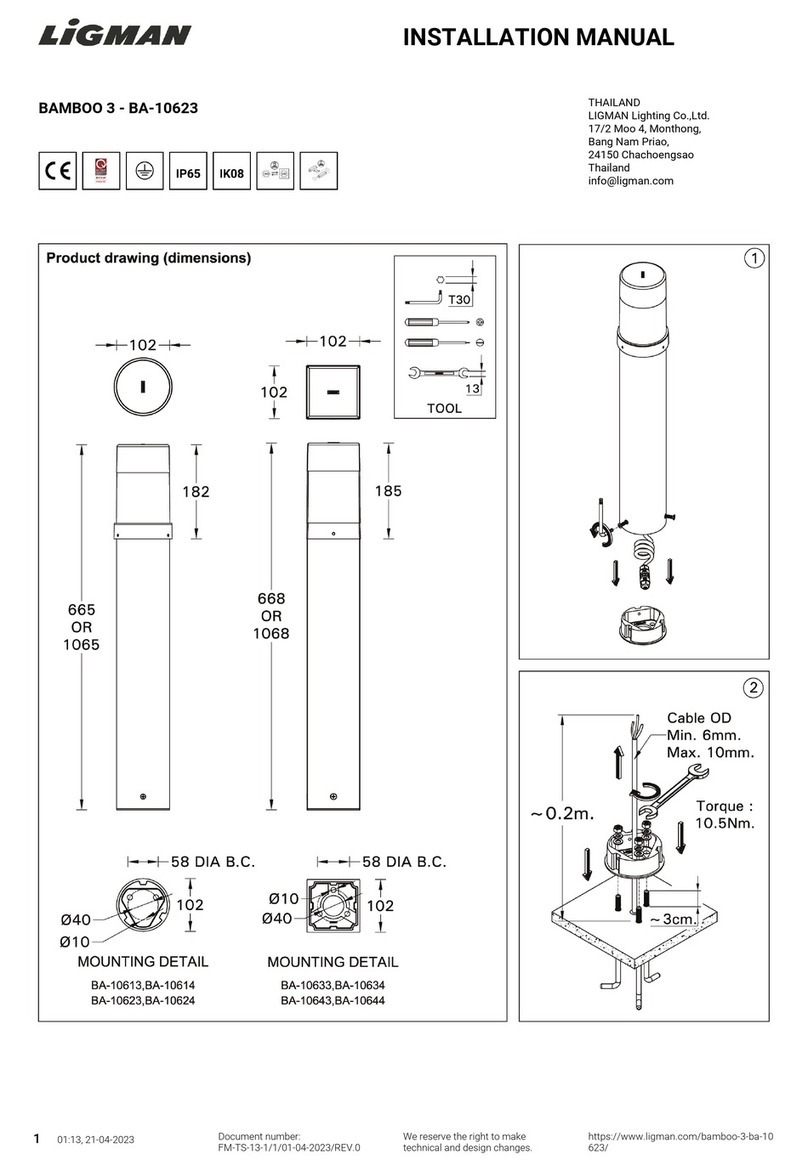
LIGMAN BAMBOO 3 installation manual

LIGMAN

LIGMAN BAMBOO 3 installation manual

Maretti TUBE CUBE WALL 14.4998.04 quick start guide
Maretti

Maretti TUBE CUBE WALL 14.4998.04 quick start guide

Maxim Lighting Carriage House VX 40428WGOB installation instructions

Maxim Lighting

Maxim Lighting Carriage House VX 40428WGOB installation instructions

manuals.online logo
manuals.online logoBrands
  • About & Mission
  • Contact us
  • Privacy Policy
  • Terms and Conditions

Copyright 2025 Manuals.Online. All Rights Reserved.

ASSEMBLY AND INSTALLATION
INSTRUCTIONS
WARNING: BE SURE TO SHUT OFF POWER AT THE MAIN FUSE OR CIRCUIT
BREAKER BOX BEFORE INSTALLING OR SERVICING THIS FIXTURE.
NOTE: 1. Before installing, consult local electrical codes for wiring and grounding requirements.
2. READ AND SAVE THESE INSTRUCTIONS.
T0062
House Grounding Wire
Green Grounding Screw (C)
Wire Nut (E)
Mounting Screw (B)
Headless Screw (D)
Outlet Box
Fixture Wire
Lock Nut (F) Back Plate
Ball Nut (G)
Bulb Type A Max.100W
(not included)
Mounting Plate (A)
Rubber Pad (H)
Parts:
130606
Parts Number (4752MM)
Parts Number (7047PC)
Mounting Screw (B)
Green Grounding
Screw (C)
Lock Nut (F)
Wire Nut (E)
Photocell (I) (X1)
Mounting Plate (A) Ball Nut (G)
Metal Frame
Headless Screw (D)
Parts Number (9454CS)
Glass Panel (J) (X3)
Rubber Pad (H)
Photocell (I)
IMPORTANT:
The sensor has an excellent photocell function
to enable the light to turn on at dusk and off at
dawn automatically.
Loop
Nipple
Glass Panel (J)
Fig. 1 Clip
1. Thread two headless screws through the mounting plate, then secure them with four lock nuts (two
on each side of the mounting plate). Adjust the length of the headless screws if necessary.
Note: Make sure that the headless screws are lined up horizontally, to ensure that the fixture will be
level.
2. Attach the mounting plate to the outlet box by using two mounting screws.
Fixture Grounding Wire
130606
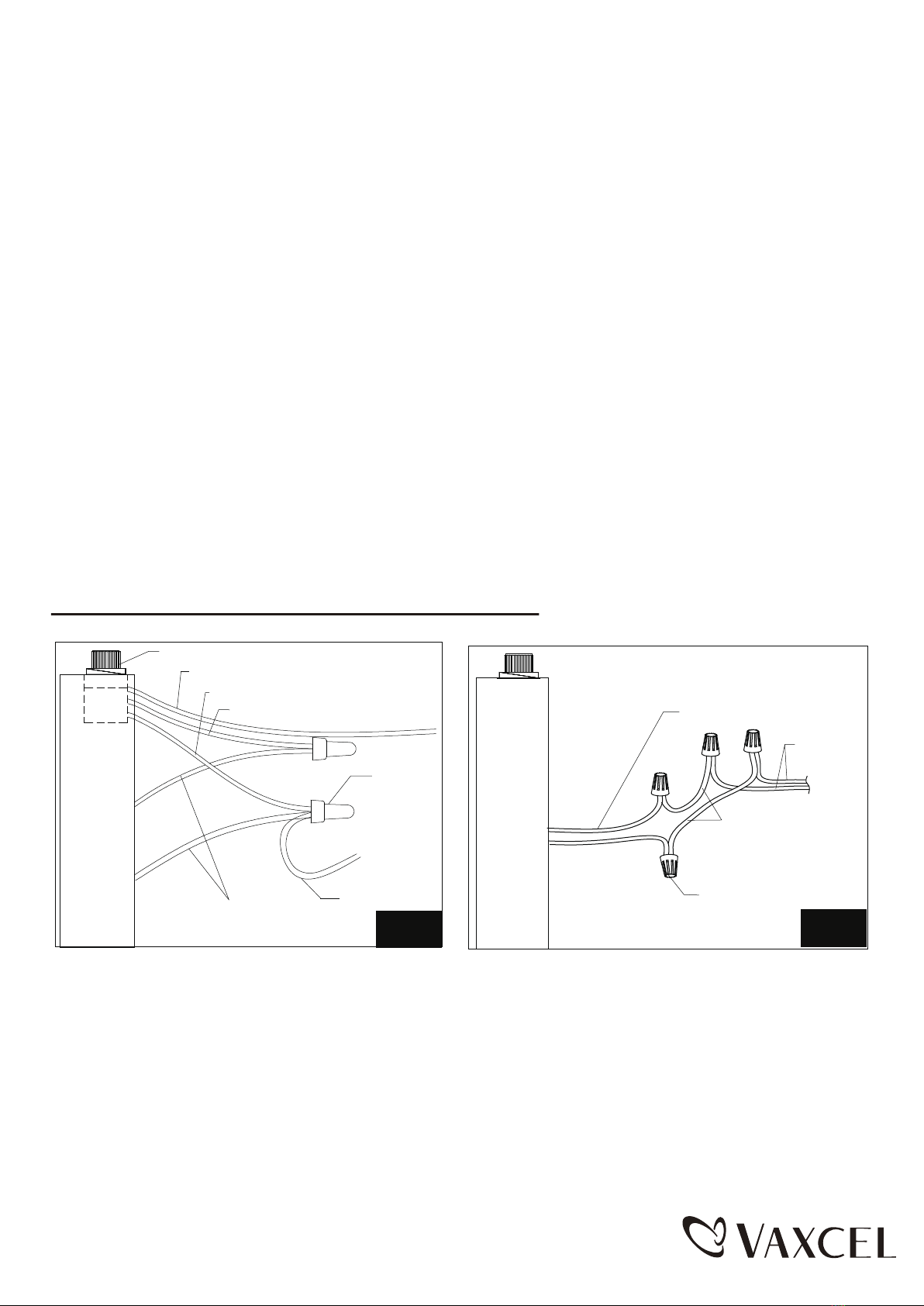
1. Turn off the power at the main fuse or circuit breaker box before starting installation.
2. Loosen the wire nuts connected with the wires from photocell. (See Fig.2)
Note: Do not move the photocell to prevent water from seeping into the outlet box.
3. Take a white pigtail and black pigtail and make wire connections using wire nuts: (See Fig.3)
a. The black wire from the fixture to one end of the black pigtail.
b. The white wire from the fixture to one end of the white pigtail.
c. The other end of the black pigtail to the black wire from the power source.
d. The other end of the white pigtail to the white wire from the power source.
Put all wires back into the back plate of the fixture.
Photocell
White Wires From Photocell
Wire Nuts
Wires From Fixture
Wires From Fixture
Wires From
Main Power
Wire Nut
White Pigtail
Pigtail
Red Wires From Photocell
Black Wires From Photocell
Operation the Unit Without Photocell
Fig.2 Fig.3
3. Take a glass panel and gently slide the narrow side of the glass panel down into the metal frame
in place, secure it by pressing the clips from both top and bottom sides. (See Fig.1) Repeat with
other panels.
4. Secure the loop to the nipple of the fixture.
5. Pull out the outlet wires and the house grounding wire from the outlet box. Make wire connections
using the wire nuts:
---Connect the black (hot) wire from the fixture to the black (hot) wire from the power source.
---Connect the white (neutral) wire from the fixture to the white (neutral) wire from the power
source.
---Attach the fixture grounding wire to the mounting plate with the green grounding screw. Then
connect it to the house grounding wire with a wire nut.
Carefully put the wires back into the outlet box.
6. Attach fixture to the wall by aligning fixture mounting screws on mounting plate with holes on back
plate. Slide fixture mounting screws through holes, secure them with two rubber pad and ball nuts.
7. With silicone caulking compound, caulk completely around where the back plate meets with the
wall surface.
CAUTION: Be sure to caulk completely where the back plate meets the wall surface to
prevent water from seeping into the outlet box.
8. Install a bulb (not included). See relamping label at socket area or packaging for maximum
allowed wattage.
9. Turn on the power at the main fuse or circuit breaker box.
130606
A: 9"
B: 18"
C: 11"
A
C
B