2
*Changing the set point.
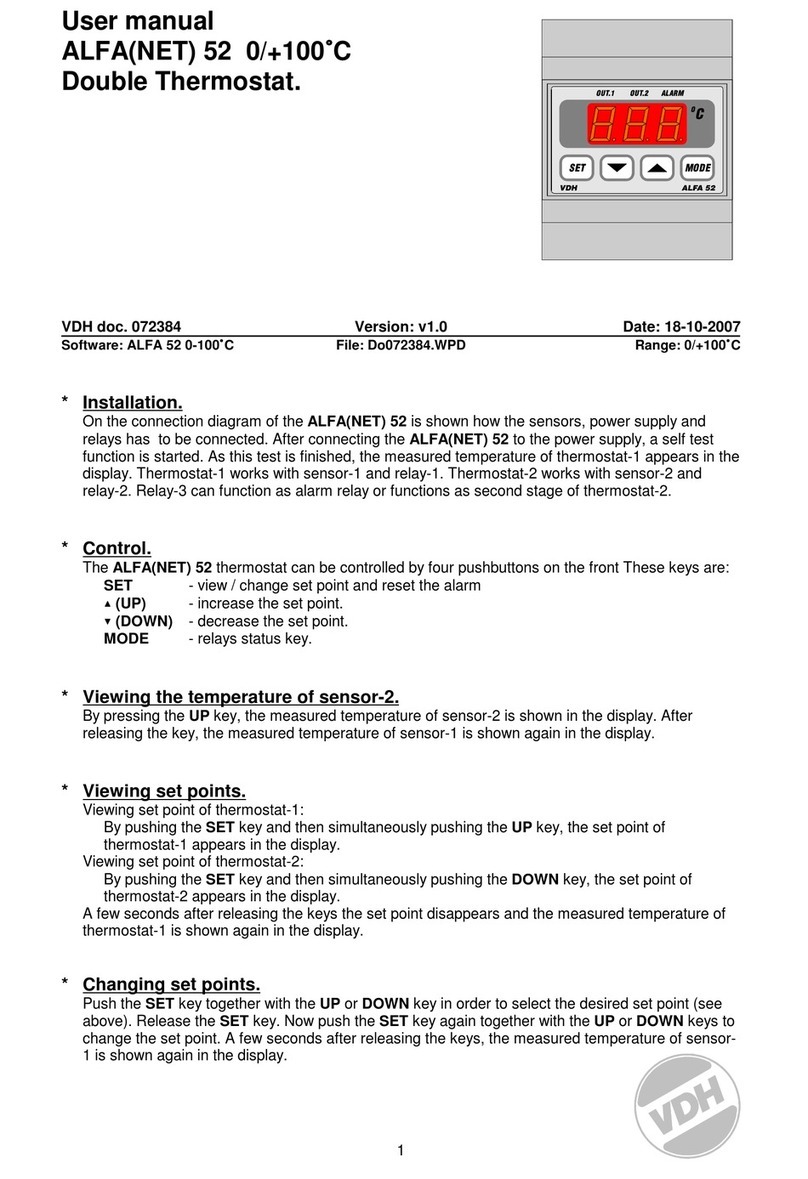
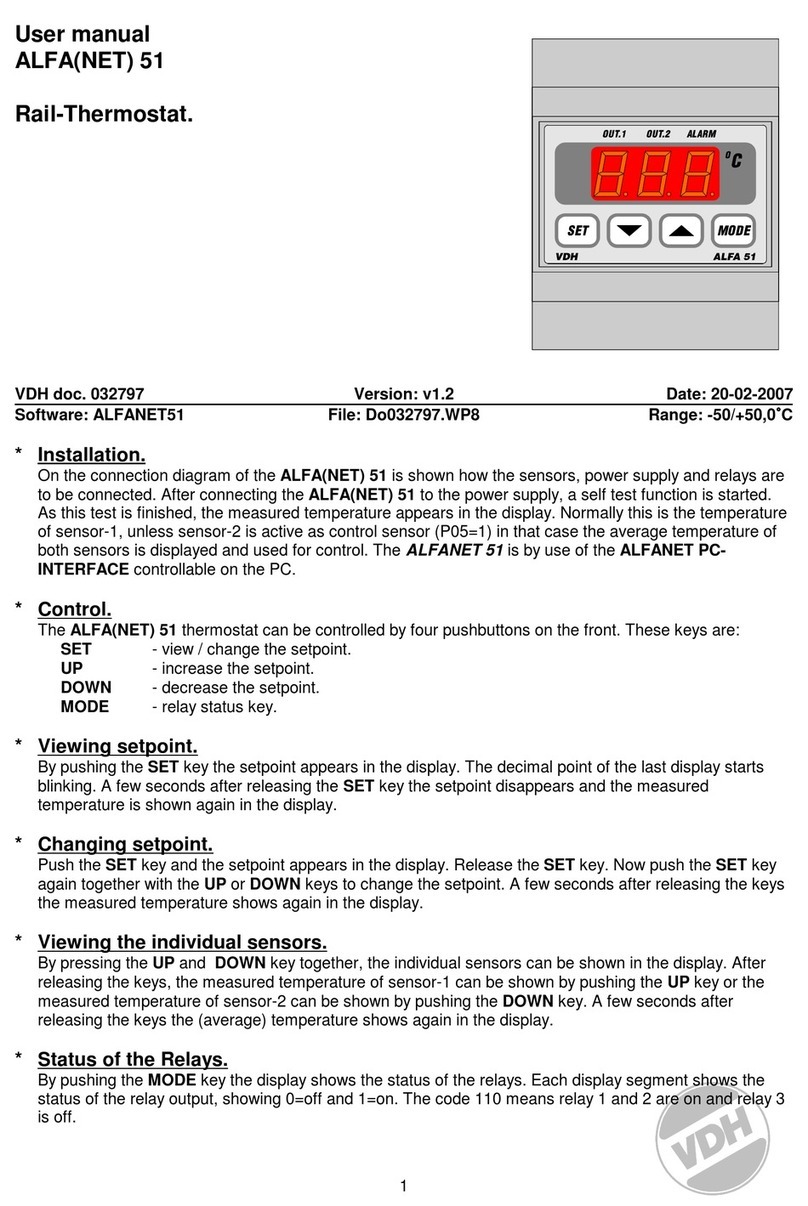
Press the SET key. The set point appears on the display. Release the SET key. Press the SET key
again. Now the set point can be adjusted with the UP or DOWN keys, the set point can be adjusted.
Afewseconds afterthekeys have beenreleased,the measured valuewillagain appear inthe display.
*Status of the Relays.
Press the Ckey. The three lower segments light up and the
upper vertical segments show the status of the five relays
(see diagram). Relay is active when the segment lights up.
*Start/stop defrost cycle.
The defrost cycle will stop and start automatically by internal parameters. Defrosting can also be done
manually;
Stop: If defrosting is taking place, defrosting can be stopped manually by pressing the
DOWN and UP keys simultaneously.
Start: If defrosting is not taking place, then defrosting can be started manually by pressing
the DOWN and UP keys simultaneously.
*Setting internal parameters.
In addition to adjusting the set point a number of internal adjustments can be made, including the
differentials, sensor-offsets, set point range, compressor settings, fan settings and the defrosting
settings.
By pressing the DOWN key for more than 10 seconds the 'internal programming menu' will be
entered. On the left-hand display the upper and lower segment will blink.
With the UP and DOWN keys the required parameter can be selected (see the parameter table).
When the required parameter has been selected, the value of the parameter can be read out by
pressing the SET key. The parameter value can be changed by pressing the UP and DOWN keys. If
no key has been pressed for 20 seconds, the ALFANET 95 will return to it’s normal operation mode.
*Adjusting the sensor.
The control sensor can be adjusted by means of the Offset control sensor (parameter 05).
The defrost sensors can be adjusted by means of the Offsets defrost sensors (parameters 08 and
11). For reading the temperatures of the defrost sensor choose parameters 07 and 10.
Should a sensor of the ALFANET 95 indicates 2C too much, for example. Then the according Sensor
Offset must be lowered by 2C.
*Error messages.
The following error messages may appear in the display of the ALFANET 95:
LO - Minimum alarm. Solution E1/E2/E3:
HI - Maximum alarm. - Check if sensor is properly connected.
E1 - Control sensor defect. - Check sensor (1000/25C).
E2 - Defrost sensor-1 defect. - Replace sensor.
E3 - Defrost sensor-2 defect. Solution EEE:
EEE - Settings have been lost. - Program the settings again.
-L- - In case of a short-circuited sensor the error codes E..
and -L- will alternate in the display, indicating a short-circuited sensor.
-H- - In case of a disconnected sensor the error codes E..
and -H- will alternate in the display, indicating a disconnected sensor.