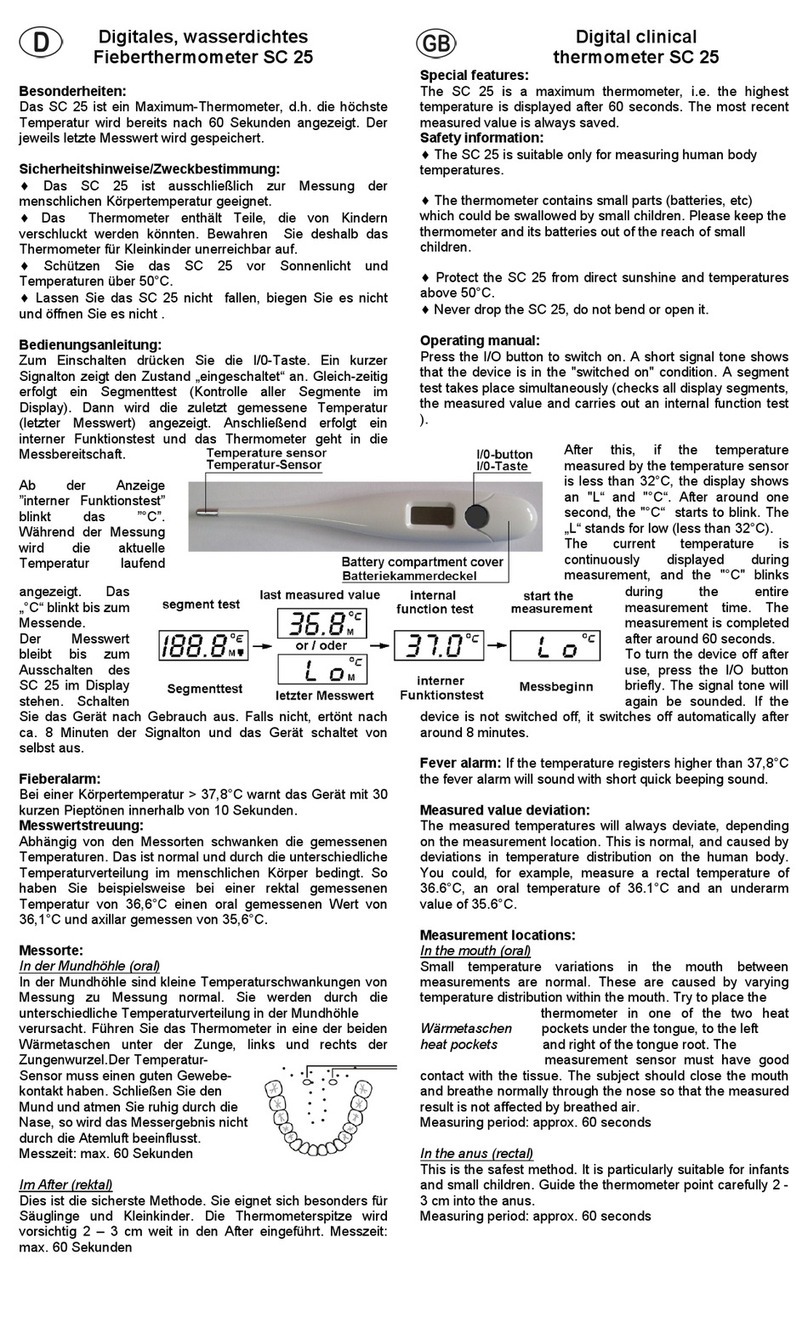
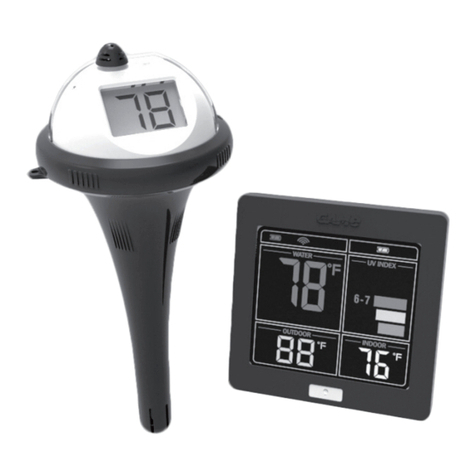
Important Information—Please Read Before Use
8/ 20 File No.: IR-IM-001
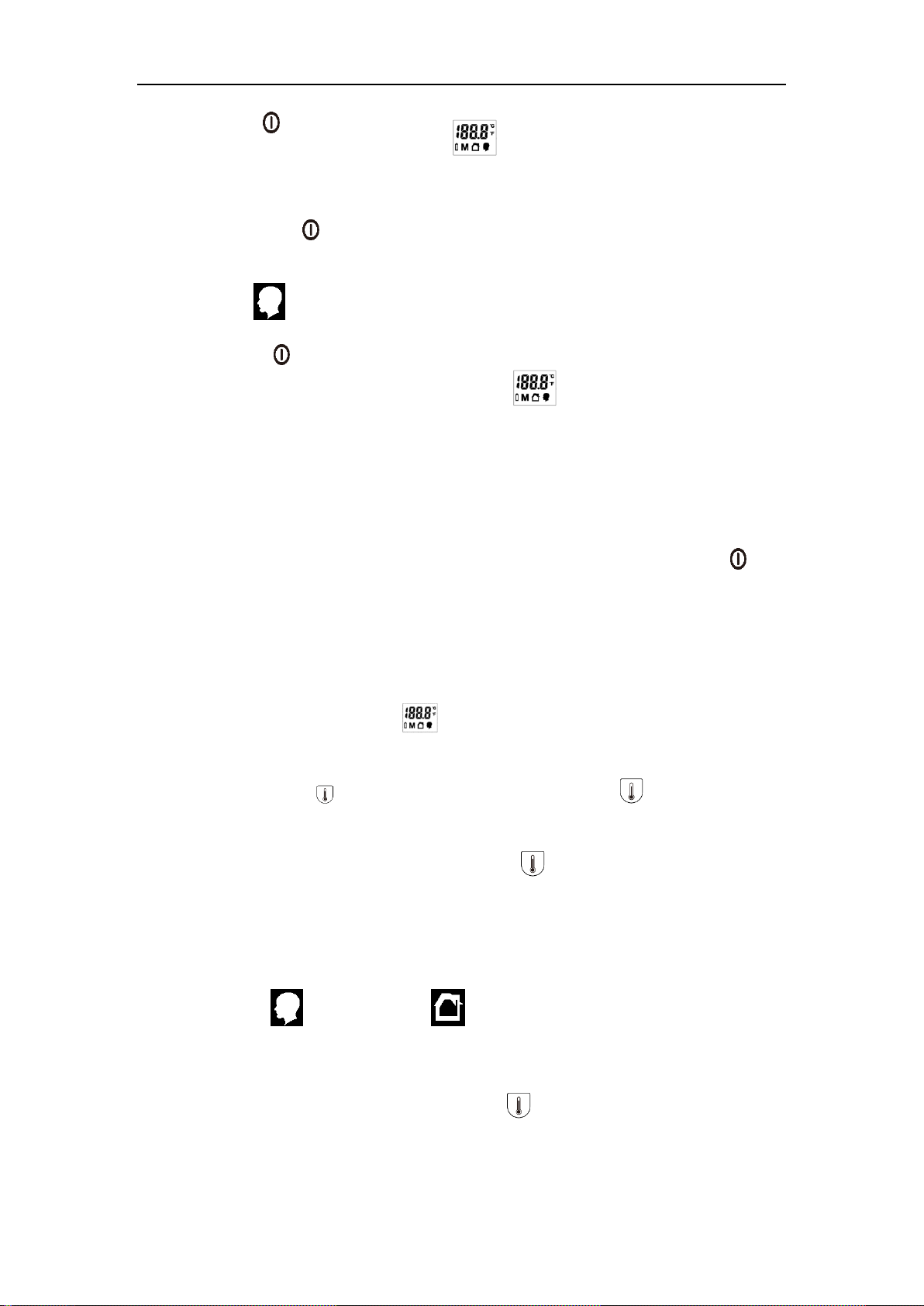
——Press the【/M】button to switch on the thermometer, it will go directly into self-check
mode in 1 second and then the LED display , then shows the last memory temperature
and after this, “--- ℃”or “--- ℉” will be showed directly.
——Then press the【/M】button, and the LED screen display“--- ℃”or “--- ℉”, it is the
direct mode .
Adjust mode
——Press the【/M】button to switch on the thermometer, it will go directly into self-check
mode in 1 second and then the LED display , then shows the last memory
temperature and after this, “--- ℃”or “--- ℉” will be showed directly. It is the adjust mode .
Note:
The direct mode and adjust mode cannot switch each other, only just choice from adjust
mode to direct mode .
And if you need switch the mode from the direct mode to adjust mode, press the 【/M】
button and the device switch off. Then operated once again according the chapter “adjust
mode”
6-1-4. Memories recall:
When the device is startup and displays on the screen, the device defaults to
display the final measurement result.
At this time, press button to enter the memories mode, click button in order for
1~32 set temperature memories.
After the 32th set temperature memory, press the button will loop back in the first
set temperature memory.
During in the ”memory recall” mode, if more than 10 seconds no operation, the device
will automatically exit the ”memory recall” mode and automatically shut off directly.
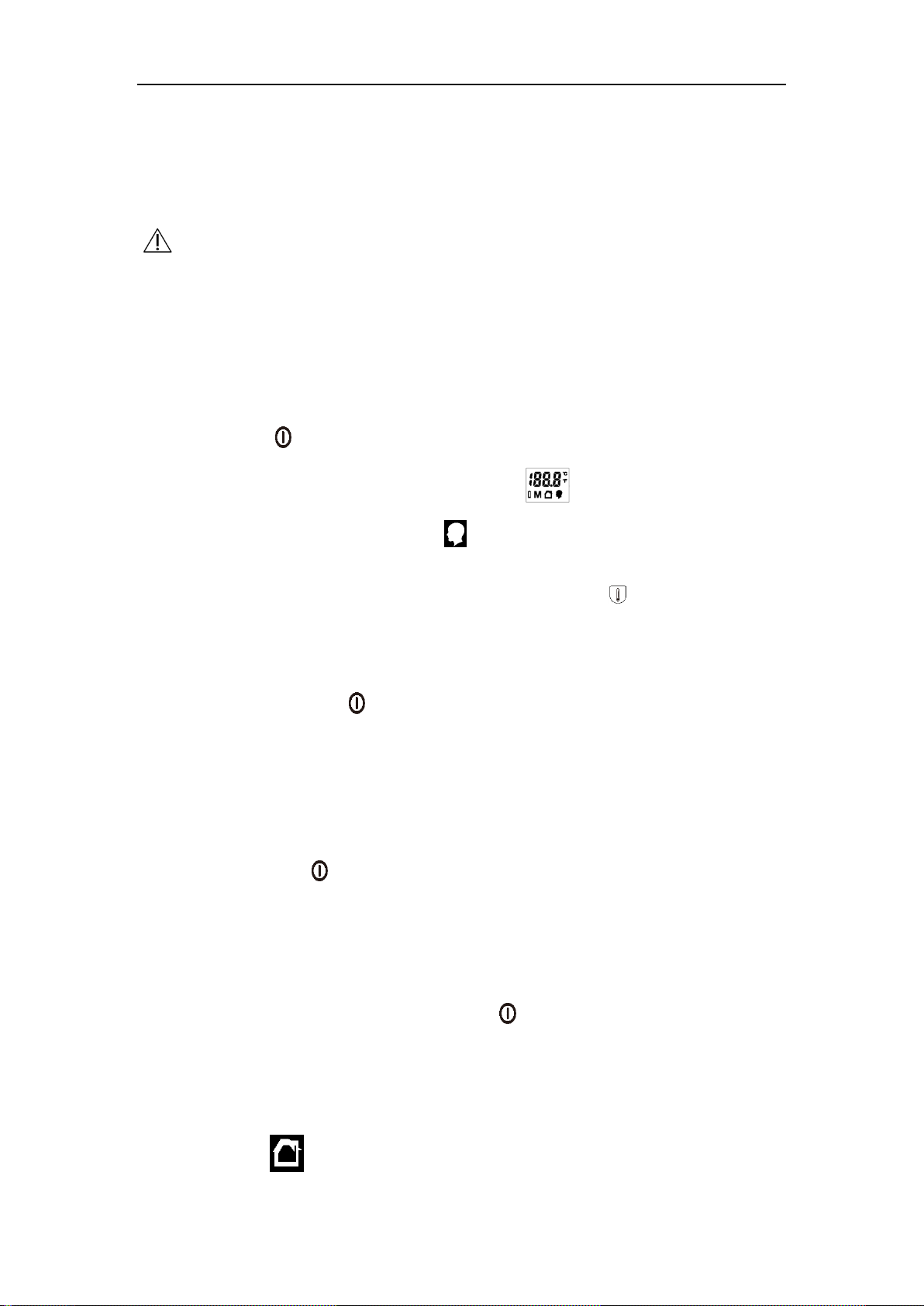
When the memory of temperature displays on the screen, at the same time, the screen
will display “ (adjust mode)” or “ (direct mode)” corresponding to indicate that
the current memory temperature is the human body temperature (adjust mode) or the
object’s surface temperature (direct mode).
During in the “memory recall” mode, press the button for 3 seconds, it will delete all
memory records.