___________________________________________________________________________________________________________________________________________
5
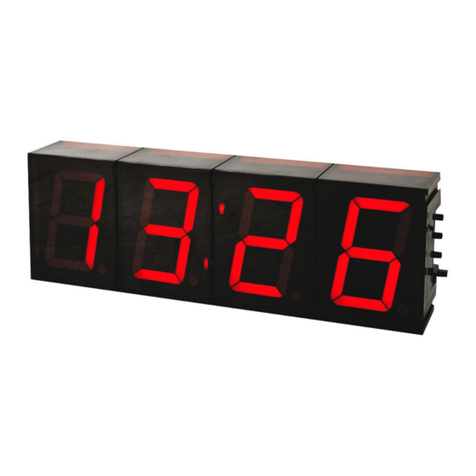
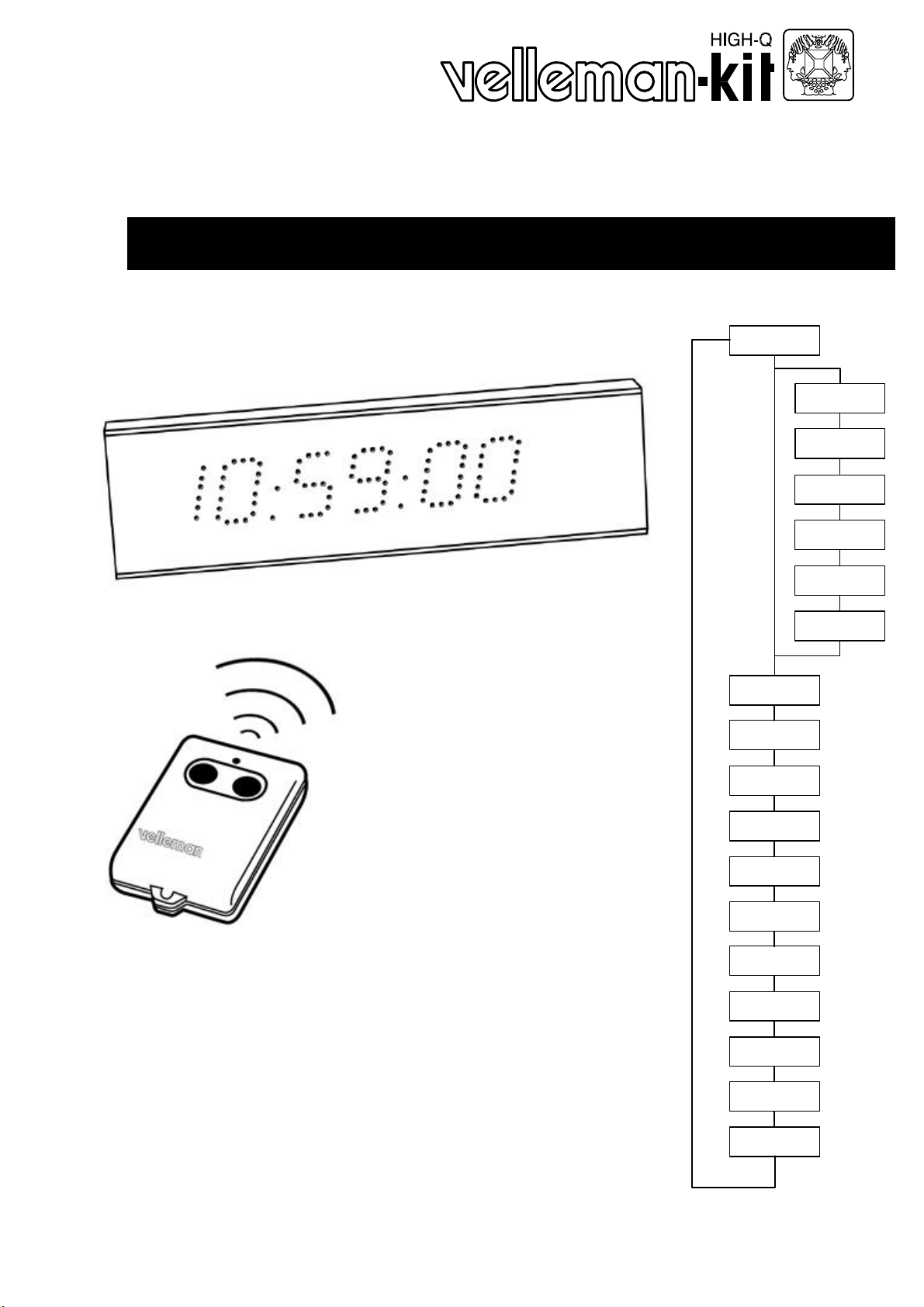
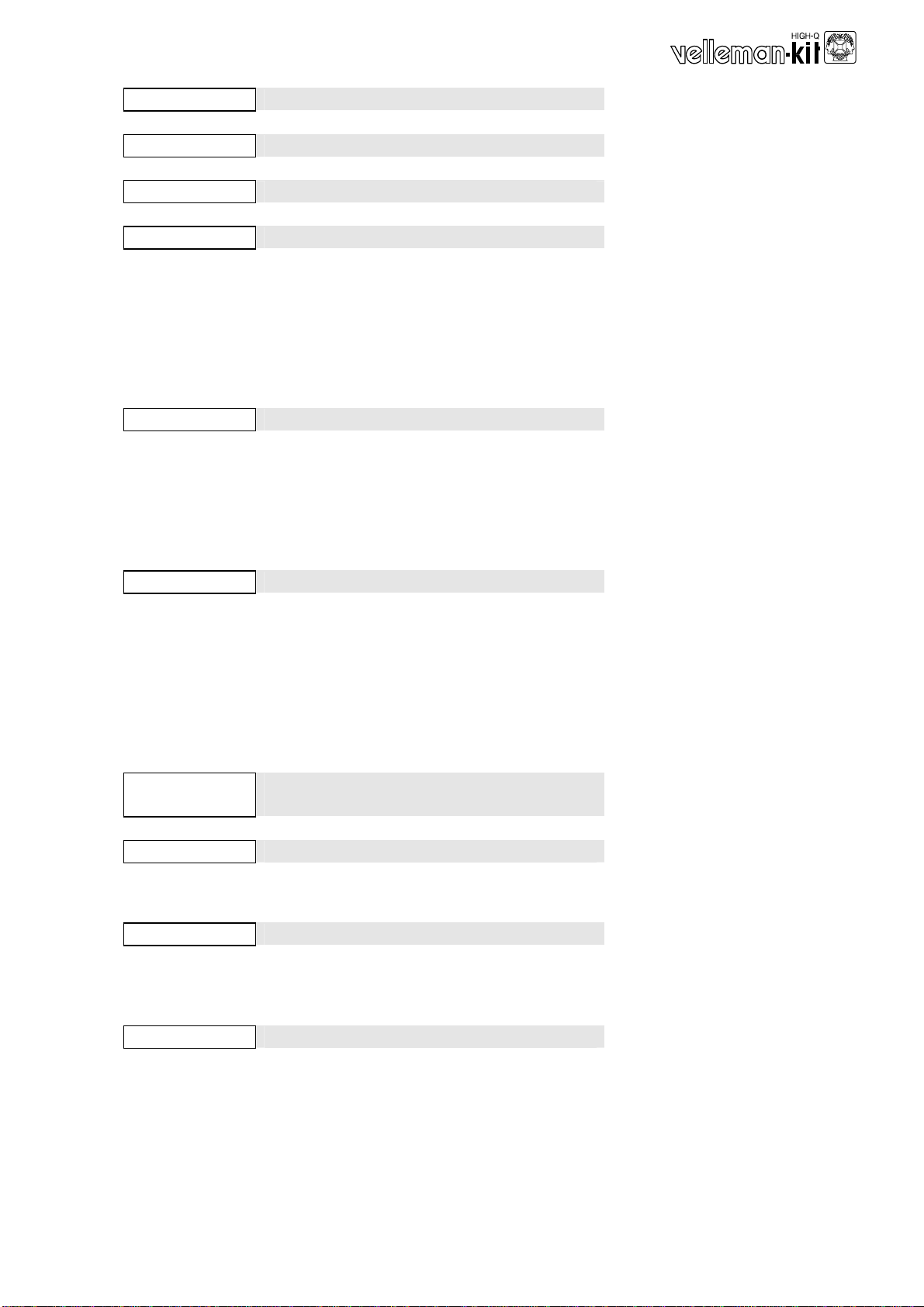
Hour Display current time (hh:mm:ss)*
Press ‘1’ to exit hour mode
dEGrEE Display current temperature (°F or °C)*
Press ‘1’ to exit degree mode
tOGGLE Auto toggle time/date/temperature*
Press ‘1’ to exit toggle mode
Countd Display remaining time till target date
Remaining time is displayed in days.
At 0 days till target date; hours, minutes
and seconds are displayed.
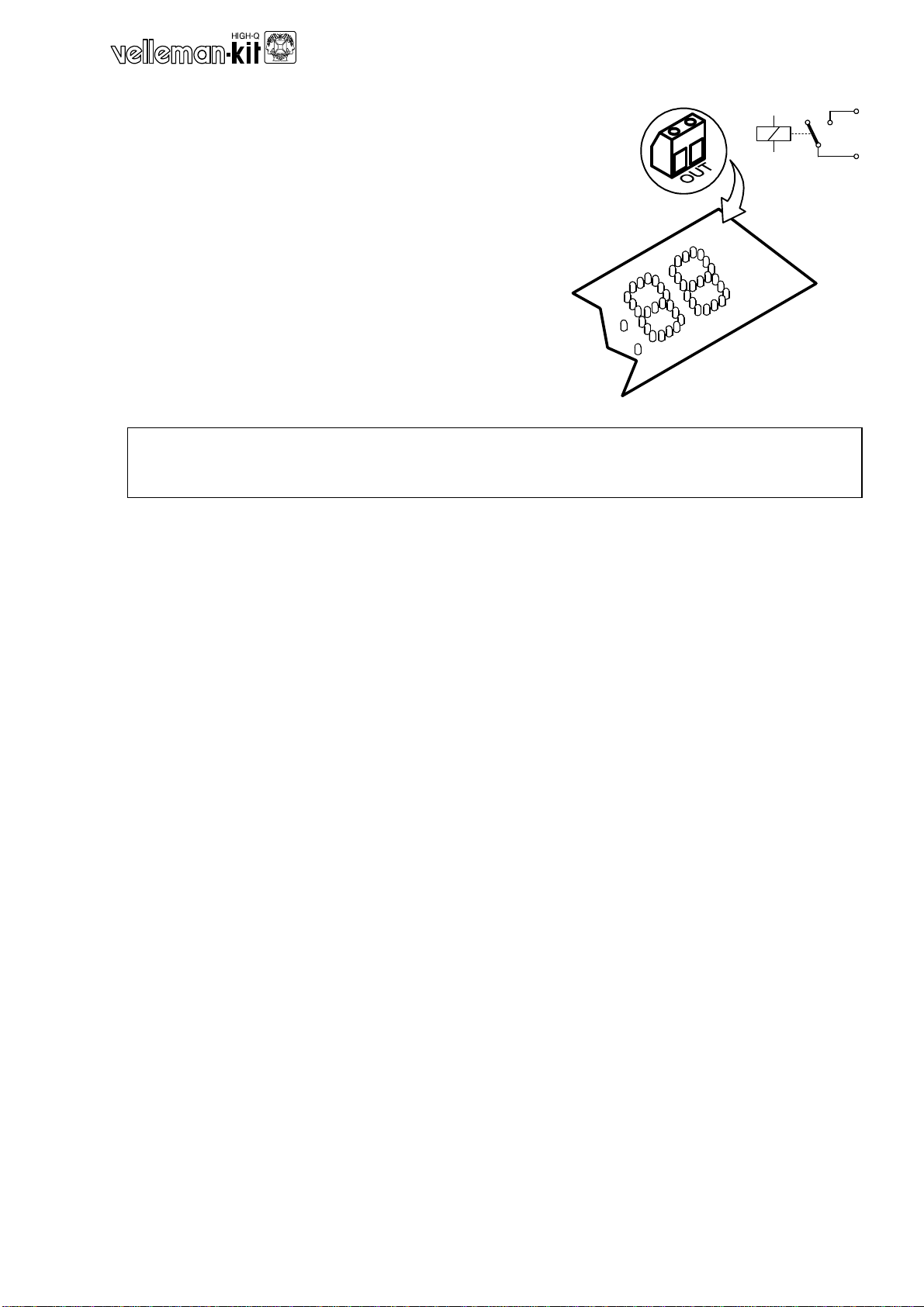
At target date, clock displays flashing
00:00:00 and the relay is activated.
Press any key to return to current time
readout and to de-activate relay.
Press ‘1’ to exit countdown mode
Chrono Display chronograph (hh:mm:ss)
Press ‘2’ to start/stop chronograph.
While running, press ‘1’ for lap time. Press
again to continue.
Press ‘1’ while stopped for 3 seconds to
enter chrono reset mode nO-yES ; press ‘2’
to reset chrono 00:00:00 or ‘1’ to cancel.
Press and hold ‘1’ to exit chrono mode.
Score Display score board
Button ‘1’ controls left score, button ‘2’ con-
trols right score.
A brief push increases score, while a 3-
second push decreases score.
Press ‘2’ continuously to enter score reset
mode nO -yES
Press ‘2’ to reset score 00--00 or ‘1’ to can-
cel.
Press and hold ‘1’ to exit score mode.
TOG Sc Auto toggle between chrono and
scoreboard
Press ‘1’ to exit toggle score mode
rAnd Random number generator
Press and hold ‘2’ to shuffle, release to
display random number.
Press ‘1’ to exit random mode.
dICE Double dice
Press and hold ‘2’ to roll dice, release to
display current position. A pair will cause
display to flash.
Press ‘1’ to exit dice mode.
countr Up/down counter
Press ‘2’ to increase, press ‘1’ to decrease.
Press and hold ‘1’ to exit counter mode.
To reset counter, exit en re-enter counter
mode
*Display format depends on rEGIOn selection in SEt menu. Default is European
(hh,mm,ss ; dd:mm:yy, °C).