manuals.online logo
Brands
  1. Home
  2. •
  3. Brands
  4. •
  5. VENTRA
  6. •
  7. Dashcam
  8. •
  9. VENTRA RVM-1XC460 User manual

VENTRA RVM-1XC460 User manual

Other VENTRA Dashcam manuals

VENTRA RVM-2XC260 User manual

VENTRA

VENTRA RVM-2XC260 User manual

VENTRA RVC -1XC433 User manual

VENTRA

VENTRA RVC -1XC433 User manual

VENTRA VDR-600BT User manual

VENTRA

VENTRA VDR-600BT User manual

VENTRA RVM-1XC233 User manual

VENTRA

VENTRA RVM-1XC233 User manual

VENTRA RVM-2XC433 User manual

VENTRA

VENTRA RVM-2XC433 User manual

VENTRA VDR-760 User manual

VENTRA

VENTRA VDR-760 User manual

VENTRA VDR-130 Series User manual

VENTRA

VENTRA VDR-130 Series User manual

VENTRA RVM-1XC260 User manual

VENTRA

VENTRA RVM-1XC260 User manual

VENTRA VDR-700 User manual

VENTRA

VENTRA VDR-700 User manual

VENTRA RVM-1XC433 User manual

VENTRA

VENTRA RVM-1XC433 User manual

VENTRA RVM-2XC460 User manual

VENTRA

VENTRA RVM-2XC460 User manual

VENTRA VDR-100 User manual

VENTRA

VENTRA VDR-100 User manual

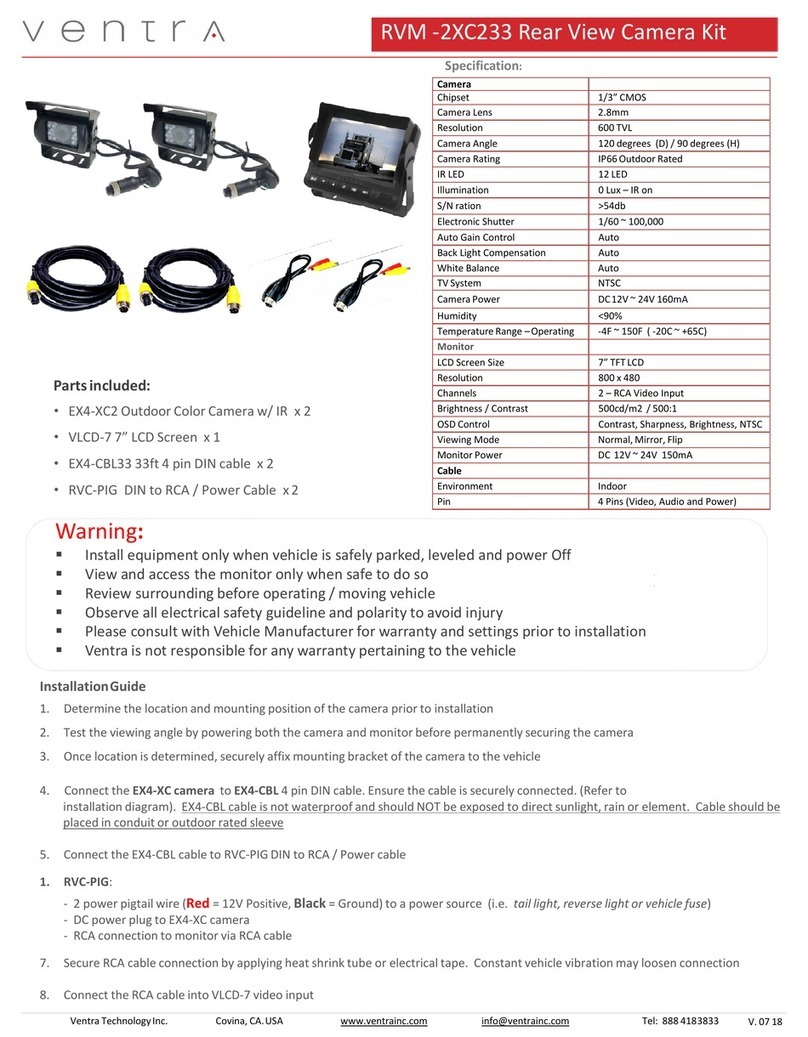
VENTRA RVM-2XC233 User manual

VENTRA

VENTRA RVM-2XC233 User manual

Popular Dashcam manuals by other brands

Toyota CAMRY PT949-08210 installation instructions

Toyota

Toyota CAMRY PT949-08210 installation instructions

Kogan Y2 Quick start quide

Kogan

Kogan Y2 Quick start quide

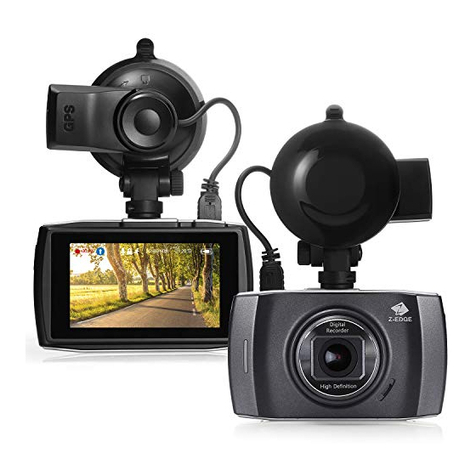
Z-EDGE T3 user guide

Z-EDGE

Z-EDGE T3 user guide

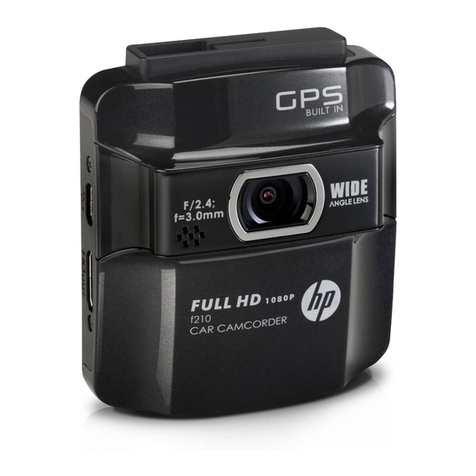
HP f210 user manual

HP

HP f210 user manual

Cansonic UltraDuo Z2 instruction manual

Cansonic

Cansonic UltraDuo Z2 instruction manual

Gazer F720 user manual

Gazer

Gazer F720 user manual

Xblitz TANGO 4K user manual

Xblitz

Xblitz TANGO 4K user manual

Rexing M1 user manual

Rexing

Rexing M1 user manual

Maka Technologies Marbella MXPro user manual

Maka Technologies

Maka Technologies Marbella MXPro user manual

NESA NRC-80DLM User manual & installation guide

NESA

NESA NRC-80DLM User manual & installation guide

Boyo VTM43TC manual

Boyo

Boyo VTM43TC manual

Kaiser Baas R20 user guide

Kaiser Baas

Kaiser Baas R20 user guide

Minolta MNCD37 user manual

Minolta

Minolta MNCD37 user manual

Thinkware FA10 user manual

Thinkware

Thinkware FA10 user manual

Momento MD-5200 user manual

Momento

Momento MD-5200 user manual

BlackVue DR590X-1CH manual

BlackVue

BlackVue DR590X-1CH manual

Niceboy PILOT XR manual

Niceboy

Niceboy PILOT XR manual

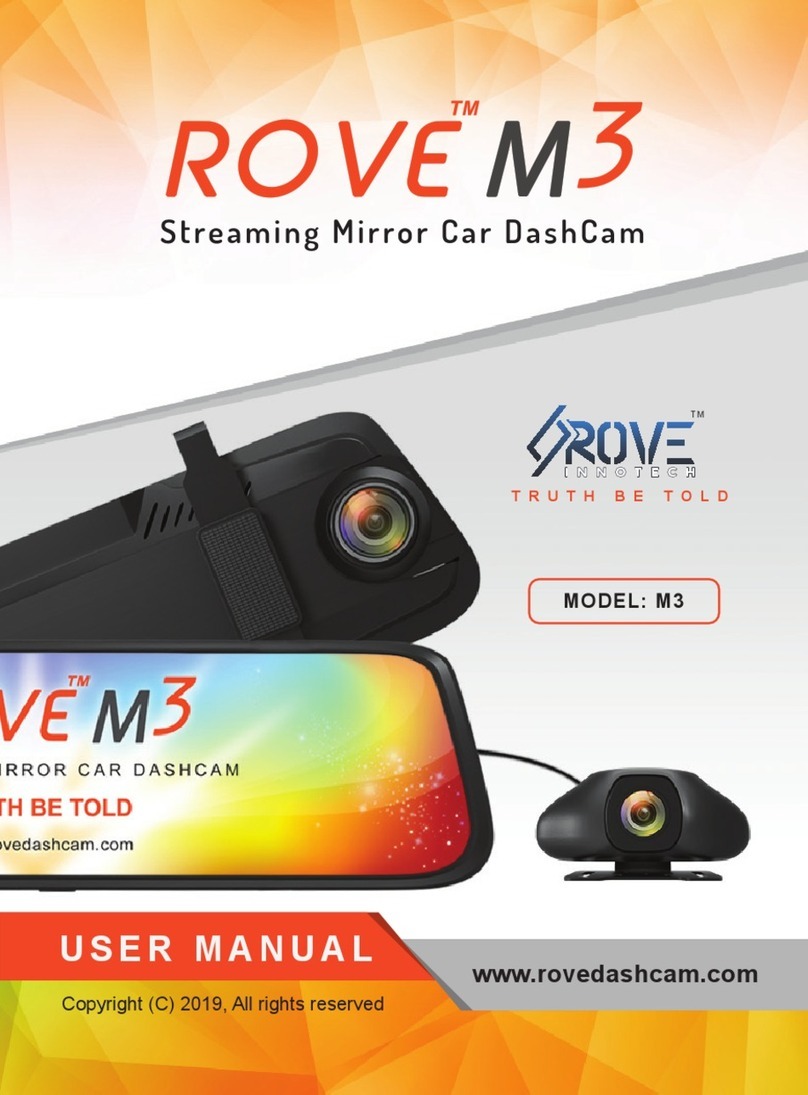
ROVE M3 user manual

ROVE

ROVE M3 user manual

manuals.online logo
manuals.online logoBrands
  • About & Mission
  • Contact us
  • Privacy Policy
  • Terms and Conditions

Copyright 2025 Manuals.Online. All Rights Reserved.

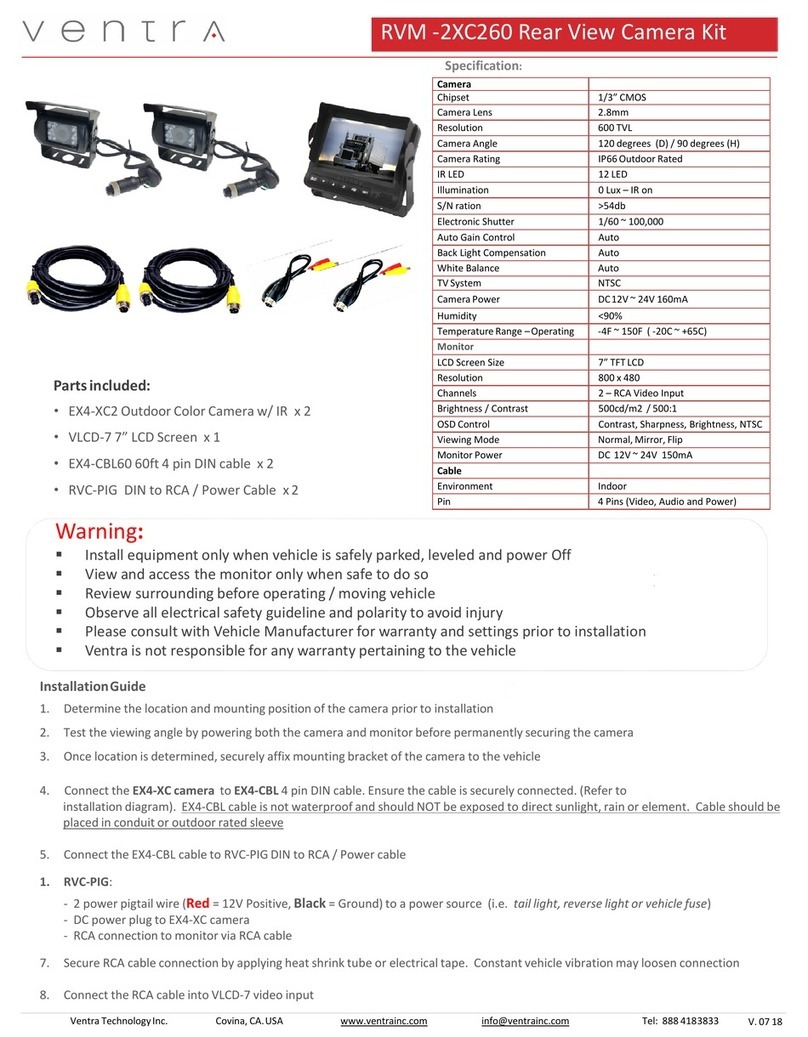
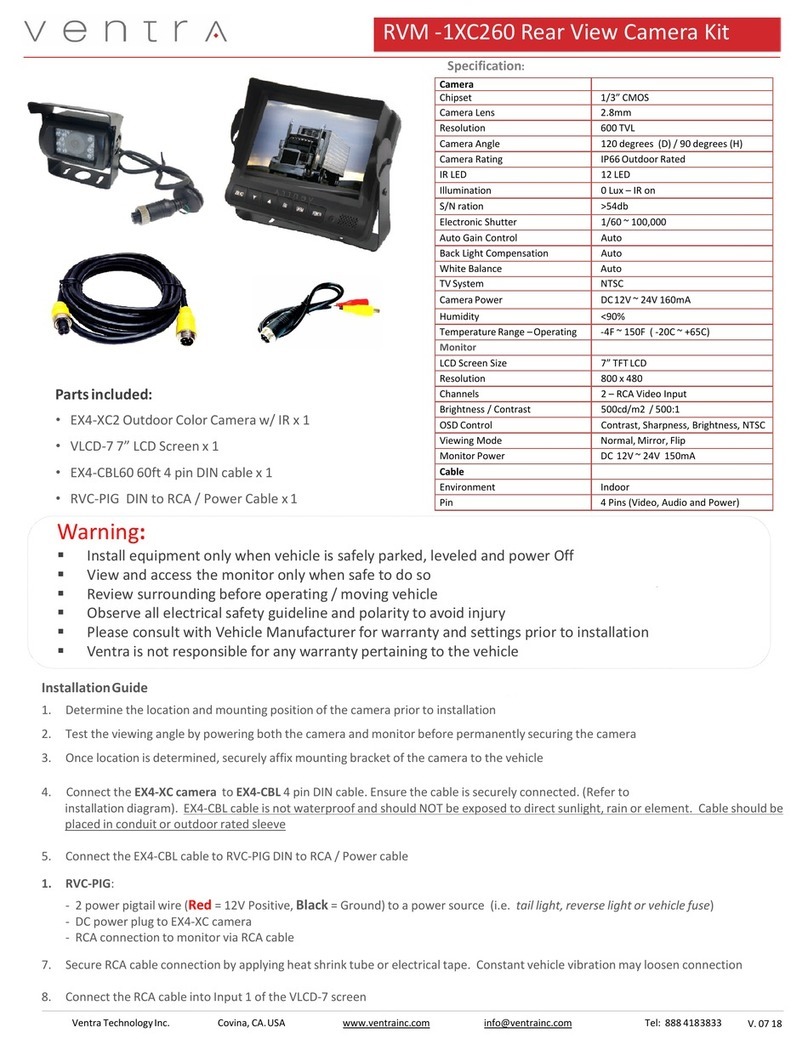
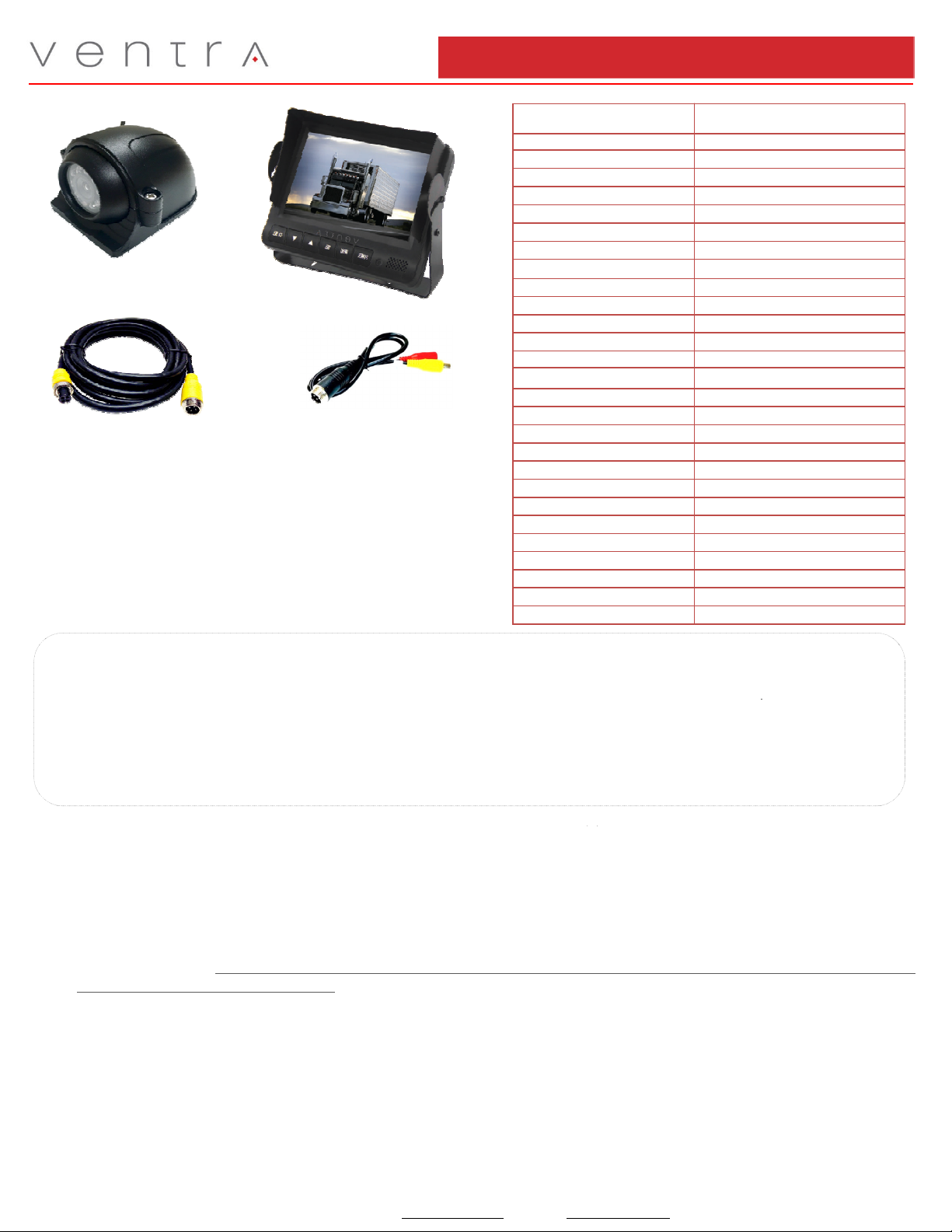
RVM -1XC460 Rear View Camera Kit
Specification:
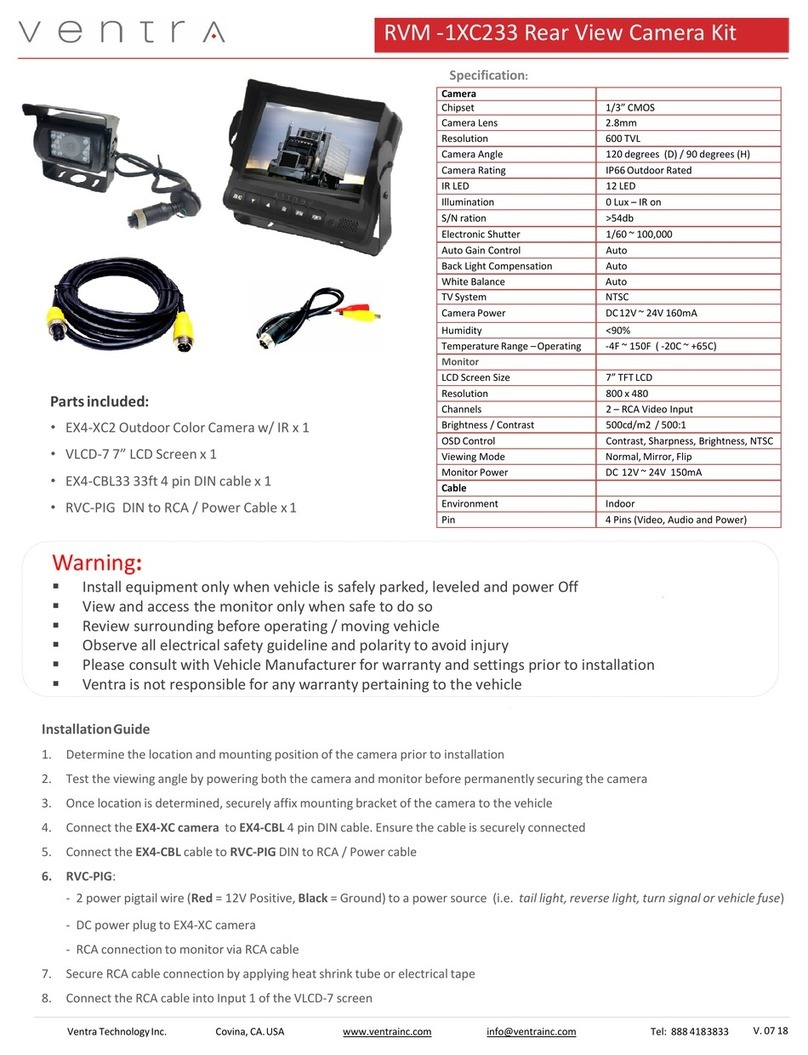
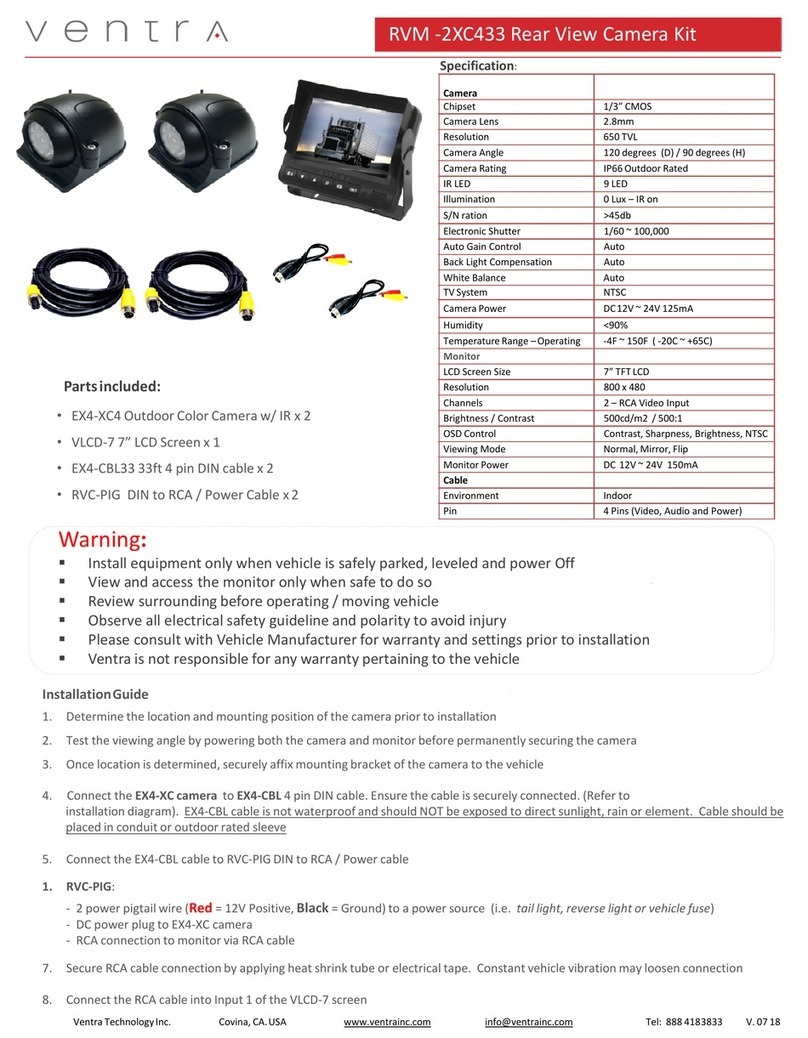
Parts included:
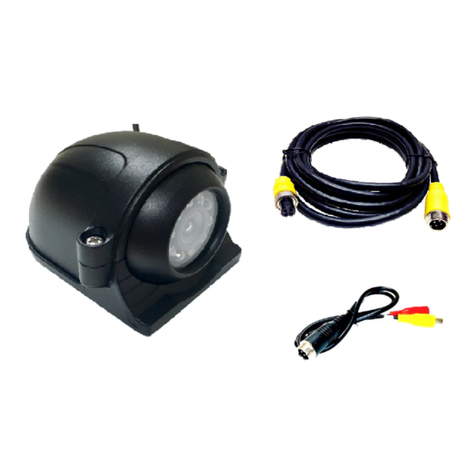
•EX4-XC4 Outdoor Color Camera w/ IR x 1
•VLCD-7 7 LCD Screen x 1
•EX4-CBL60 60ft 4 pin DIN cable x 1
•RVC-PIG DIN to RCA / Power Cable x 1
Ventra TechnologyInc. Covina, CA.USA www.ventrainc.com info@ventrainc.com Tel: 888 4183833
Camera
Chipset 1/3 CMOS
Camera Lens 2.8mm
Resolution 650 TVL
Camera Angle 120 degrees (D) / 90 degrees (H)
Camera Rating IP66 Outdoor Rated
IR LED 9 LED
Illumination 0 Lux – IR on
S/N ration >45db
Electronic Shutter 1/60 ~ 100,000
Auto Gain Control Auto
Back Light Compensation Auto
White Balance Auto
TV System NTSC
Camera Power DC12V ~ 24V 125mA
Humidity <90%
Temperature Range –Operating -4F ~ 150F ( -20C ~ +65C)
Monitor
LCD Screen Size 7 TFT LCD
Resolution 800 x 480
Channels 2 – RCA Video Input
Brightness / Contrast 500cd/m2 / 500:1
OSD Control Contrast, Sharpness, Brightness, NTSC
Viewing Mode Normal, Mirror, Flip
Monitor Power DC 12V ~ 24V 150mA
Cable
Environment Indoor
Pin 4 Pins (Video, Audio and Power)
Warning:
Install equipment only when vehicle is safely parked, leveled and power Off
View and access the monitor only when safe to do so
Review surrounding before operating / moving vehicle
Observe all electrical safety guideline and polarity to avoid injury
Please consult with Vehicle Manufacturer for warranty and settings prior to installation
Ventra is not responsible for any warranty pertaining to the vehicle
InstallationGuide
1. Determine the location and mounting position of the camera prior to installation
2. Test the viewing angle by powering both the camera and monitor before permanently securing the camera
3. Once location is determined, securely affix mounting bracket of the camera to the vehicle
4. Connect the EX4-XC camera to EX4-CBL 4 pin DIN cable. Ensure the cable is securely connected. (Refer to
installation diagram). EX4-CBL cable is not waterproof and should NOT be exposed to direct sunlight, rain or element. Cable should be
placed in conduit or outdoor rated sleeve
5. Connect the EX4-CBL cable to RVC-PIG DIN to RCA / Power cable
1. VC-PIG:
- 2 power pigtail wire ( ed = 12V Positive, Black = Ground) to a power source (i.e. tail light, reverse light or vehicle fuse)
- DC power plug to EX4-XC camera
- RCA connection to monitor via RCA cable
7. Secure RCA cable connection by applying heat shrink tube or electrical tape. Constant vehicle vibration may loosen connection
8. Connect the RCA cable into Input 1 of the VLCD-7 screen
V. 07 18

RVC -1XC460 Rear View Camera Kit
Ventra TechnologyInc. Covina, CA.USA www.ventrainc.com info@ventrainc.com Tel: 888 4183833
Installation layout
Operation Guide:
1. VLCD-7 monitor supports dual video input. If only 1 camera is connected, that camera will be primary, regardless of which
input it is connected to
2. If connecting 2 cameras,
•Input 2 = Primary Camera
•Input 1 = Secondary Camera
3. To switch camera view, Press for momentary view of the second camera, Or if the secondary camera was powered on / triggered
by a switch (i.e. turn signal). Monitor will auto revert back to the primary camera after approximately 5 seconds.
VLCD-7 equipped with U-shape bracket which
may be flipped for either dash or ceiling mount.
Removable sunshade may be used as needed
VLCD-7 Operation:
1. Press SET key to Enter or Exit Menu
2. Press or to navigate menu. Press or to change setting
EX4-CBL cable is not waterproof and
should not be exposed to direct
sunlight, rain or element. Cable
should be placed in weatherproof
conduit or sleeve
Secure cable connection by
applying heat shrink tube or
electrical tape to minimize
movement from vehicle
vibration