PROBLEMS WITH CHARGING
If you have trouble charging your device, check
the points below:
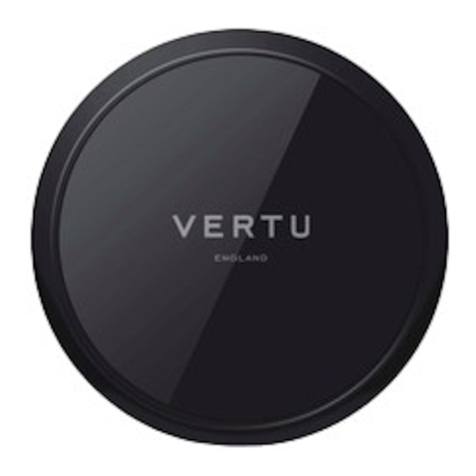
• Check there are no other objects on
the charging pad. Your device will not
charge if there is anything else on the
charging pad.
• Use the AC-32V wall charger supplied
with the charging pad.
• Check that the charging pad is switched
on. If the pad becomes too warm, it will
switch o automatically.
• If the charging pad has automatically
switched o, remove your device from
the charging pad and unplug the wall
charger. When the charging pad has
cooled down, try charging your device
again.
• If you think that the wireless charging
pad is not working properly, take it to
your nearest Vertu authorised service
facility.