Red
Black
Gray
Yellow
Green
White
Blue
DC positive (+) (12-24 volts) Do not connect directly to battery.
Always use a 2 amp fuse or circuit breaker. To extend, use 16AWG min.
DC negative (–)
NMEA data out (+) 38400 baud GPS & AIS data (default)
NMEA data out (–)
NMEA data in (+) 4800 baud (default)
NMEA data in (–)
External alarm voltage (+). 150mA maximum. See the owner’s
manual on the enclosed CD for further details.
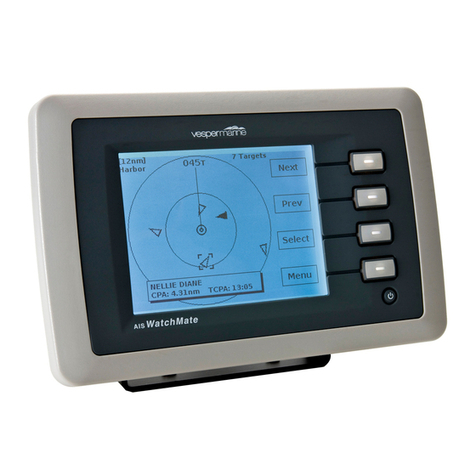
AISWatchMate WMX850 Wiring
VHF and GPS Antenna Information
A dedicated VHF antenna or Vesper Marine AIS/VHF Antenna Splitter is required.
Mount the antenna as high as possible and as far as practical from any existing
VHF, HF or radar antennas. Make sure your VHF antenna is well tuned at the AIS
end of the band (VSWR 2:1 or less at 162MHz).
CAUTION: Never operate this device (except on USB-only power) unless it is
connected to a suitable VHF antenna or Vesper Marine Splitter.
The AISWatchMate has an internal GPS antenna facing upwards which requires a
clear view of the sky. You may find that it works under a dodger, hardtop or other
non-metallic structure. However, if you are mounting the display in a location which
will not provide adequate GPS signal coverage then you must install a dedicated
GPS antenna. You cannot share an existing GPS or GPS antenna. To ensure
compatibility and achieve maximum performance, use only a Vesper Marine GPS
antenna.
Using your AISWatchMate when powered by USB
You can power the AISWatchMate using only the USB connection. This allows you to
configure the AISWatchMate or use it as an AIS receiver and GPS. However, when
powered solely by USB it will not transmit any AIS data or trigger an external alarm.
The maximum display brightness will also be reduced.
Configuring Your Vessel Details
Until you configure your vessel details using the AIS Transceiver Setup Screen, the
AISWatchMate will not transmit. However, you will be able to receive AIS and GPS
data. To configure the transceiver you need an MMSI number which is assigned by
the appropriate authority in your country.
WARNING: Once entered, you cannot change the MMSI number. If you need to
change the MMSI, please contact your authorized dealer or Vesper Marine.
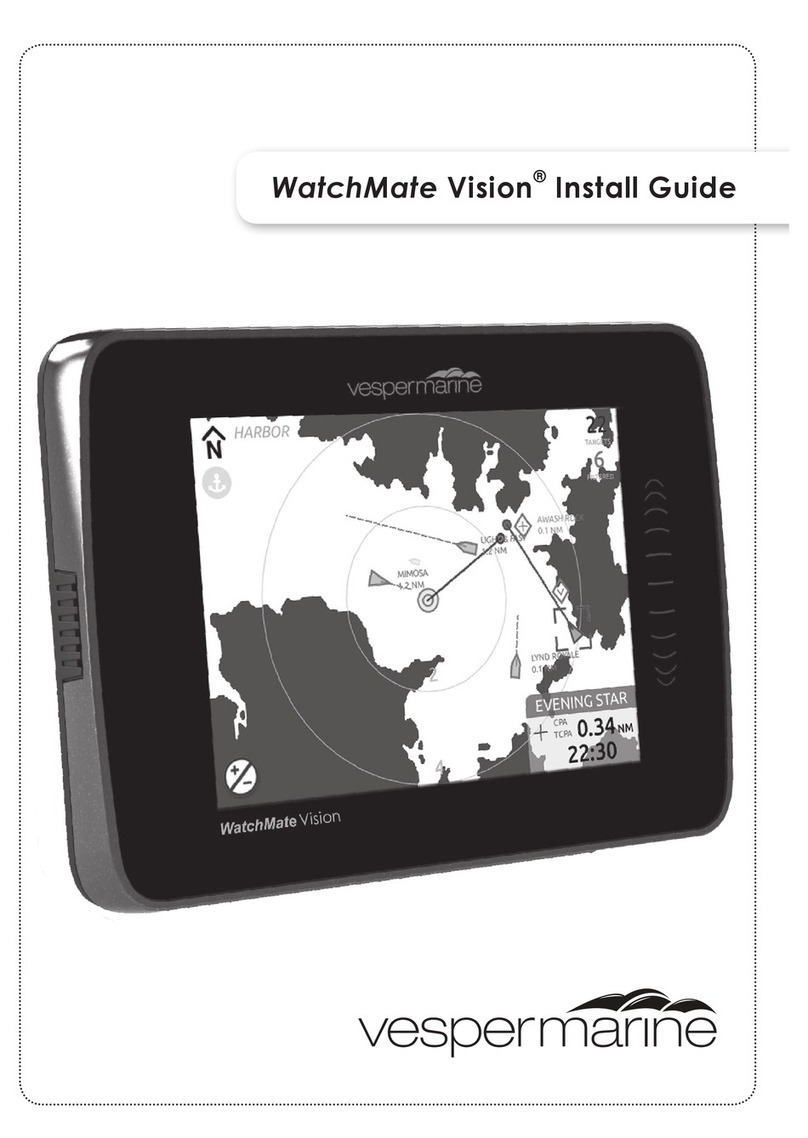
Please see the enclosed CD for detailed installation instructions