Introduction
The information in this manual covers the installation and operation of the Kollector Elite Digital Video
Recorder. This system should only be installed by a qualified technician using common hand tools and
approved materials in accordance with national, state and local wiring codes.
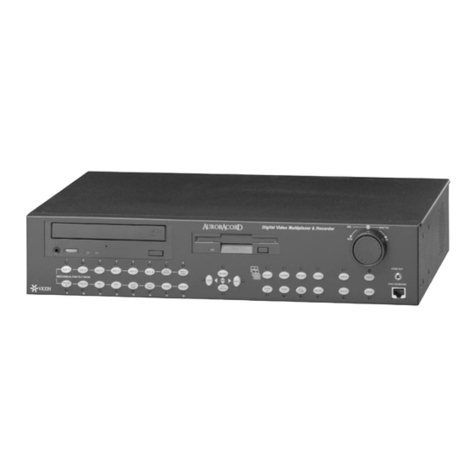
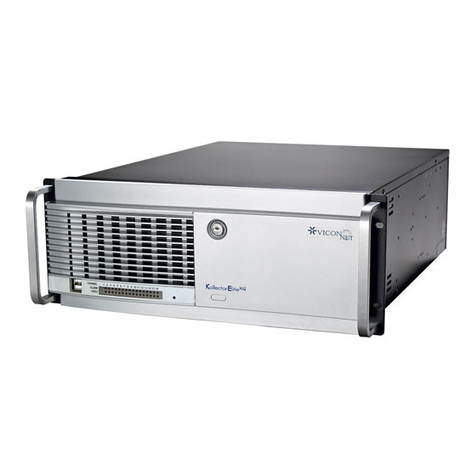
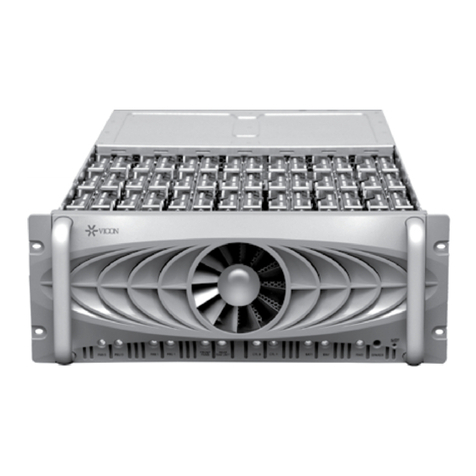
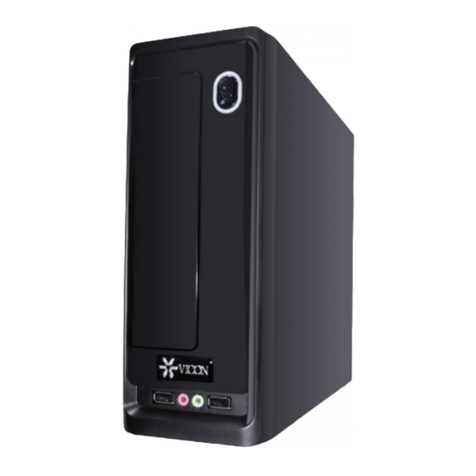
The Kollector Elite is an intelligent and rugged Digital Video Recorder. It is a state-of-the-art, Windows-based
computer in an attractive industrial steel case. Kollector Elite is sold in 6 prepackaged configurations with
choices of video (frame per second) rates and hard drive sizes. All versions use the same hardware platform
and run Vicon’s ViconNet software application. For software information, refer to the Kollector Elite Software
manual, XX112-3X (where X is a revision number between 0 and 9).
Kollector Elite complies with UL standard 2044, CSA safety standard C22.2, No. 1 and meets requirements
for an FCC Class A computing device.
Vicon strongly recommends the use of line conditioners, voltage regulators and uninterruptible power supply
(UPS) systems in the electrical power service.
NOTE: Read all instructions before beginning any installation.
How to Use this Manual
This manual was designed to provide the best overall instructions for the installation and operation of the
Kollector Elite Digital Video Recorder. The graphics and terminology used in this manual have been carefully
selected to enable a clear and distinct understanding of the Kollector Elite and its configuration. This manual
has been formatted to present distinct methods of installation for experienced (strong computer background)
and novice installers.
For Experienced Installers:
Start at the Quick Installation section. The figure presents the most common installation for all ports and
connectors of Kollector Elite. Refer to the subsequent sections of Installation and Operation for detailed
descriptions of any method.
For Novice Installers:
Complete the remainder of this section (Introduction) and proceed to the Installation section. When complete,
proceed to the Configuration and Operation sections to power-on and boot the system. For any references to
using the software application, refer to Kollector Elite Software manual XX112-3X (where X is a revision
number between 0 and 9).
2 •Introduction XX112-00-00 Rev 203 Kollector Elite Network Digital Video Recorder