manuals.online logo
Brands
  1. Home
  2. •
  3. Brands
  4. •
  5. ViewSonic
  6. •
  7. Desktop
  8. •
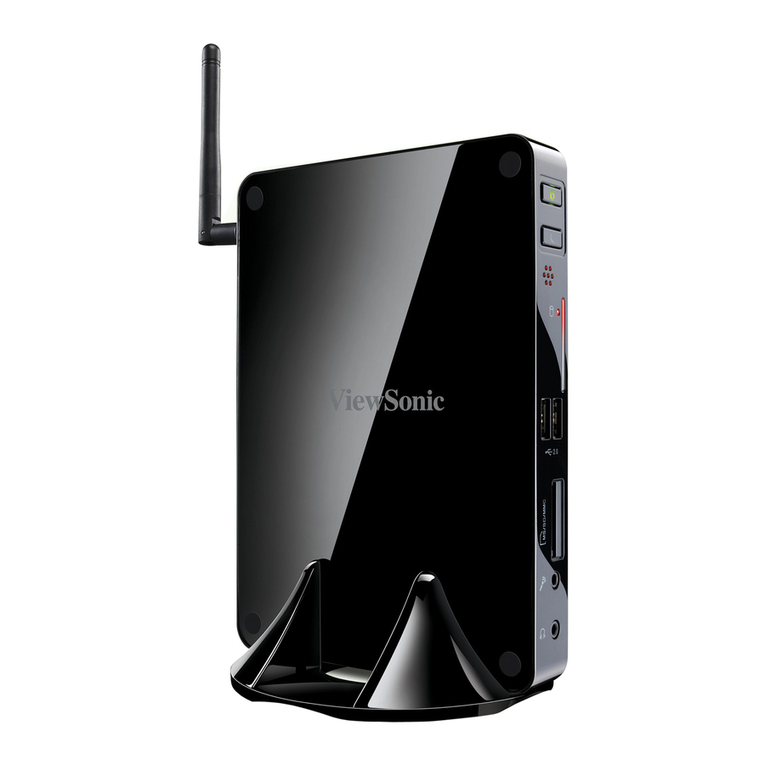
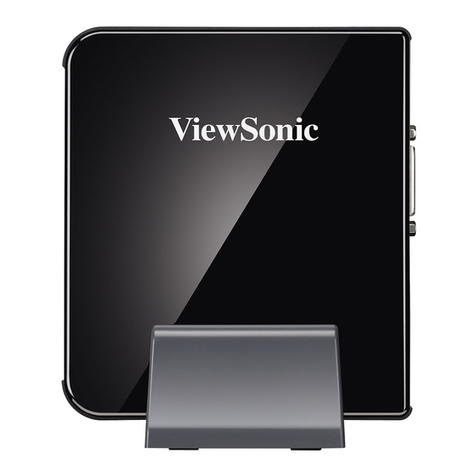
  9. ViewSonic VOT132 - 2 GB RAM Quick start guide

ViewSonic VOT132 - 2 GB RAM Quick start guide

Other ViewSonic Desktop manuals
ViewSonic VPC191 User manual

ViewSonic

ViewSonic VPC191 User manual

ViewSonic VPC12-WPO-18 User manual

ViewSonic

ViewSonic VPC12-WPO-18 User manual

ViewSonic NMP760 User manual

ViewSonic

ViewSonic NMP760 User manual

ViewSonic VS13172 Quick start guide

ViewSonic

ViewSonic VS13172 Quick start guide

ViewSonic VS16933 User manual

ViewSonic

ViewSonic VS16933 User manual

ViewSonic VPC220T User manual

ViewSonic

ViewSonic VPC220T User manual

ViewSonic VPC191 User manual

ViewSonic

ViewSonic VPC191 User manual

ViewSonic VS12661 User manual

ViewSonic

ViewSonic VS12661 User manual

ViewSonic VS12663 User manual

ViewSonic

ViewSonic VS12663 User manual

ViewSonic ViewMate CW2403 User manual

ViewSonic

ViewSonic ViewMate CW2403 User manual

ViewSonic SD-A225 User manual

ViewSonic

ViewSonic SD-A225 User manual

ViewSonic VS13172 User manual

ViewSonic

ViewSonic VS13172 User manual

ViewSonic SC-Z55 User manual

ViewSonic

ViewSonic SC-Z55 User manual

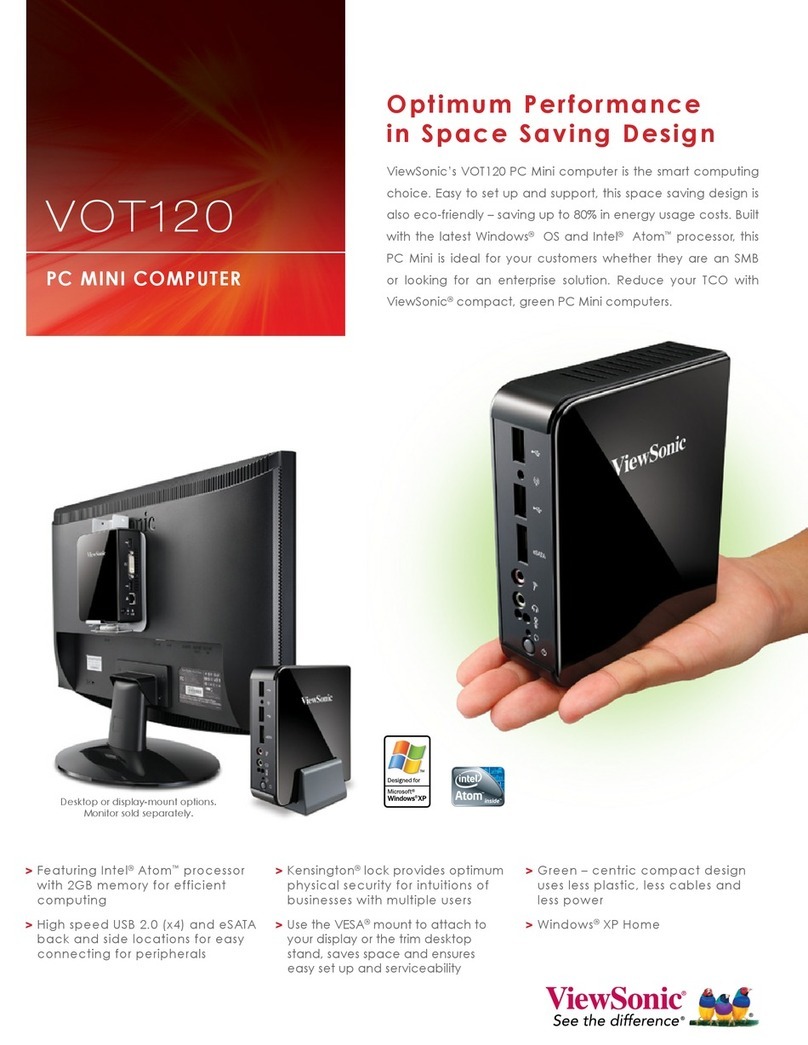
ViewSonic VOT120 - PC Mini - 1 GB RAM User manual

ViewSonic

ViewSonic VOT120 - PC Mini - 1 GB RAM User manual

ViewSonic SC-T46 User manual

ViewSonic

ViewSonic SC-T46 User manual

ViewSonic VS13426 User manual

ViewSonic

ViewSonic VS13426 User manual

ViewSonic VPC100 - 1 GB RAM User manual

ViewSonic

ViewSonic VPC100 - 1 GB RAM User manual

ViewSonic VPC35 User manual

ViewSonic

ViewSonic VPC35 User manual

ViewSonic VOT133 User manual

ViewSonic

ViewSonic VOT133 User manual

ViewSonic VOT120 - PC Mini - 1 GB RAM User manual

ViewSonic

ViewSonic VOT120 - PC Mini - 1 GB RAM User manual

ViewSonic VOT550 VS12663 User manual

ViewSonic

ViewSonic VOT550 VS12663 User manual

ViewSonic SC-Z56 User manual

ViewSonic

ViewSonic SC-Z56 User manual

ViewSonic VOT120_BC1BE0 User manual

ViewSonic

ViewSonic VOT120_BC1BE0 User manual
ViewSonic VS12602 User manual

ViewSonic

ViewSonic VS12602 User manual

Popular Desktop manuals by other brands

Lenovo ThinkCentre Edge 72 null

Lenovo

Lenovo ThinkCentre Edge 72 null

Lenovo ThinkStation D20 null

Lenovo

Lenovo ThinkStation D20 null

Lenovo ThinkCentre Edge 91z null

Lenovo

Lenovo ThinkCentre Edge 91z null

Lenovo ThinkCentre Edge 72z null

Lenovo

Lenovo ThinkCentre Edge 72z null

Lenovo ThinkCentre Edge 92 null

Lenovo

Lenovo ThinkCentre Edge 92 null

Lenovo ThinkCentre M57 null

Lenovo

Lenovo ThinkCentre M57 null

Lenovo ThinkCentre M91p null

Lenovo

Lenovo ThinkCentre M91p null

Lenovo ThinkCentre M52 null

Lenovo

Lenovo ThinkCentre M52 null

Lenovo ThinkCentre M91 null

Lenovo

Lenovo ThinkCentre M91 null

Lenovo ThinkCentre M92 null

Lenovo

Lenovo ThinkCentre M92 null

Lenovo ThinkCentre M71z null

Lenovo

Lenovo ThinkCentre M71z null

Lenovo ThinkCentre M70z null

Lenovo

Lenovo ThinkCentre M70z null

Lenovo ThinkCentre A52 null

Lenovo

Lenovo ThinkCentre A52 null

Lenovo ThinkCentre M70z null

Lenovo

Lenovo ThinkCentre M70z null

Lenovo ThinkCentre Edge 92z null

Lenovo

Lenovo ThinkCentre Edge 92z null

Lenovo ThinkStation E31 null

Lenovo

Lenovo ThinkStation E31 null

Lenovo ThinkStation D30 null

Lenovo

Lenovo ThinkStation D30 null

Lenovo ThinkStation C30 null

Lenovo

Lenovo ThinkStation C30 null

manuals.online logo
manuals.online logoBrands
  • About & Mission
  • Contact us
  • Privacy Policy
  • Terms and Conditions

Copyright 2025 Manuals.Online. All Rights Reserved.

FLASH BIOS SOP
<FLASH BIOS in DOS Mode >
1. Execute DOSFLASH.bat in DOS mode.
2. After finishing flashing BIOS, Please power off system and disconnect power
adapter.
<FLASH BIOS in OS WINDOS 7 >
1. Execute AFUWIN.exe. You can see the following diagram.
2. Select Setup menu.
3. Click on “OPEN”button to open new BIOS bin file to flash. Please select “Main
BIOS image”, “Boot Block”, “EC Block”and “Restart after programming”. Please
refer to the following diagram.
4. Click on “Flash”button. It will begin to program the BIOS into flash ROM. After
flashing BIOS successfully, please power off system and disconnect power adapter.