6
OPERATION
The following are the normal operational steps for using the MONTEST-LCD.
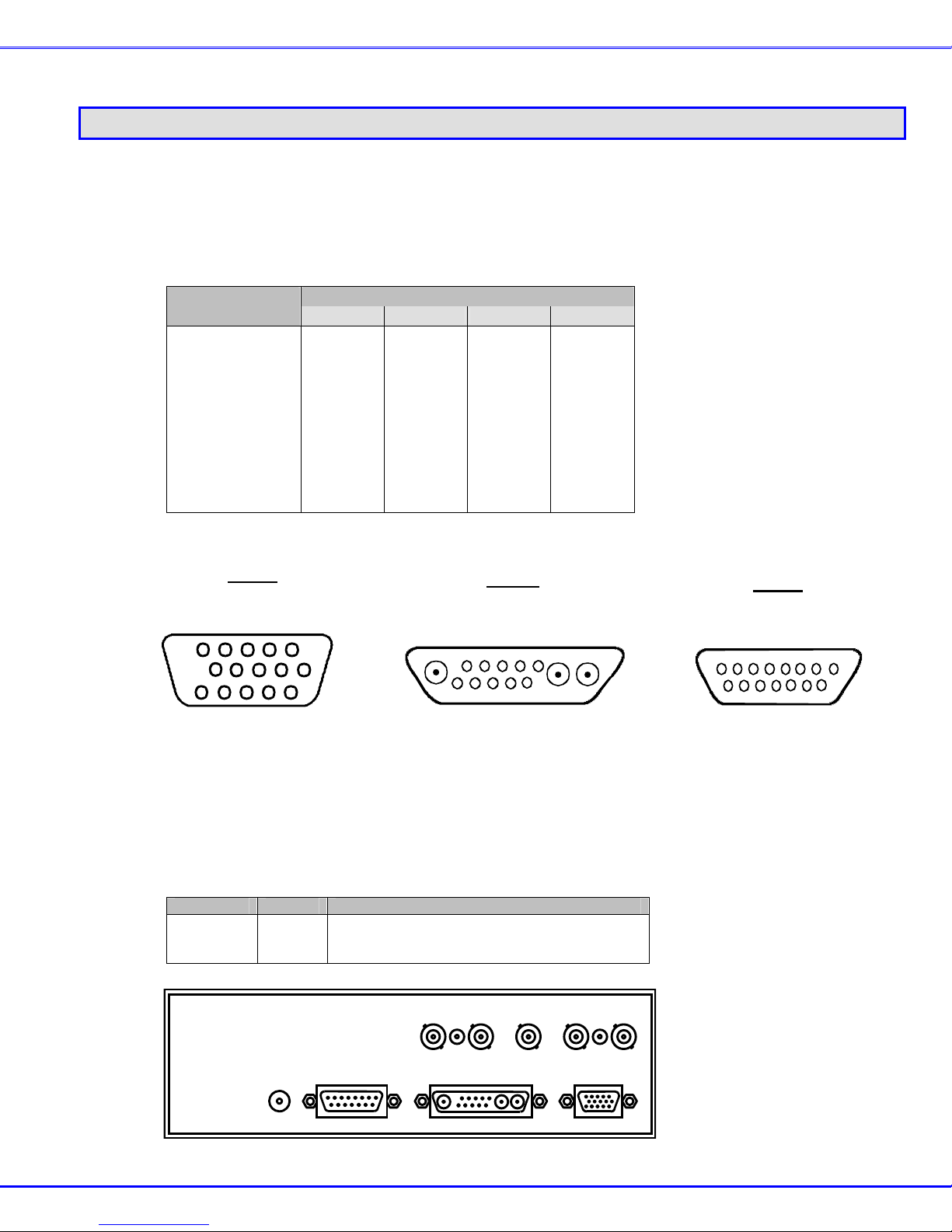
1. Connect the monitor to the MONTEST-LCD. See the section on "CONNECTIONS" (page 2) for details.
2. Turn ON the MONTEST-LCD power. The MONTEST-LCD can be used with the AC adapter, or the internal batteries.
3. Use the GROUP button to select the group of scan formats to be used. See the tables under SCAN FORMATS (pages 8 and
9), as required.
4. Use the NEXT and PREVIOUS buttons to step through the scan formats until the desired scan format is found.
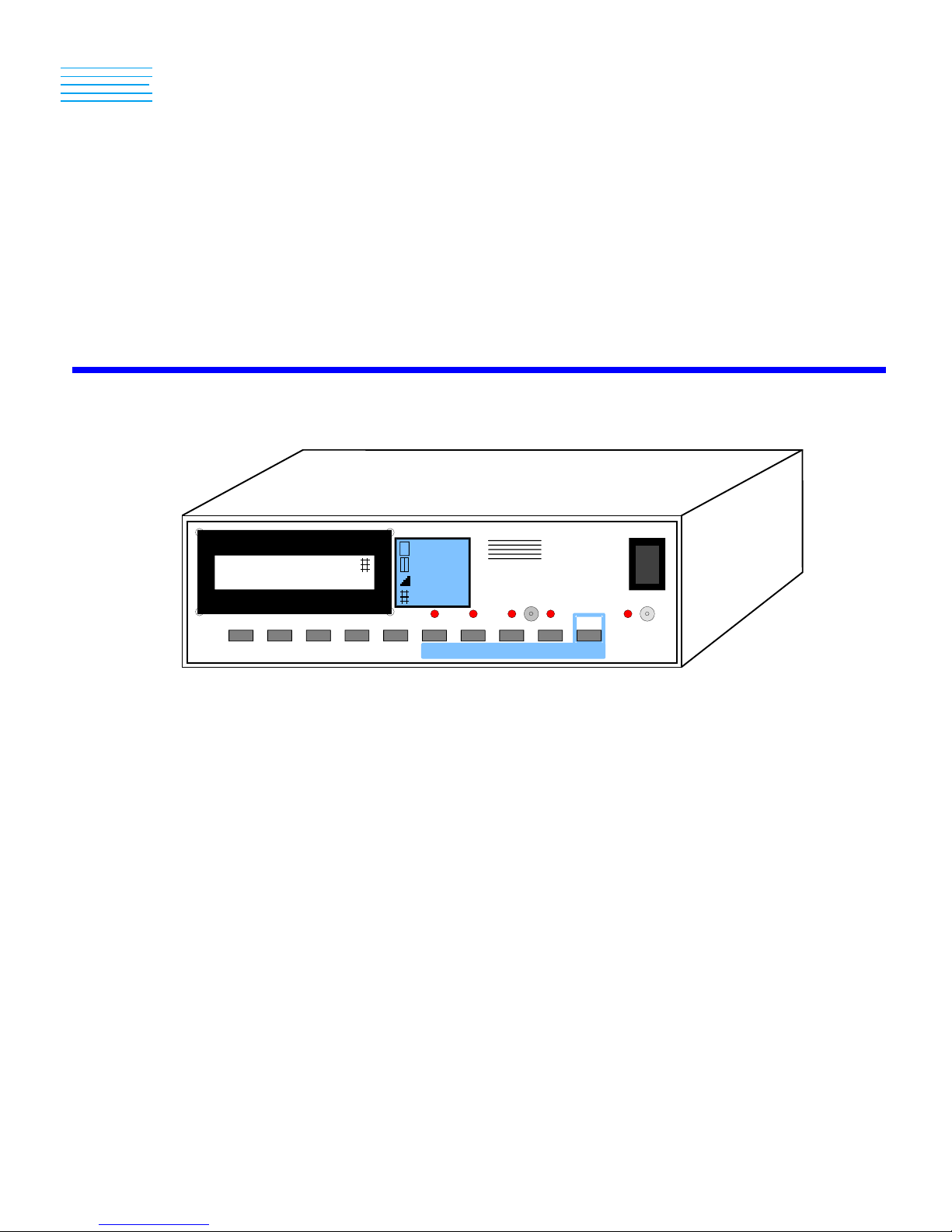
5. The ALT button can be used to look at the additional screens of LCD data. Also the pixel time, sync type, and sync polarity
can be reviewed or changed.
6. Once the desired scan format is displayed, pushing the SELECT button will turn ON the video and sync outputs. The raster
icon will then be displayed on the LCD and the raster video pattern is output to your monitor.
7. Change the pattern, colors, and intensity as desired.
8. Pushing the SELECT button again will turn OFF the video and sync outputs. Also changing the scan format with GROUP,
NEXT or PREVIOUS will turn OFF the video and sync outputs.
CHANGING BATTERIES
The MONTEST-LCD can be powered by 6 alkaline C-size batteries. To change the batteries, follow these steps:
1. Normal electrostatic discharge (ESD) handling precautions should be observed when the enclosure of the MONTEST-LCD is
open. Touch a grounded surface before performing any hardware procedure.
2. Turn OFF the power and remove all connections to the MONTEST-LCD.
3. Place the MONTEST-LCD upside down on a work surface.
4. Remove the 2 Phillips head screws that hold the top and bottom of the enclosure together.
5. Carefully turn the MONTEST-LCD right side up, holding the enclosure together.
6. Lift off the top of the enclosure to expose the battery holder.
7. Install 6 new alkaline C-size batteries noting the battery polarity marked on the battery holder.
8. Reverse this procedure to reassemble the MONTEST-LCD.
Note: Dead batteries should be removed from the MONTEST-LCD to prevent damage caused by acid leaking from a
battery.