7 8
vice versa. Press the ON/HOLD button to
store the setting and return the meter to the
Standard Measurement mode.
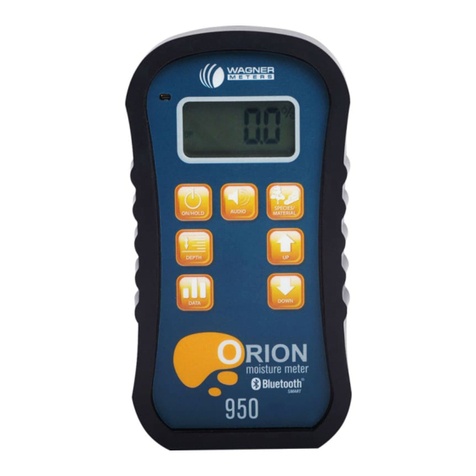
Press the DATA button
and the word DATA will
appear briey on the display,
immediately followed by the
word OFF. Next, using the
UP or DOWN button, either turn data ON for
collecting data manually or to AUTO if you
want the data collected automatically. Once
you have made your selection, press the ON/
HOLD button to activate the selected data
storage function.
If you chose the ON mode for collecting
the data, place the meter on the wood to be
measured and press the ON/HOLD button
briey to gather a data point. You will hear
a beep as the data is gathered. The number
of the data point will be displayed and then
the moisture recorded will be displayed.
If you choose the Automatic Data Gathering
mode, place the meter on the wood to be
measured. Wait briey until you hear a beep.
The meter will display the reading number
and then the reading taken. Move the meter
to the next sample for more readings.
When done sampling wood, turn the
Automatic Data Gathering mode OFF by
hitting the DATA button again. This will
stop the recording of data.
After the data has been collected, press
the DATA button twice and the maximum
reading will be shown (MAX). Subsequent
presses of the DATA button will show the
minimum (MIN) average of all stored
readings (AVG). Press the DATA button
once more and all individual recorded
readings can be viewed (REC). Use the
UP or DOWN button to scroll through the
individual readings. To clear individual
readings, press the UP and DOWN buttons
simultaneously. CLRD will show on the
display followed by NO. Press the UP or
DOWN button to select YES, then press
the DATA button to clear the reading. Press
the DATA button once more and CL ALL
will ash, followed by NO. To clear all
data, use the UP or DOWN button to select